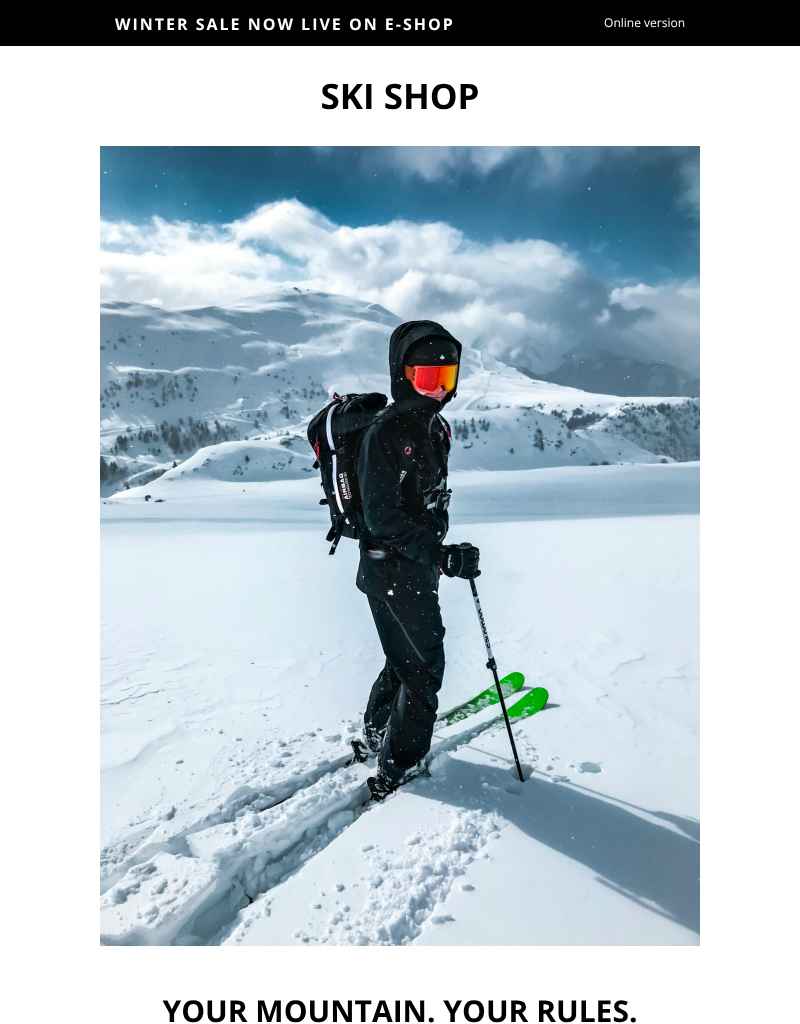
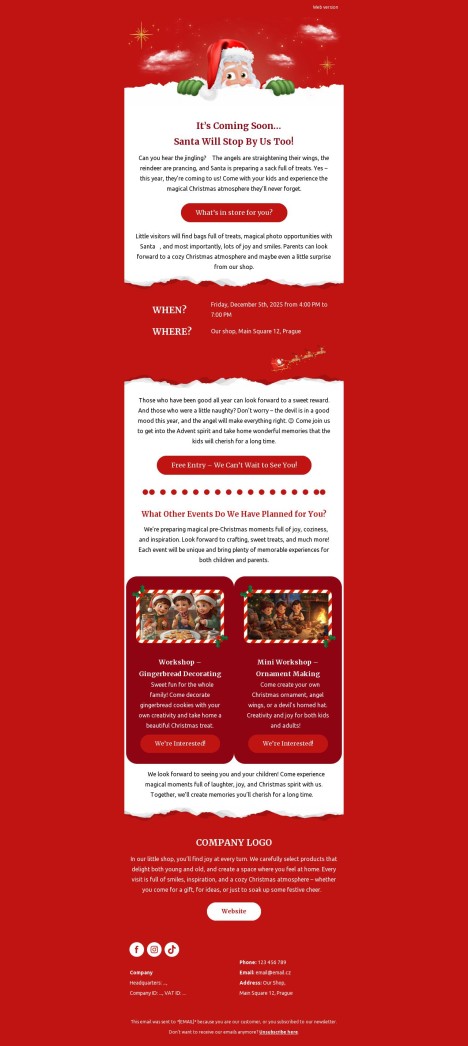
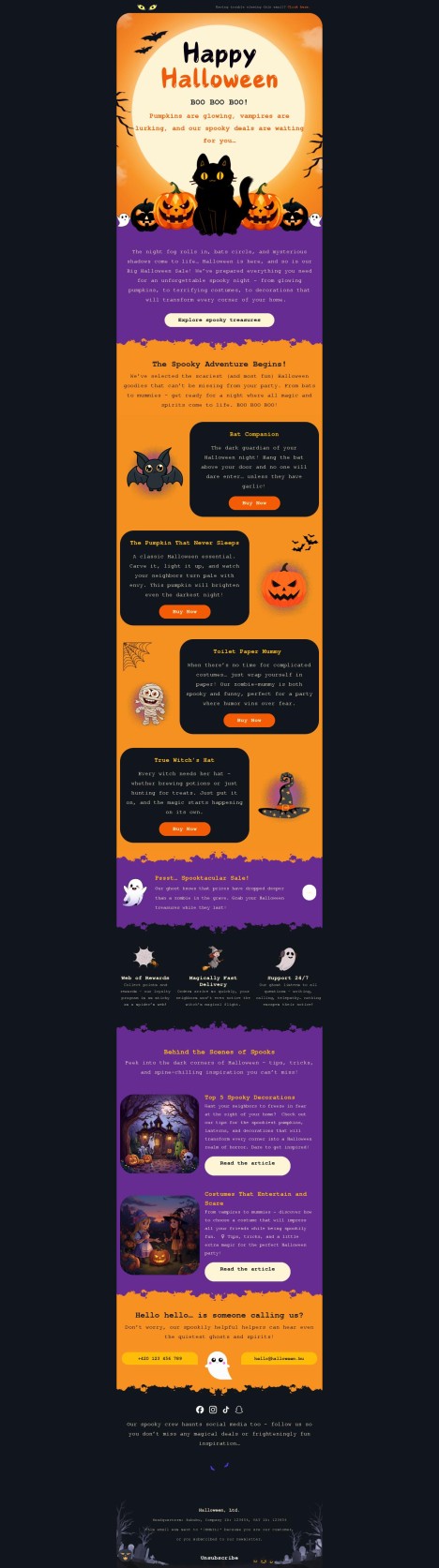
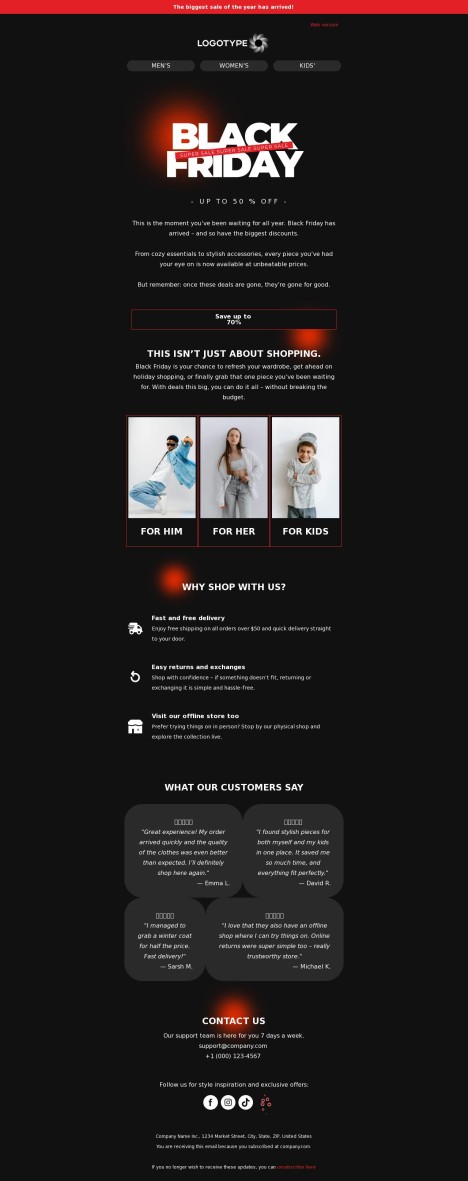
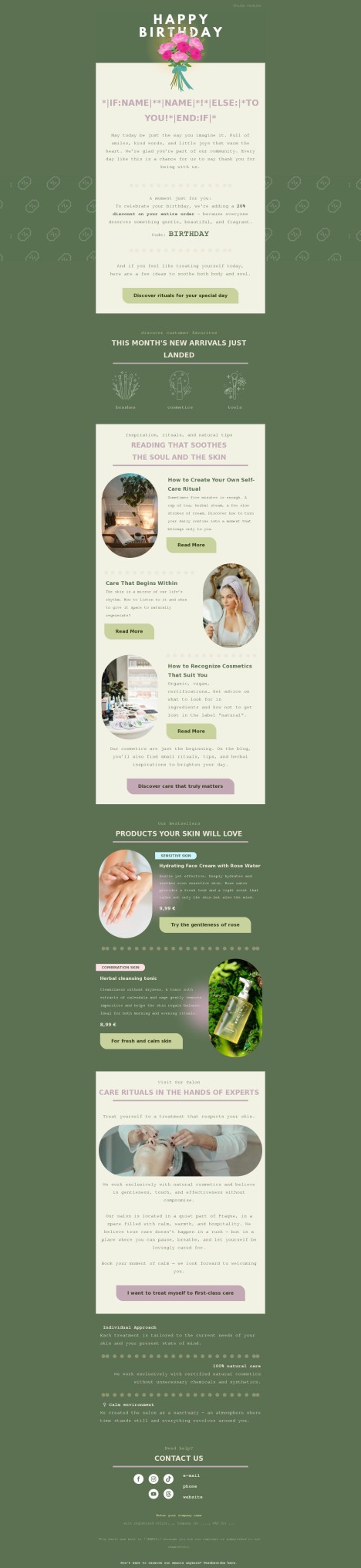
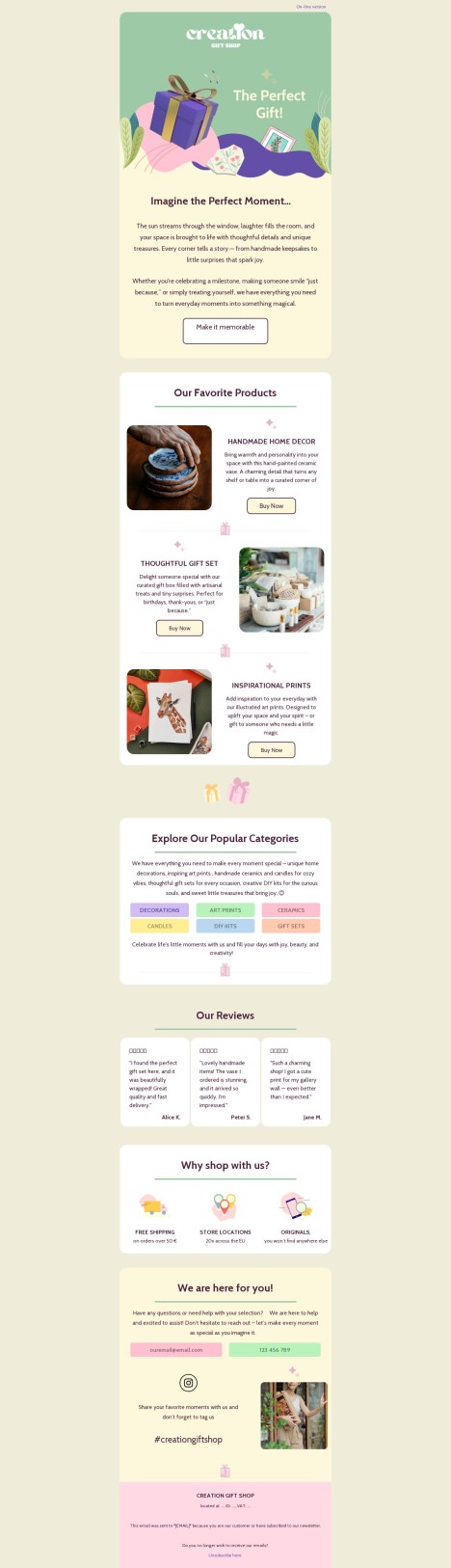
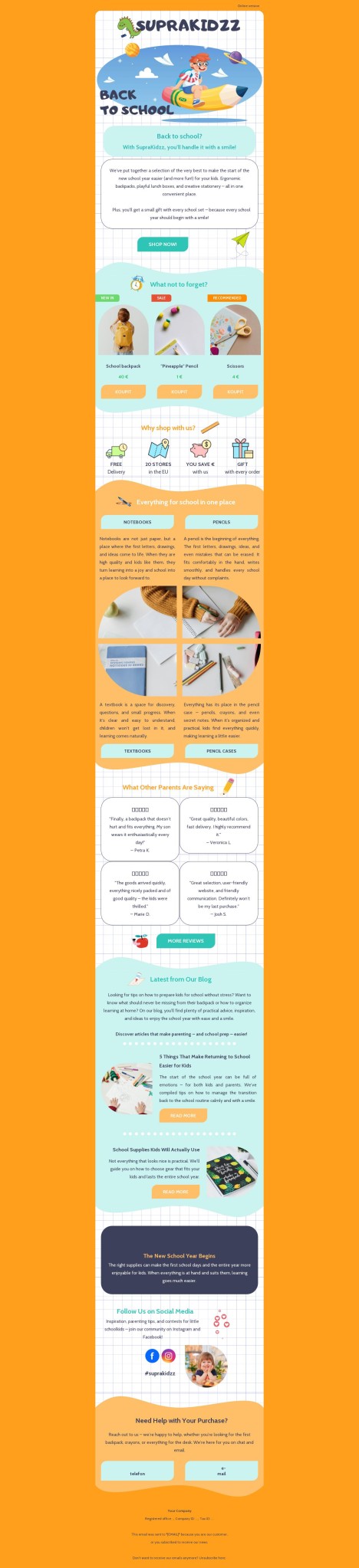
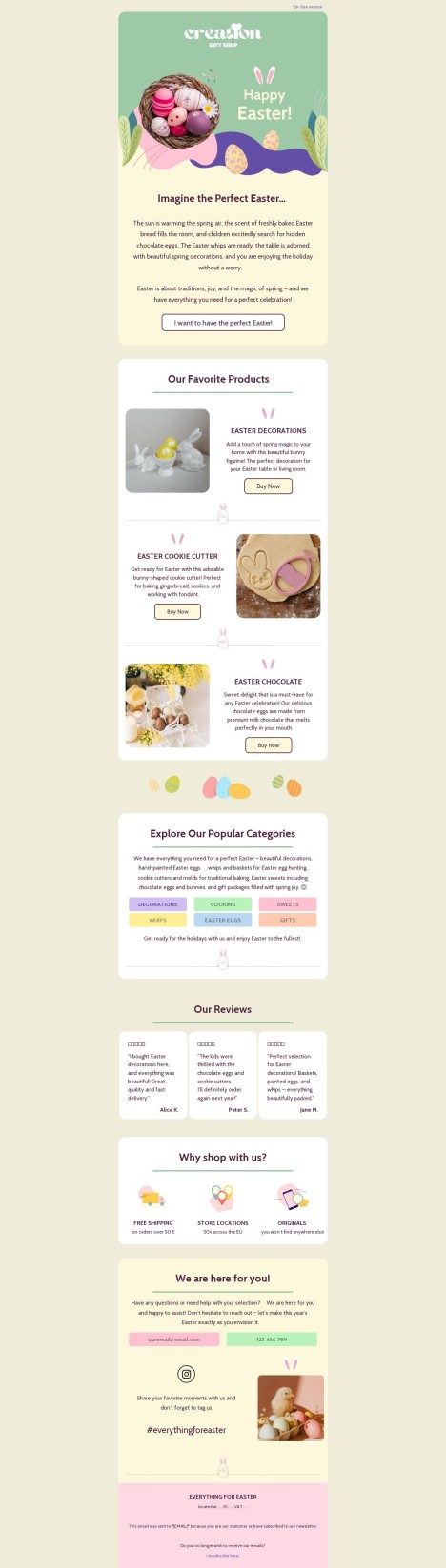
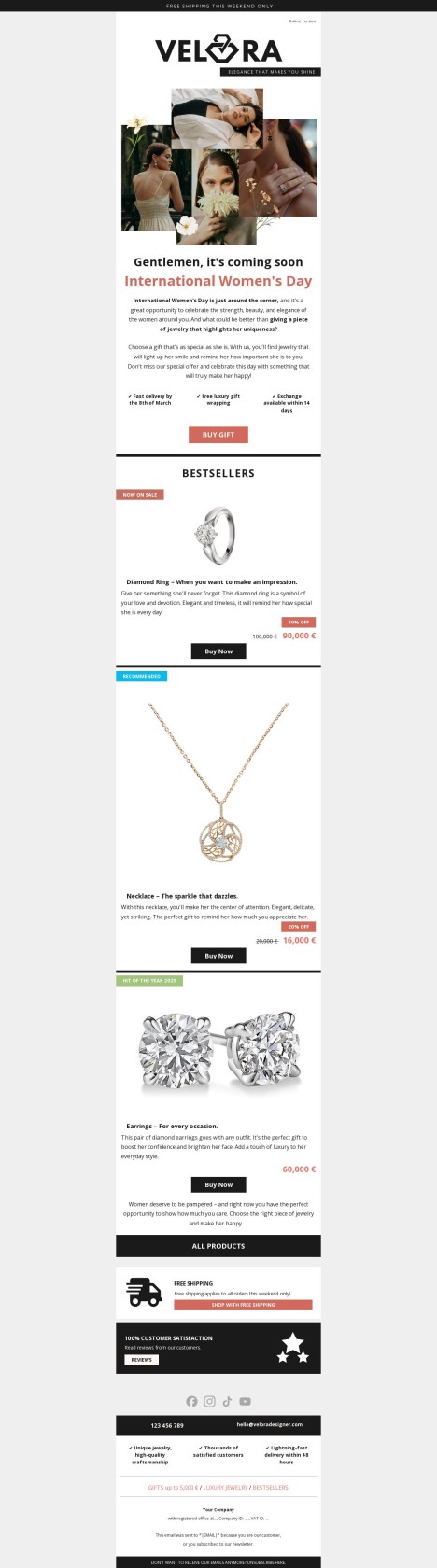
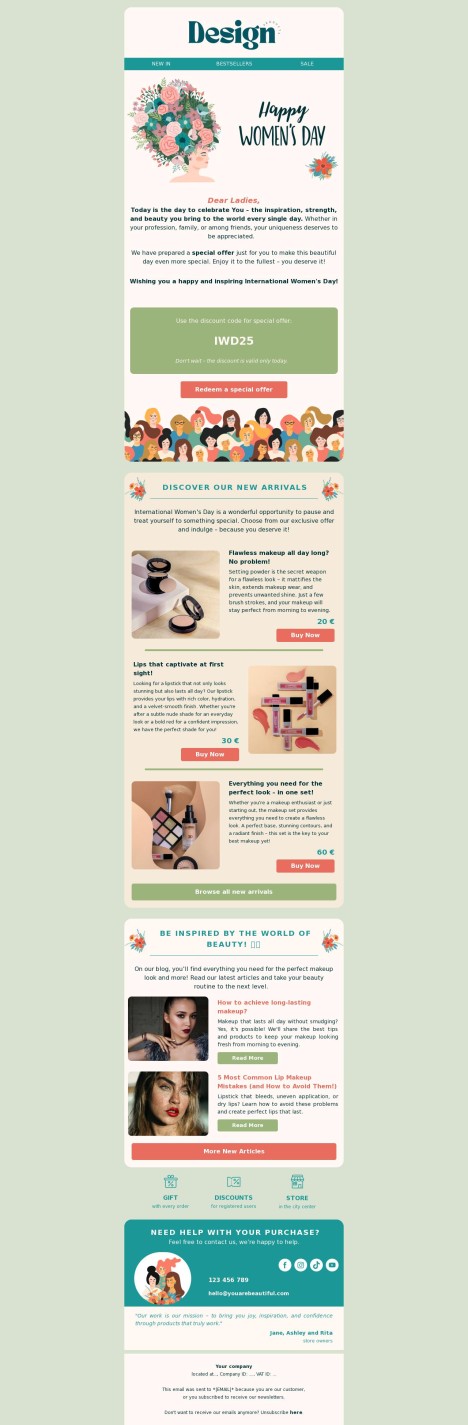
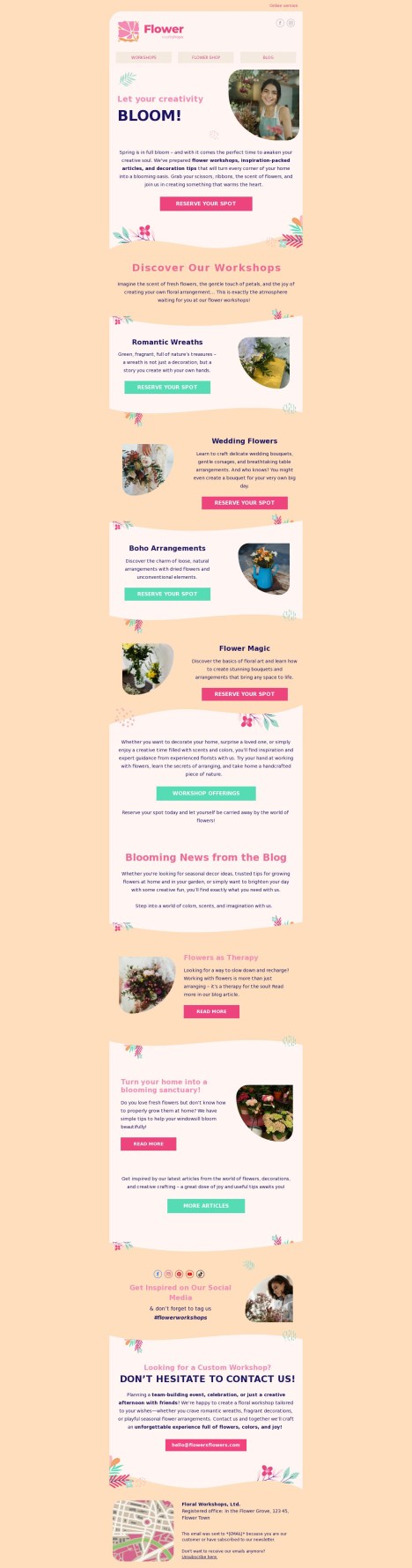
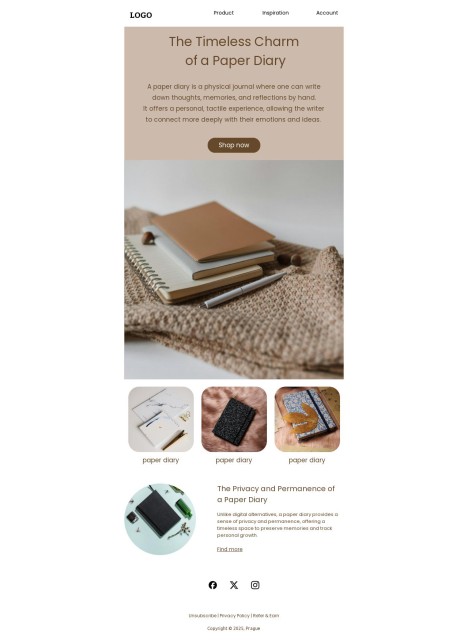
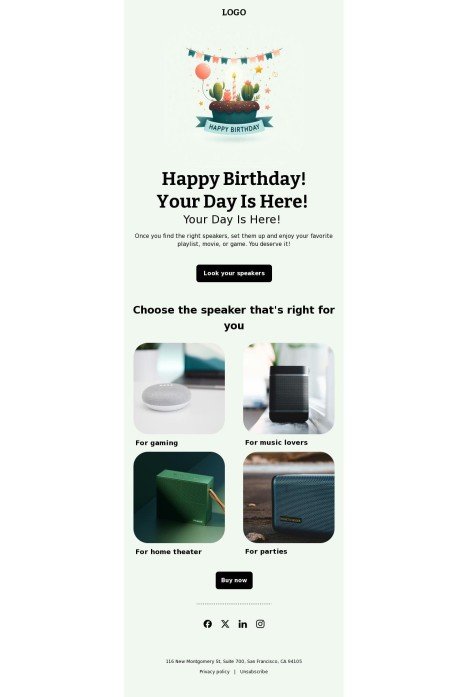
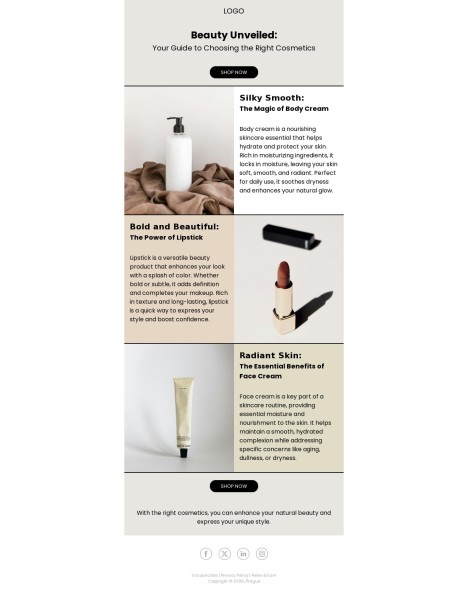
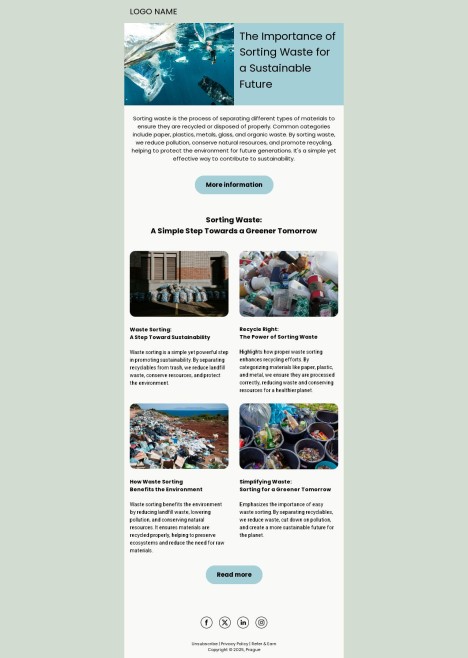
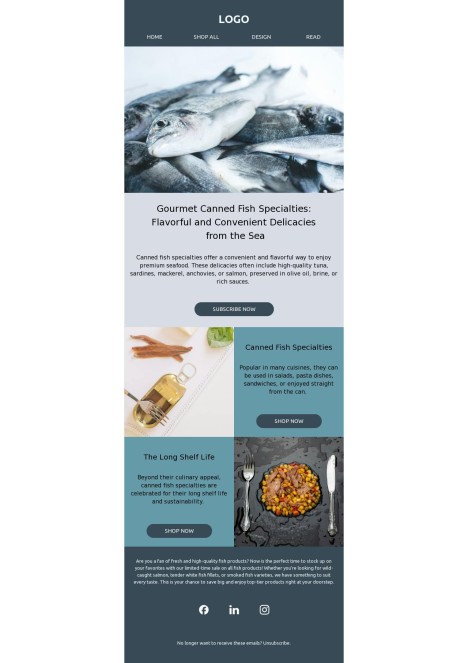
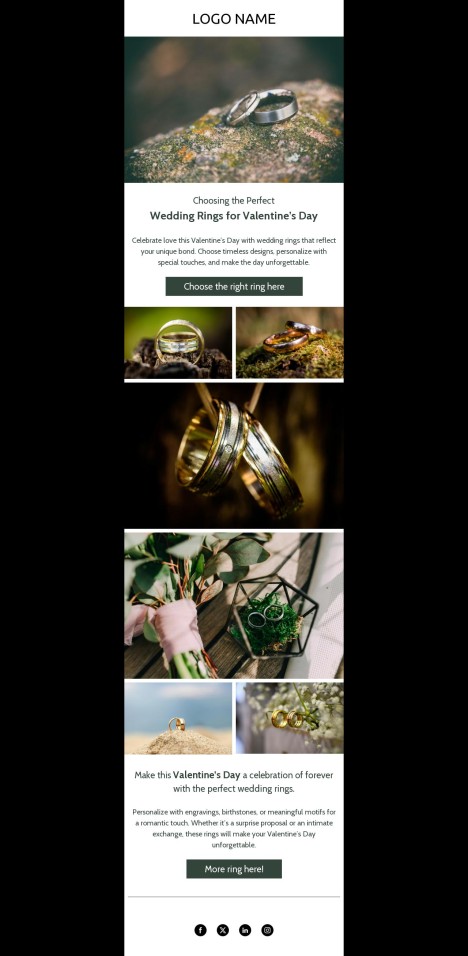
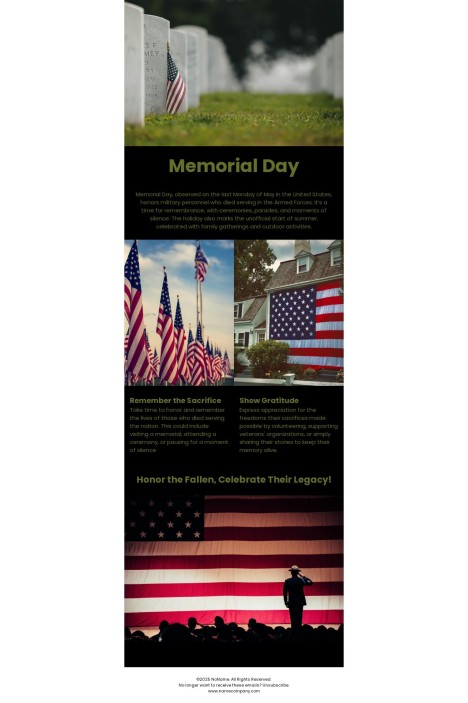
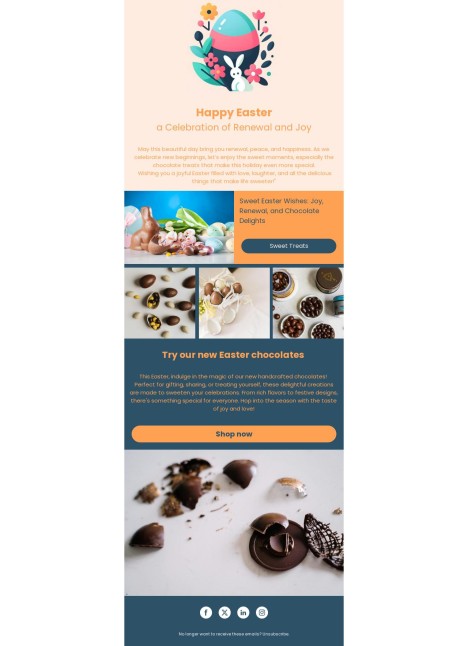
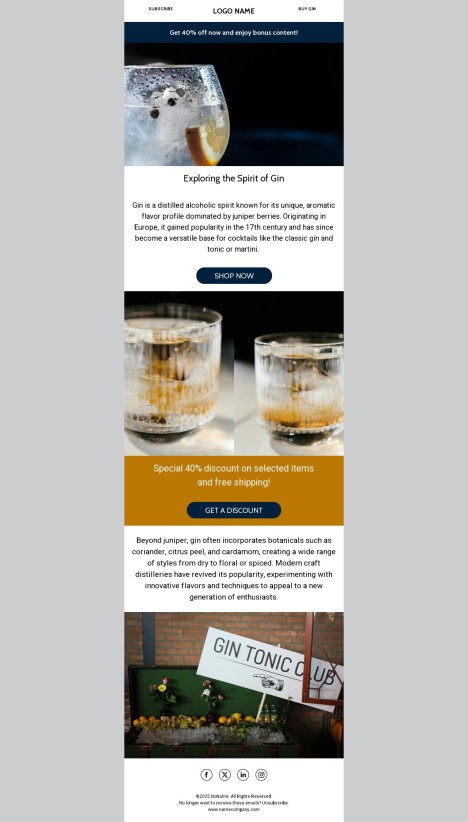
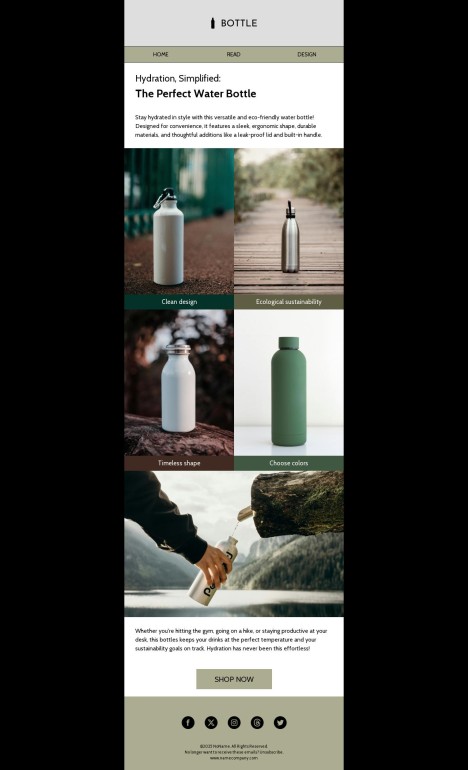
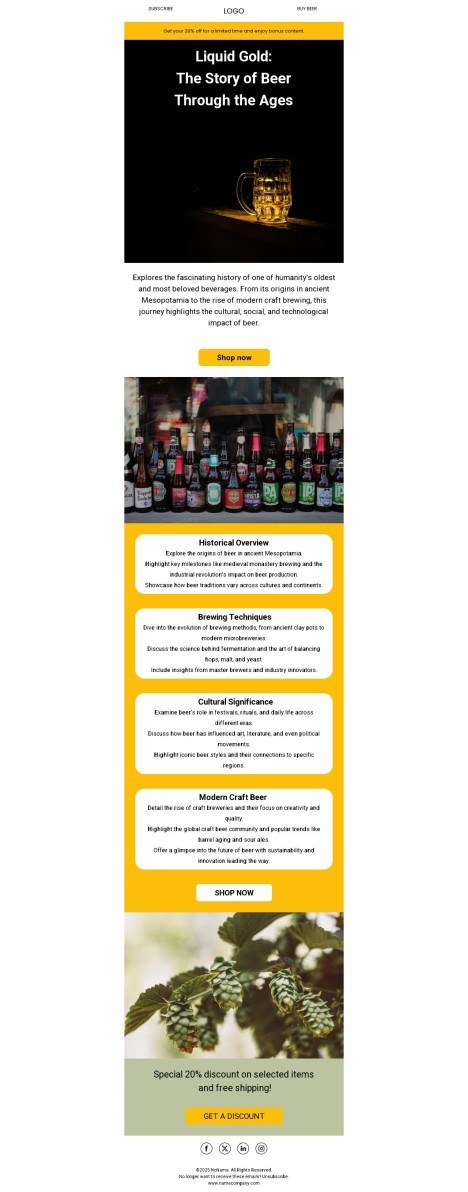
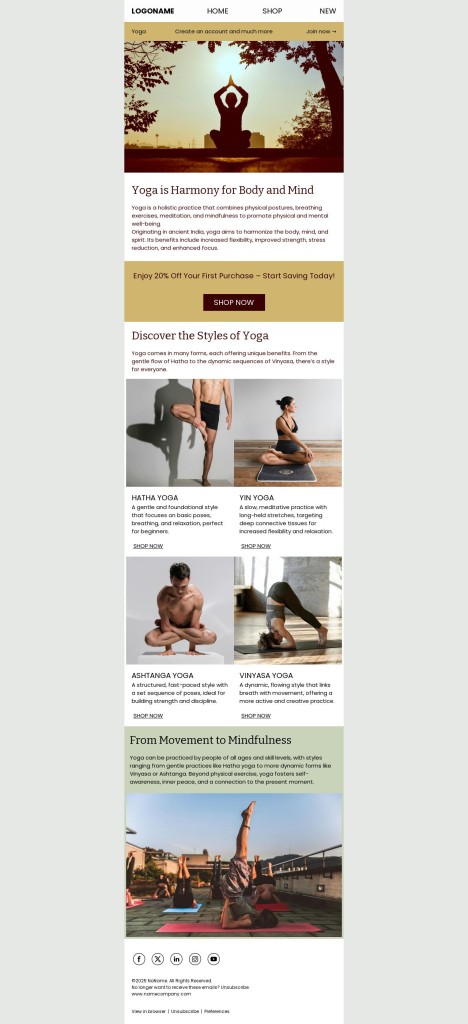
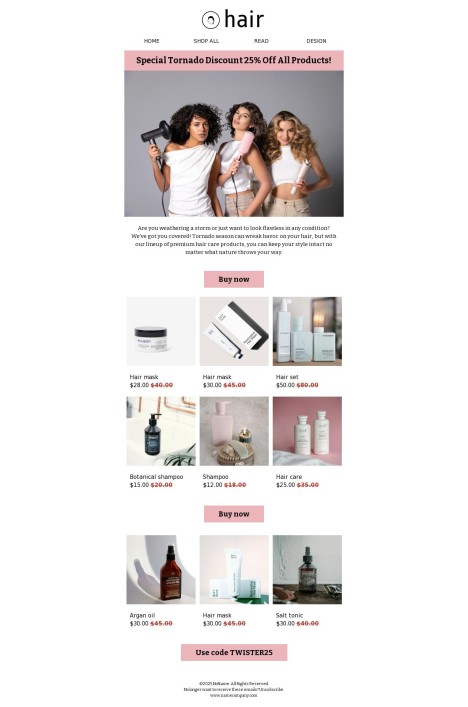
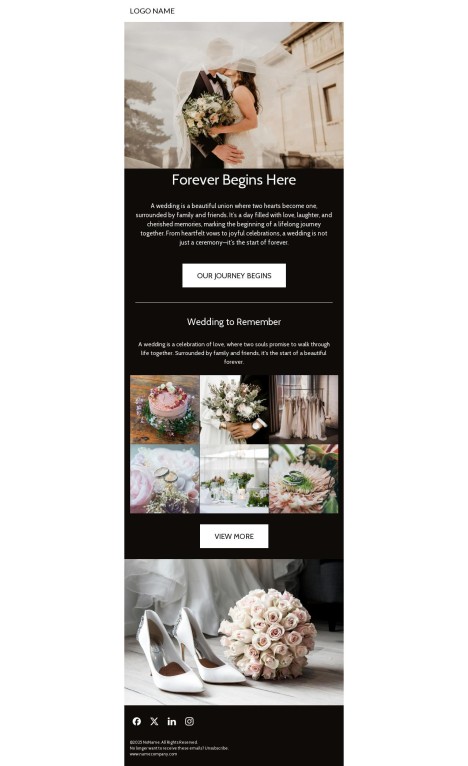
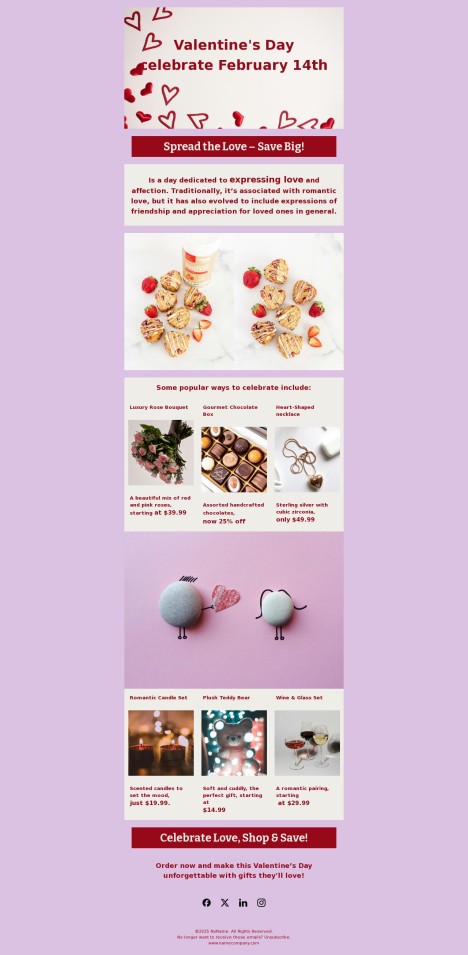
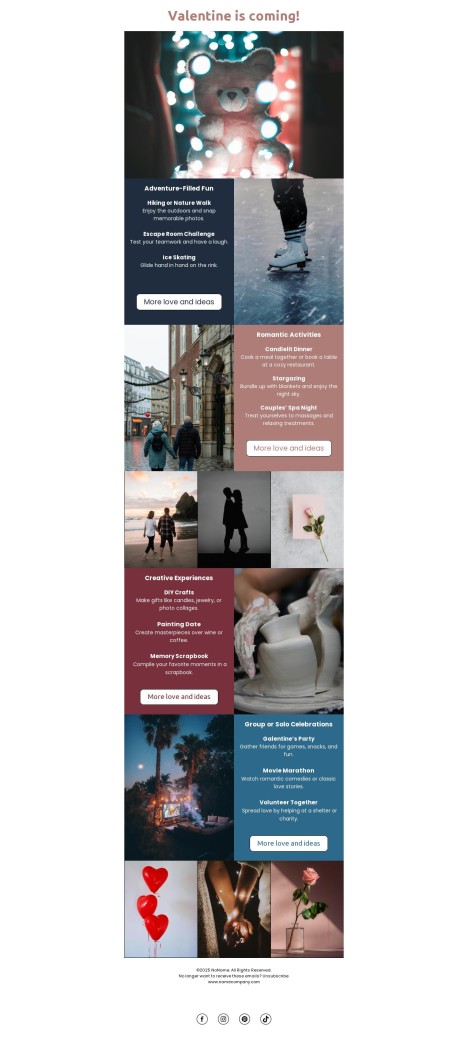
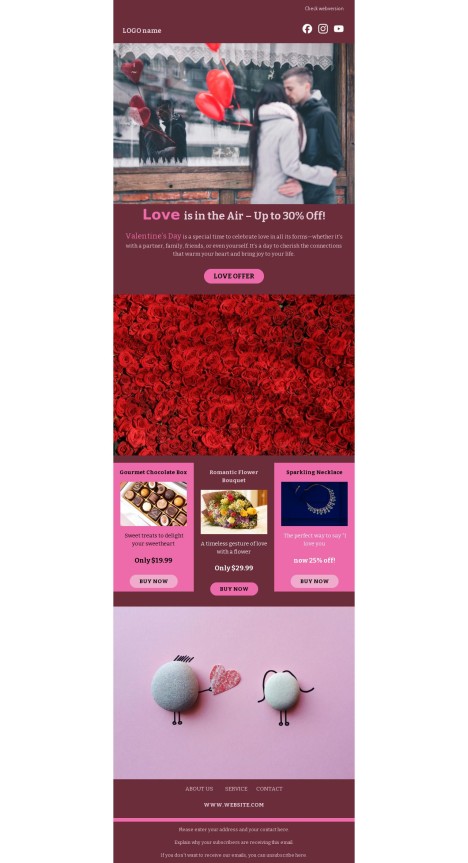
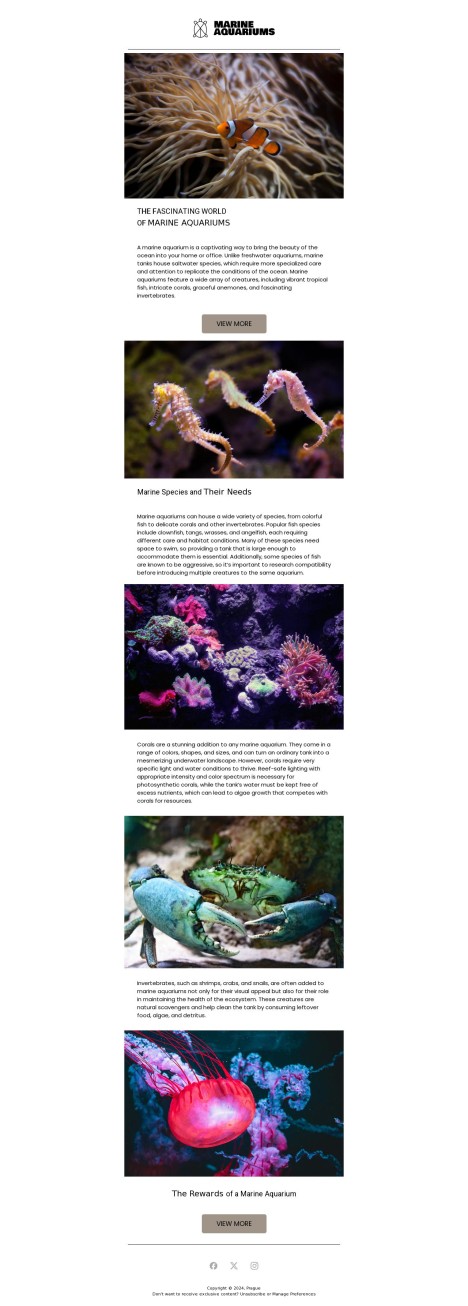
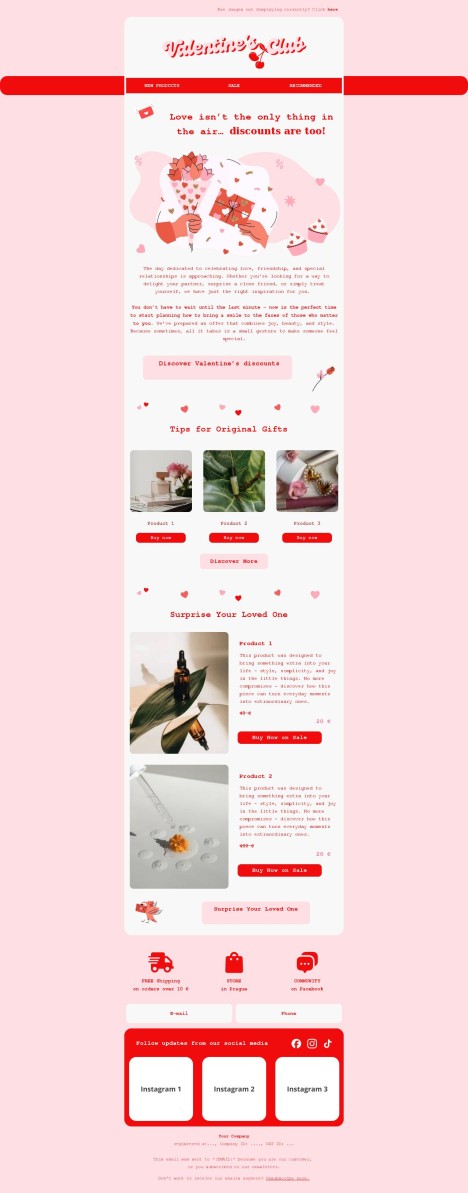
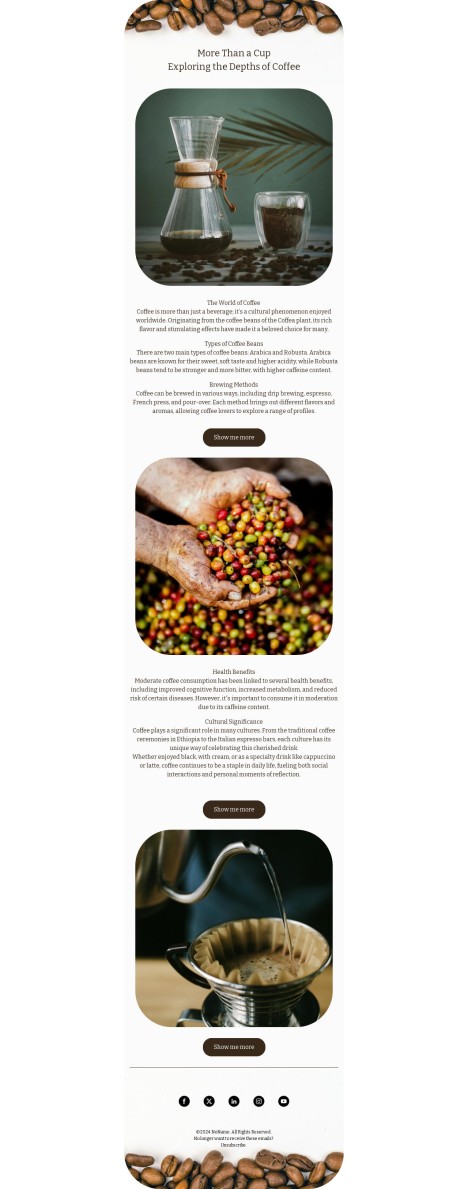
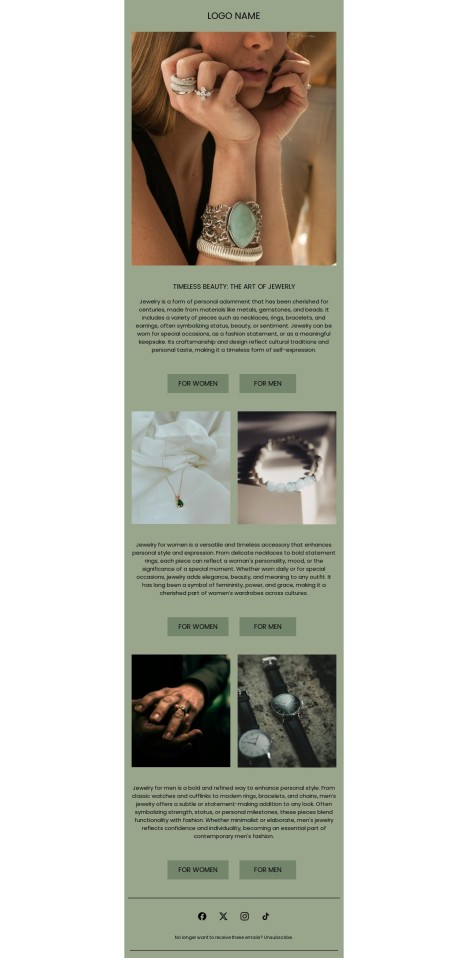
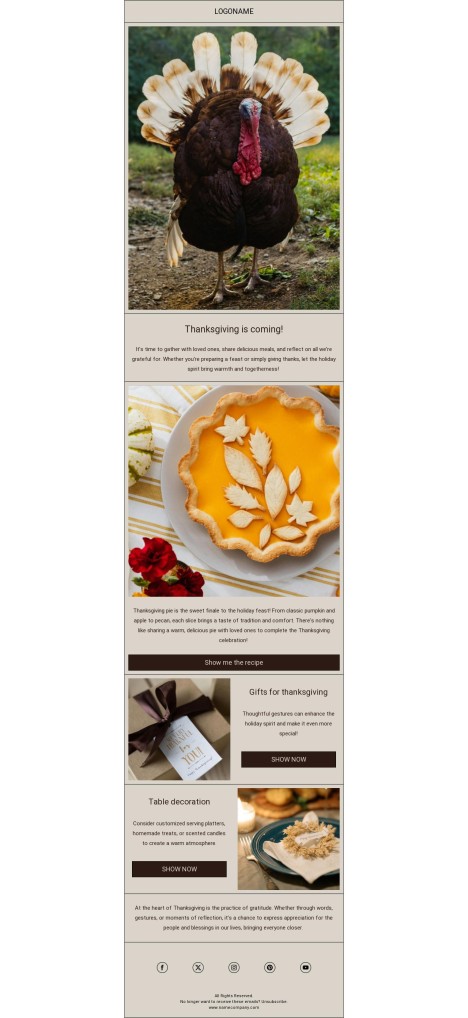
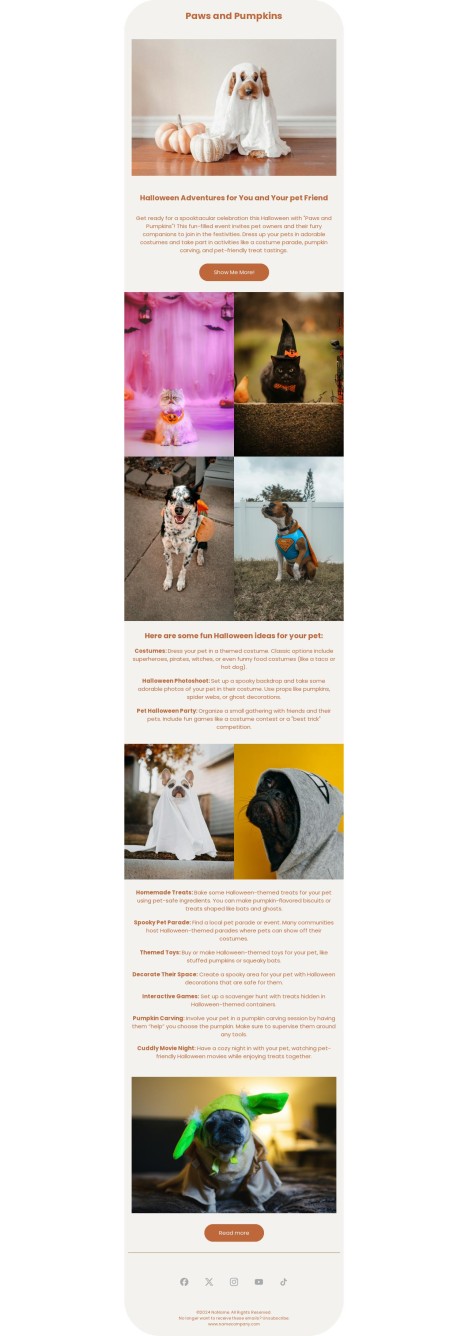
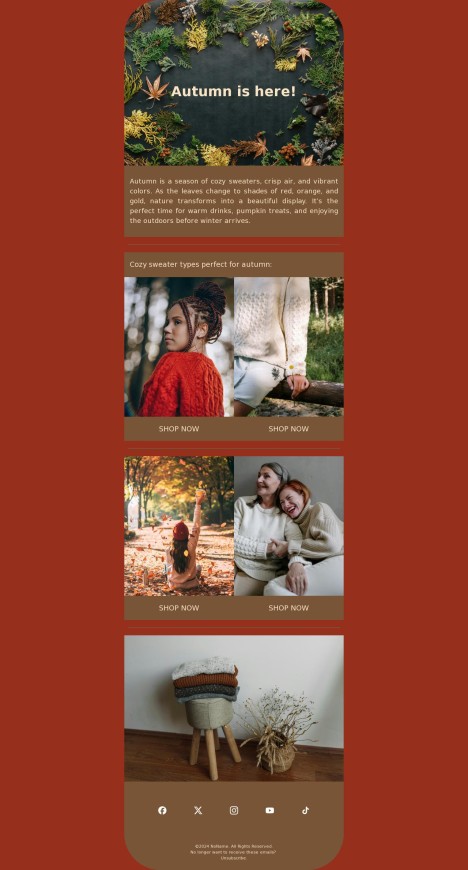
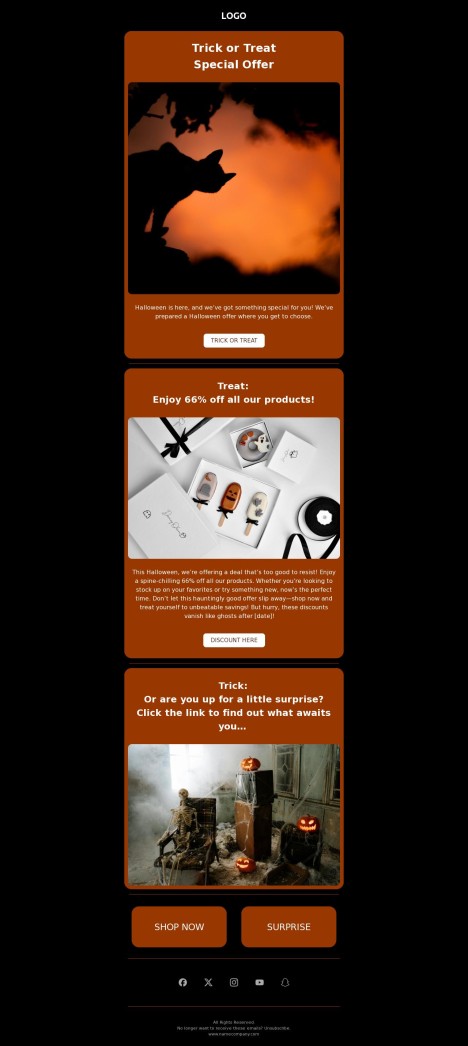
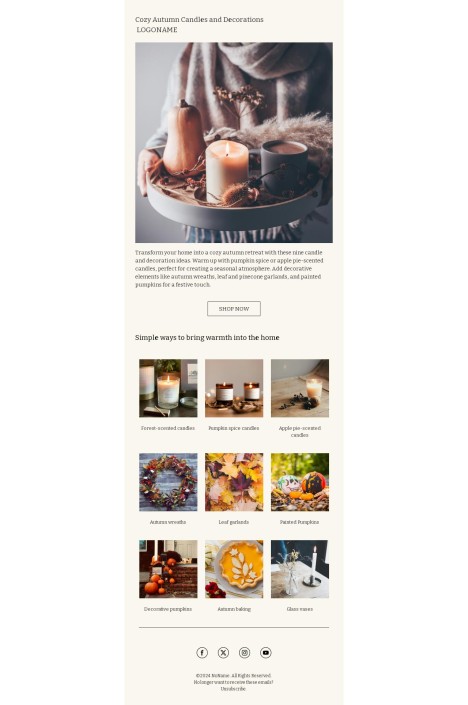
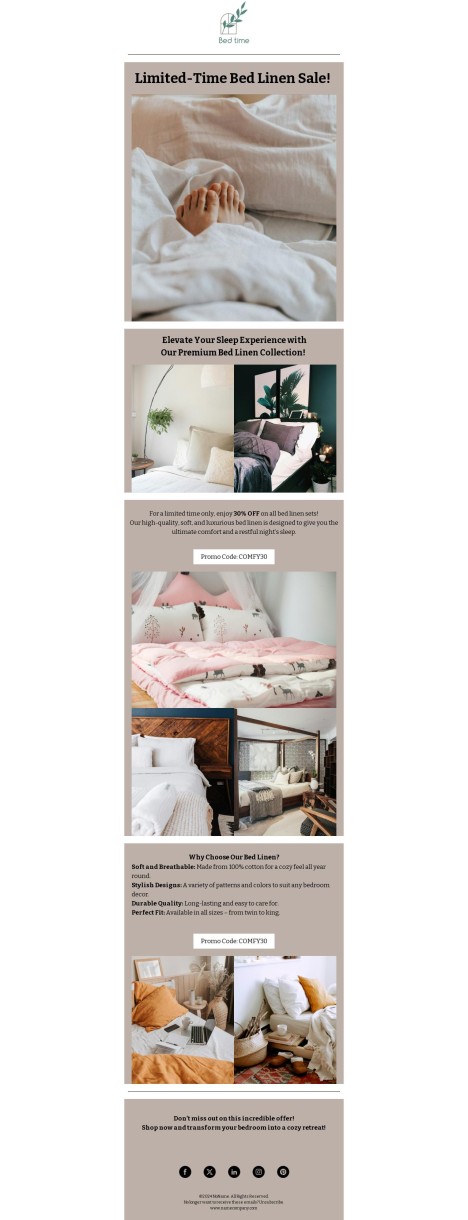
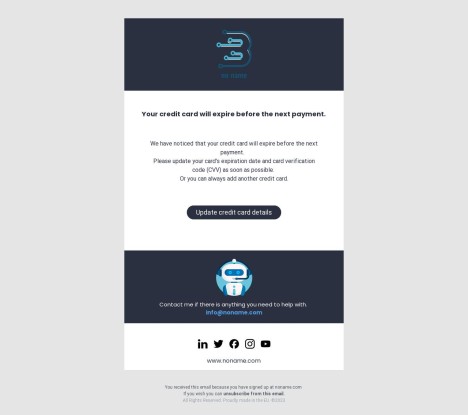
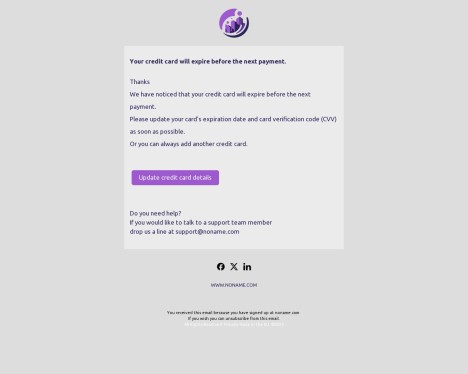
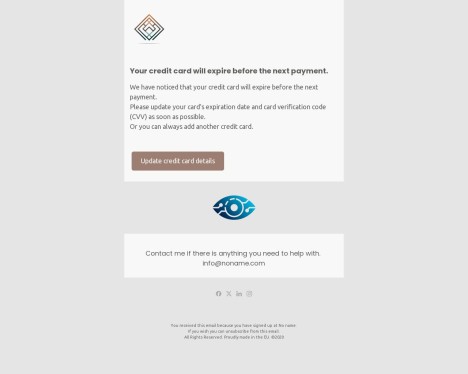
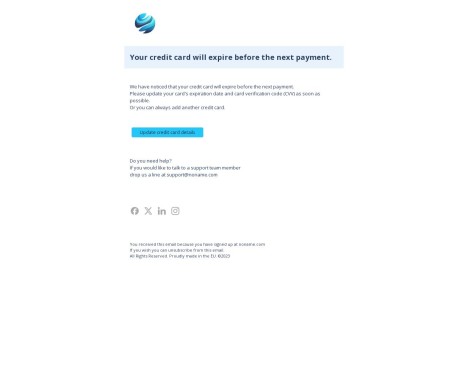
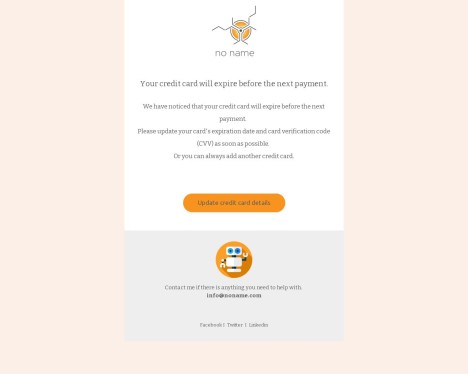
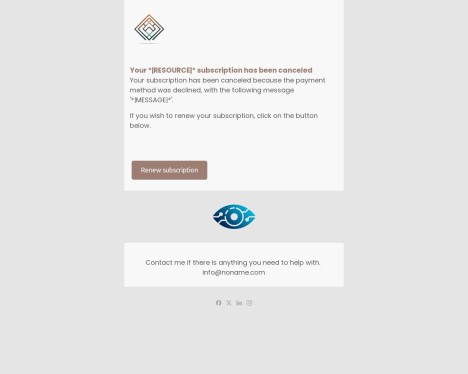
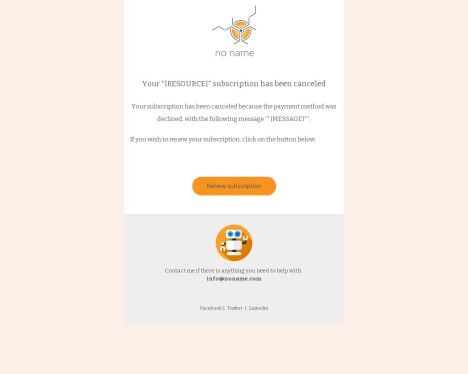
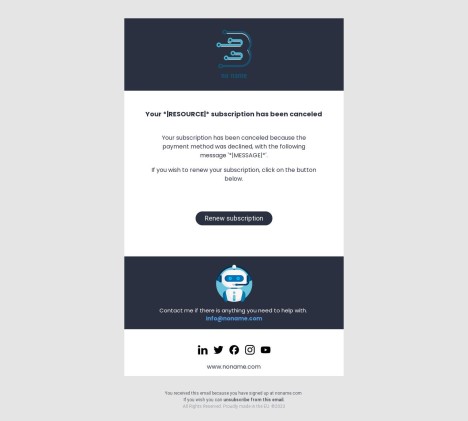
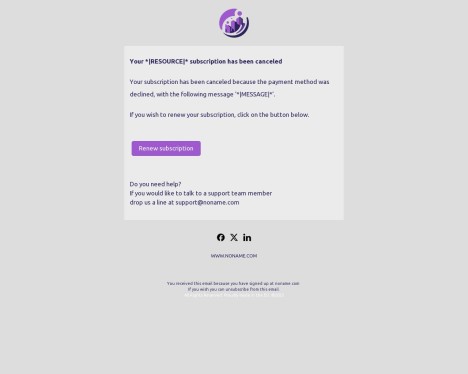
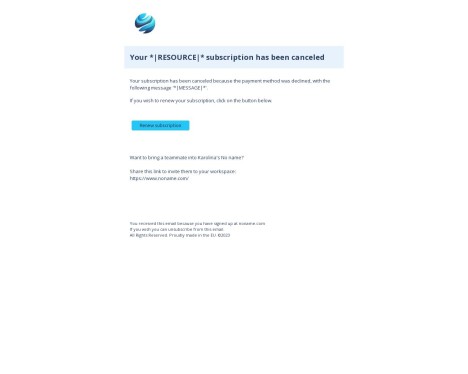
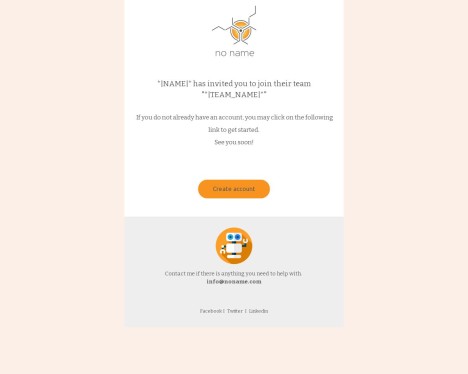
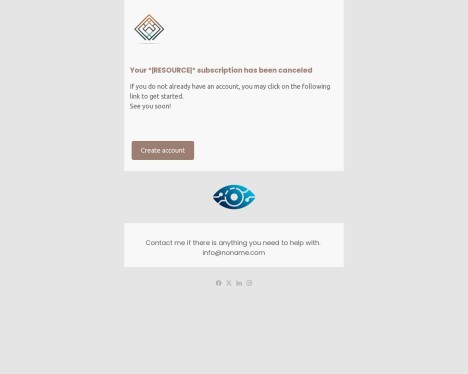
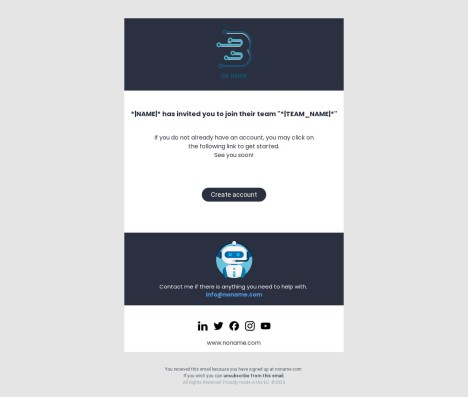
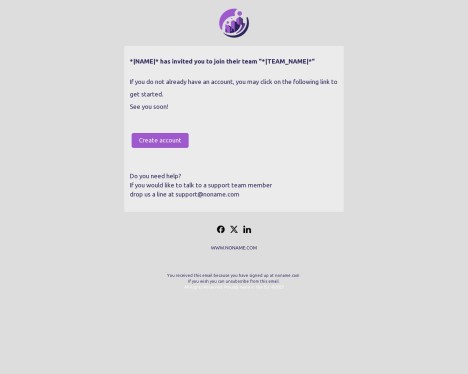
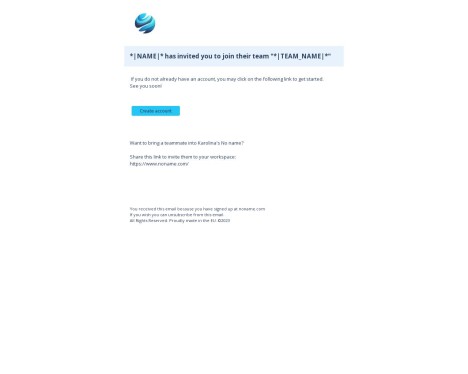
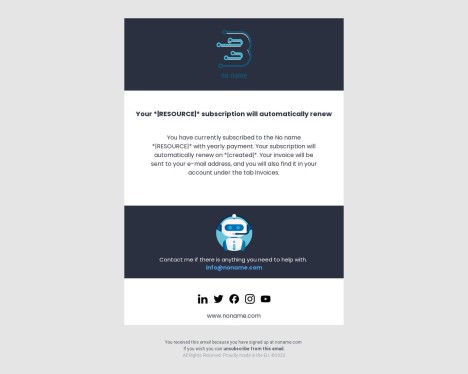
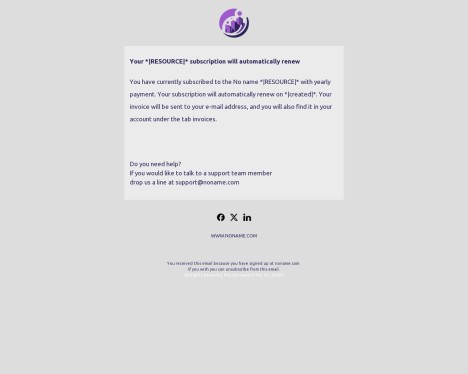
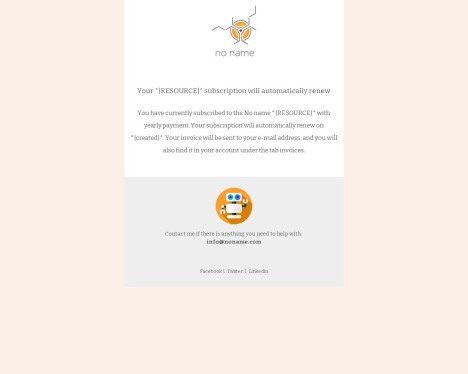
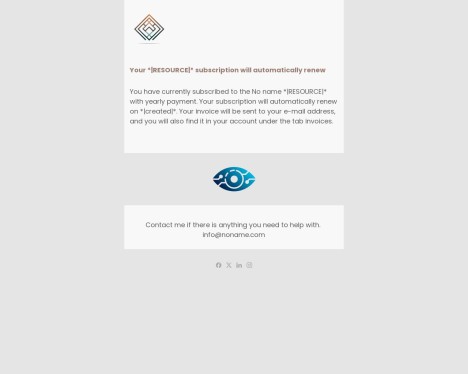
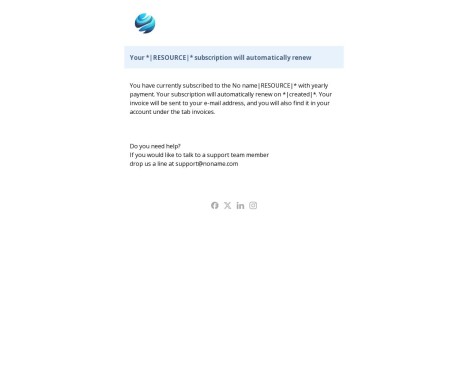
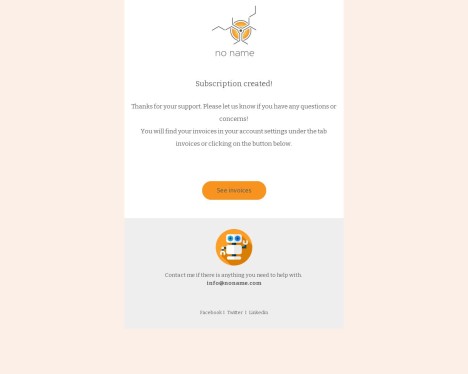
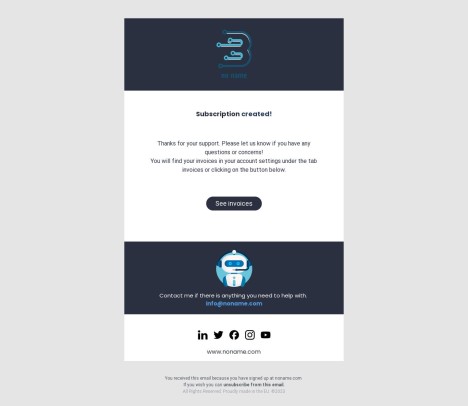
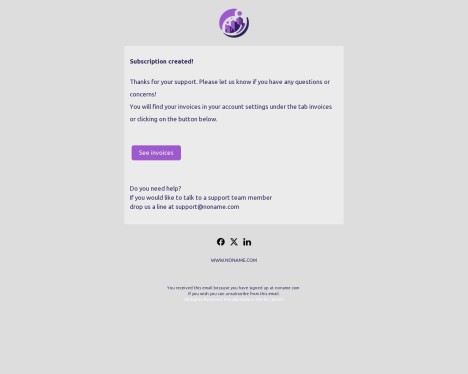
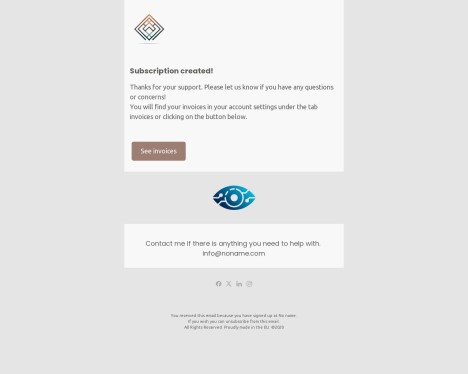
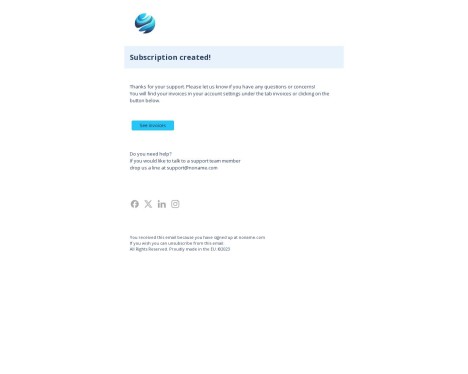
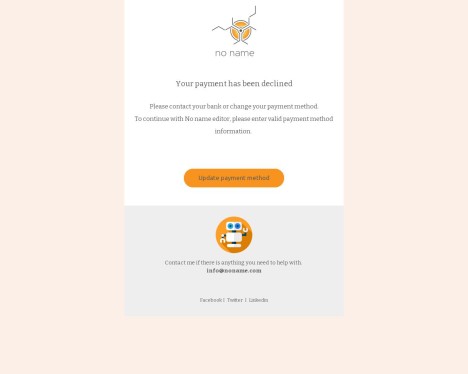
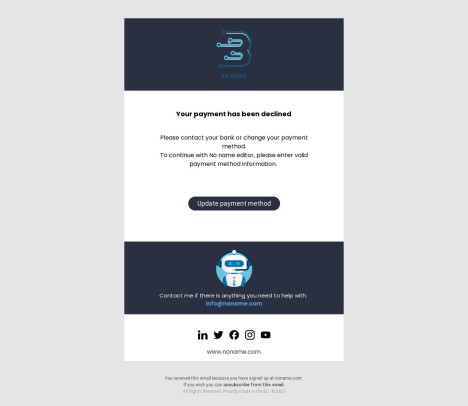
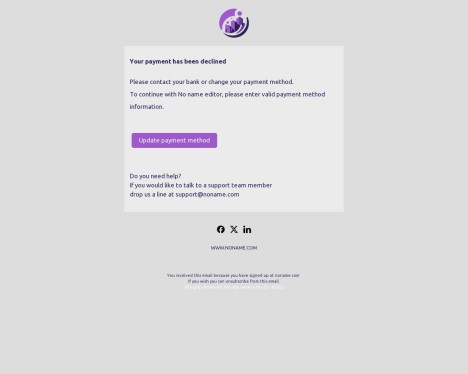
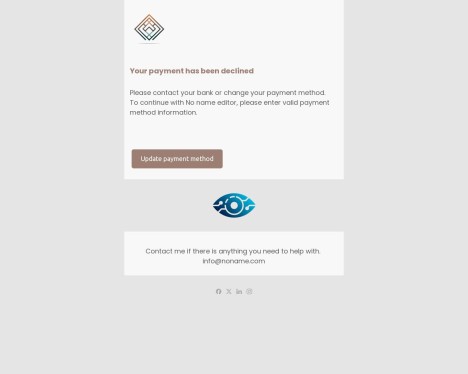
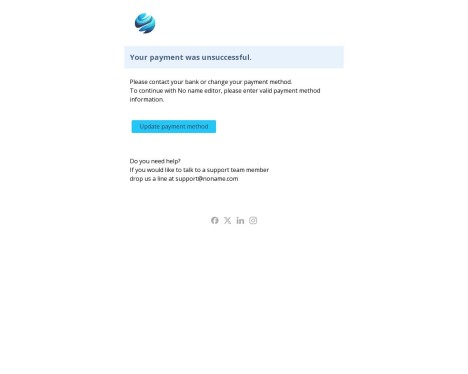
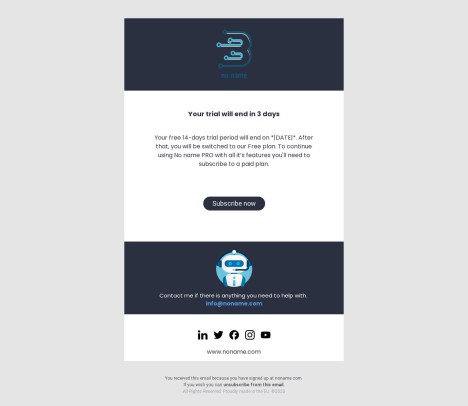
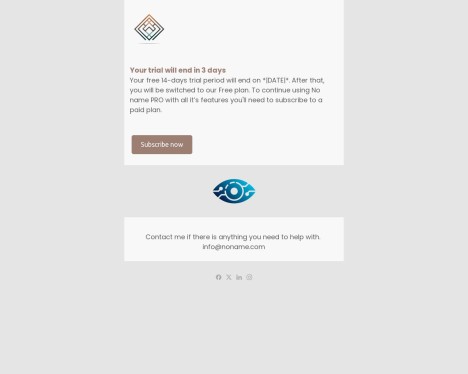
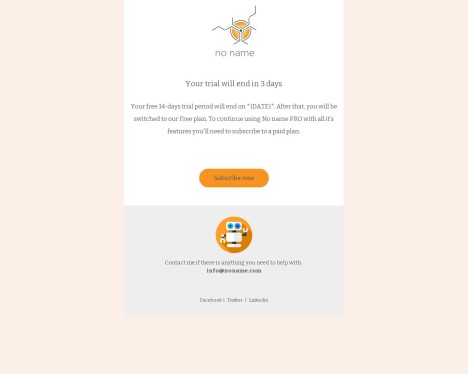
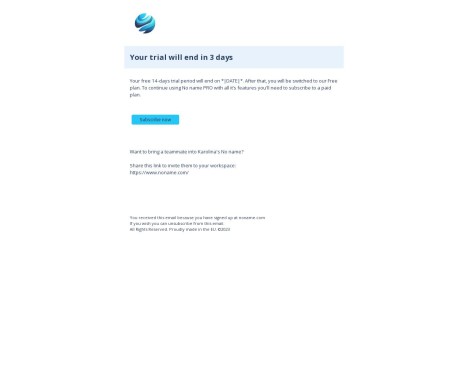
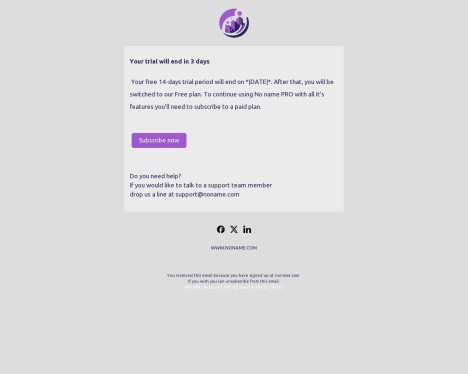
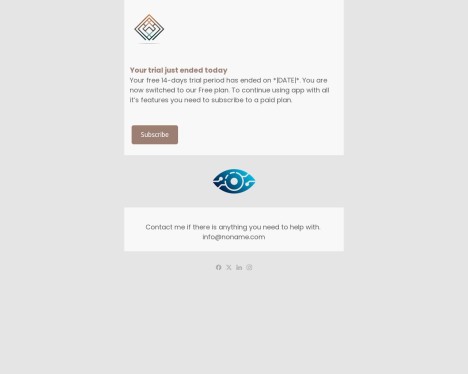
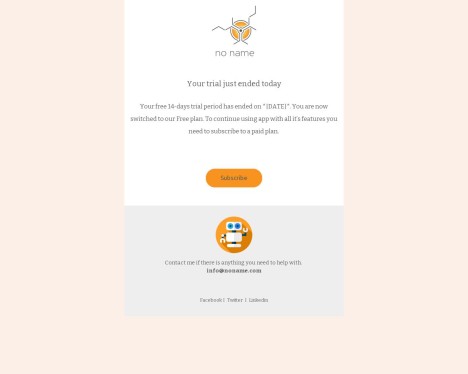
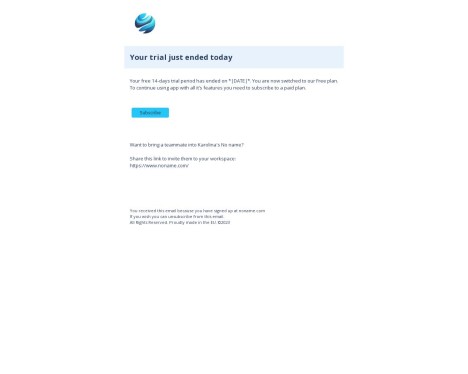
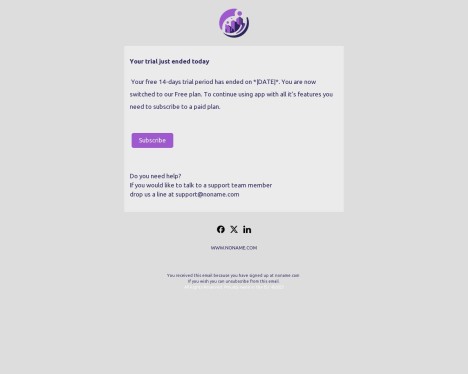
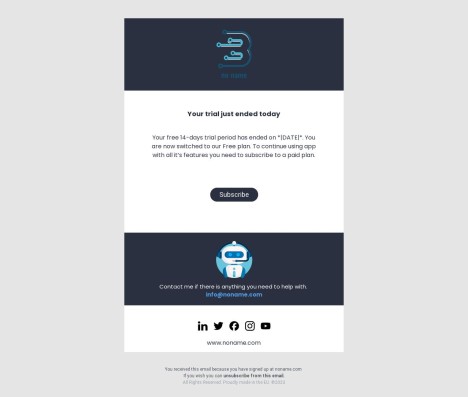
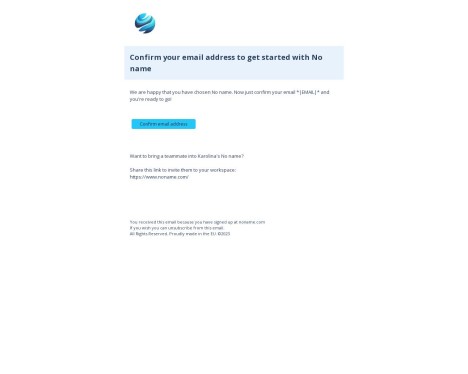
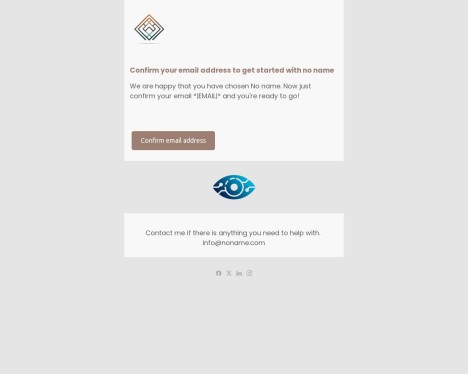
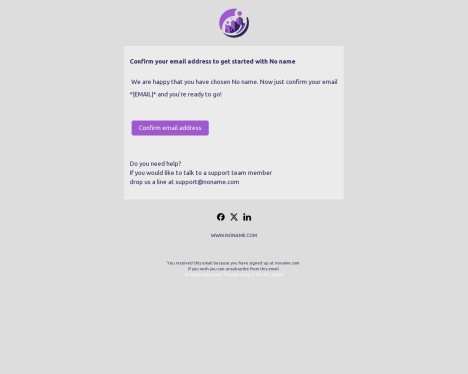
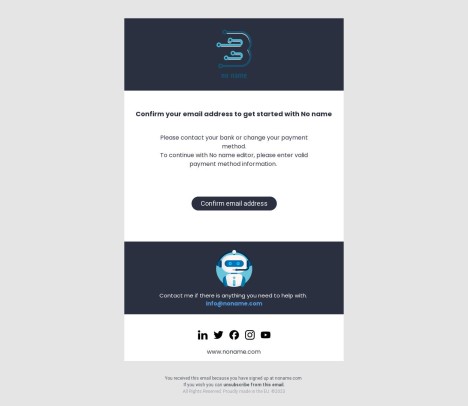
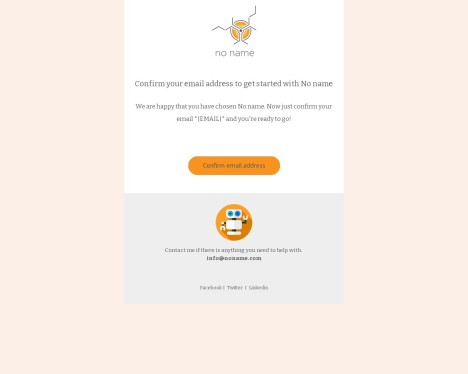
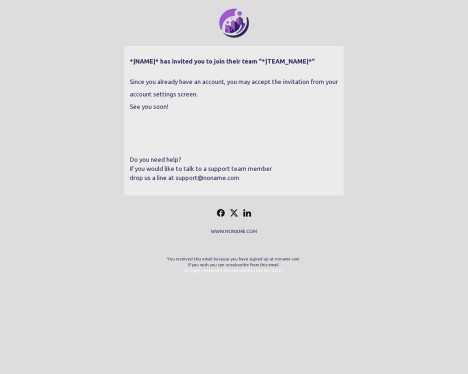
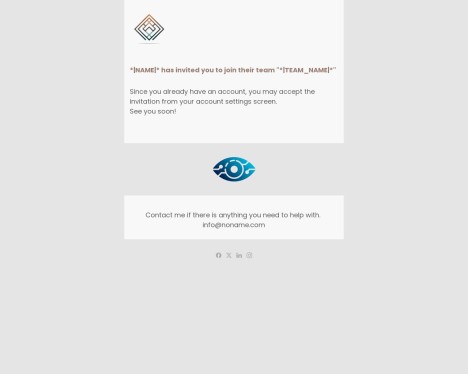
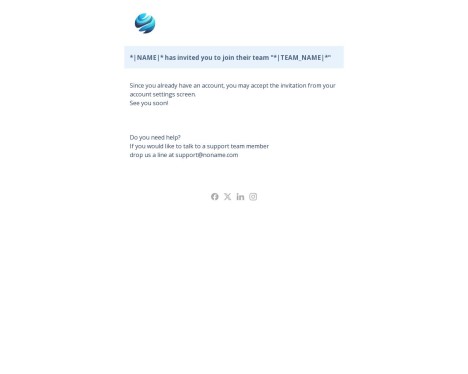
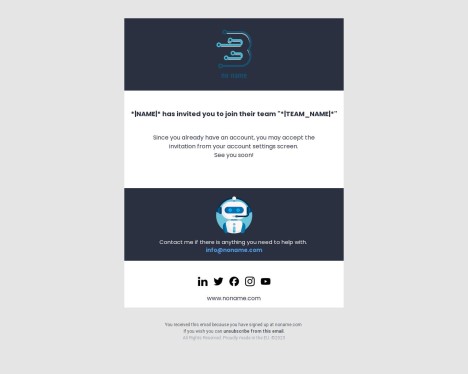
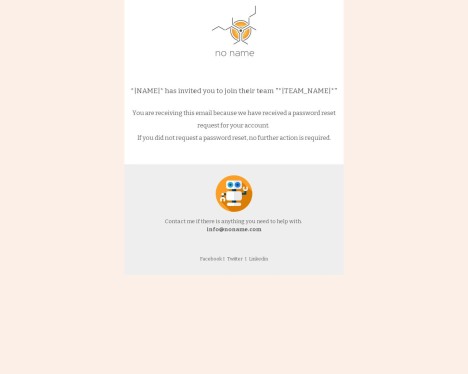
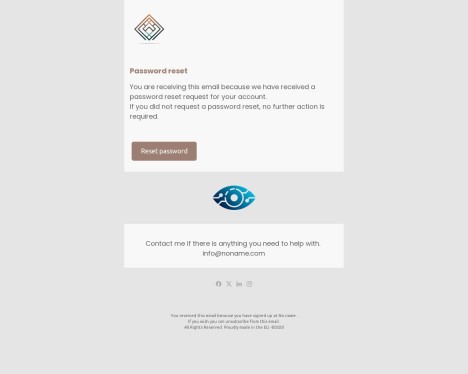
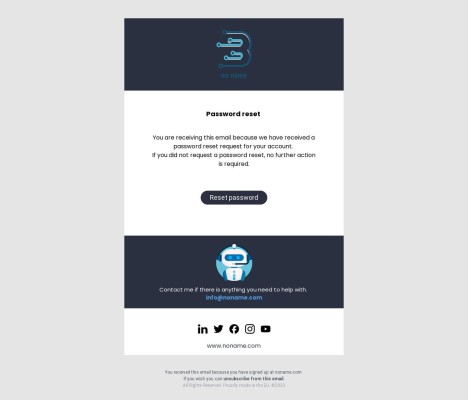
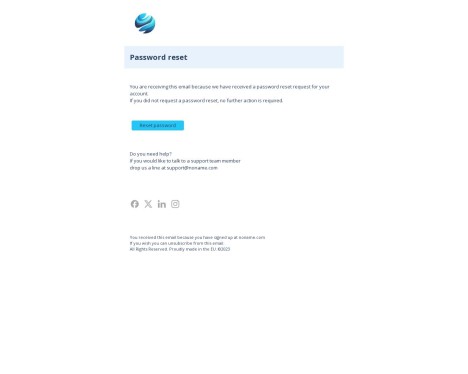
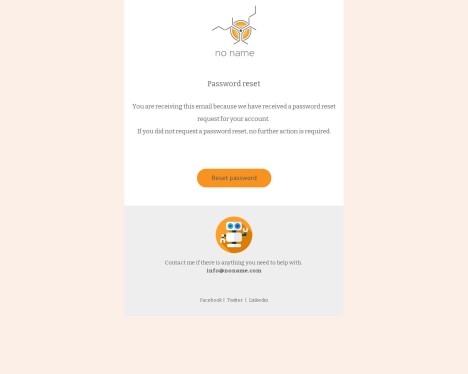
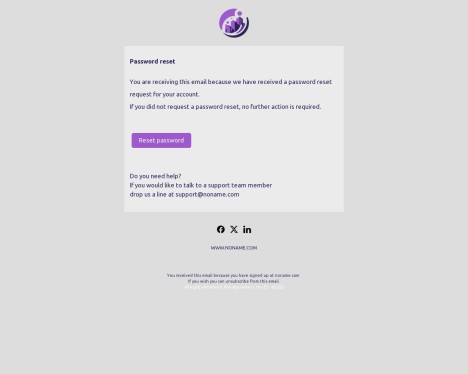
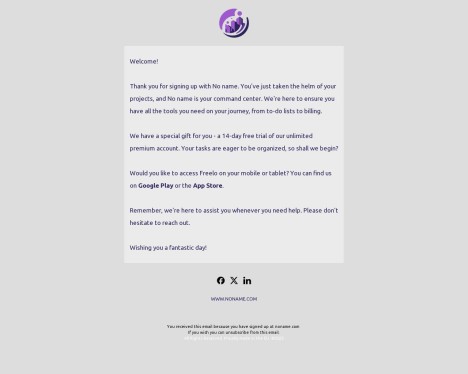
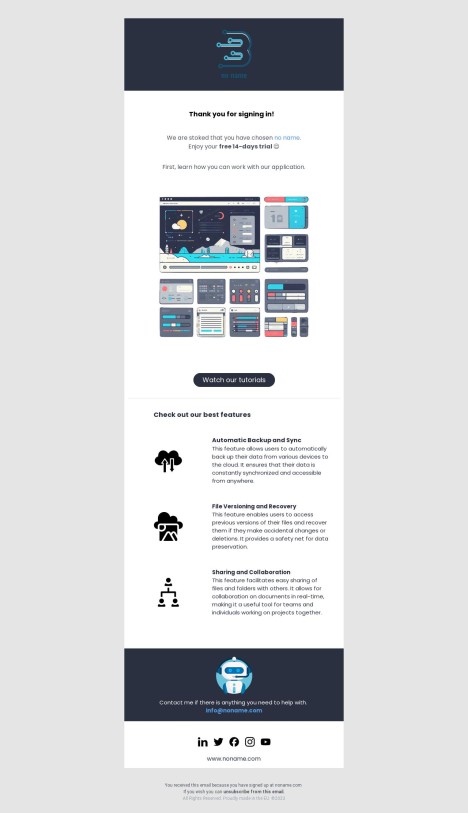
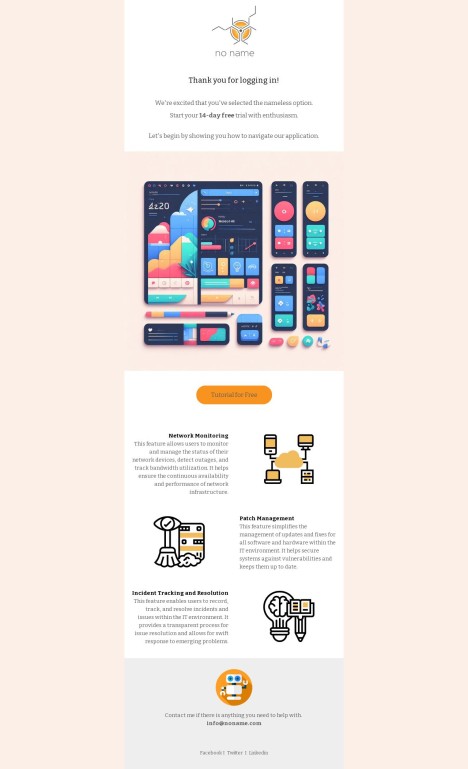
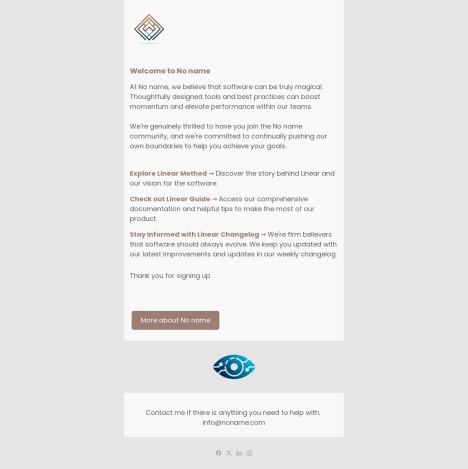
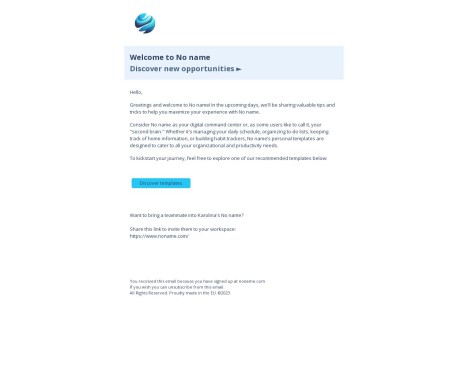
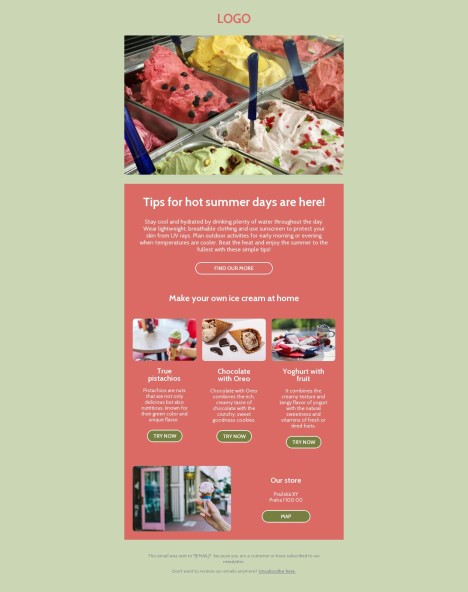
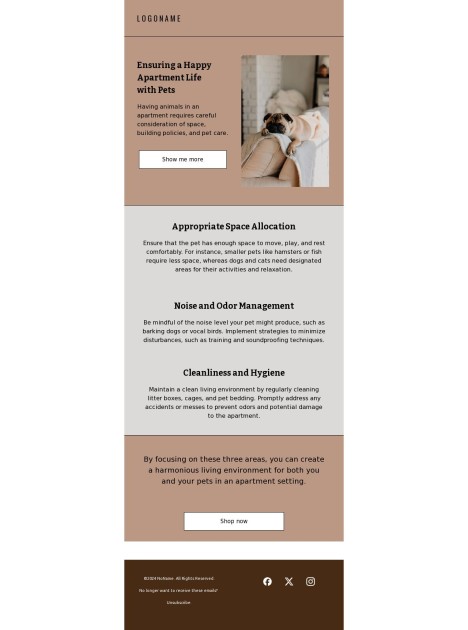
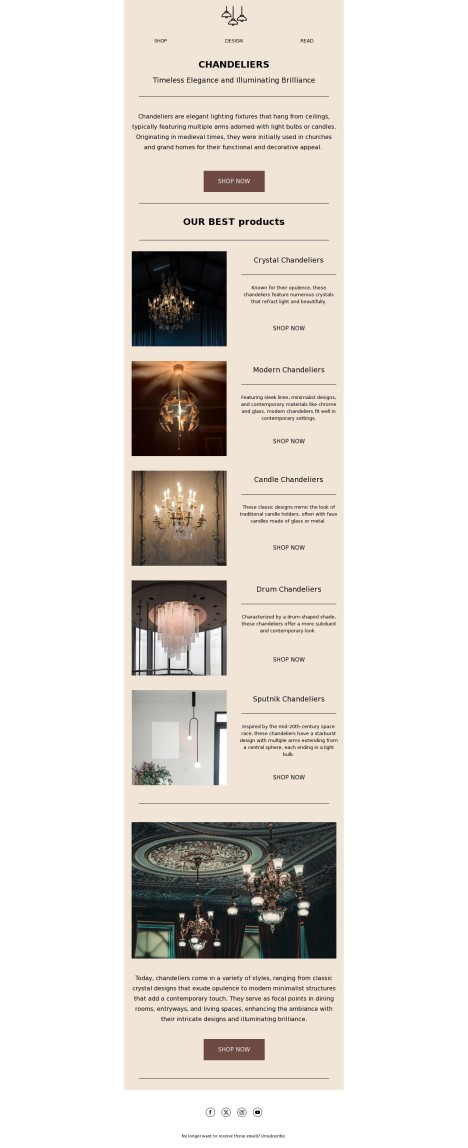
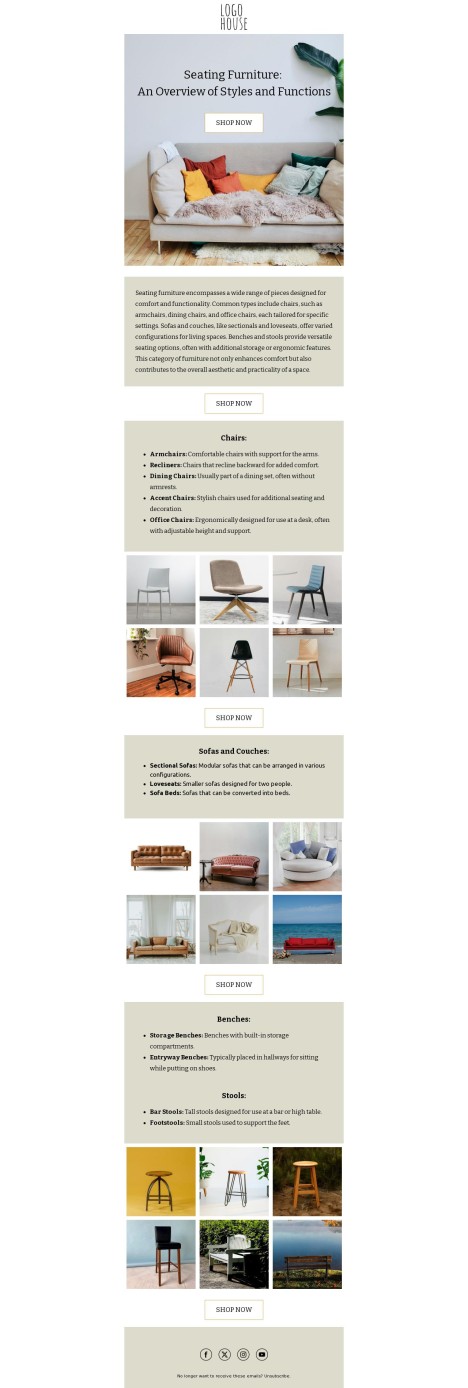
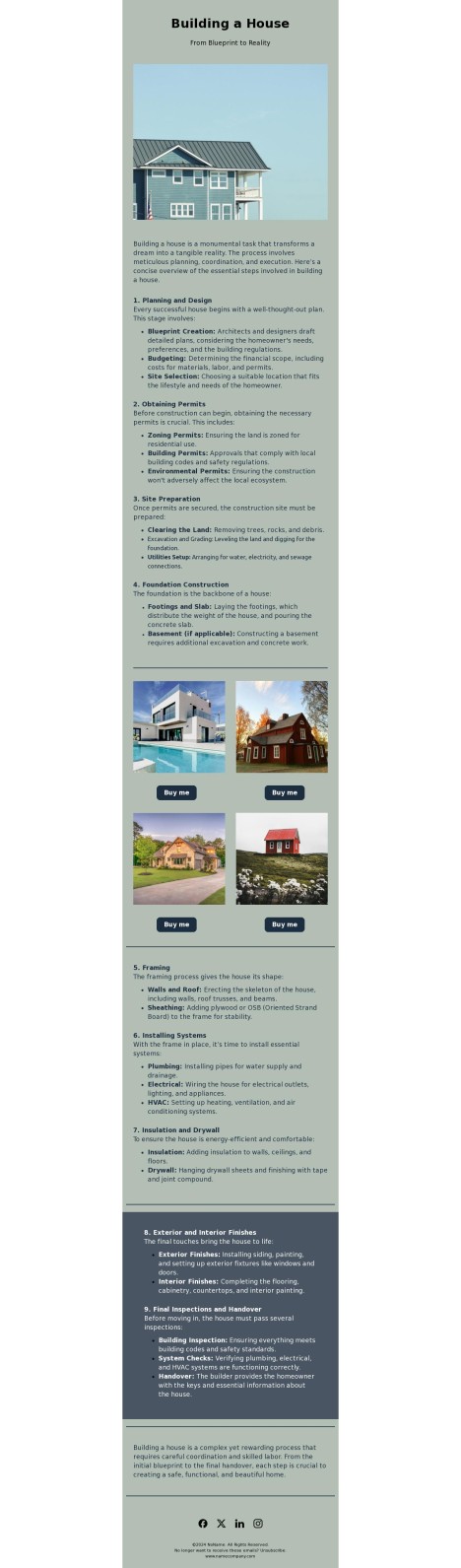
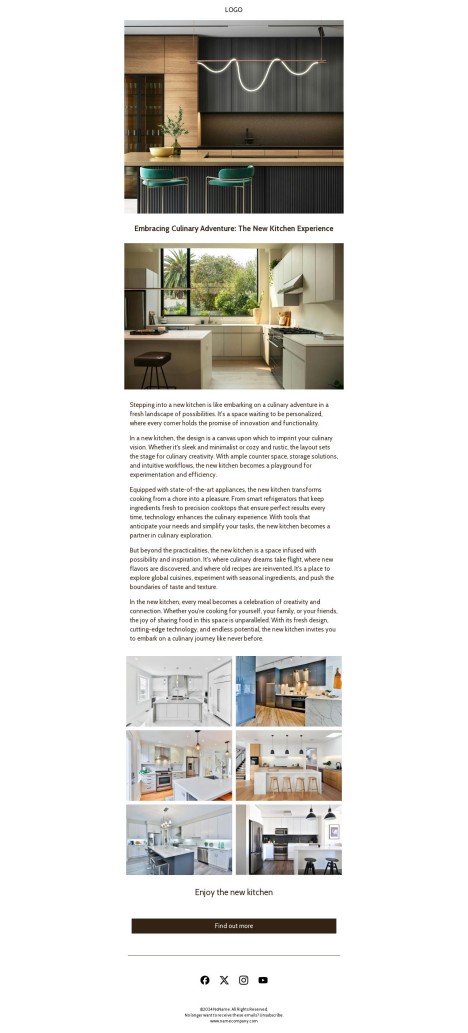
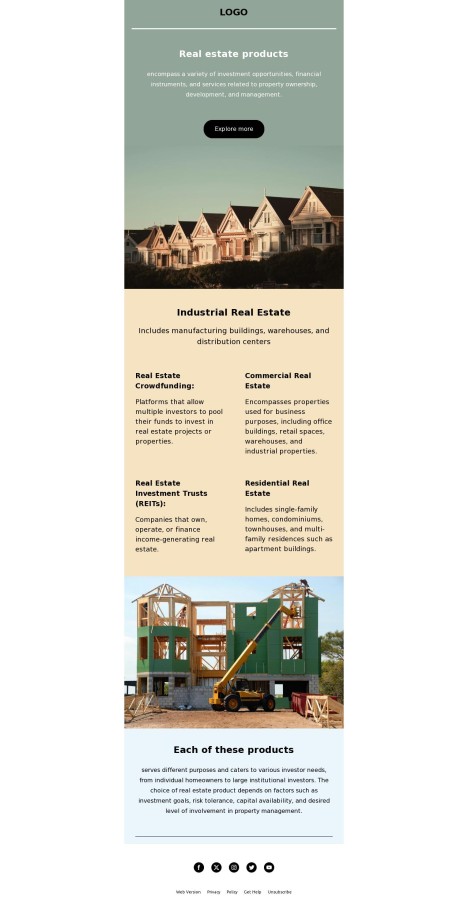
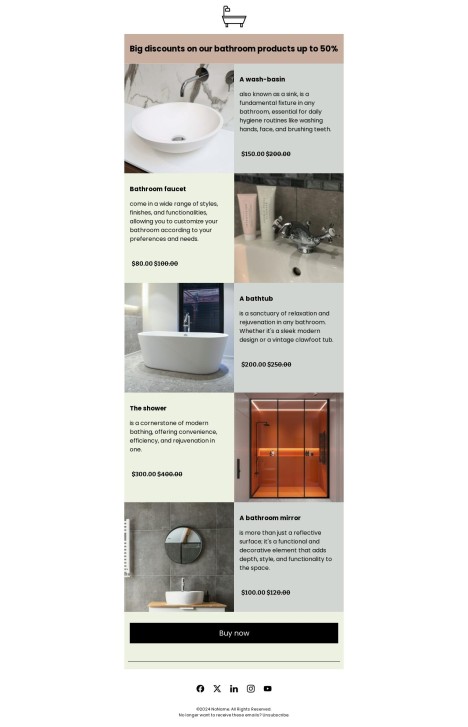
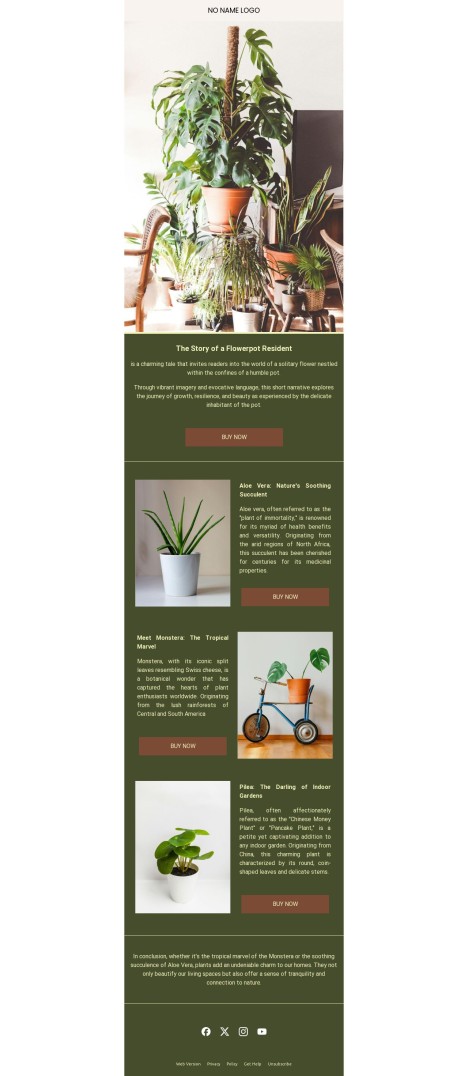
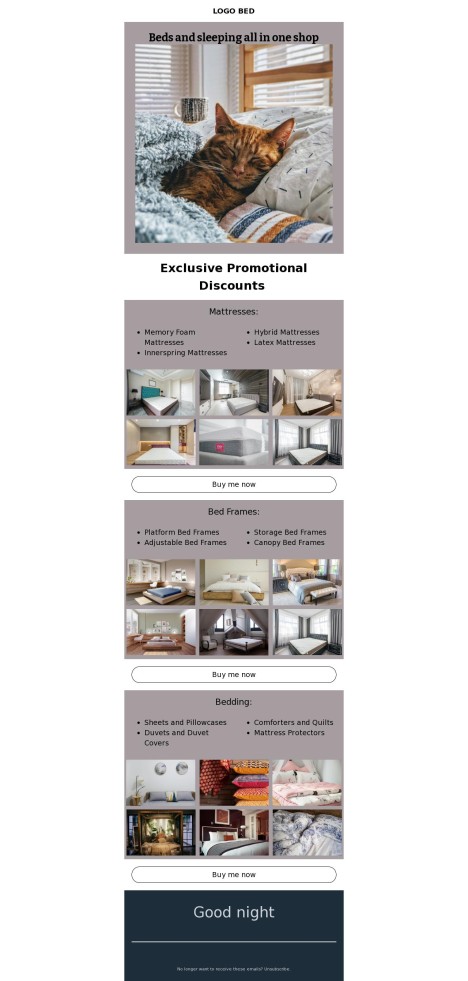
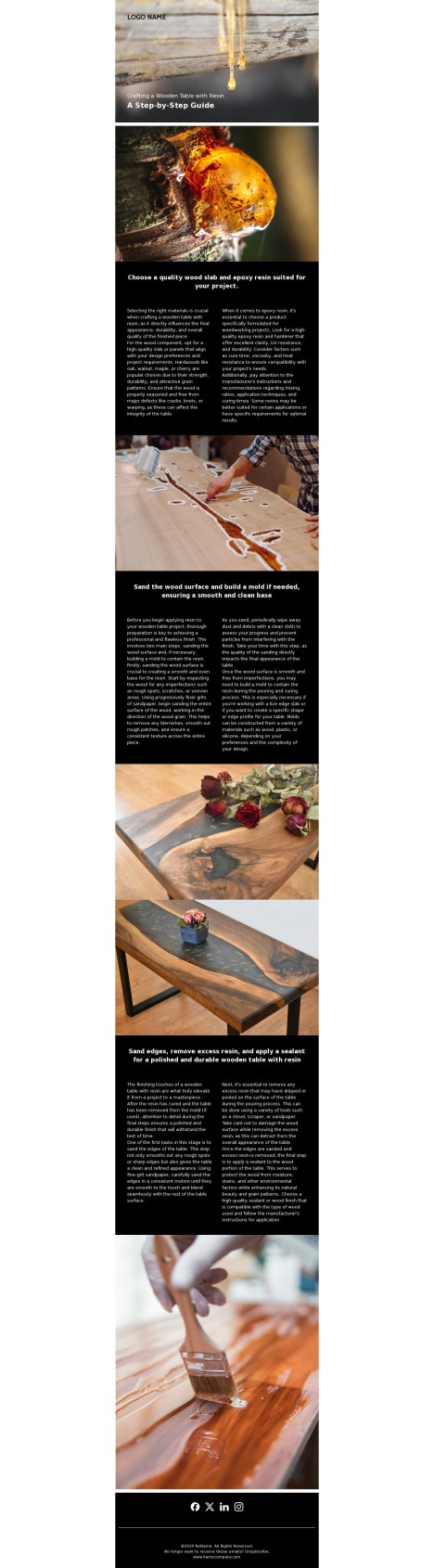
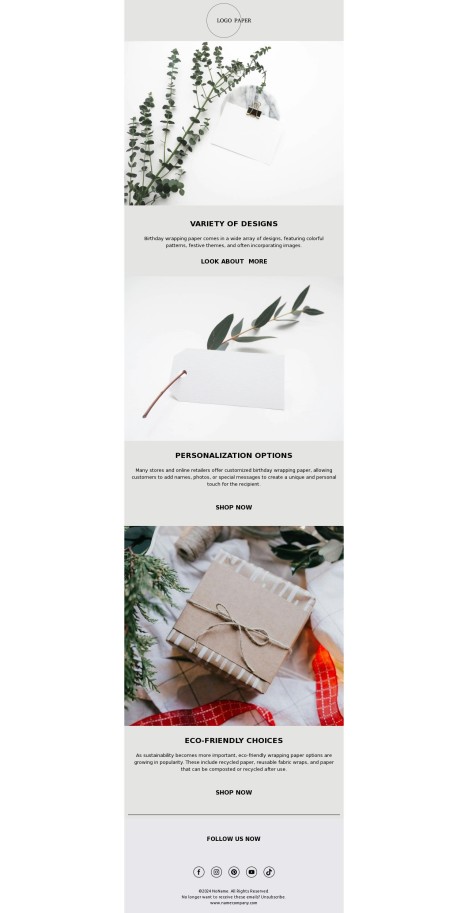
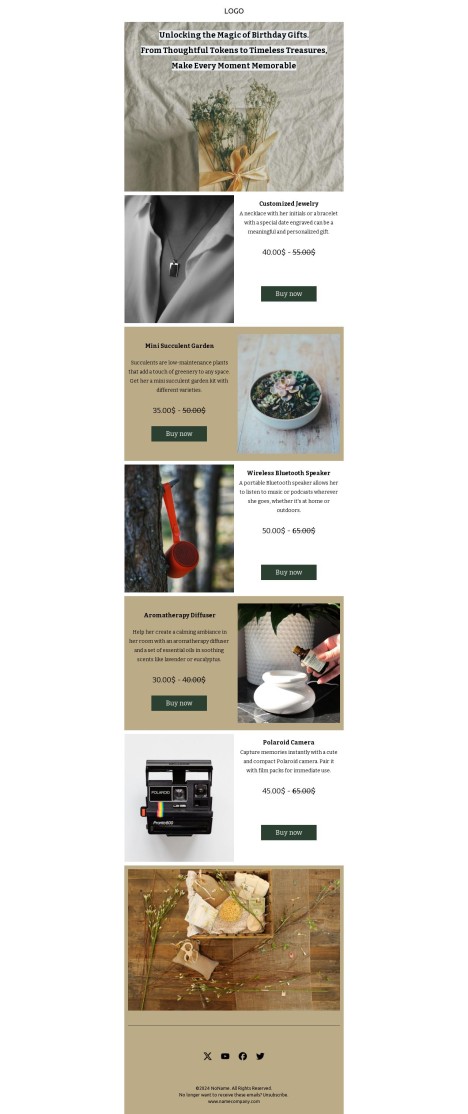
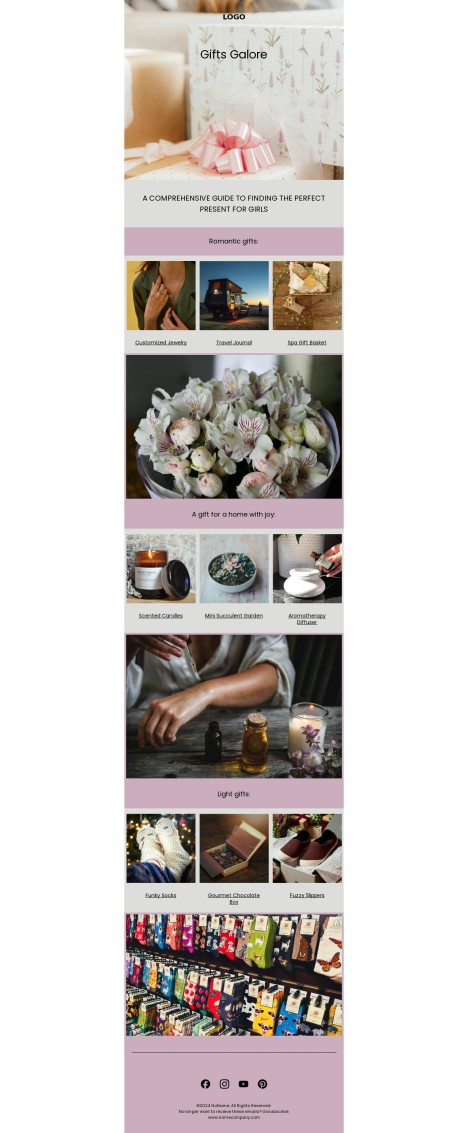
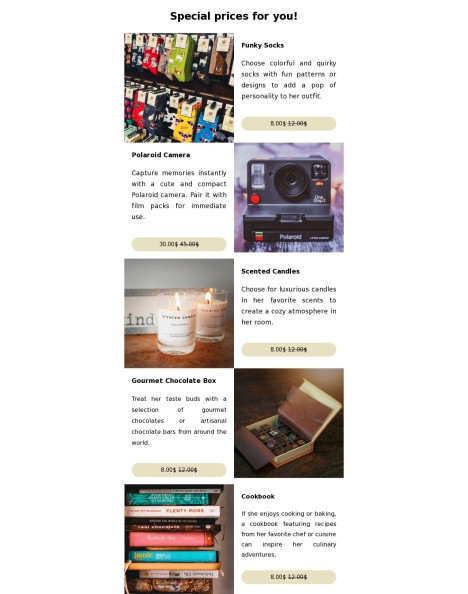
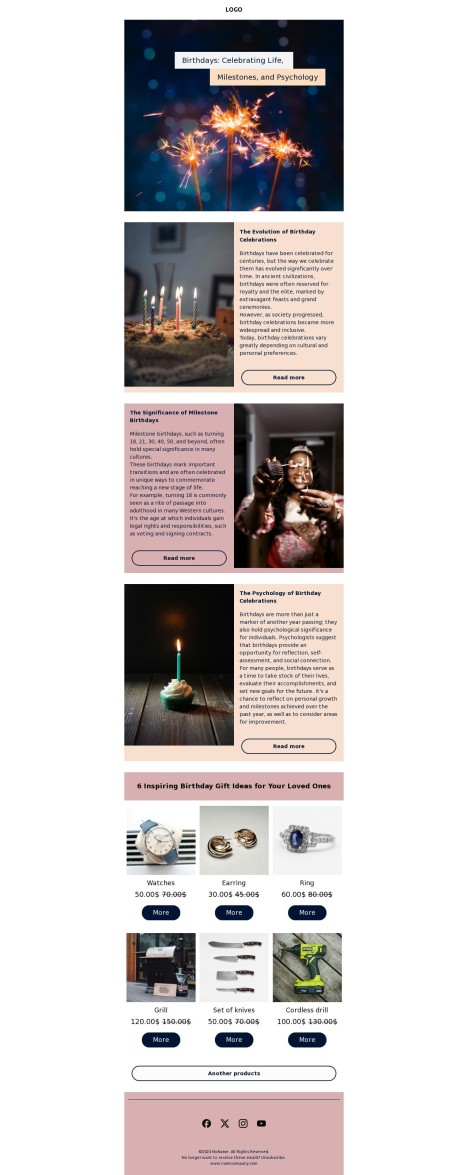
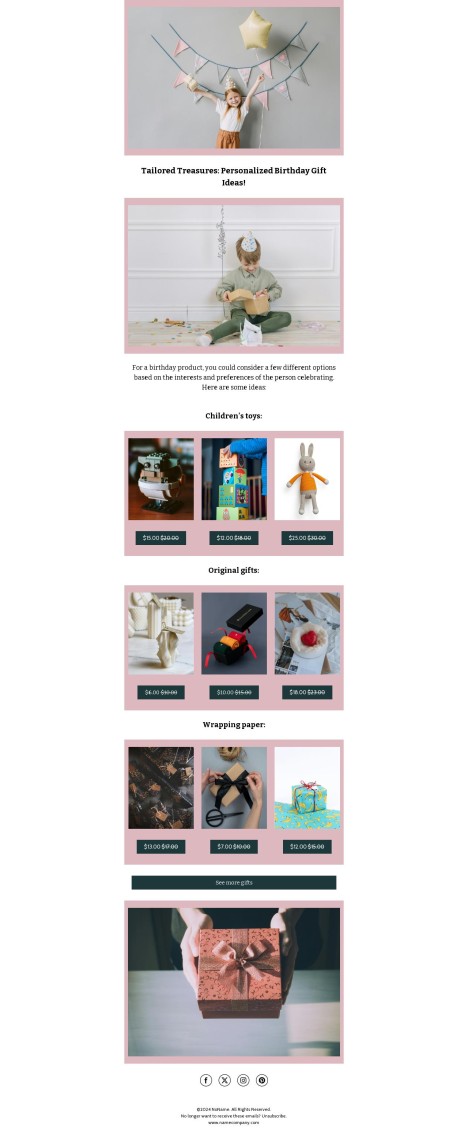
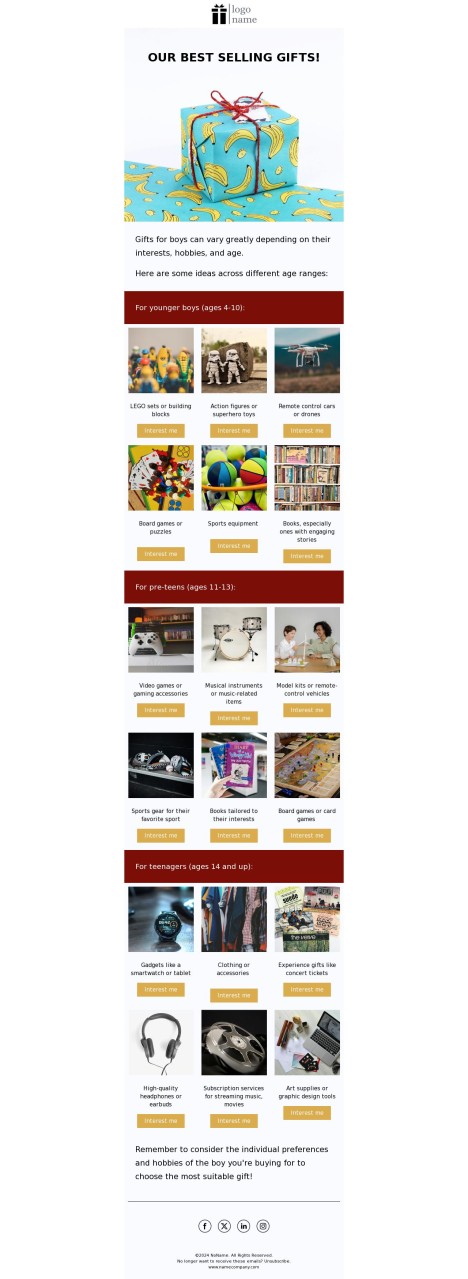
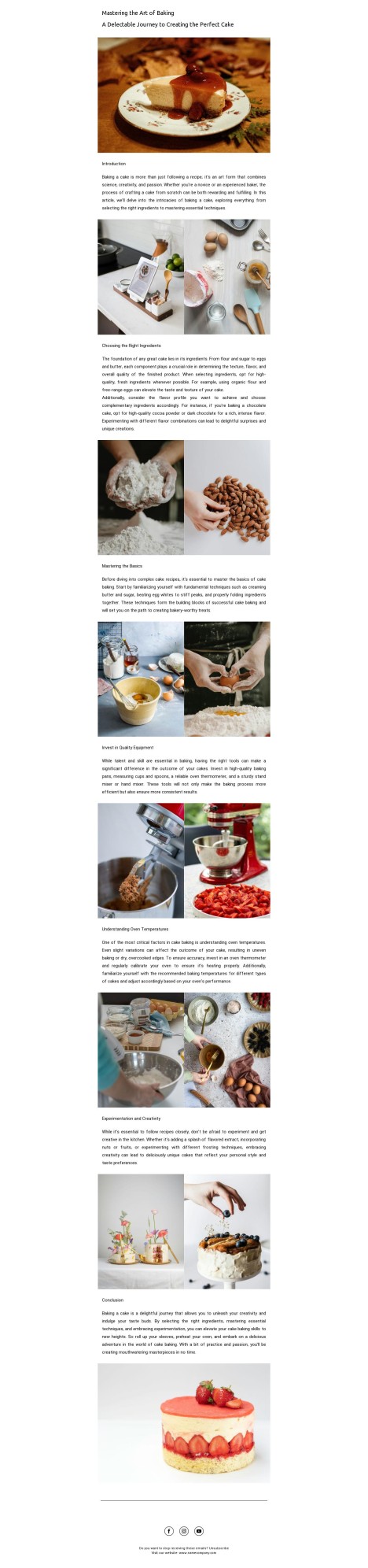
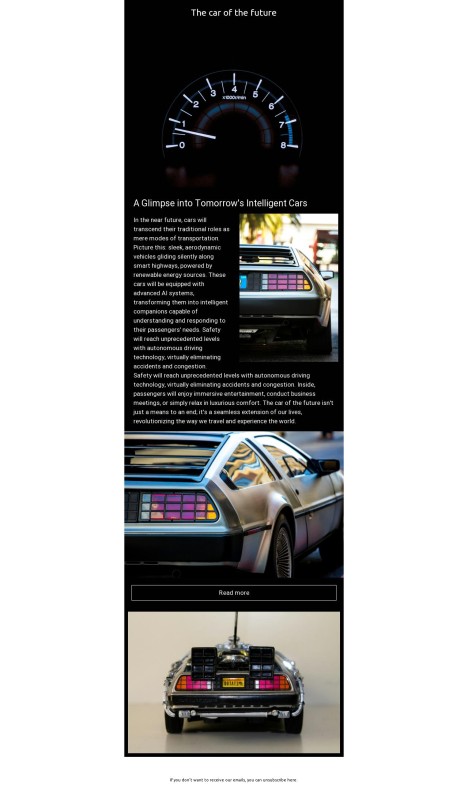
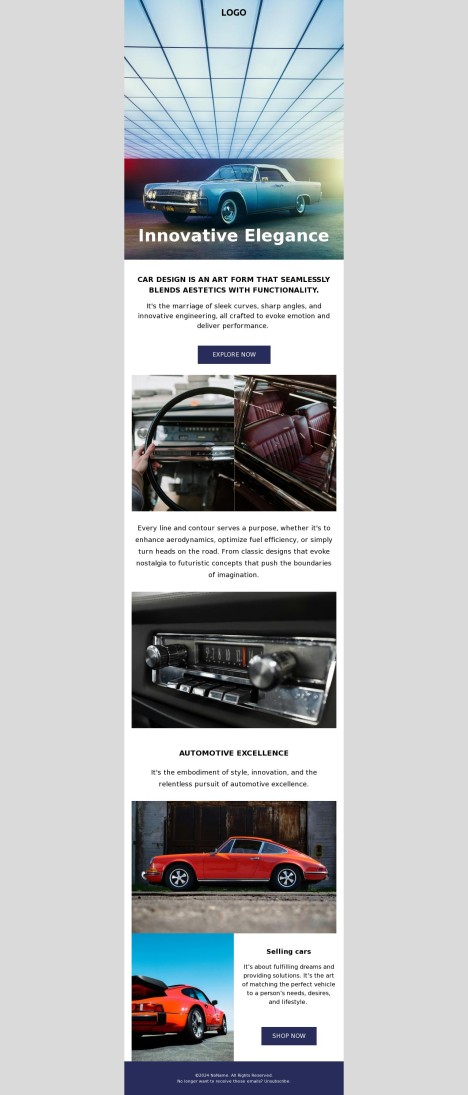
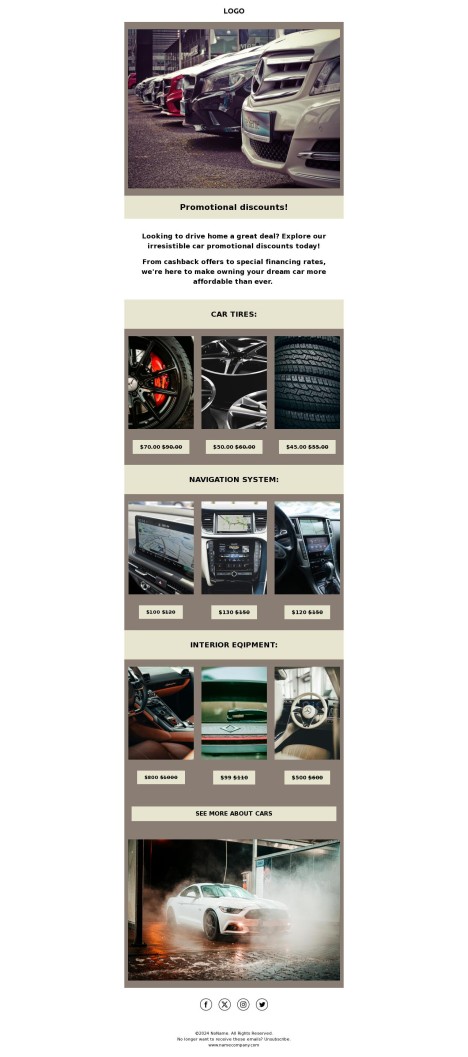
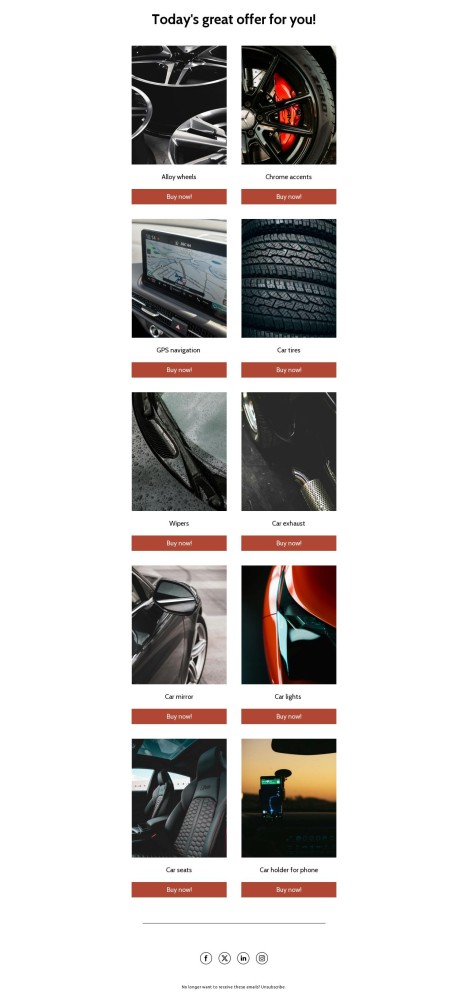
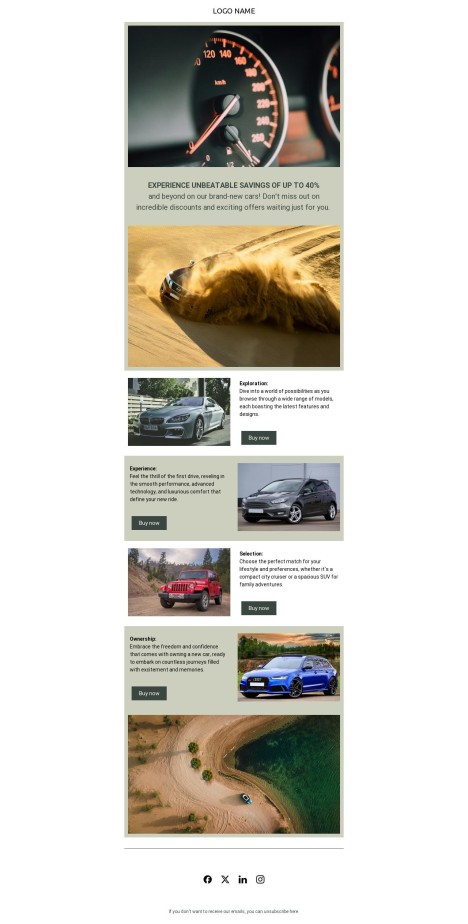
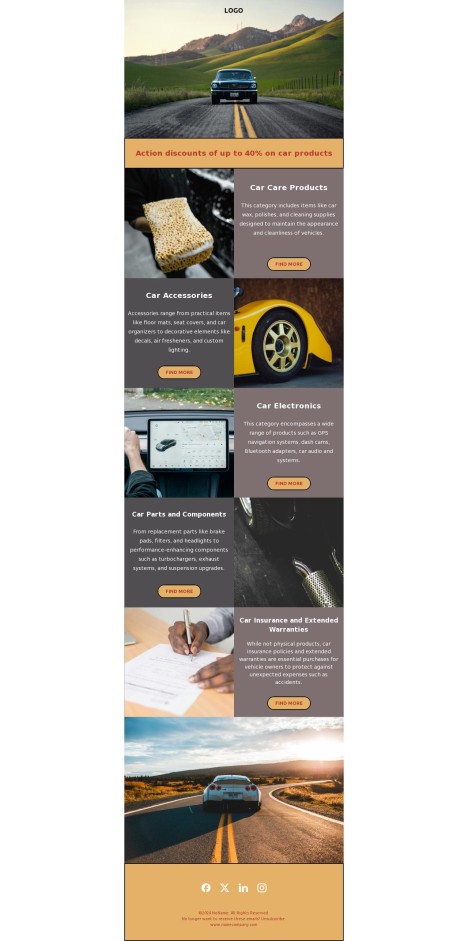
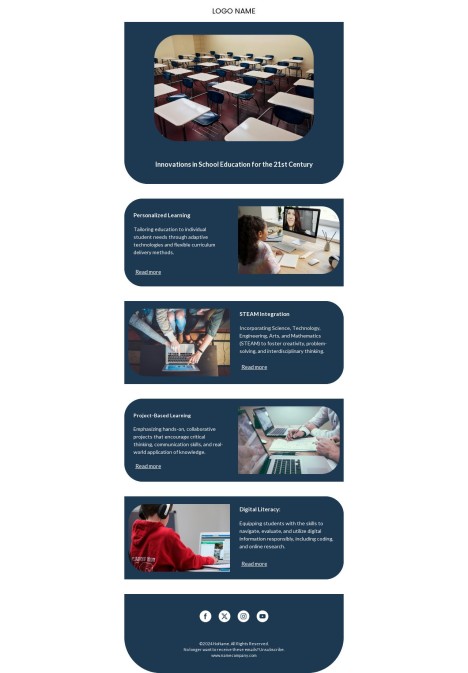
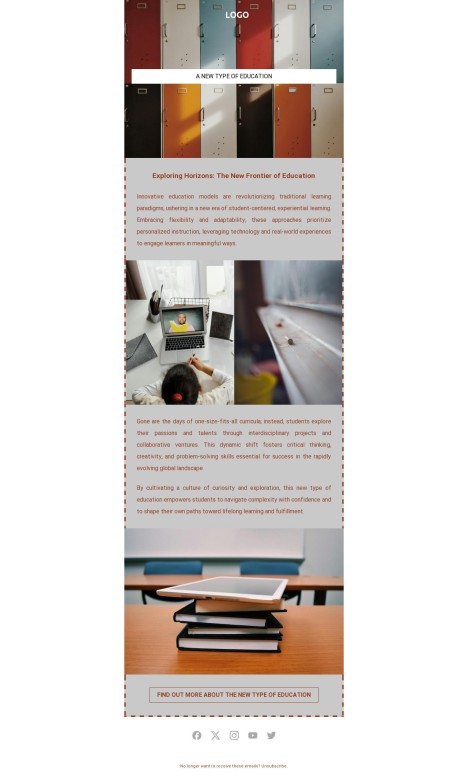
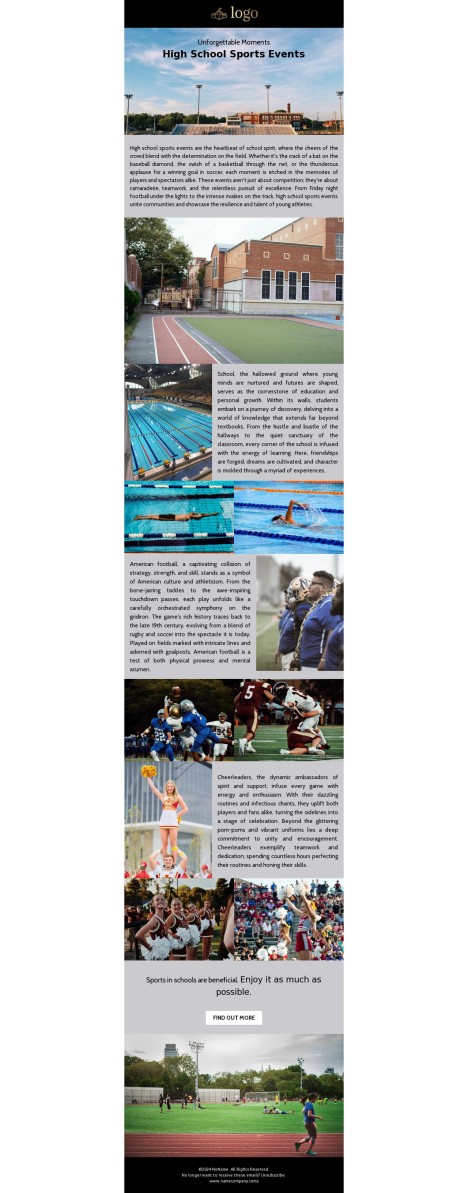
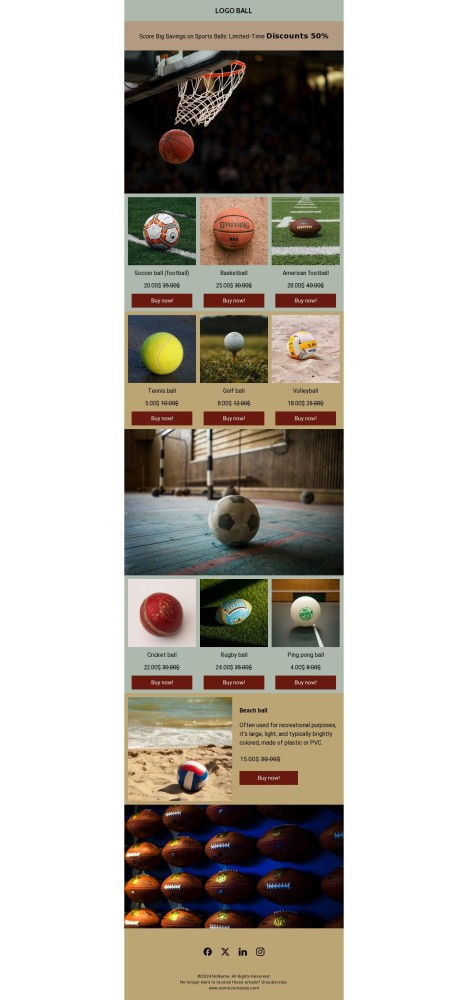
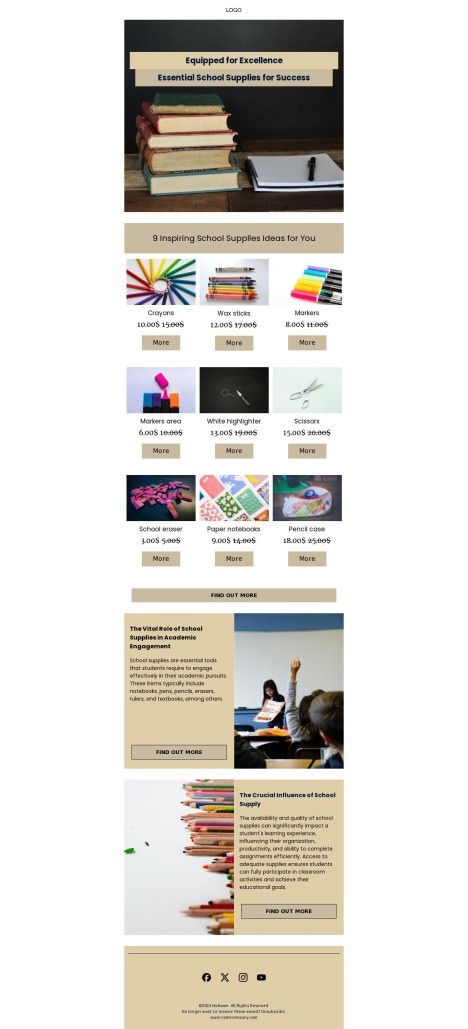
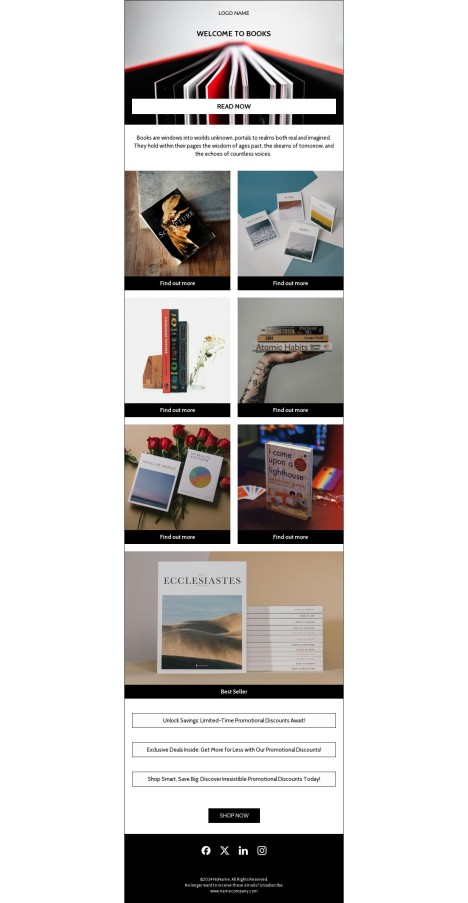
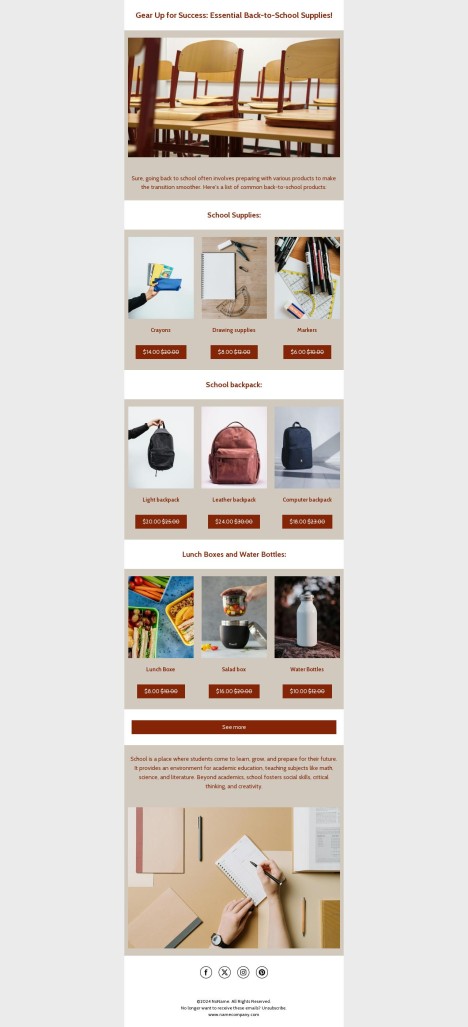
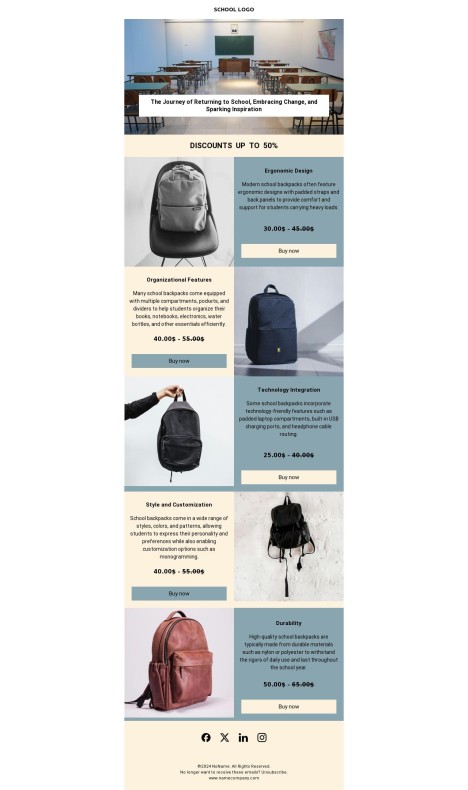
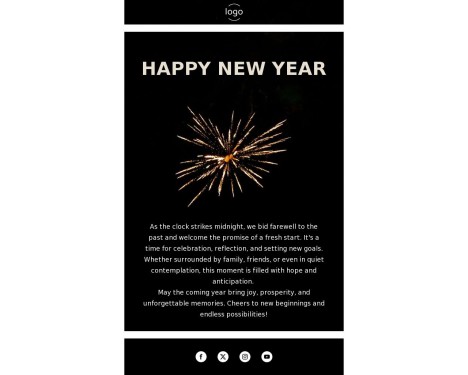
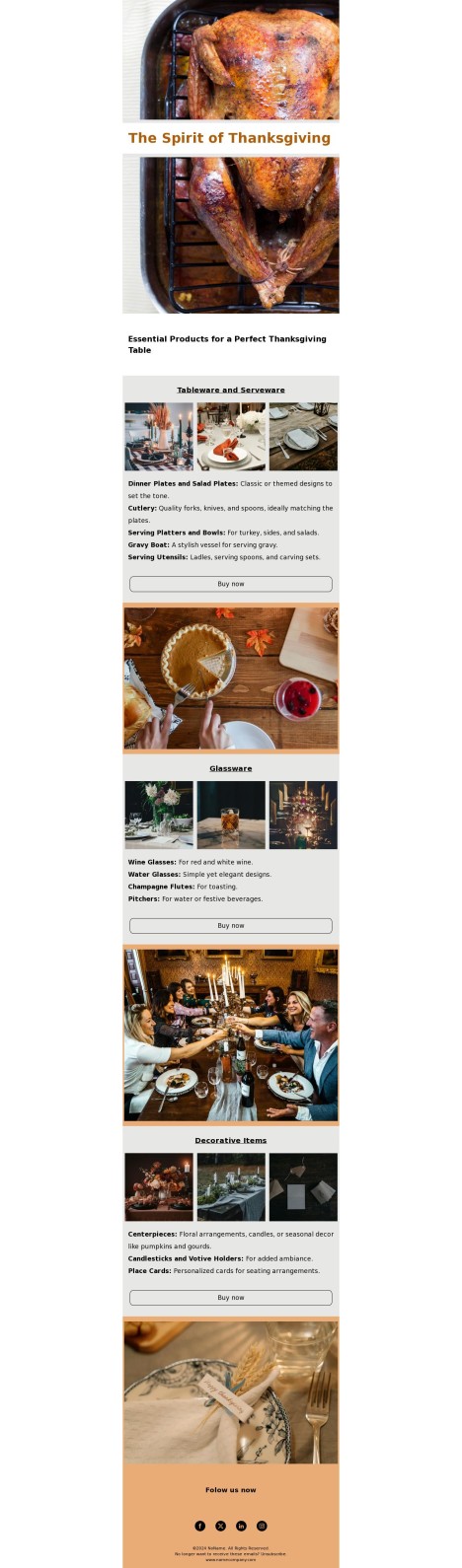
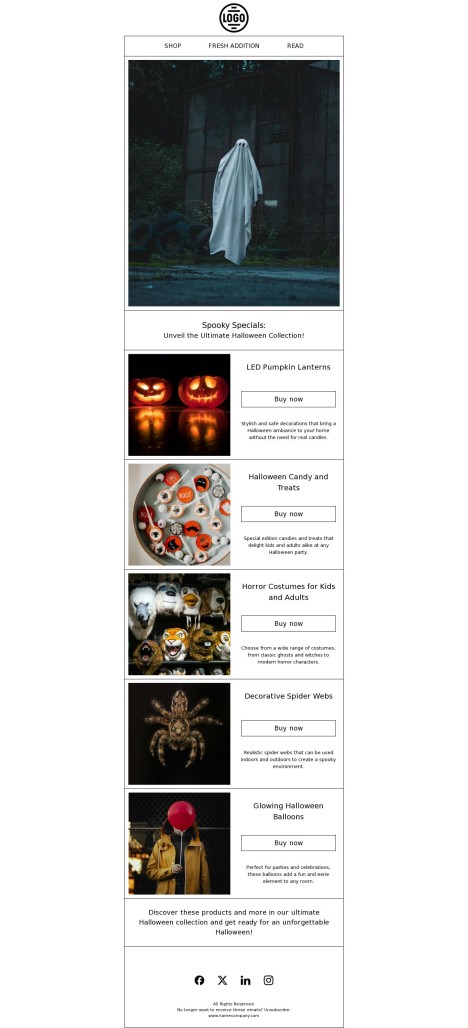
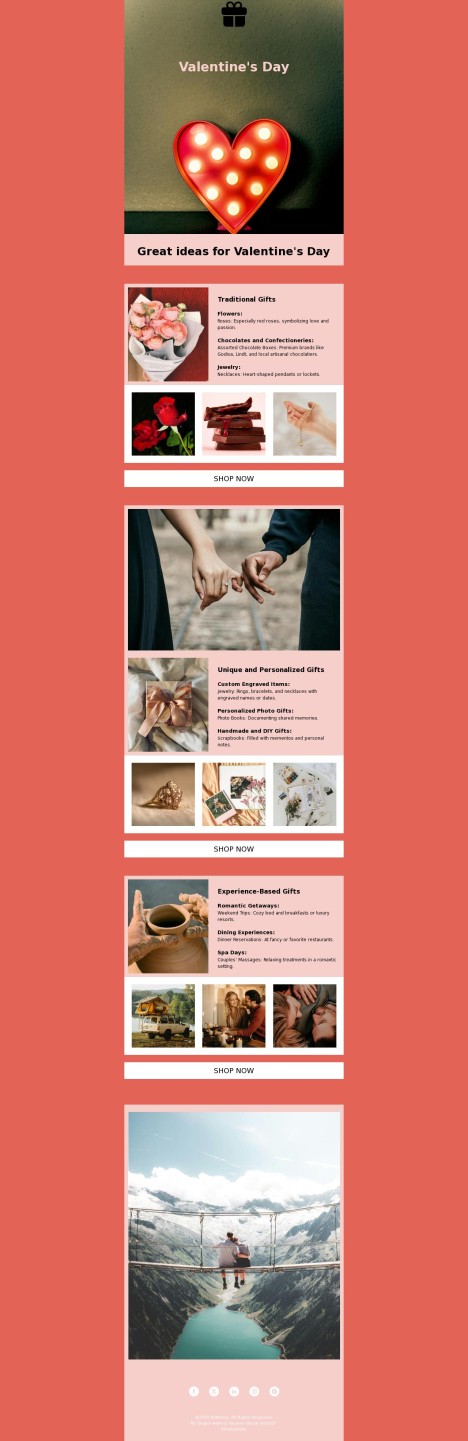
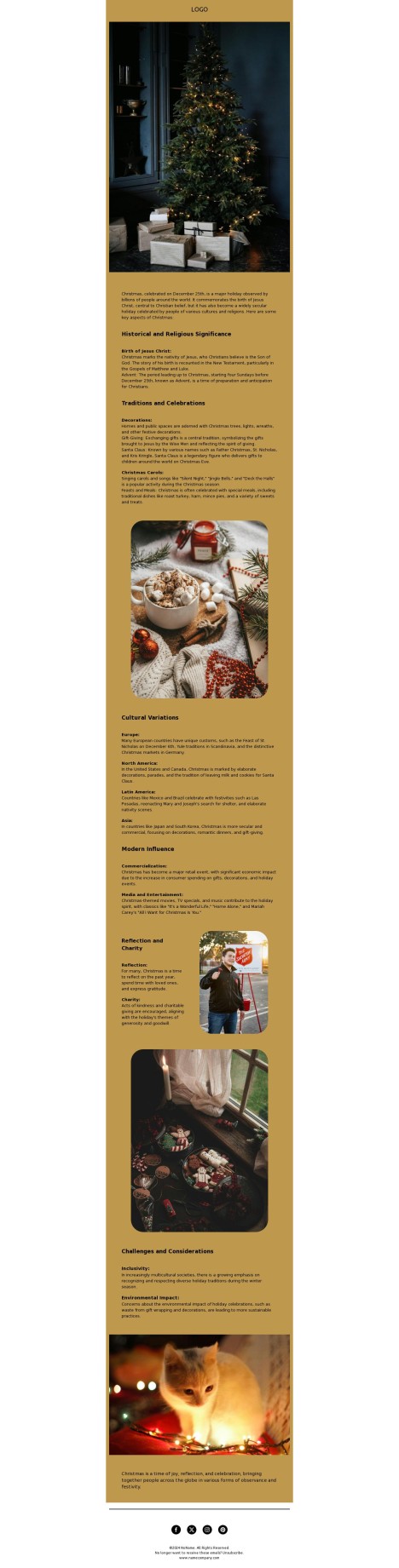
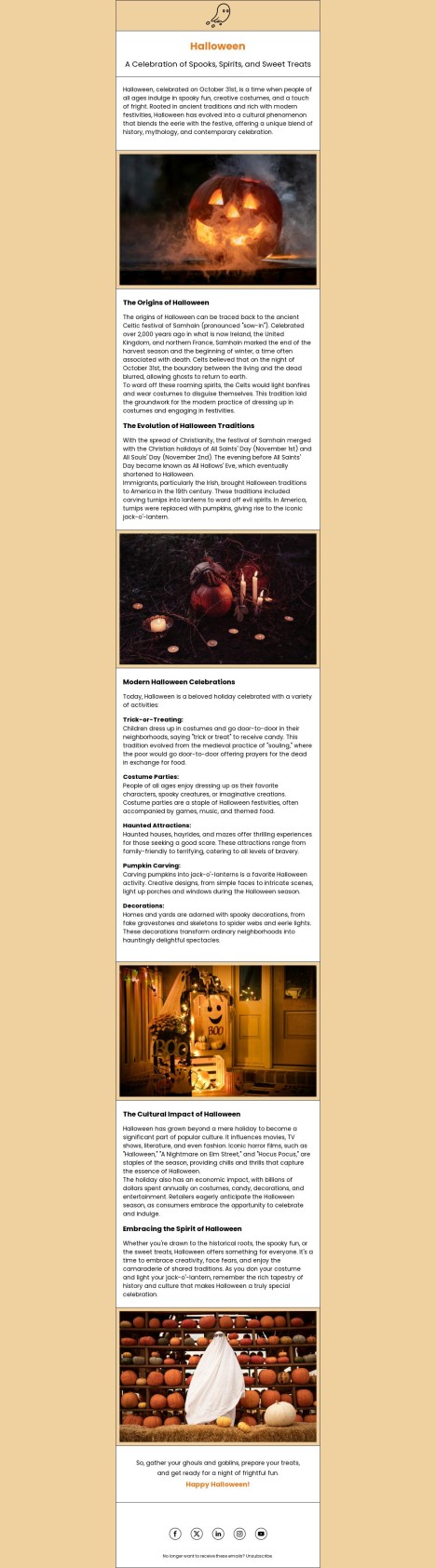
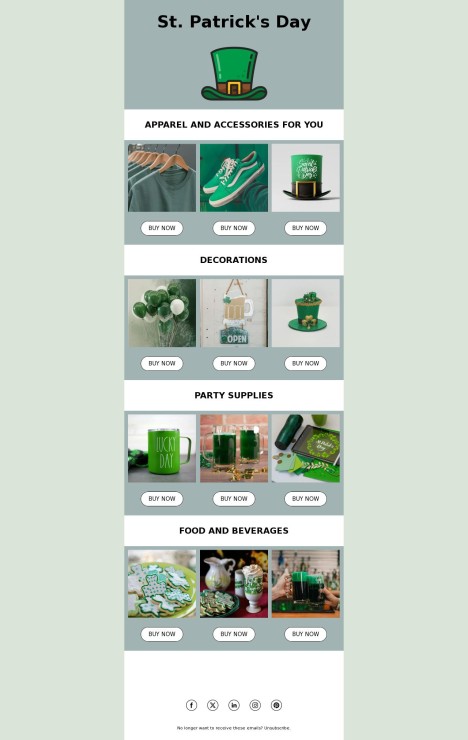
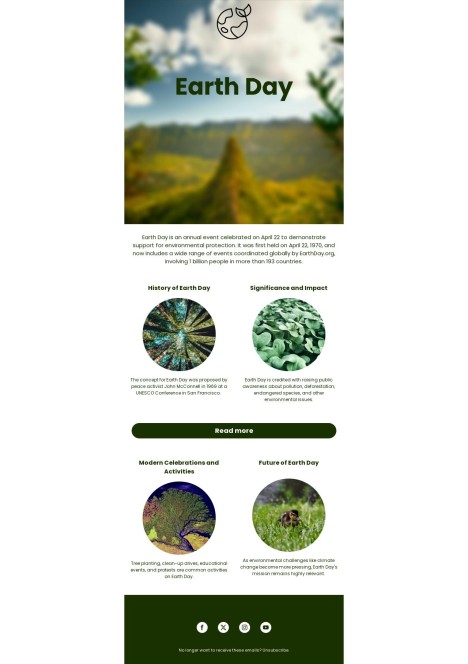
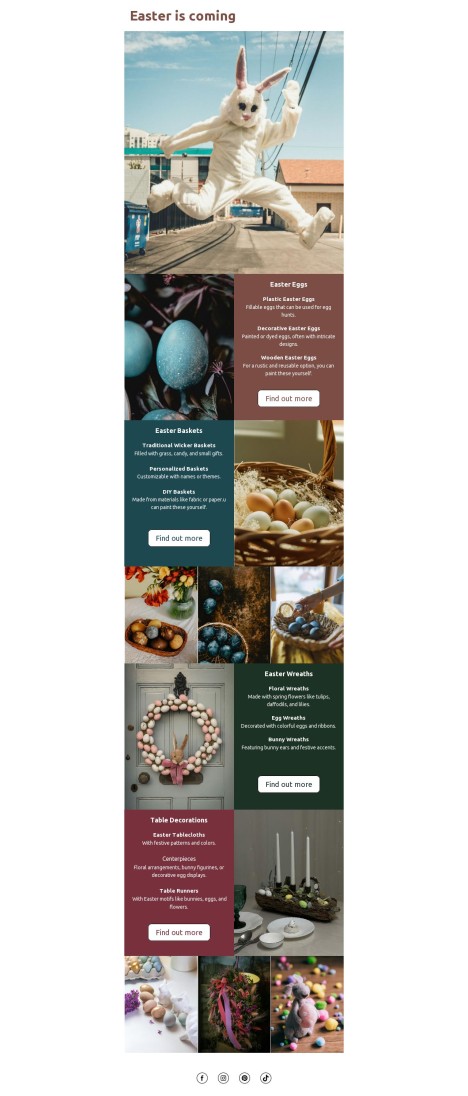
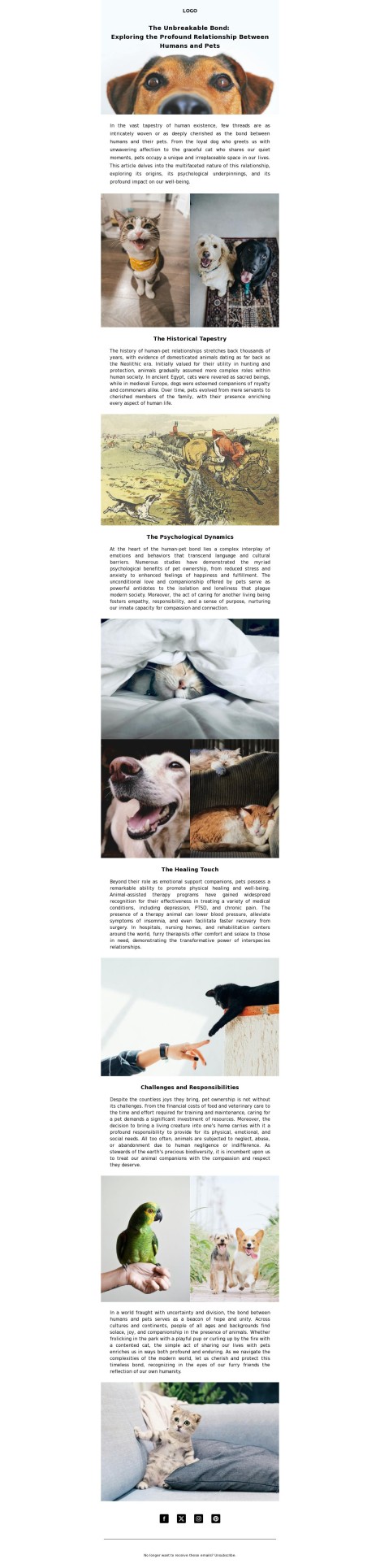
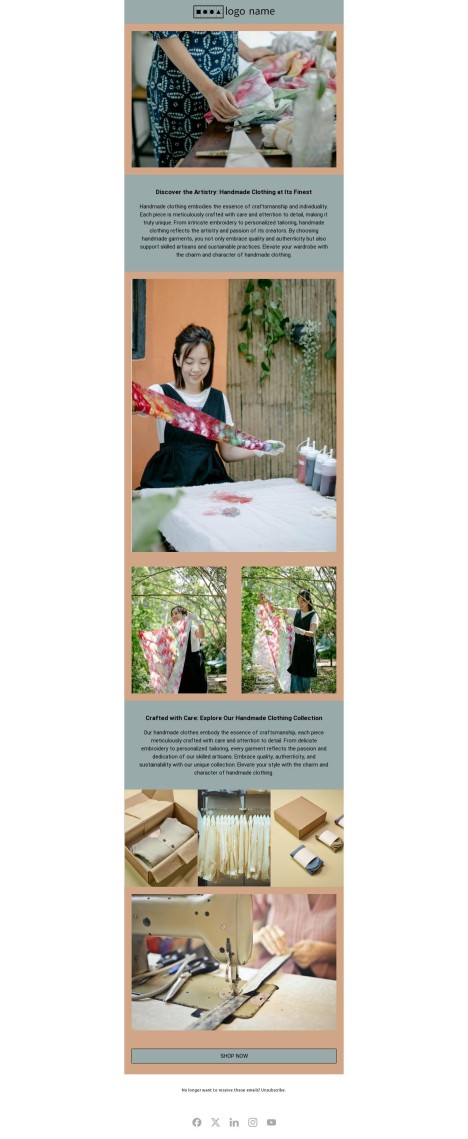
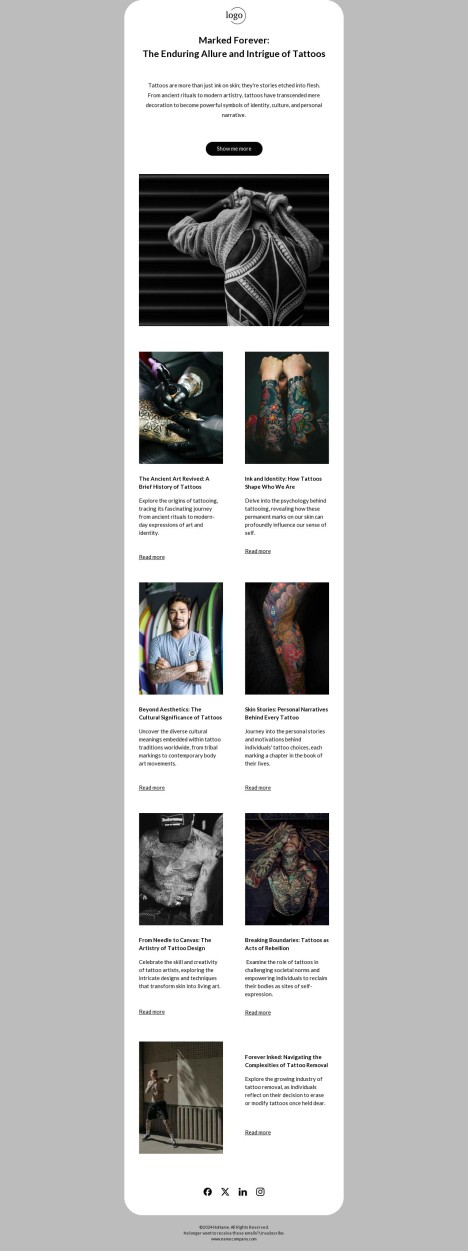
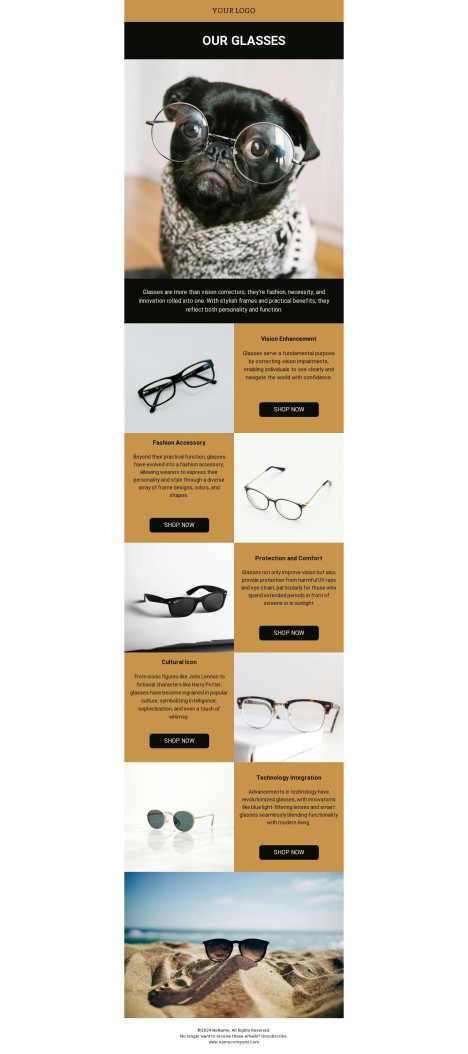
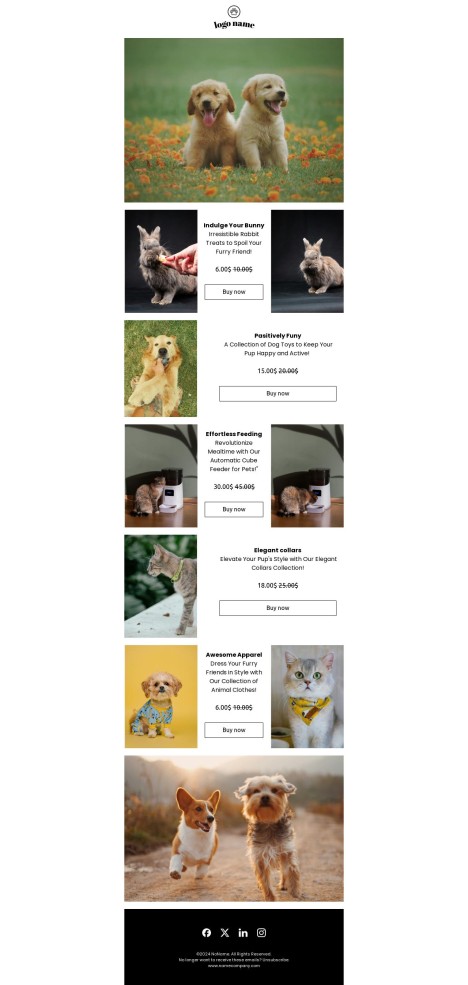
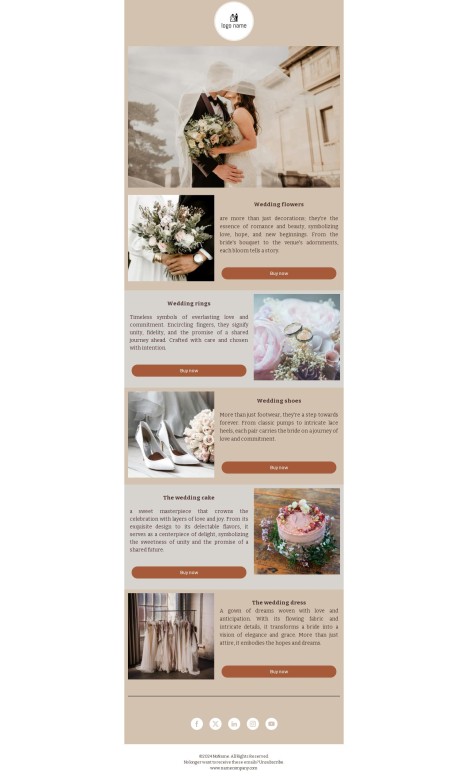
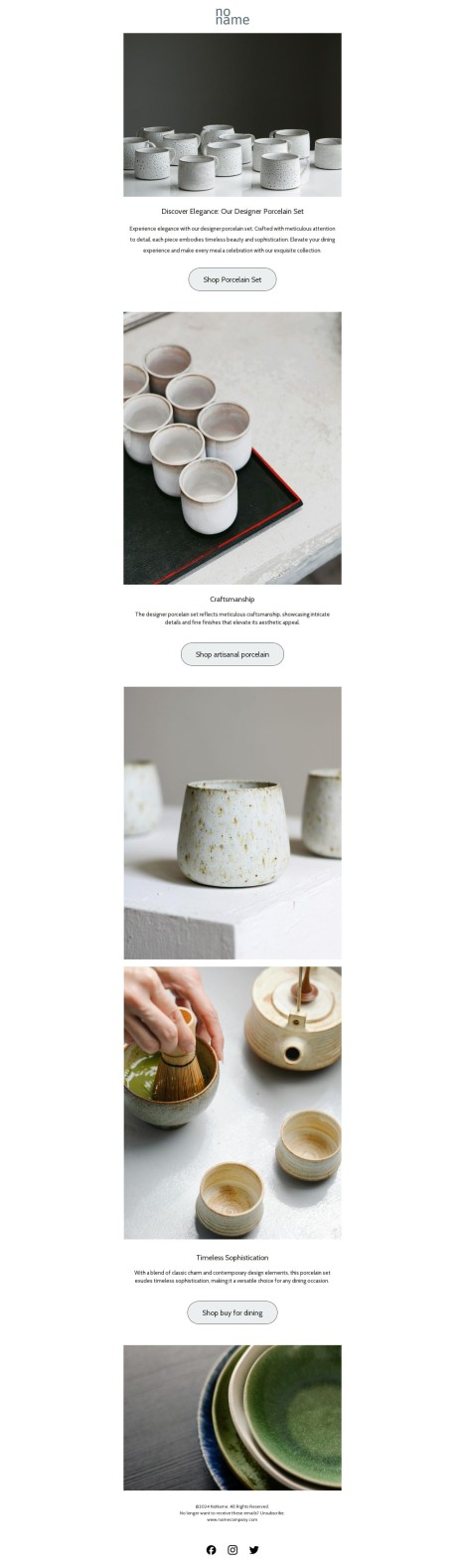
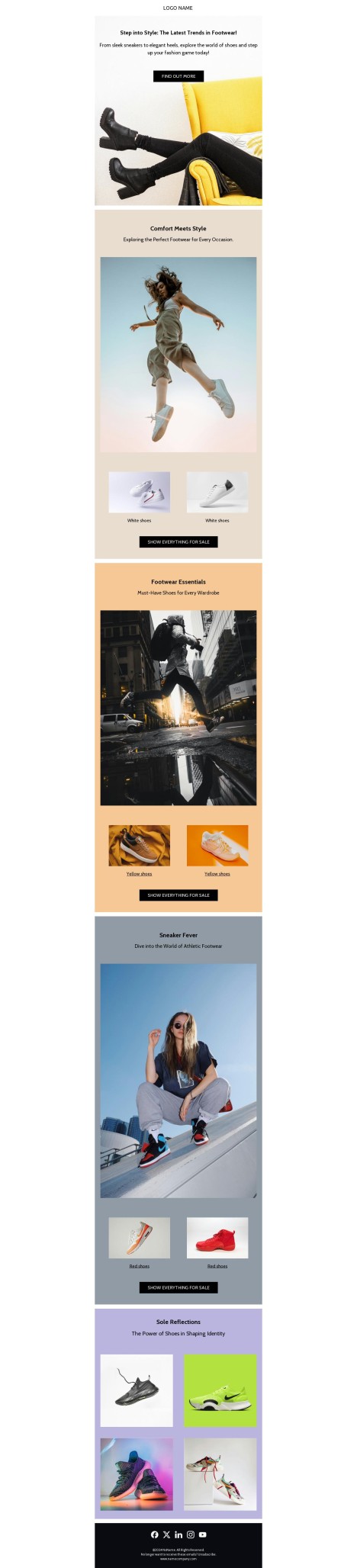
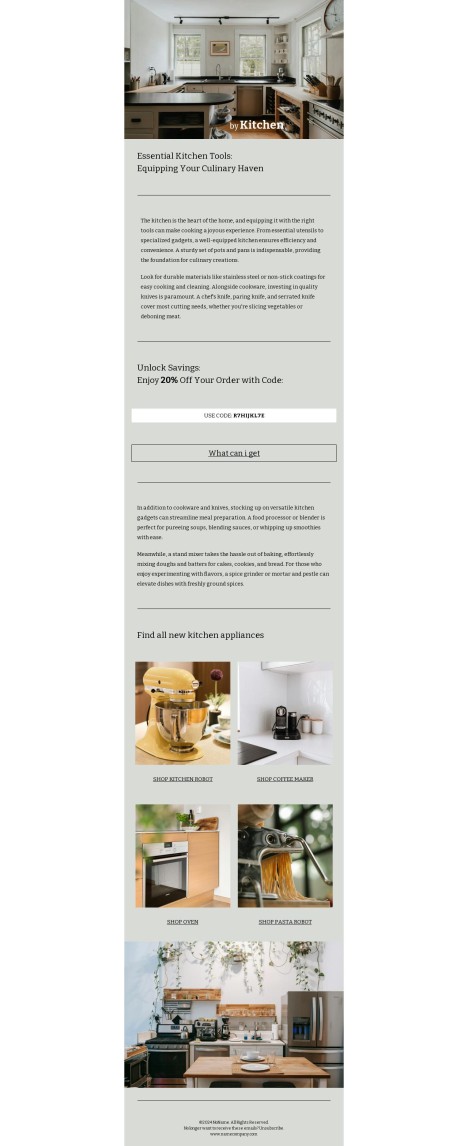
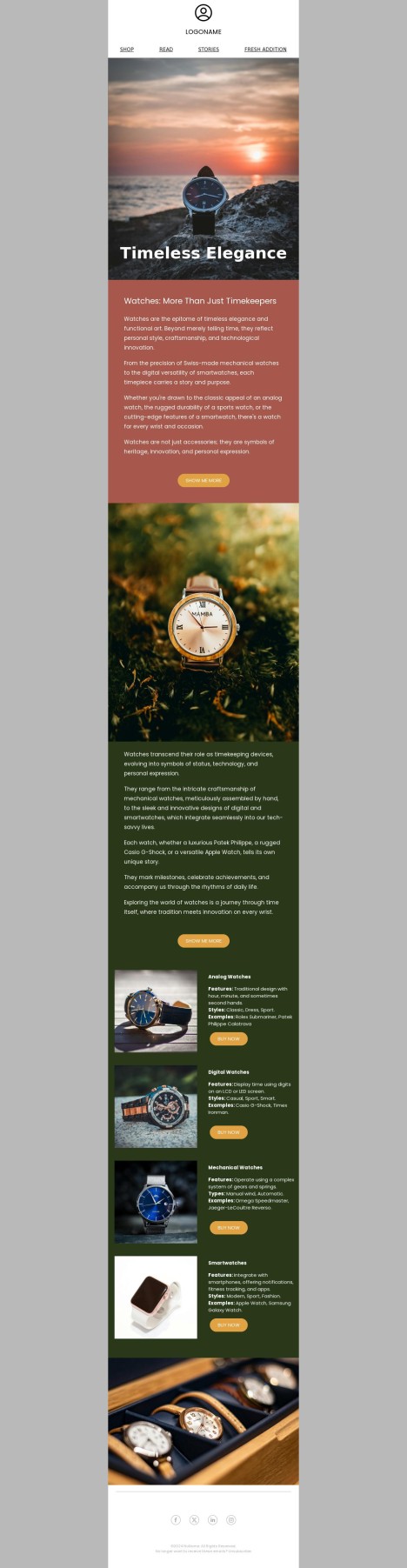
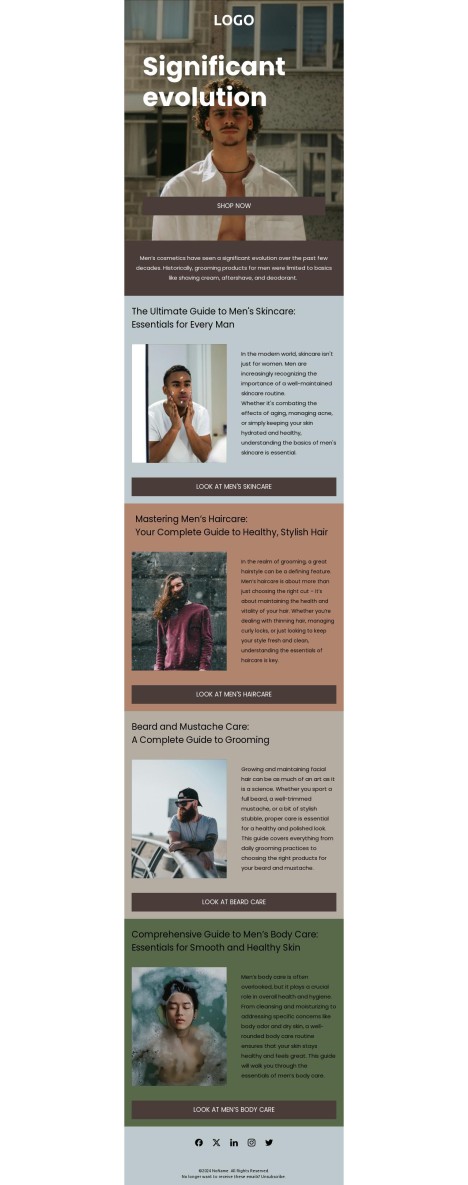
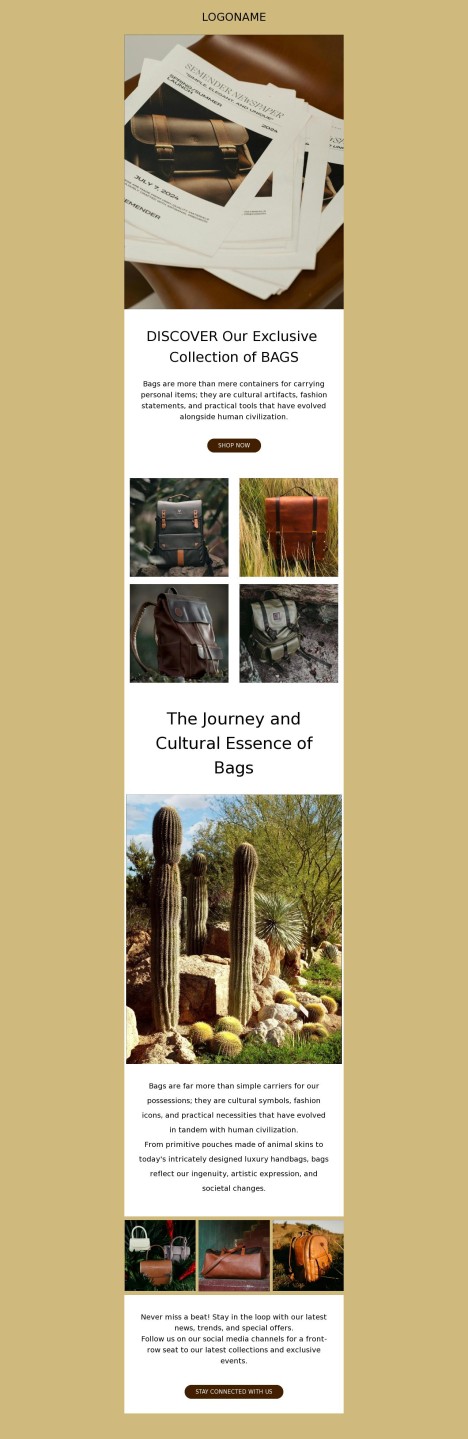
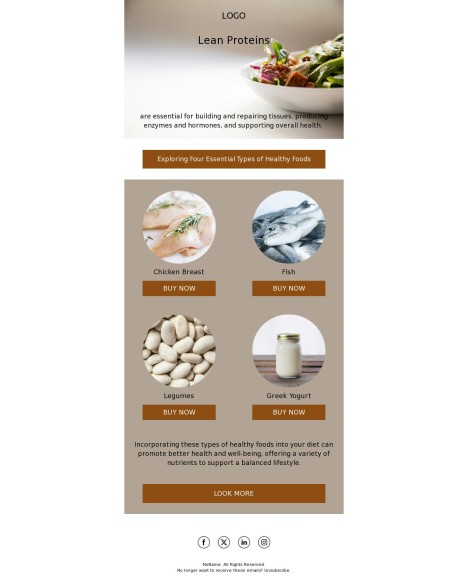
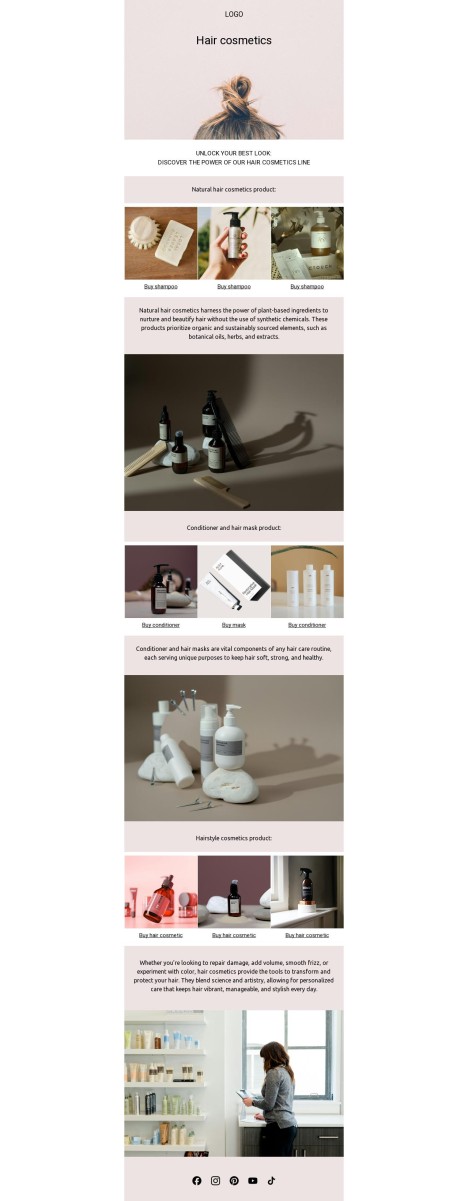
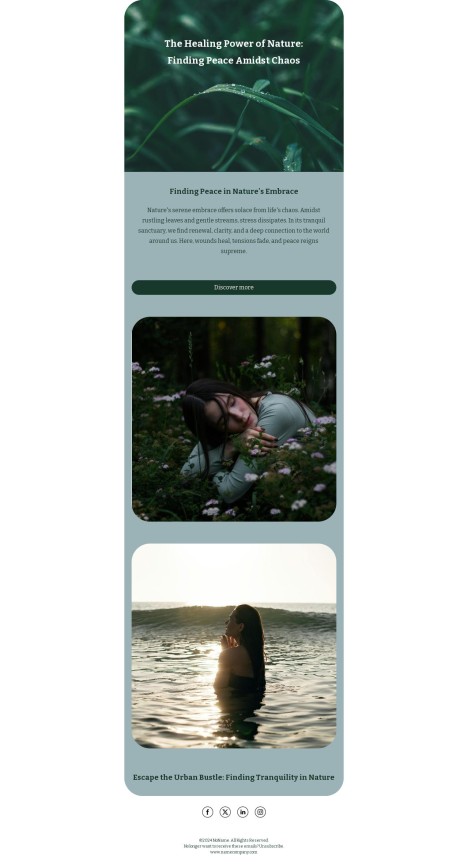
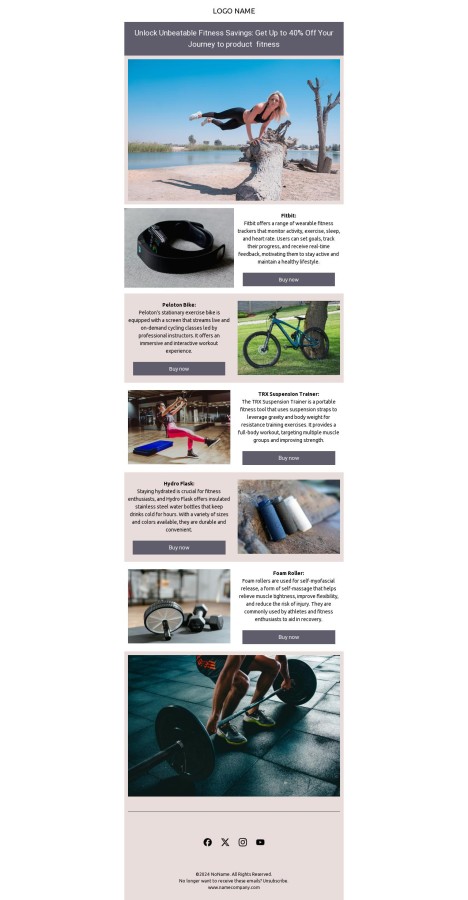
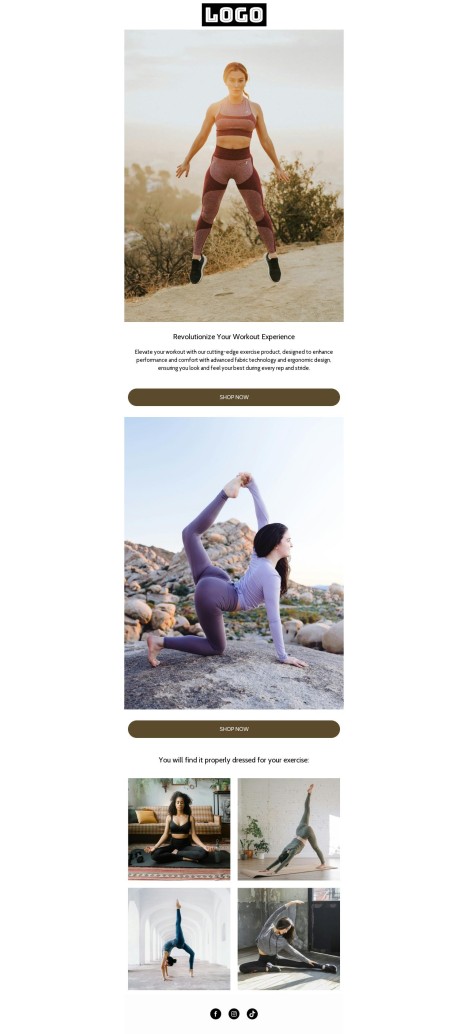
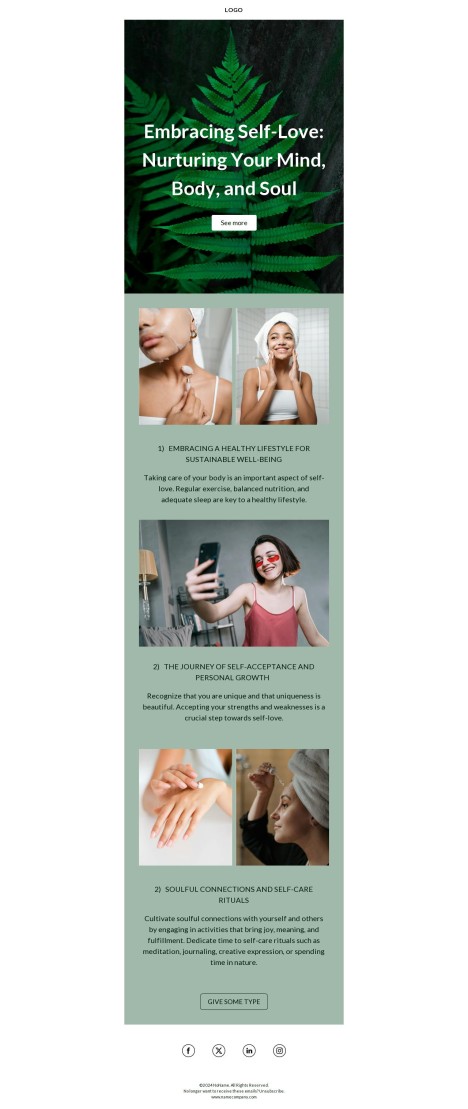
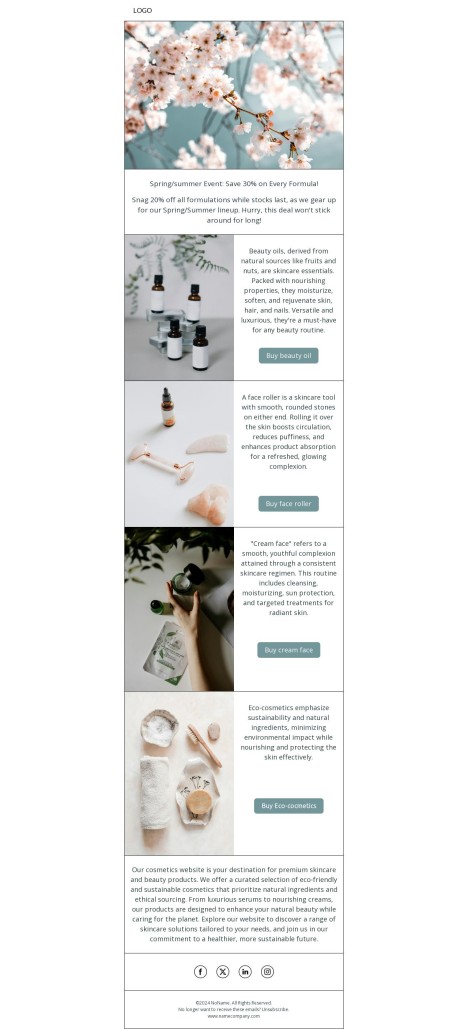
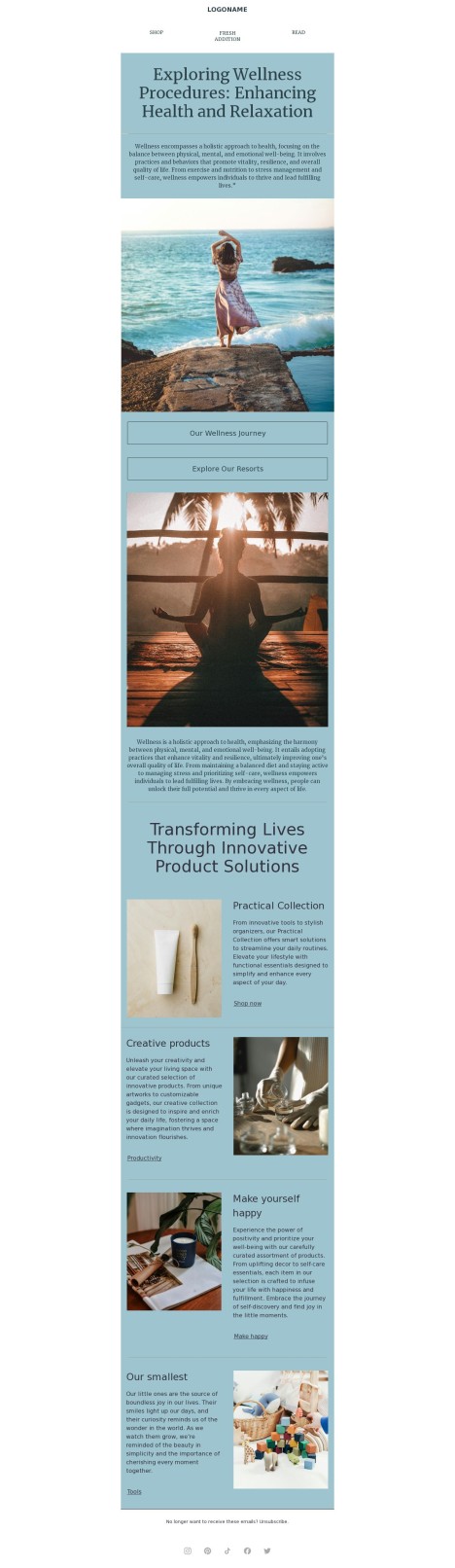
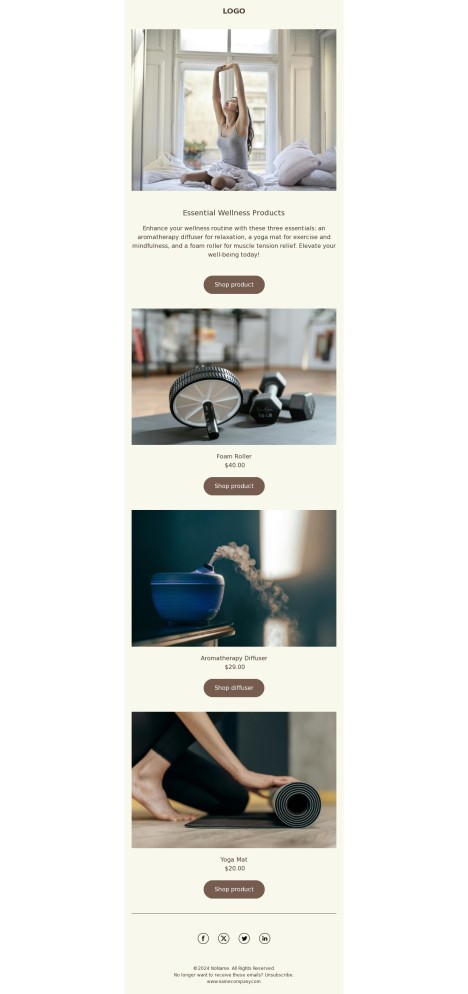
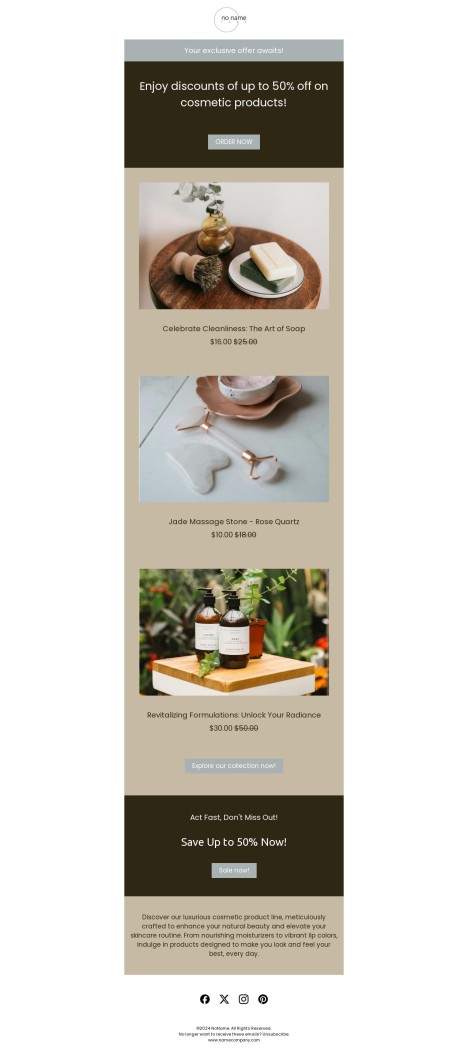
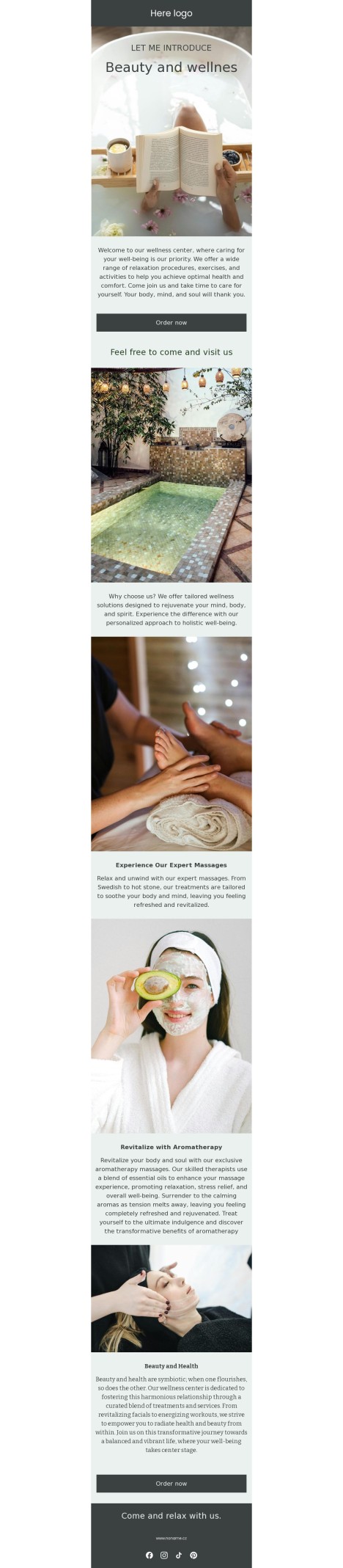
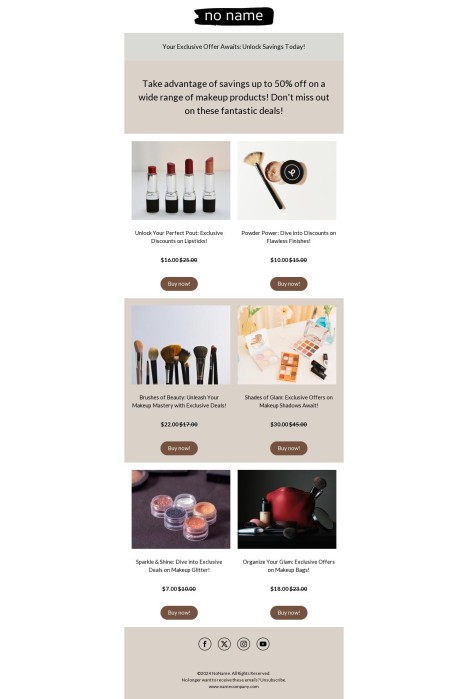
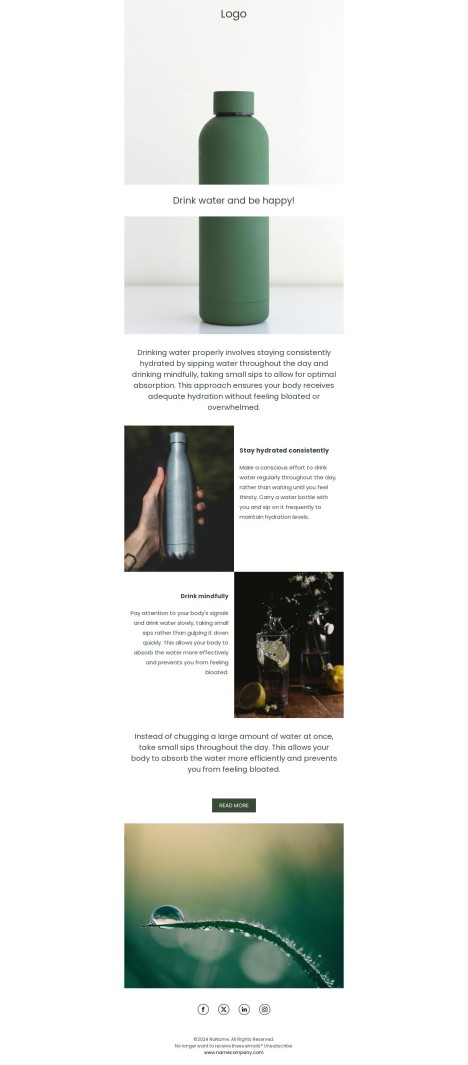
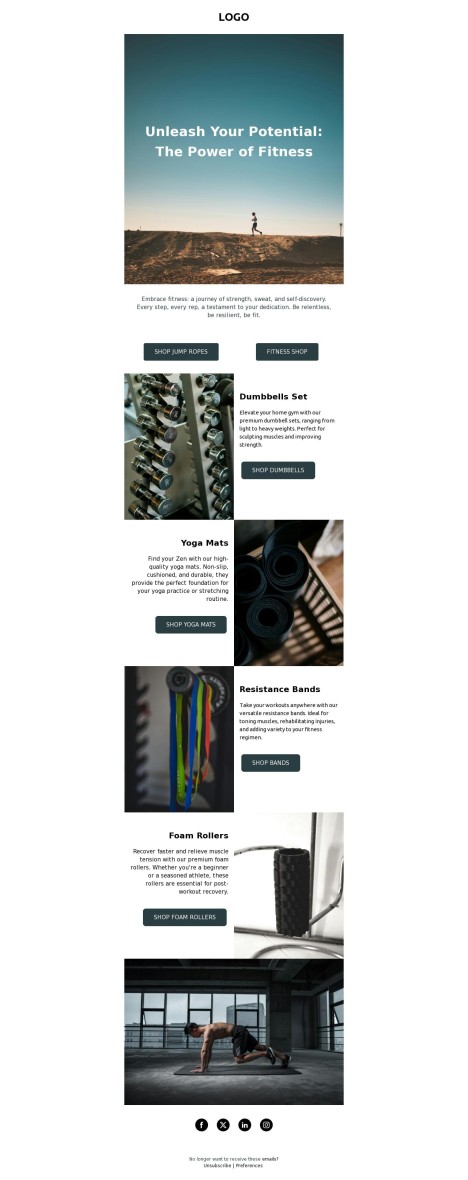
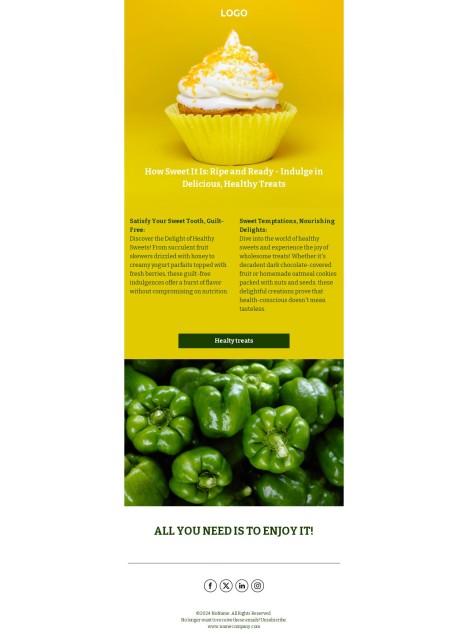
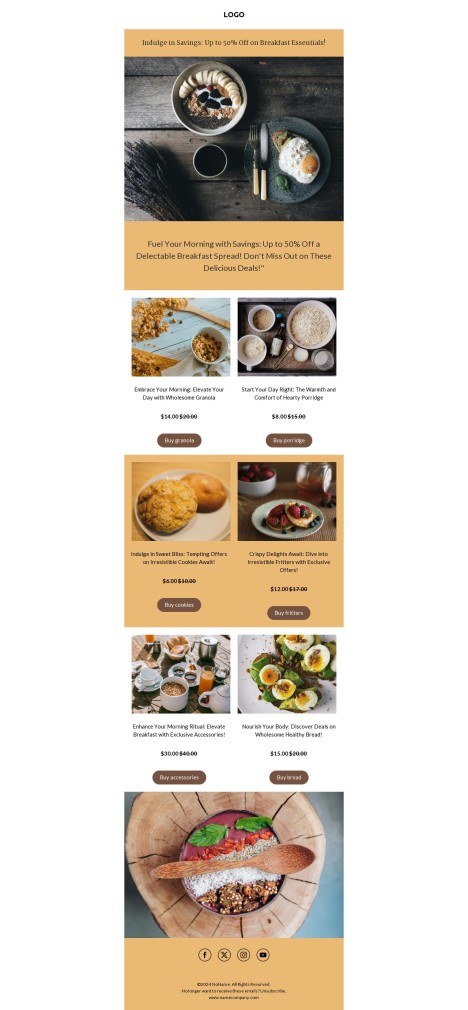
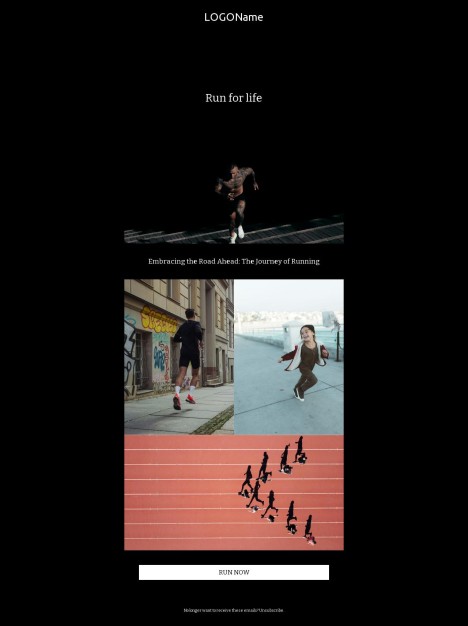
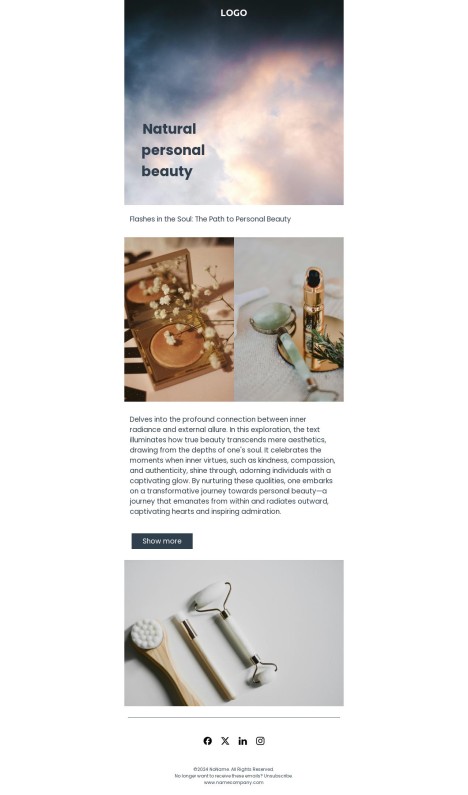
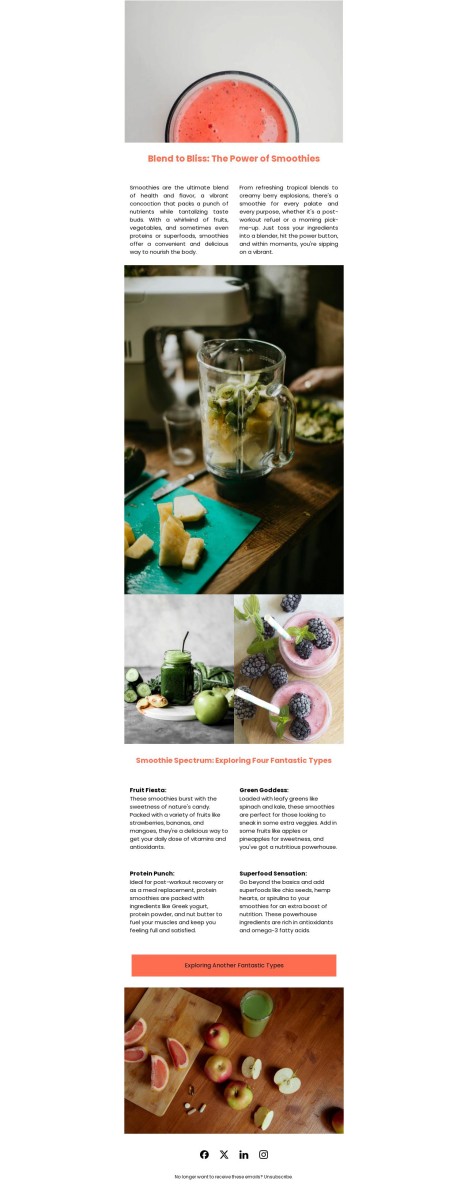
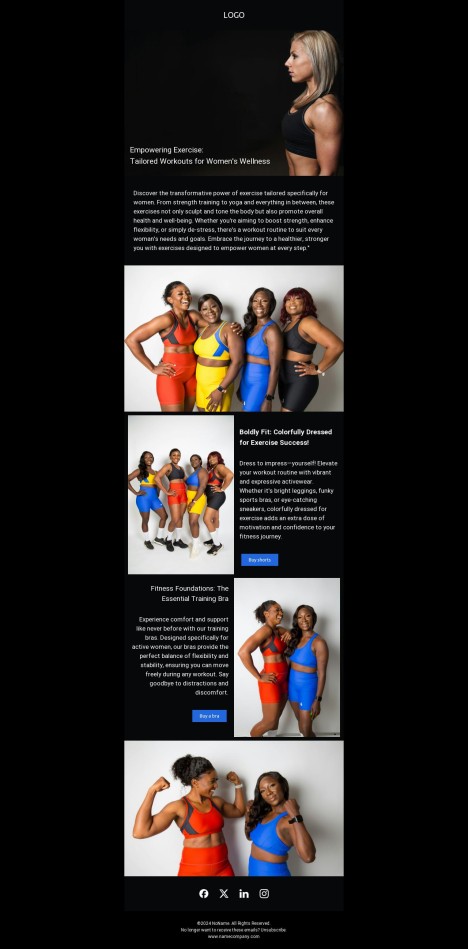
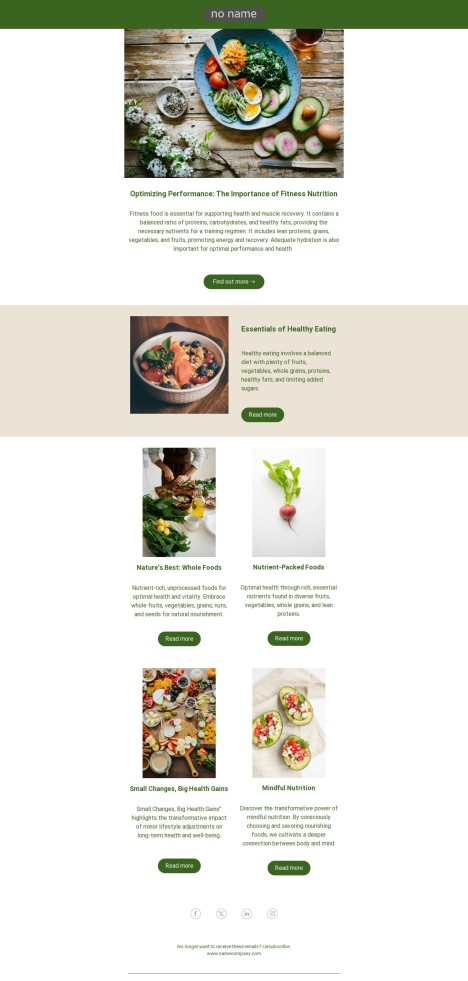
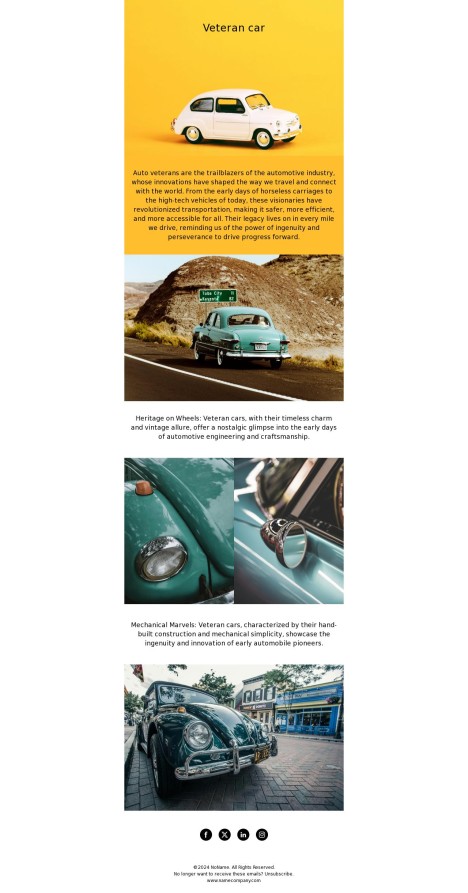
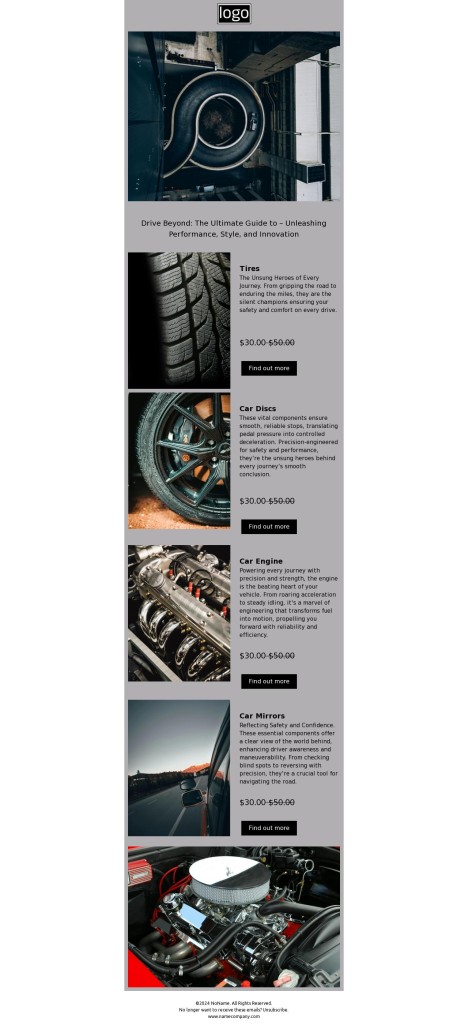
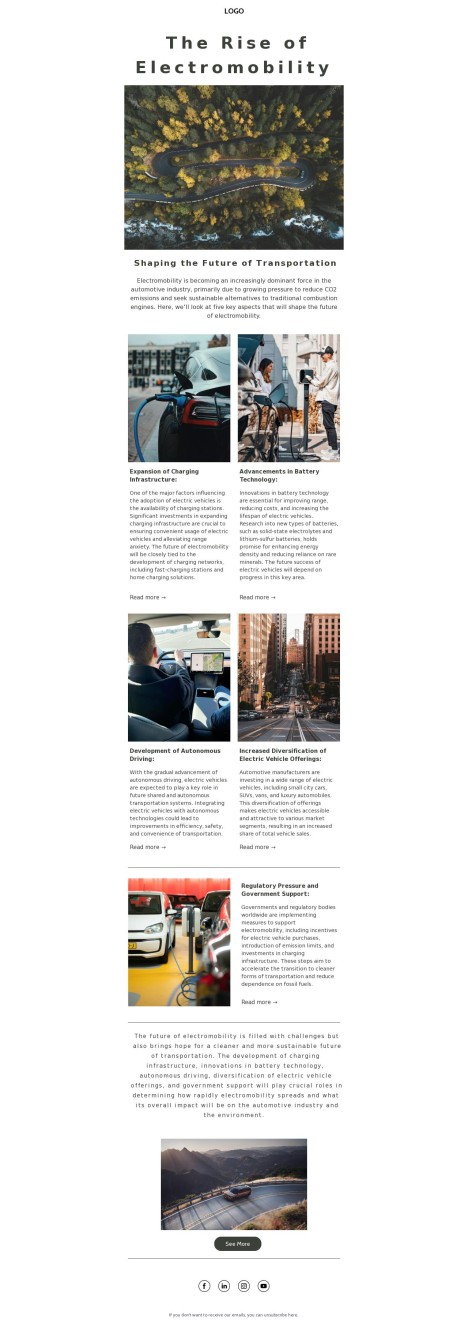
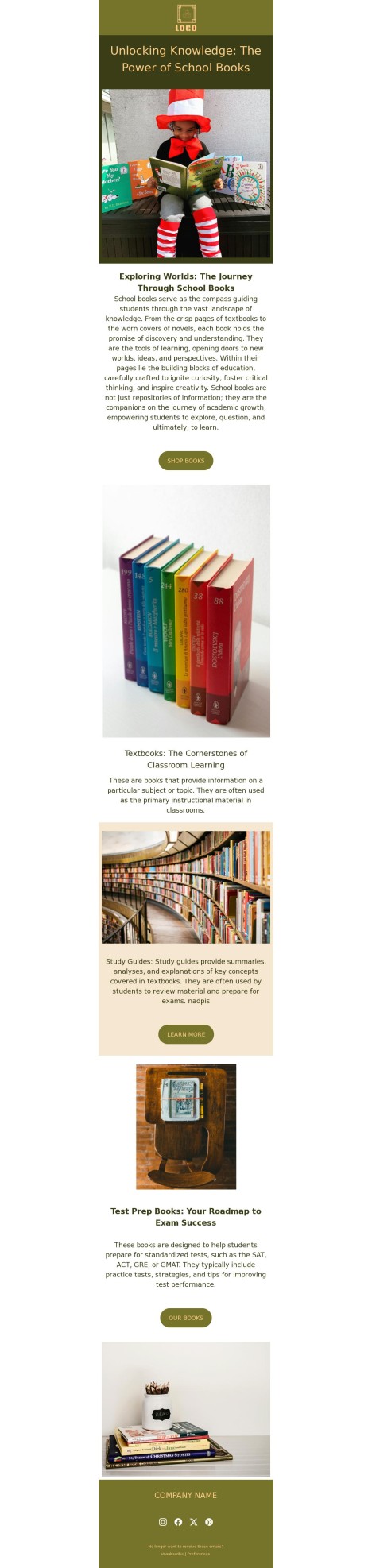
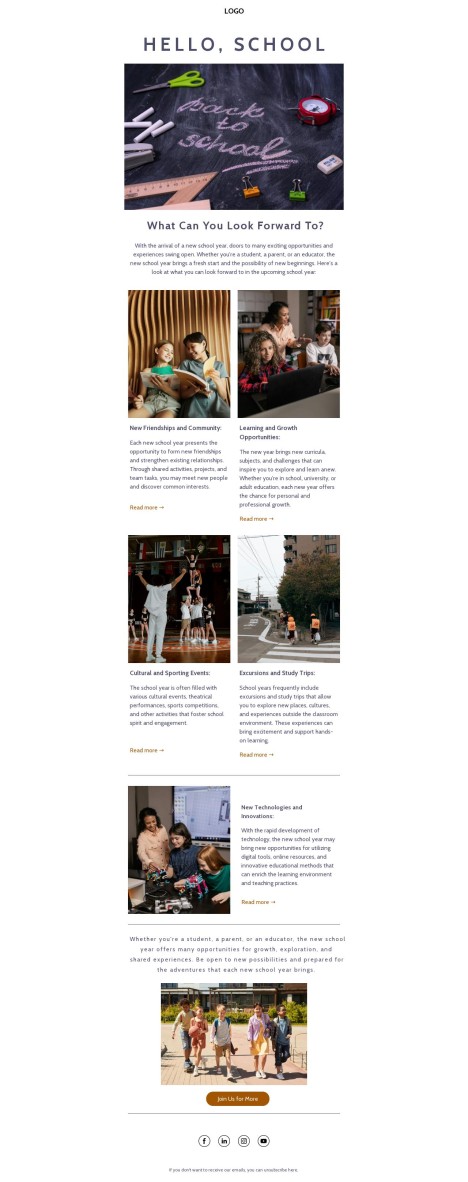
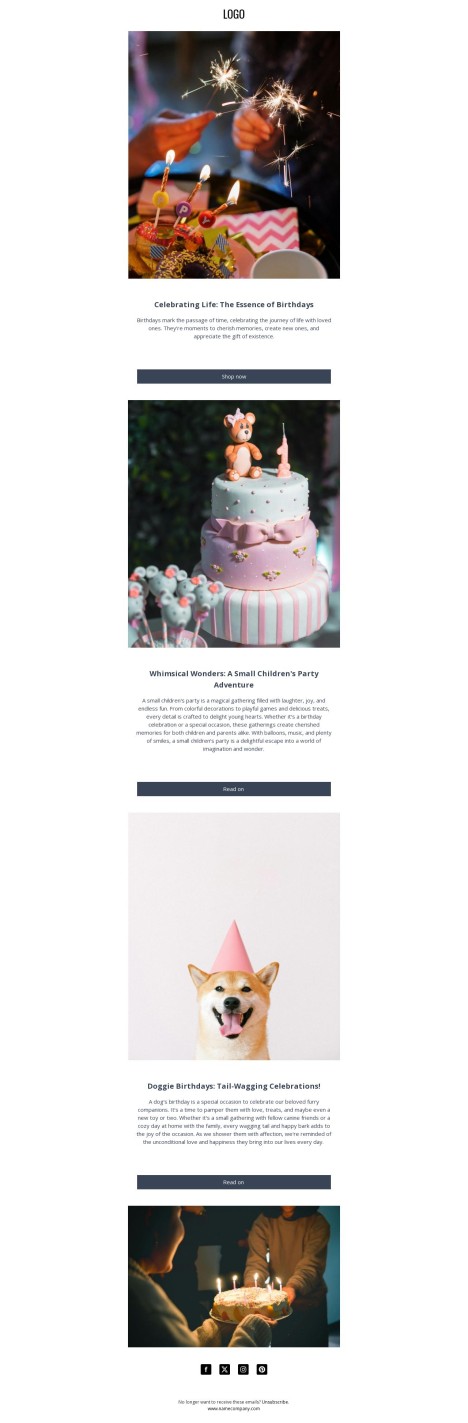
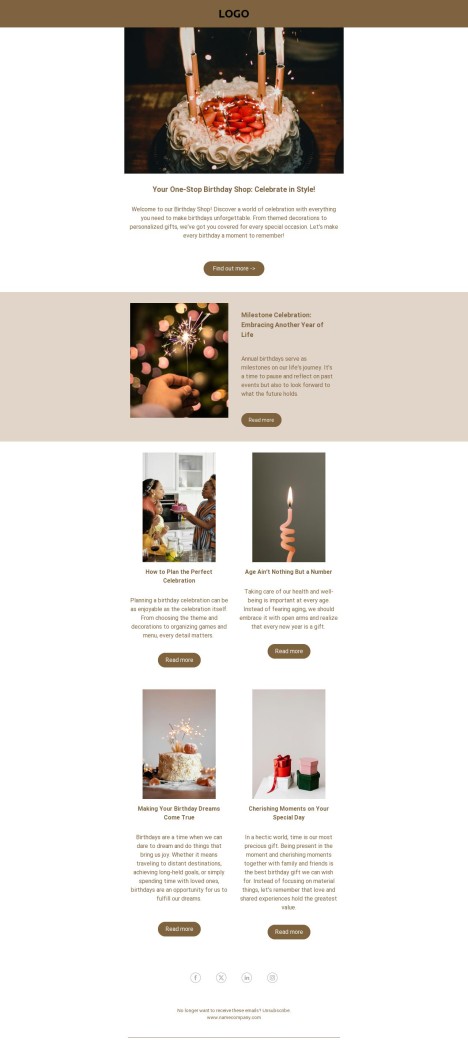
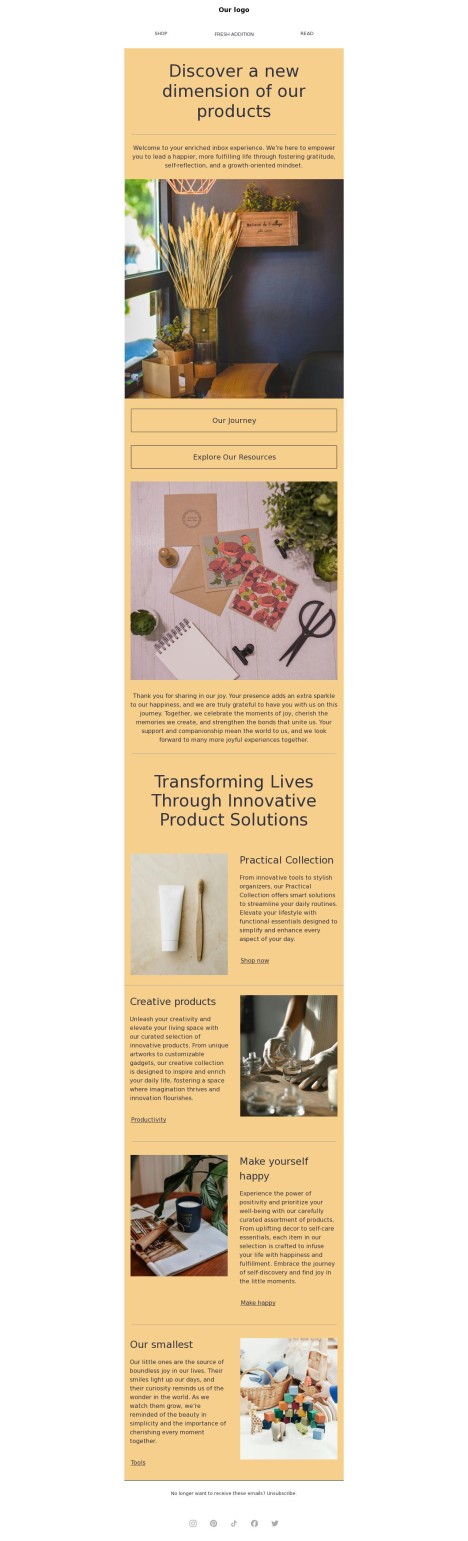
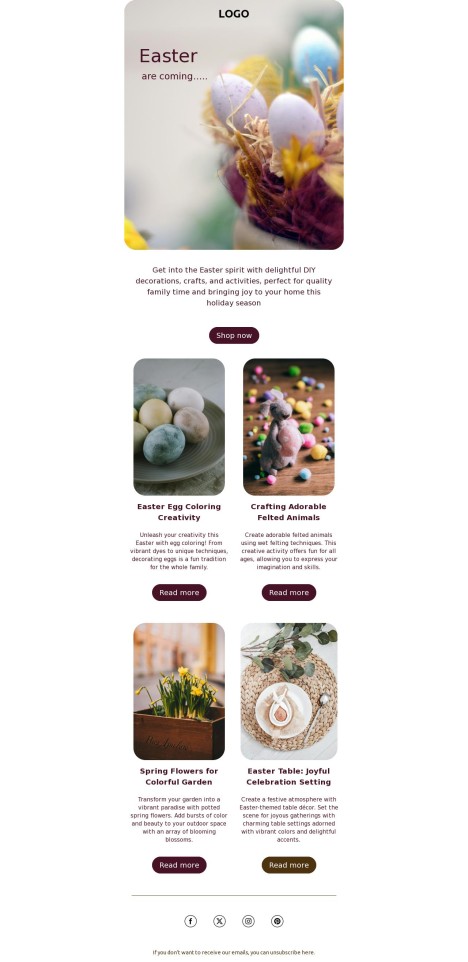
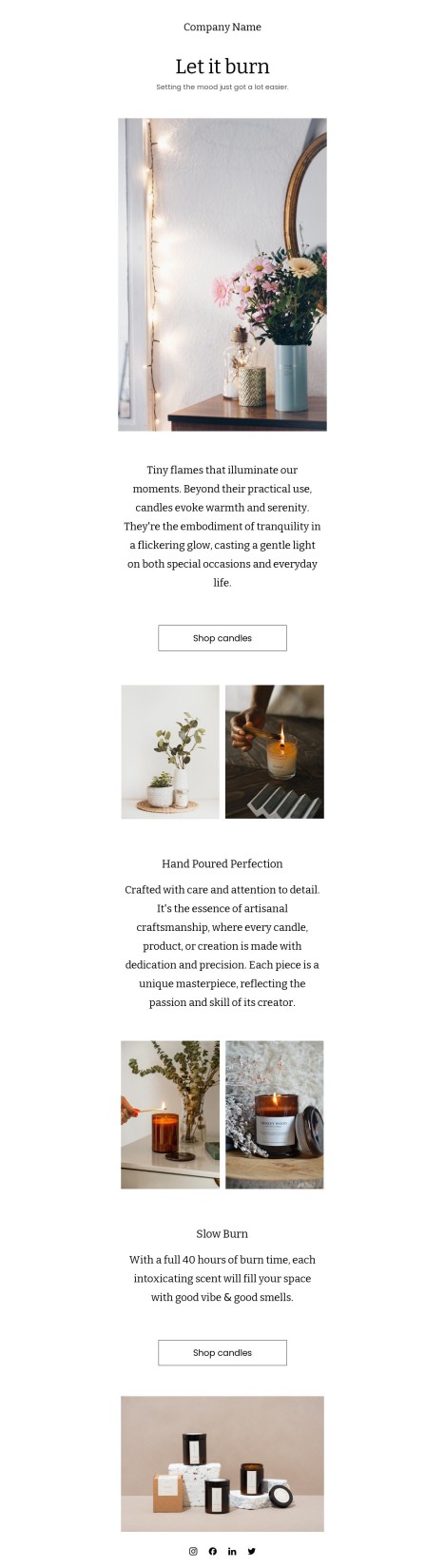
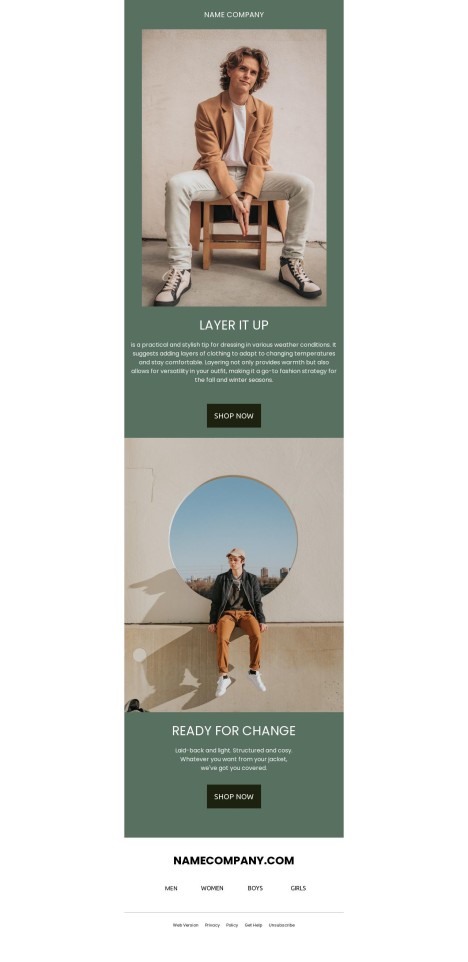
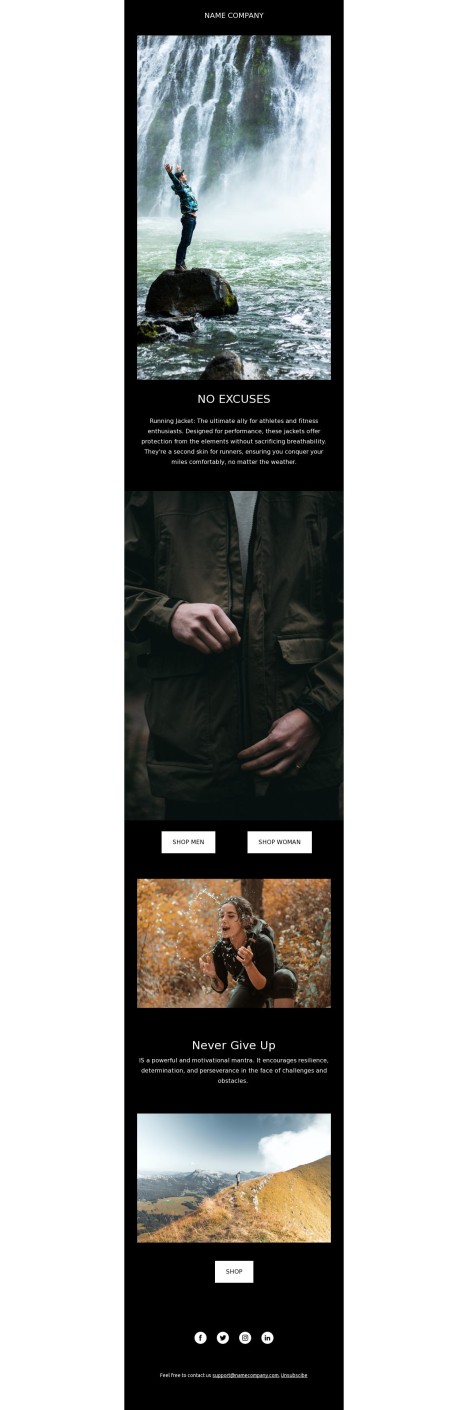
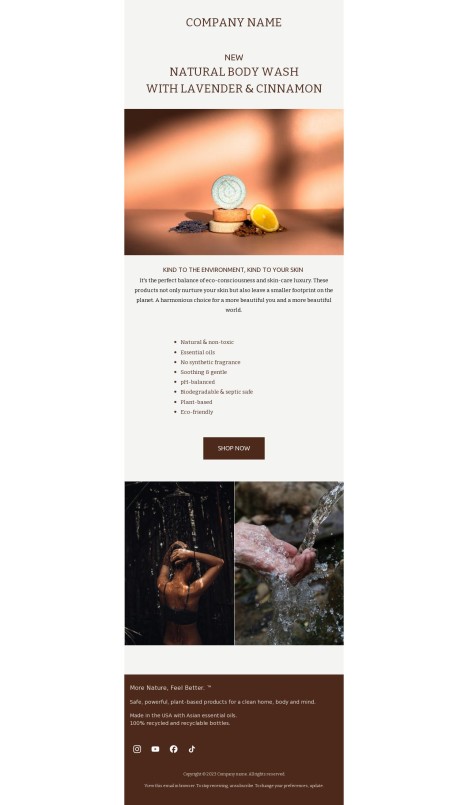
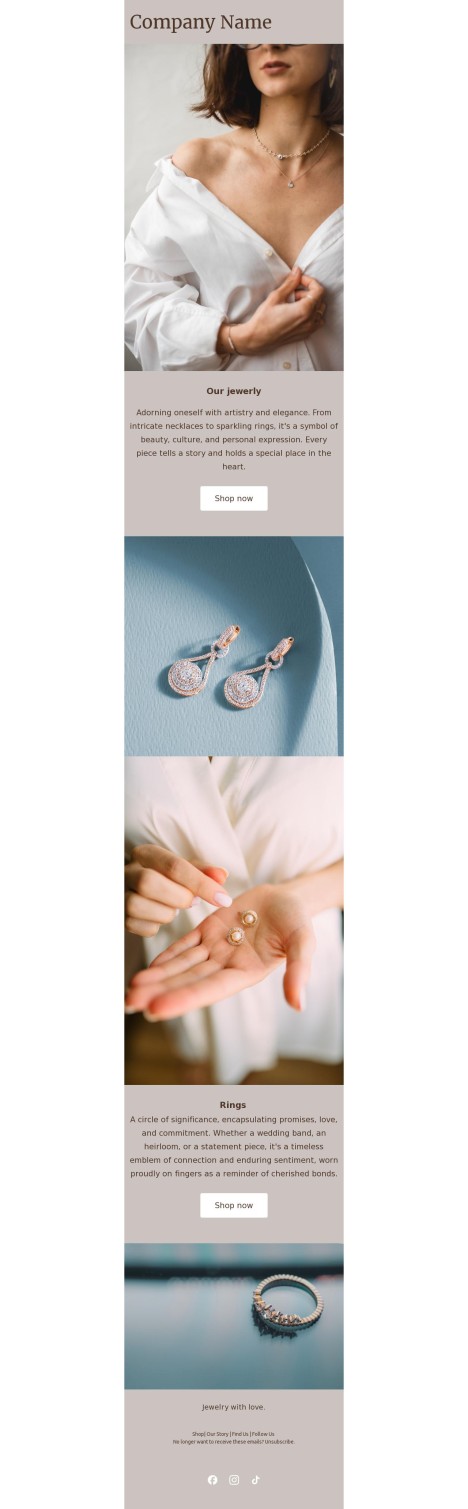
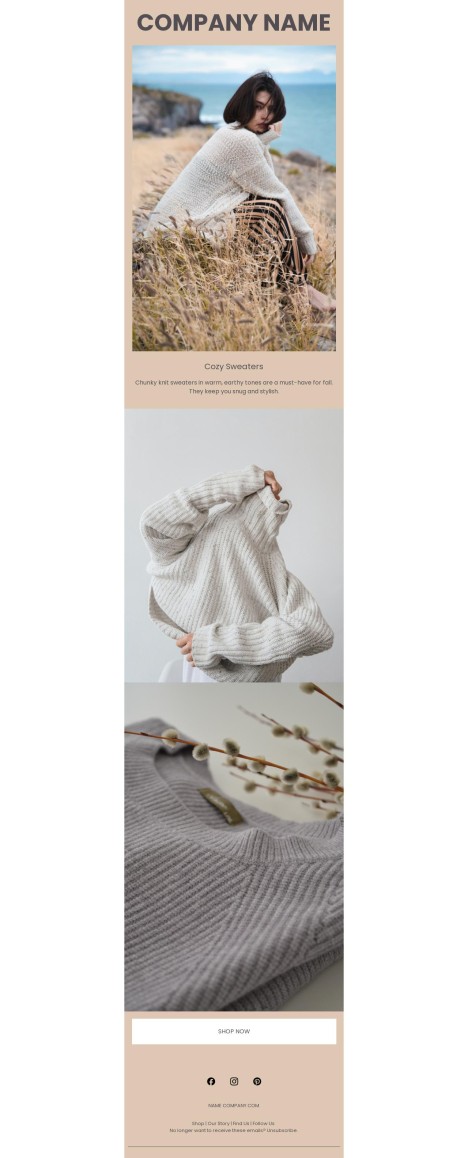
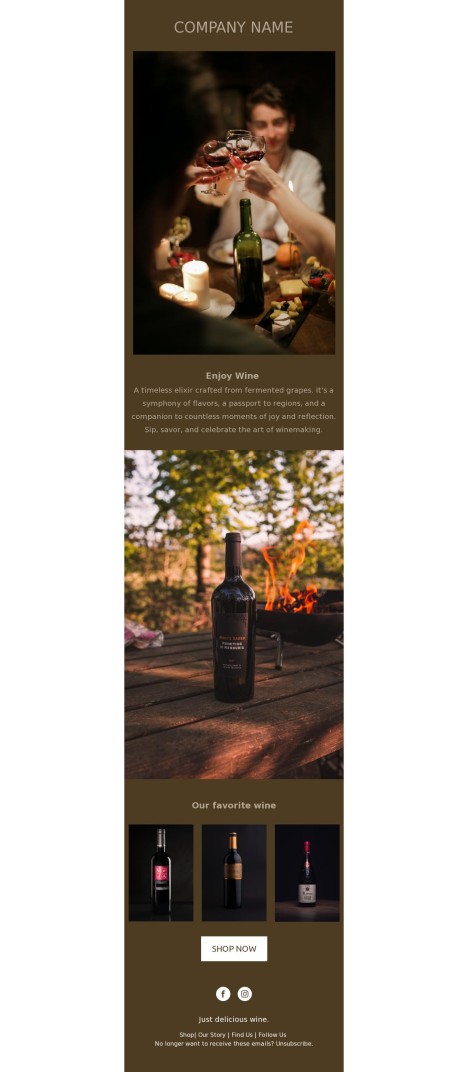
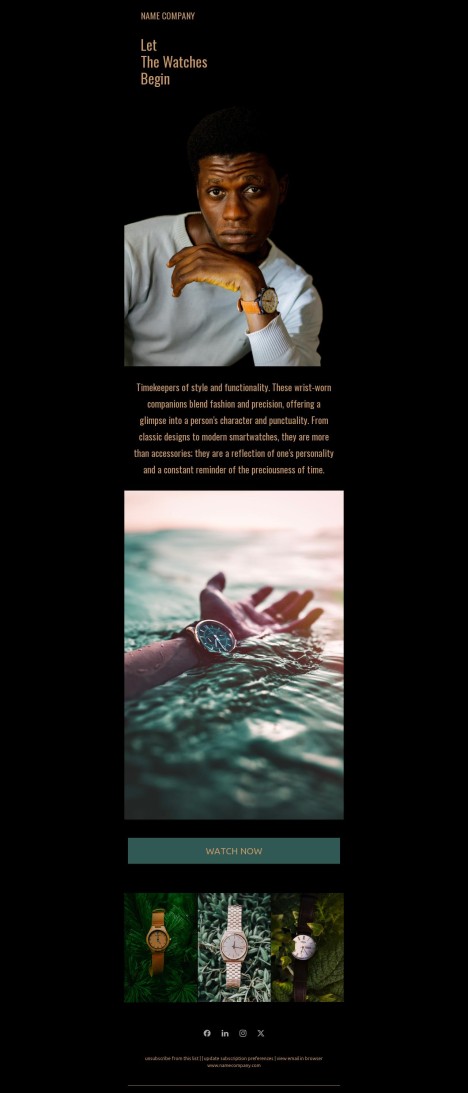
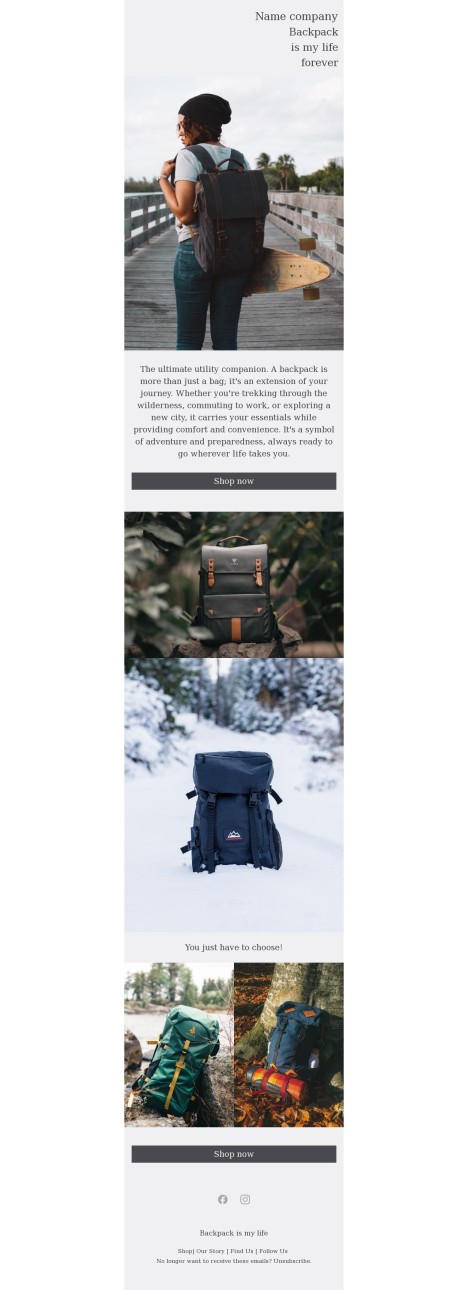
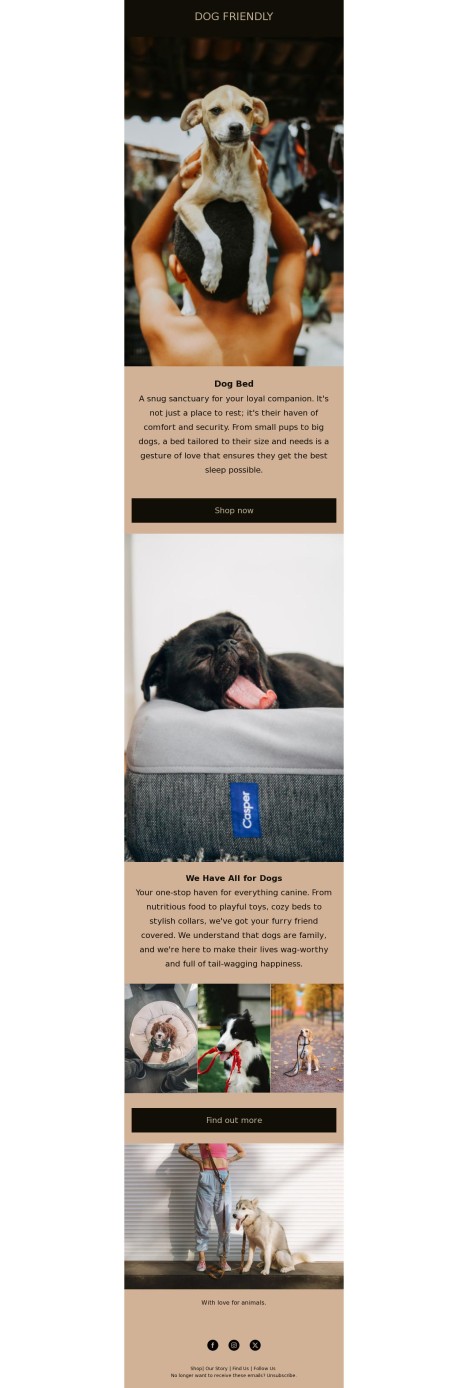
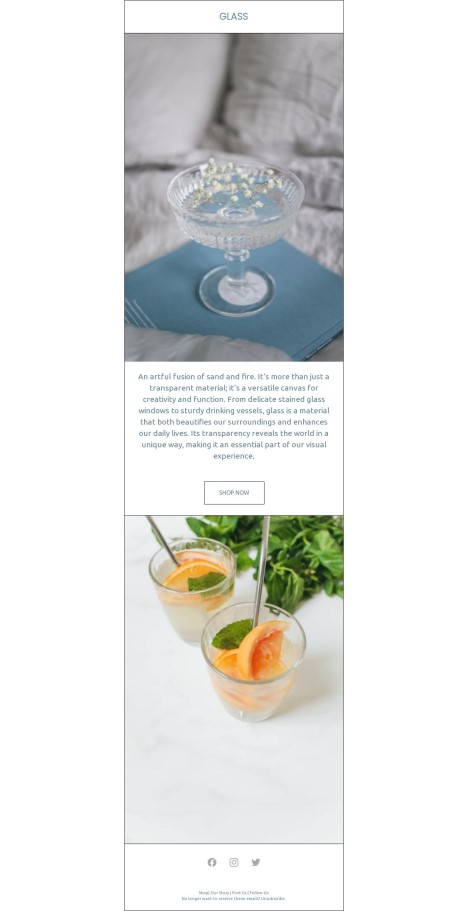
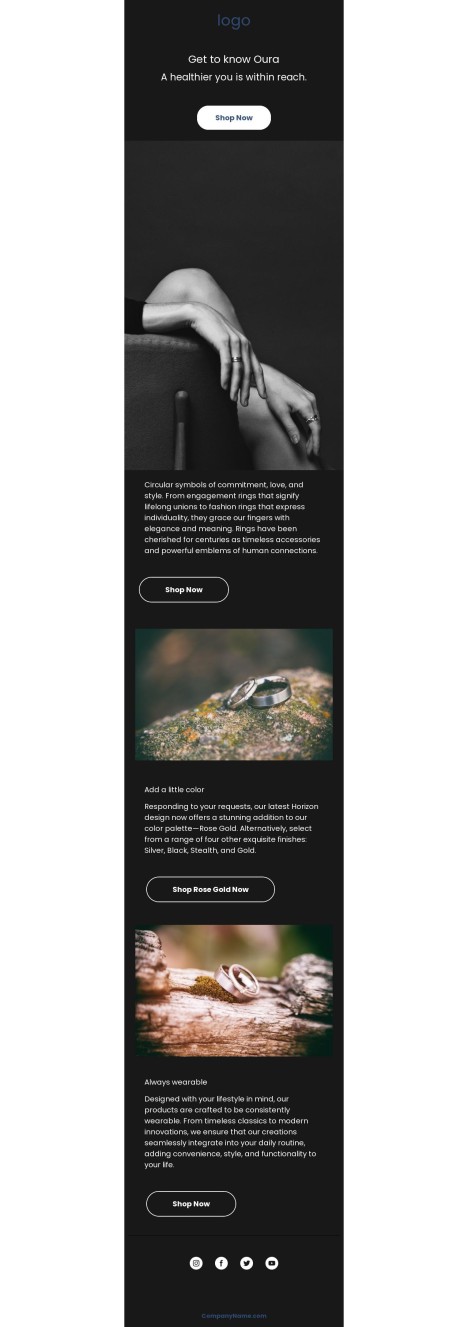
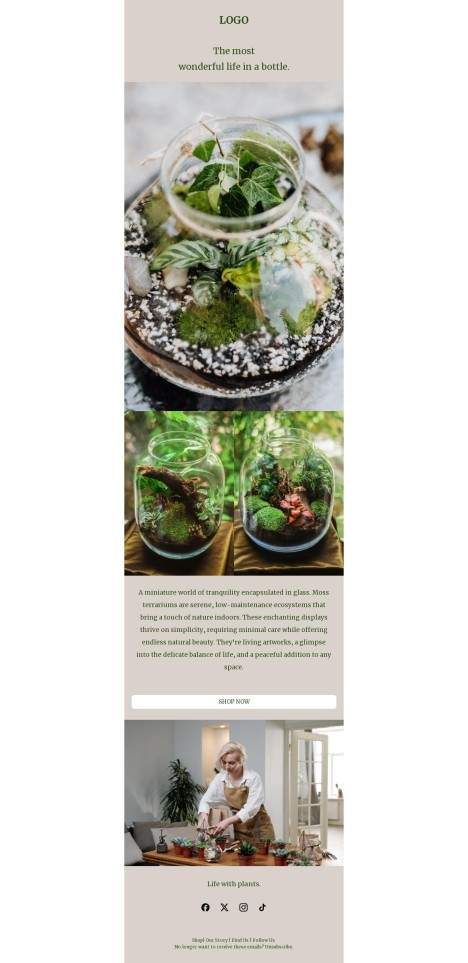
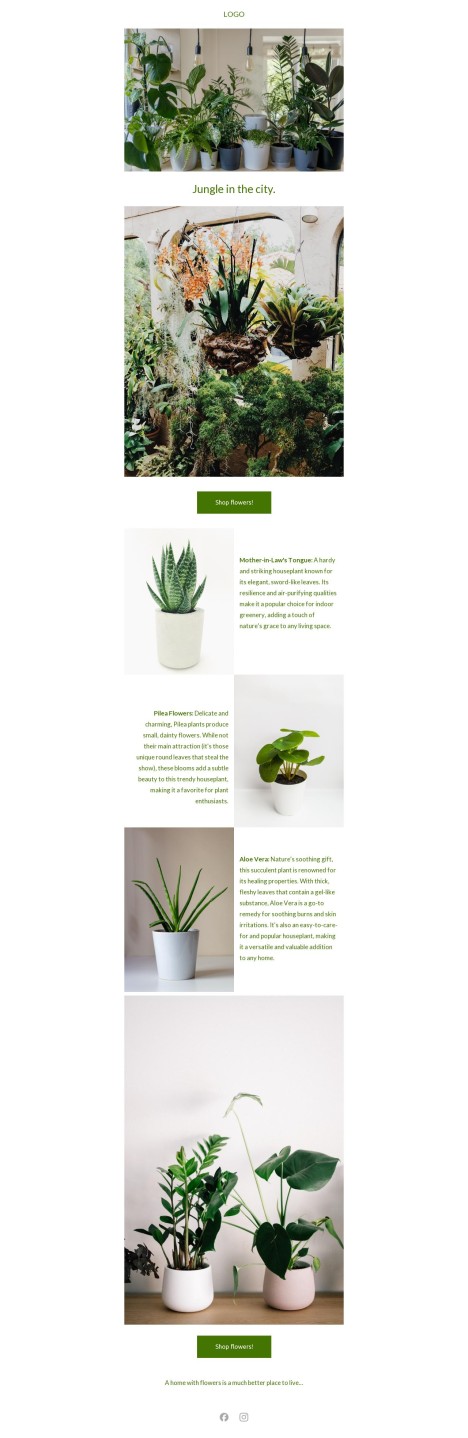
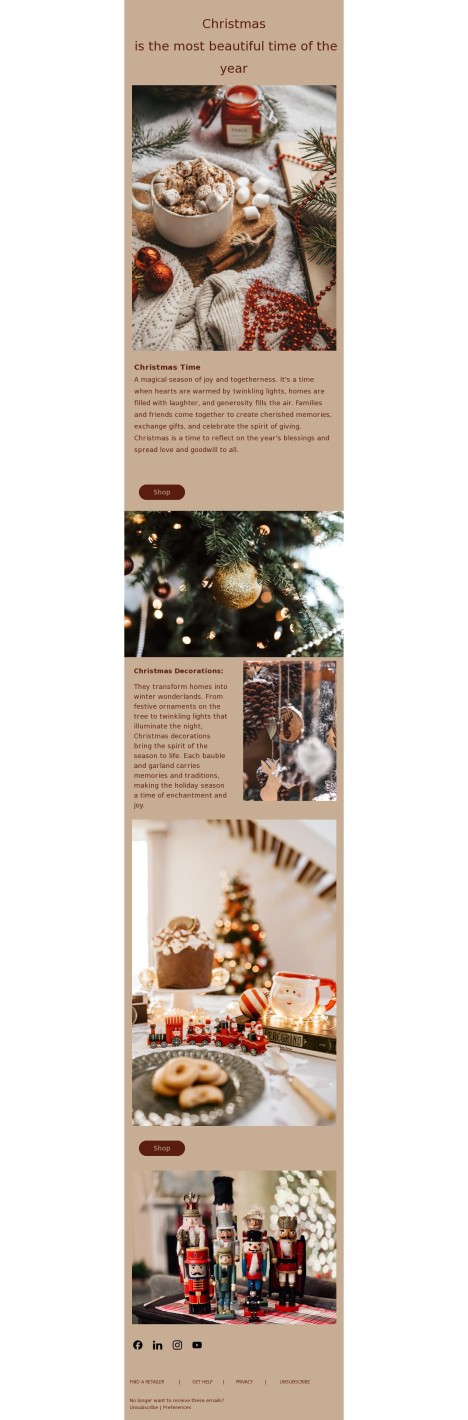
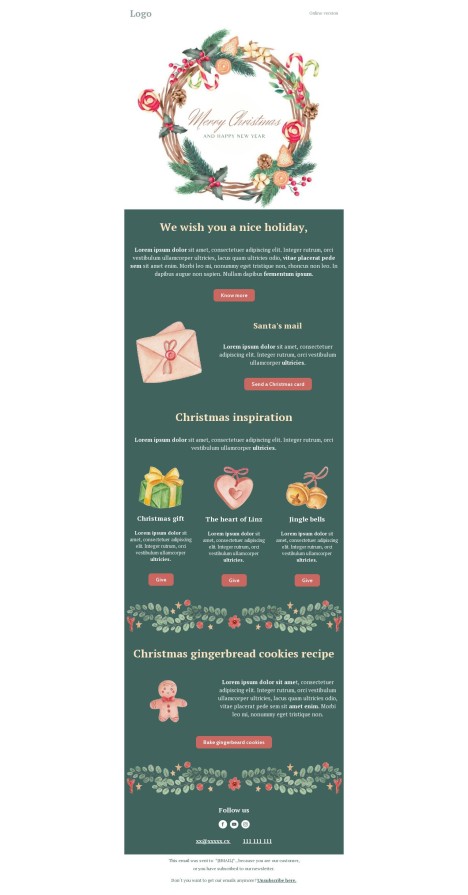
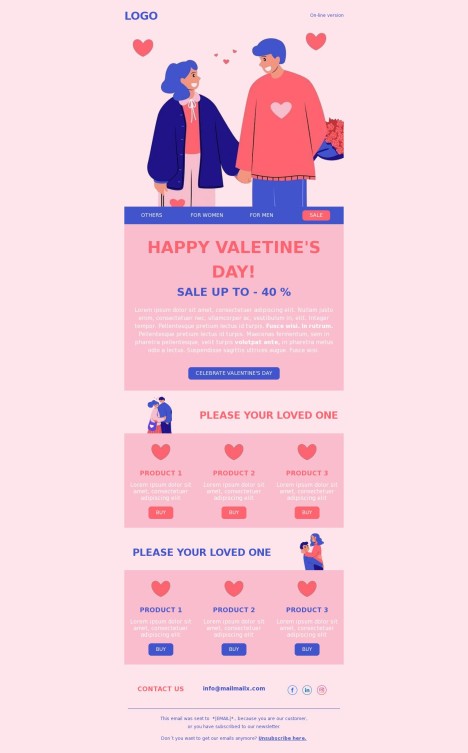
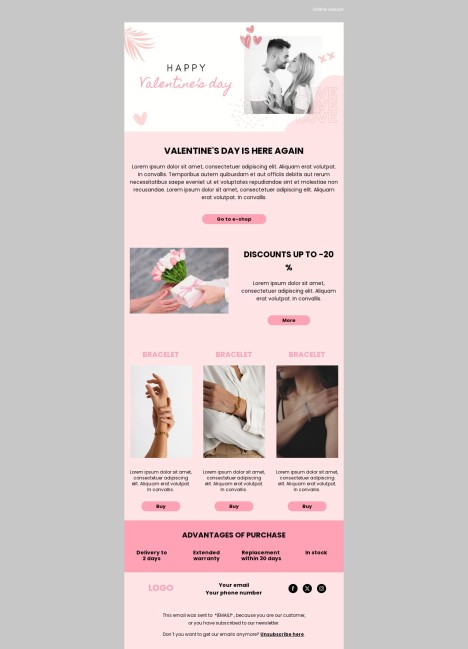
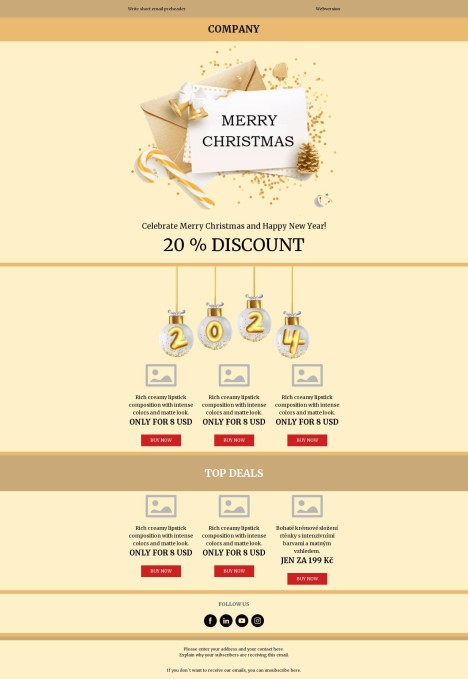
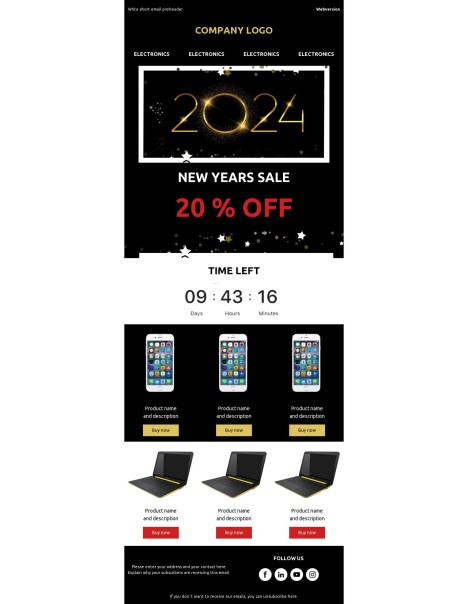
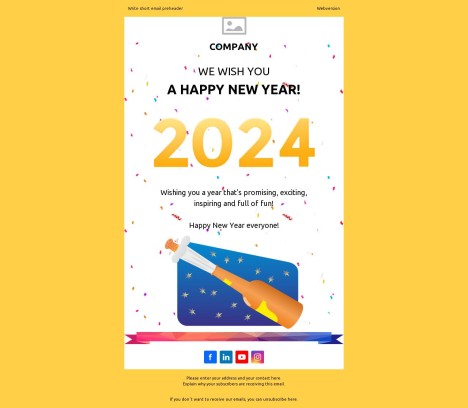
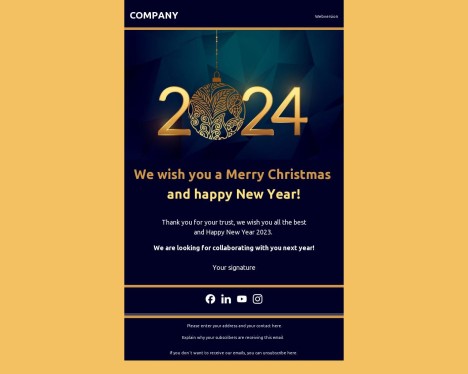
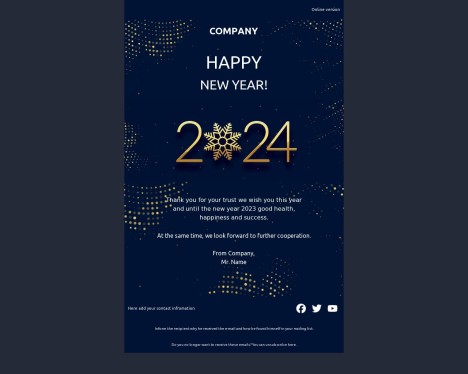
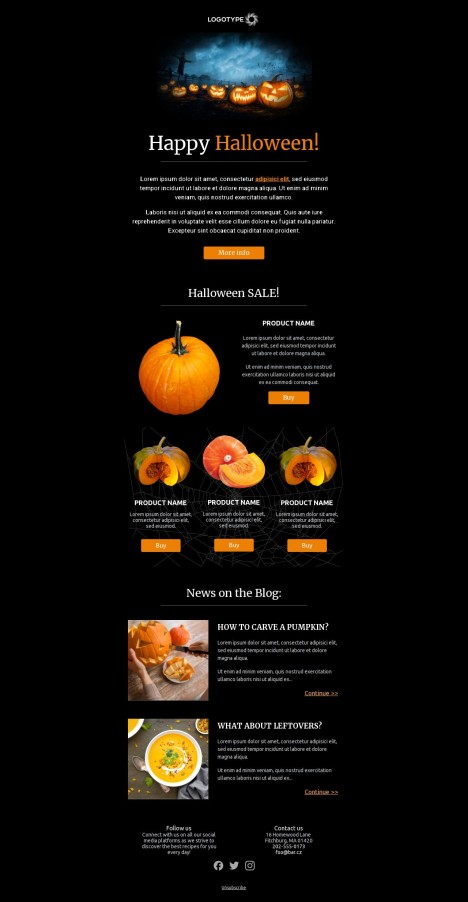
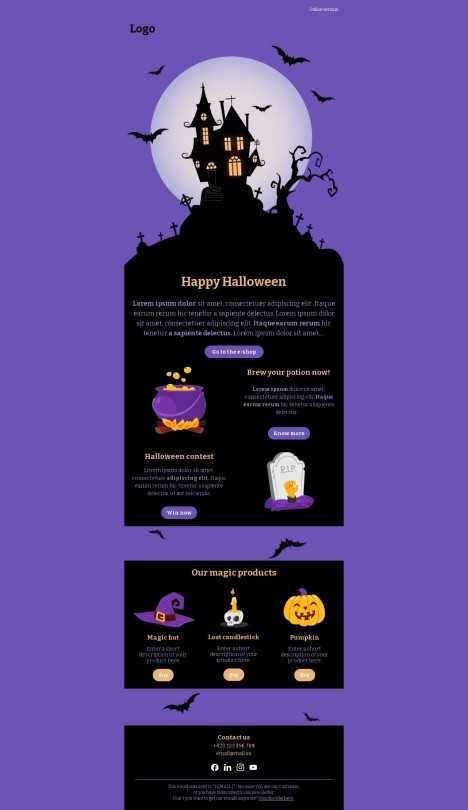
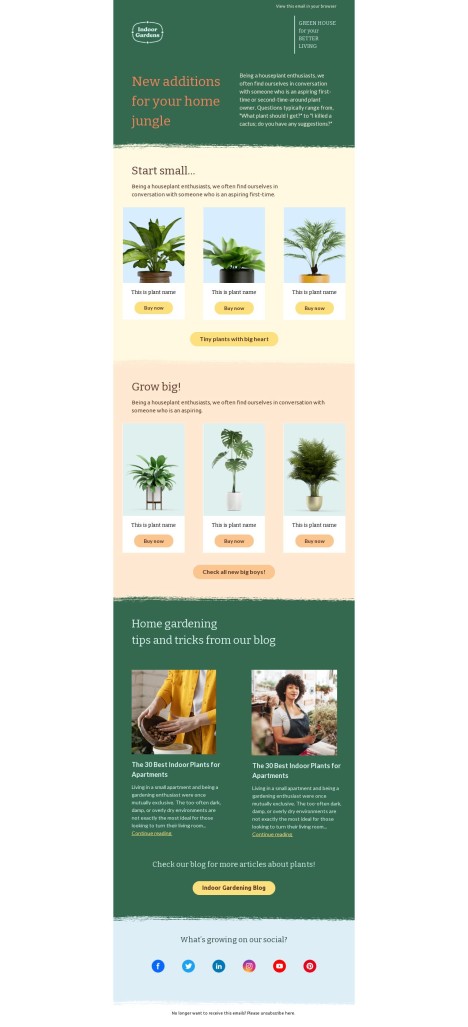
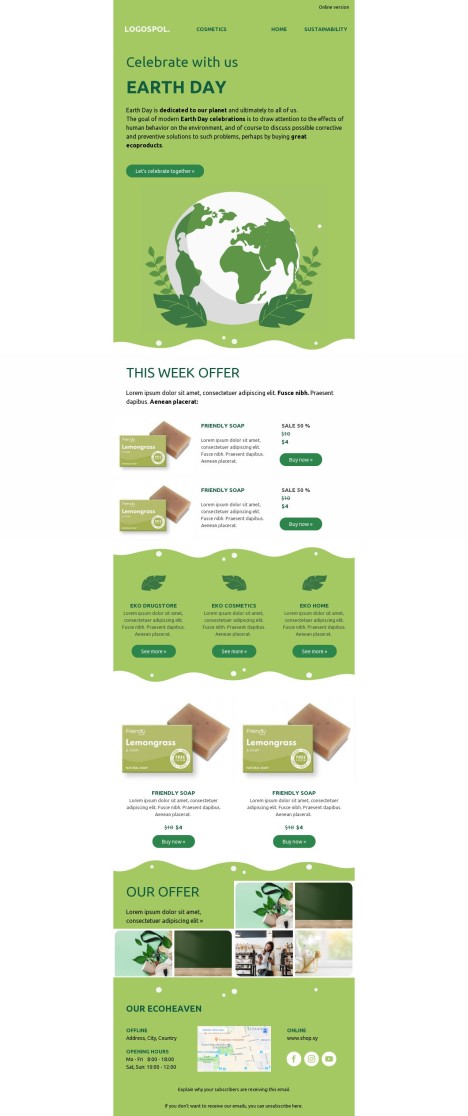
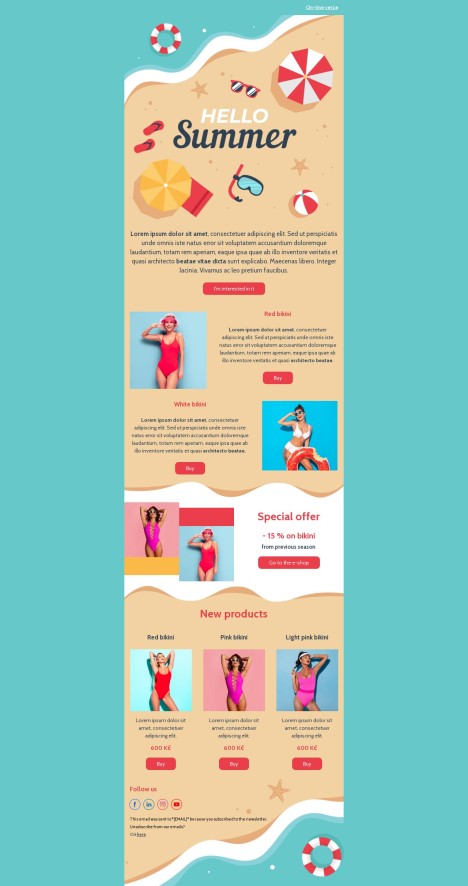
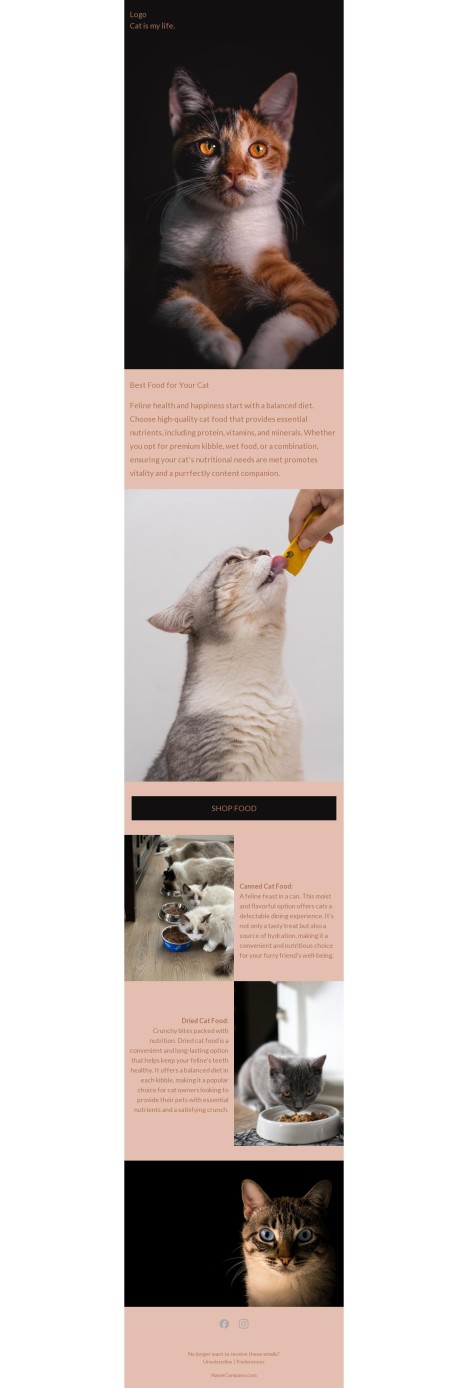
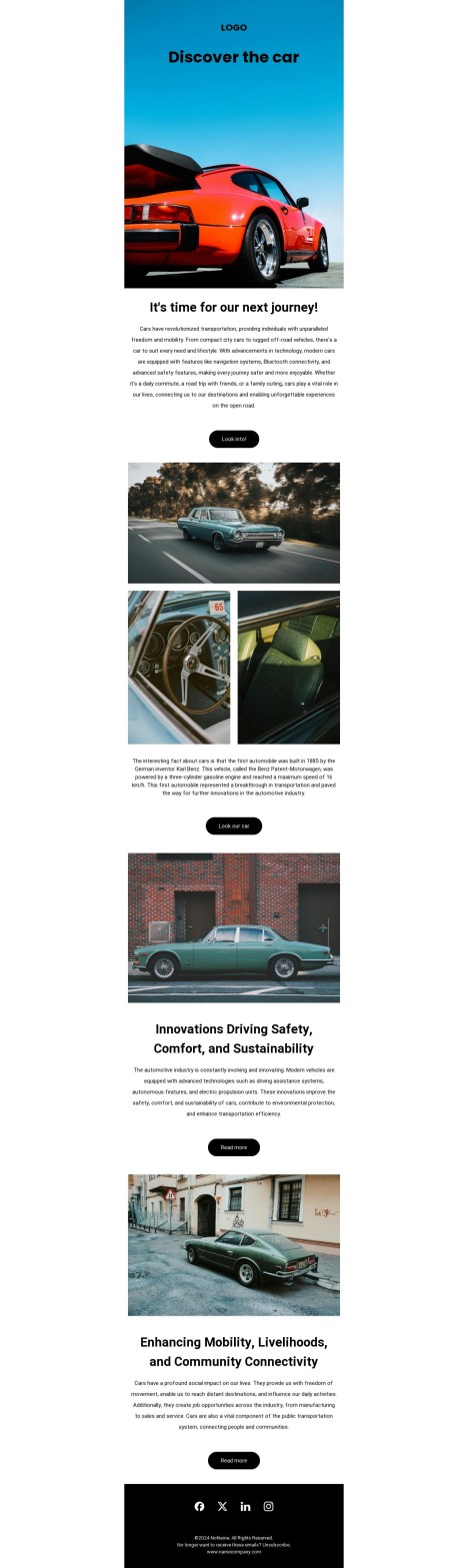
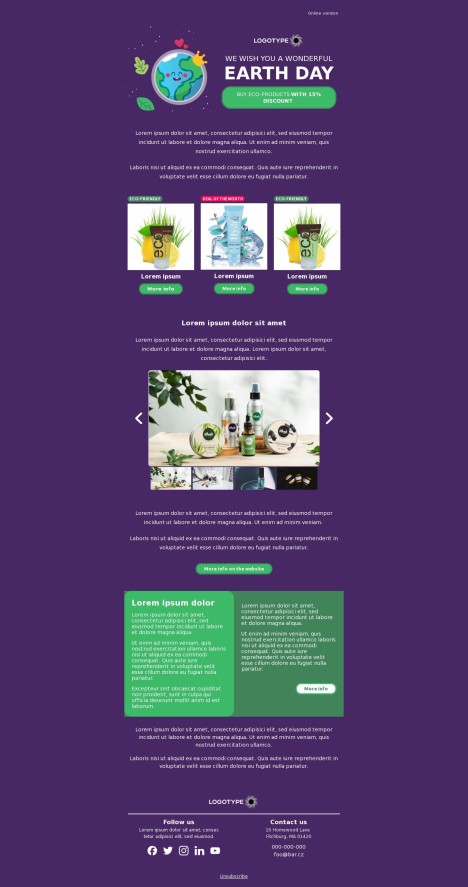
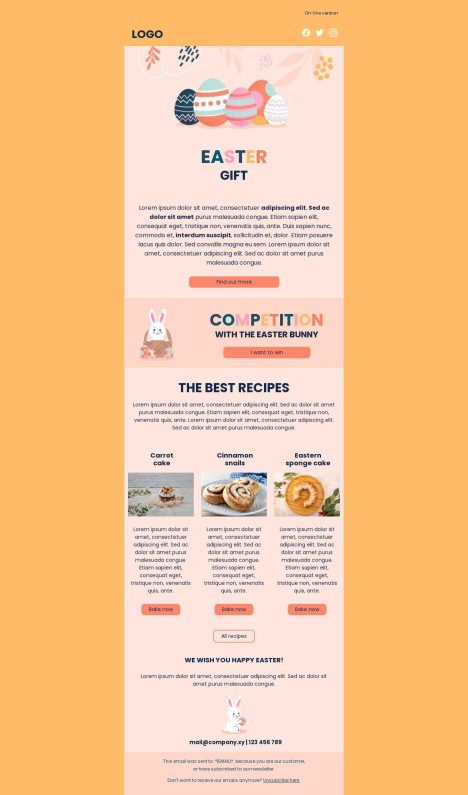
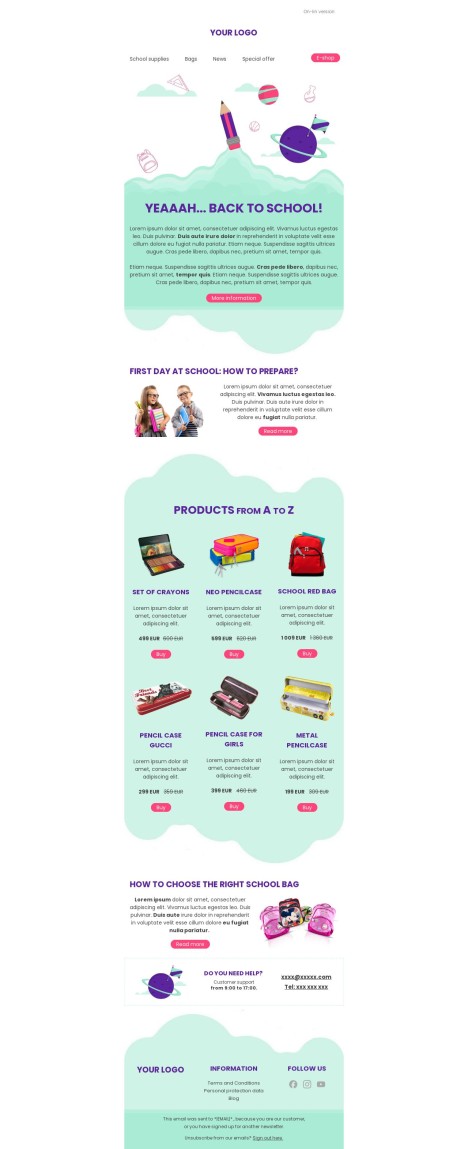
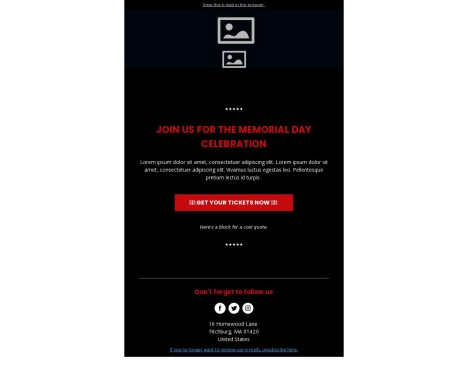
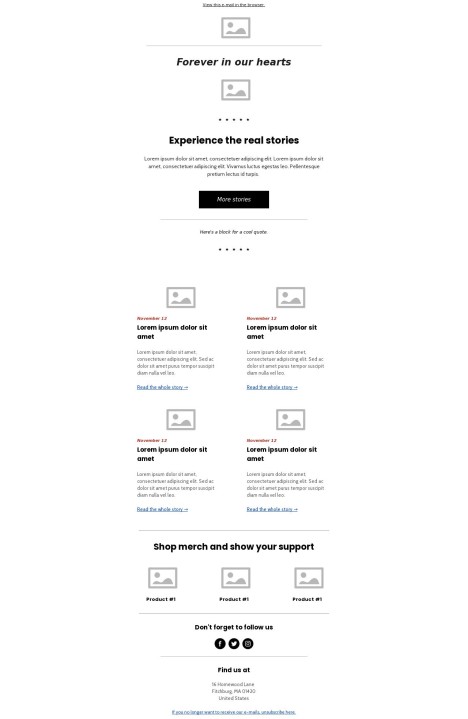
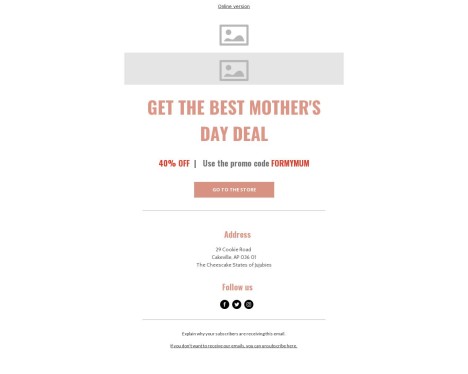
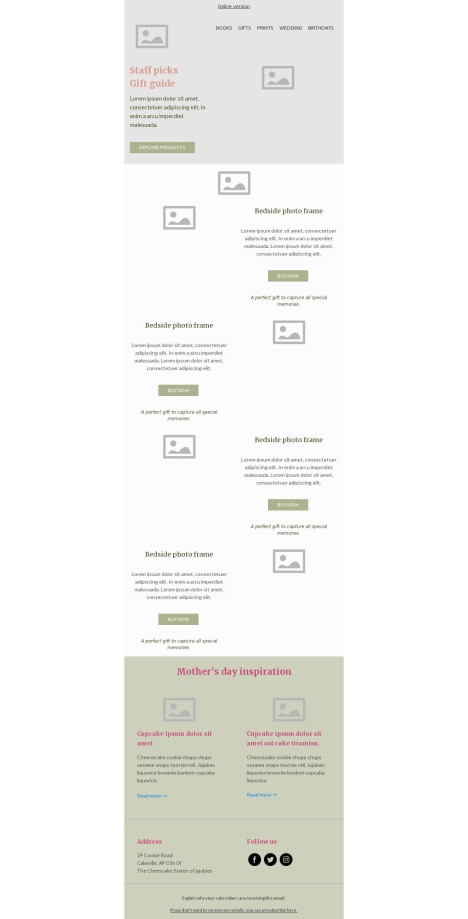
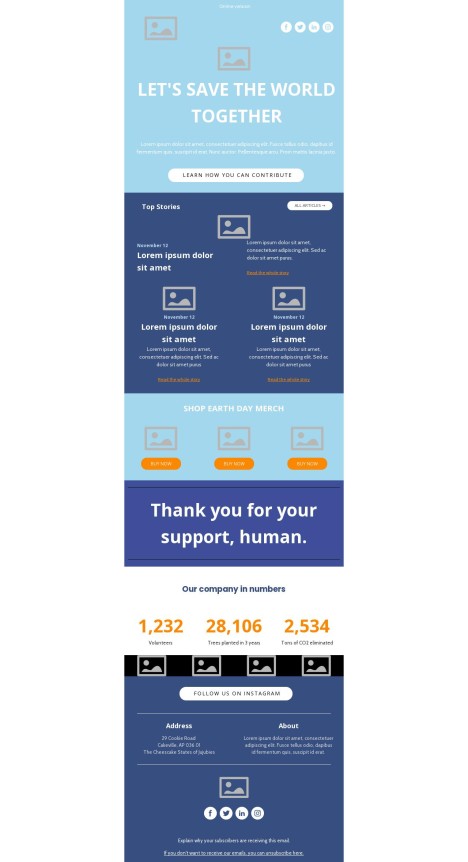
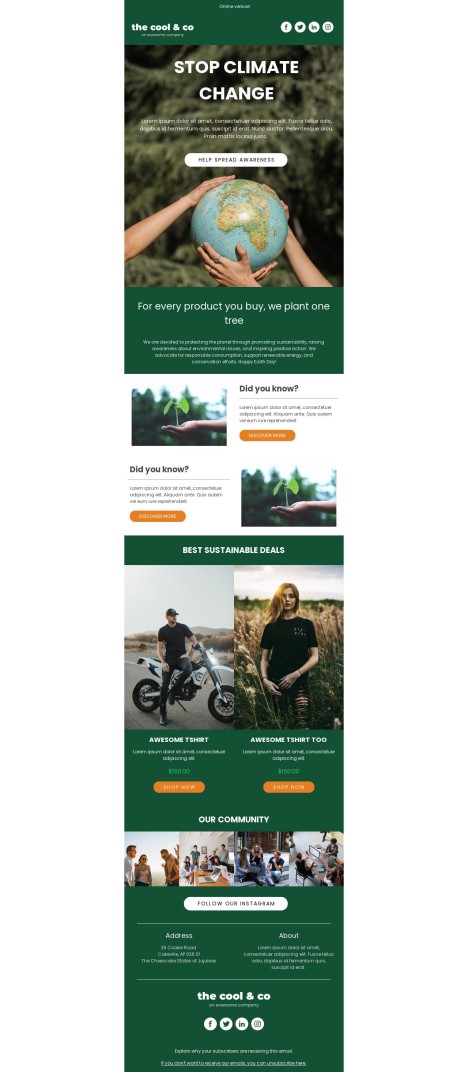
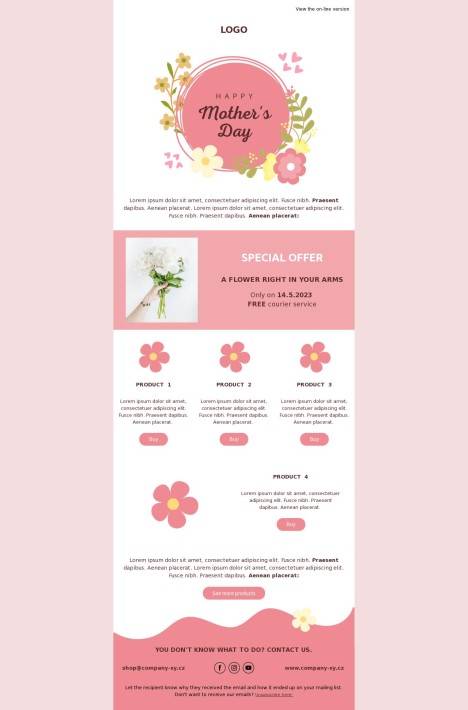
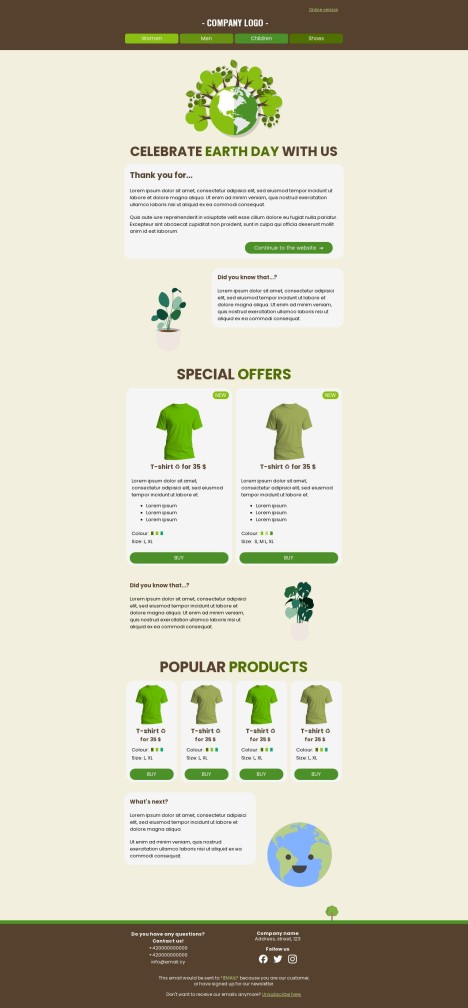
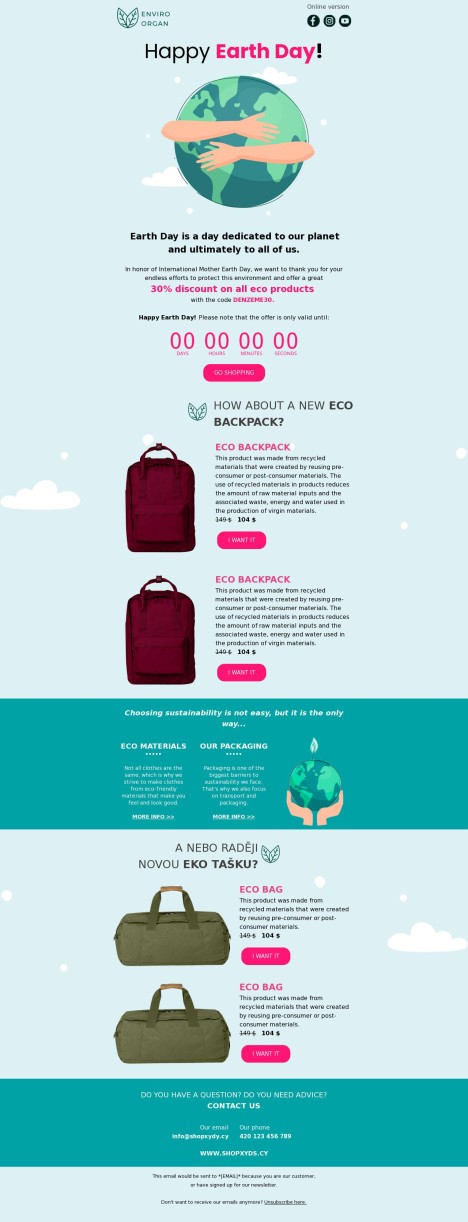
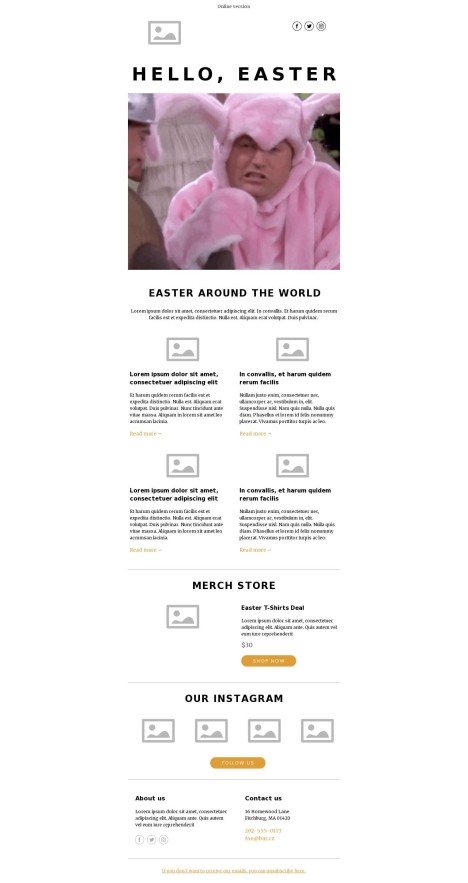
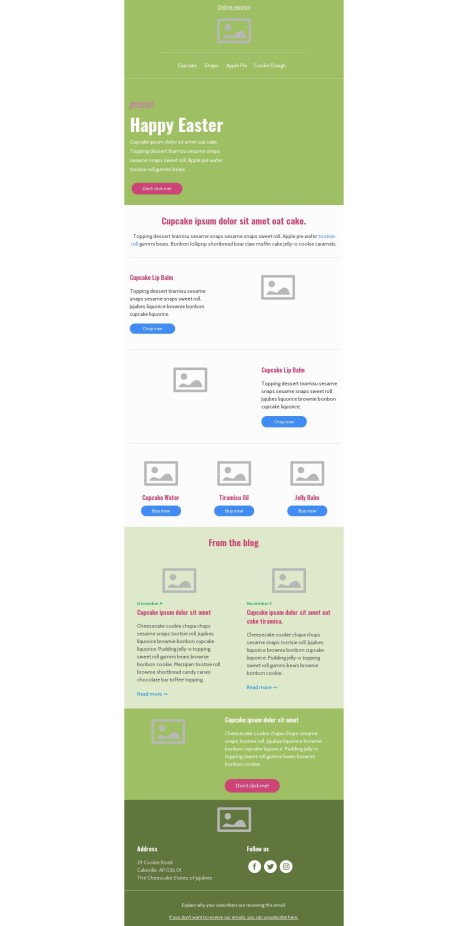
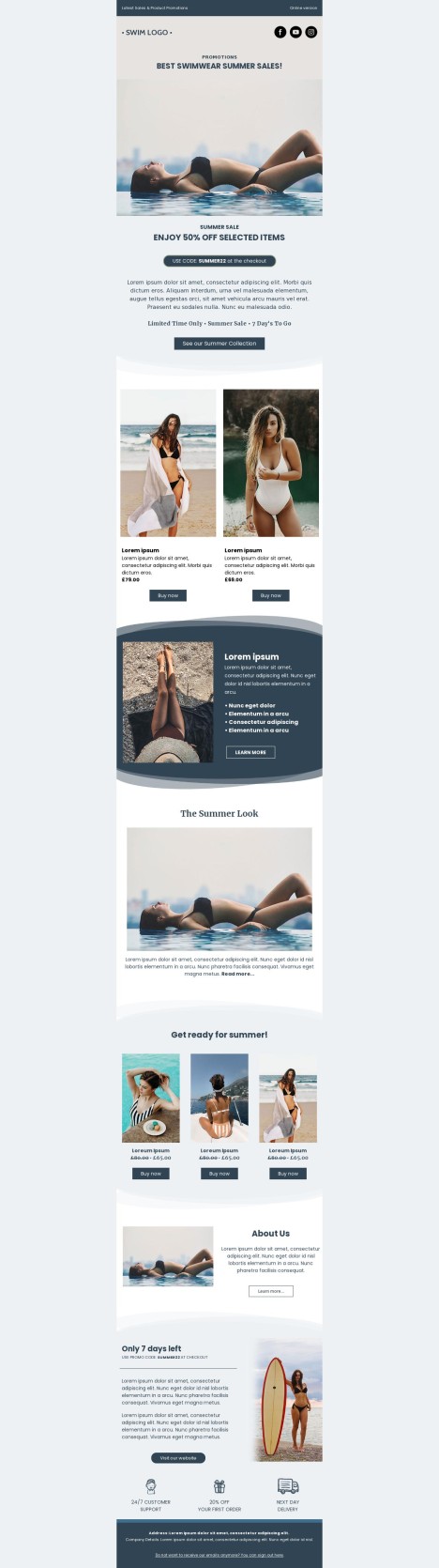
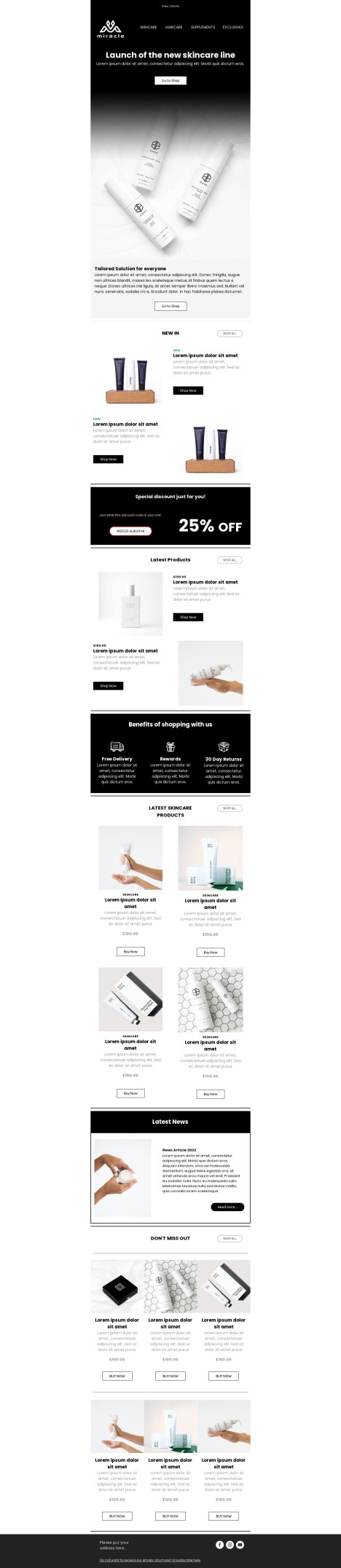
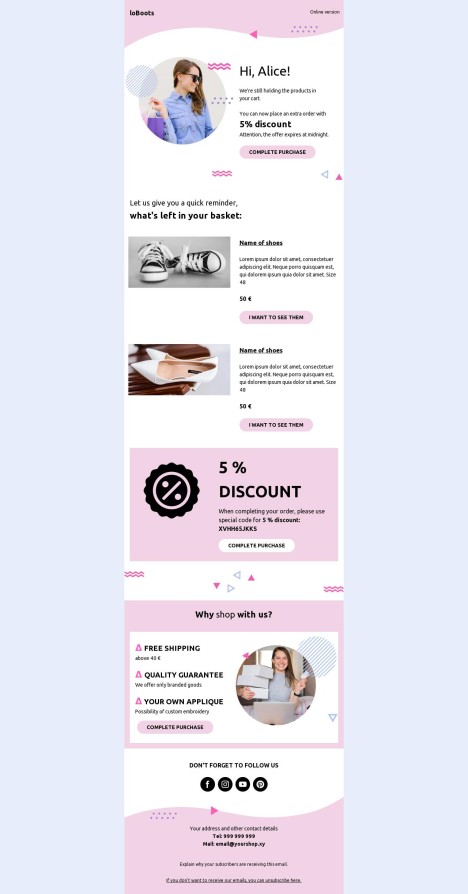
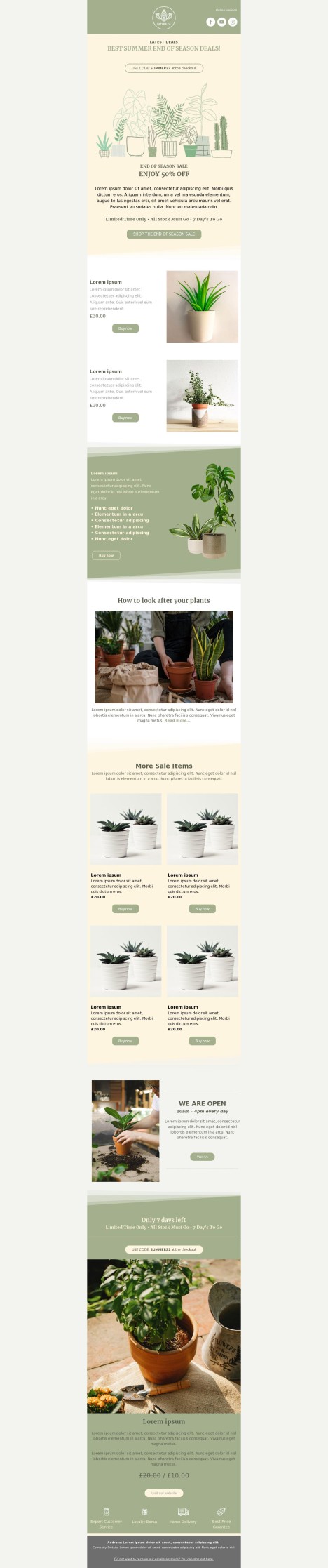
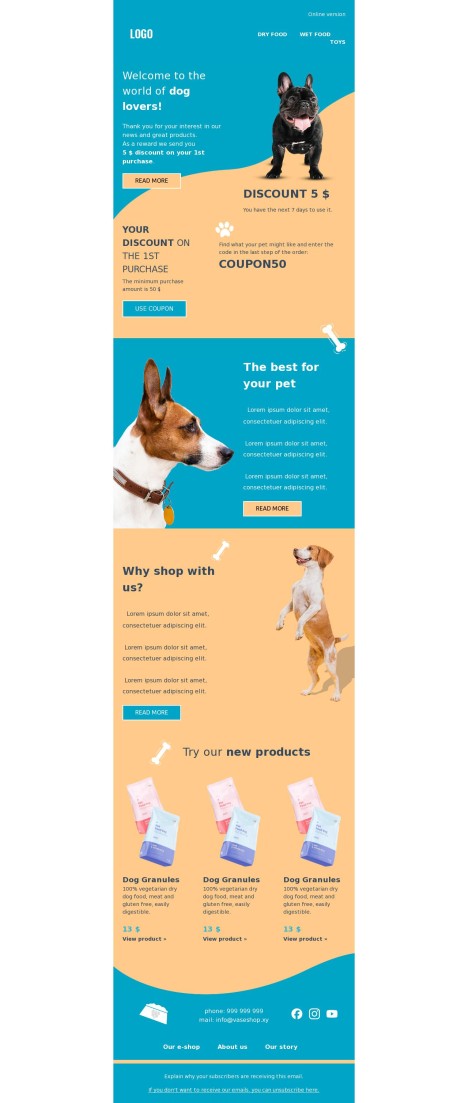
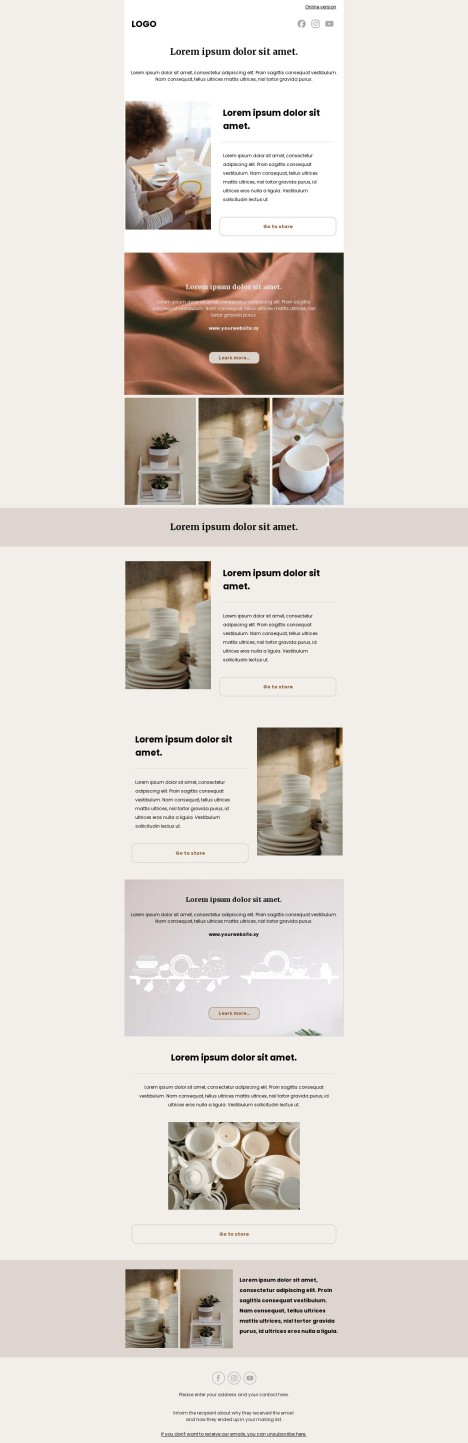
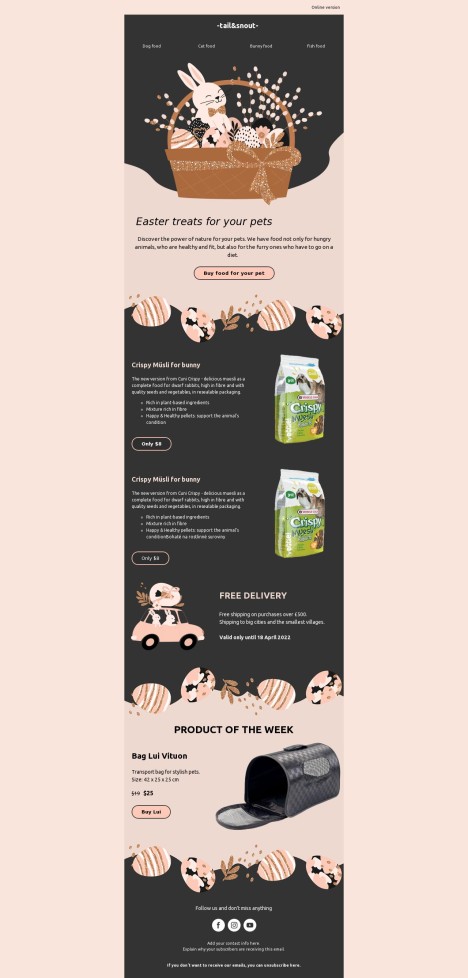
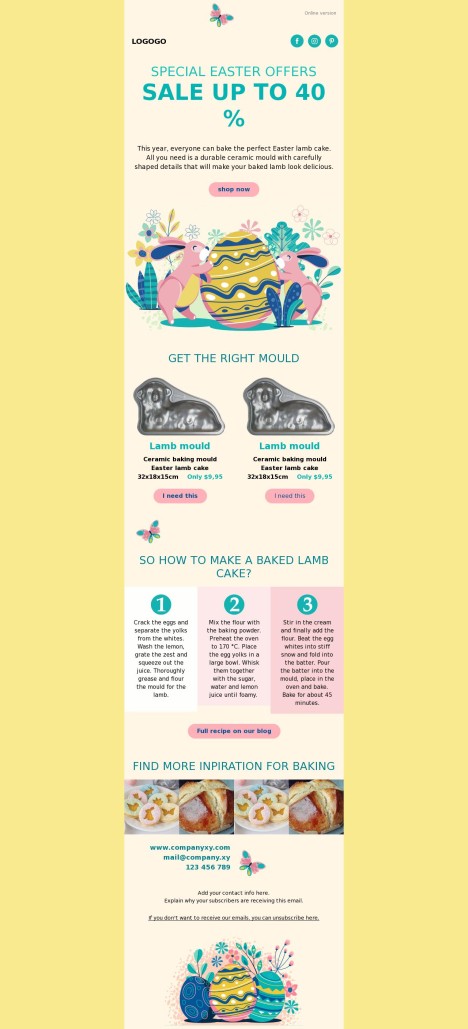
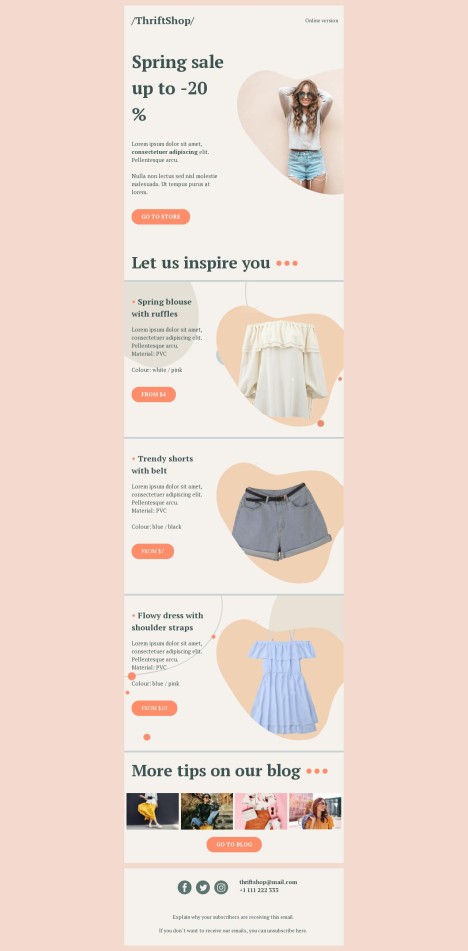
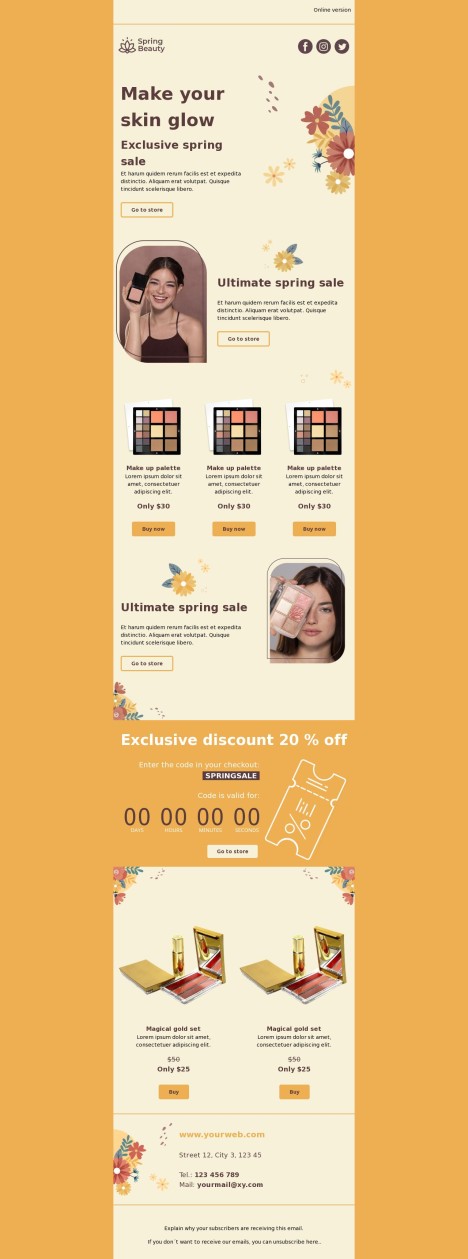
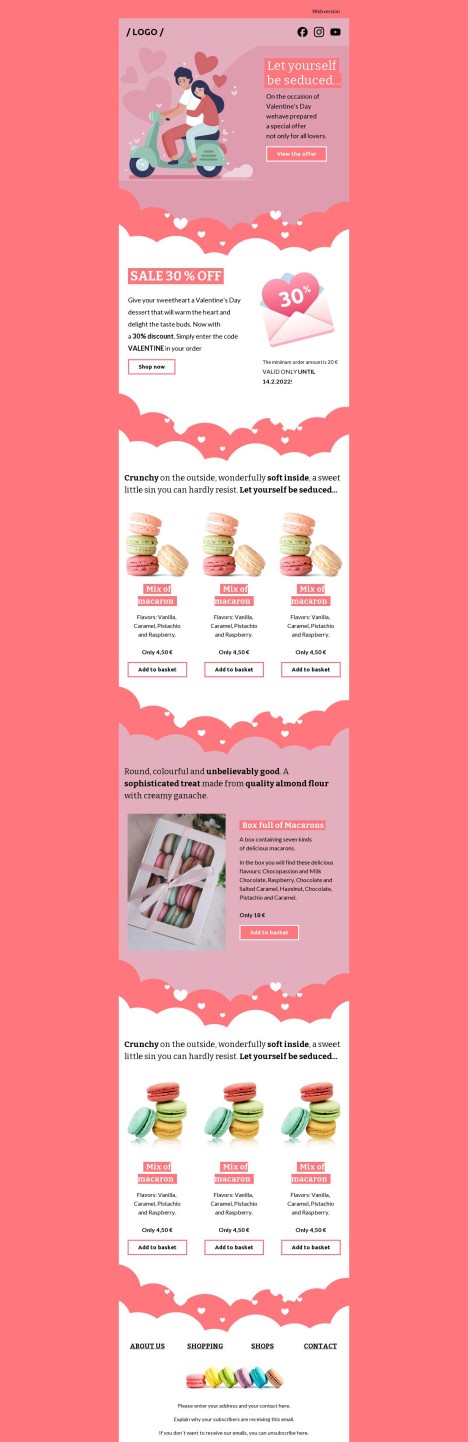
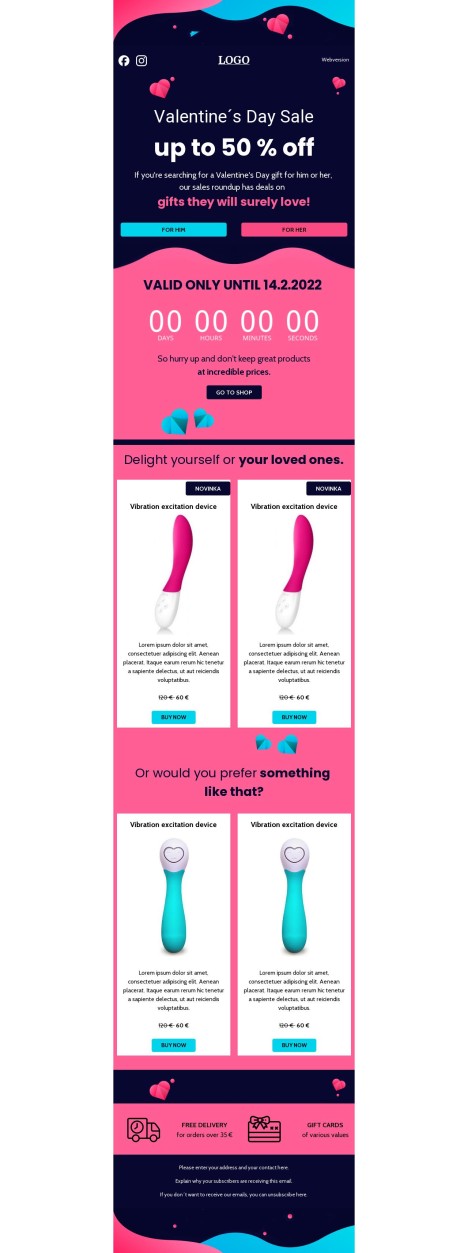
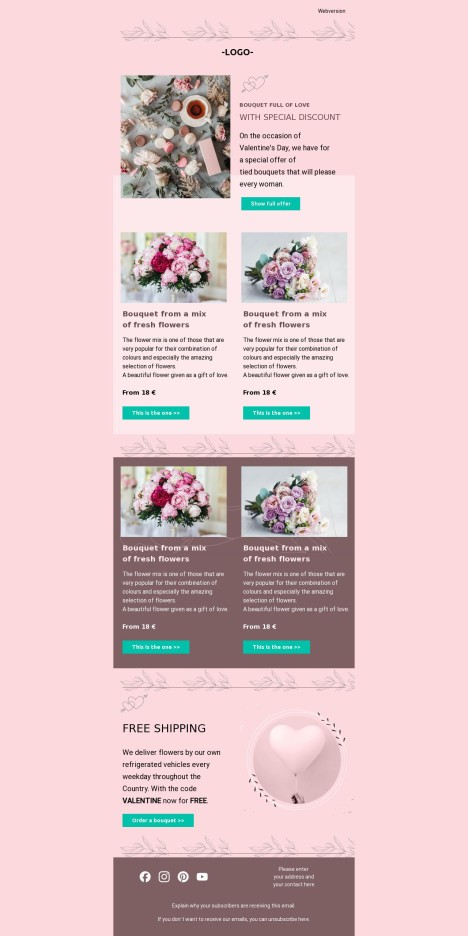
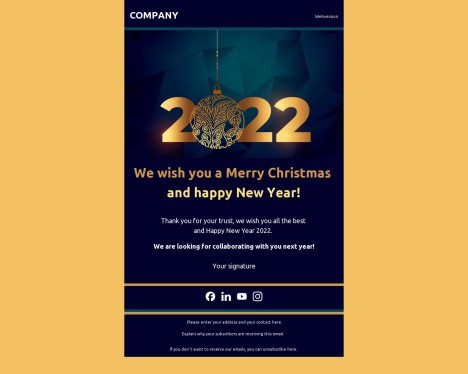
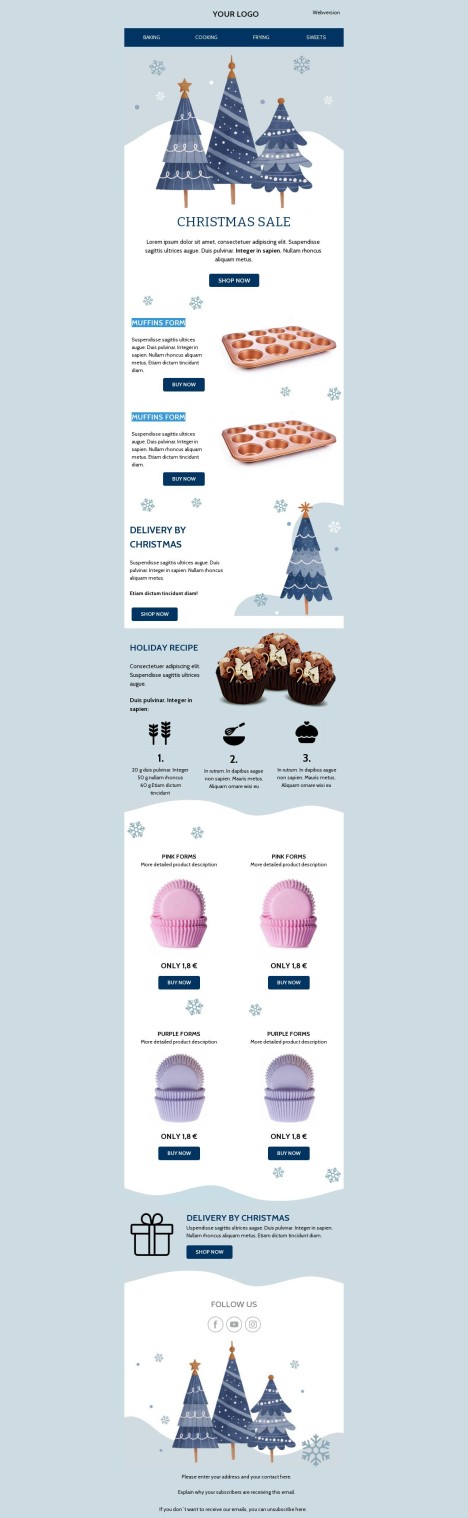
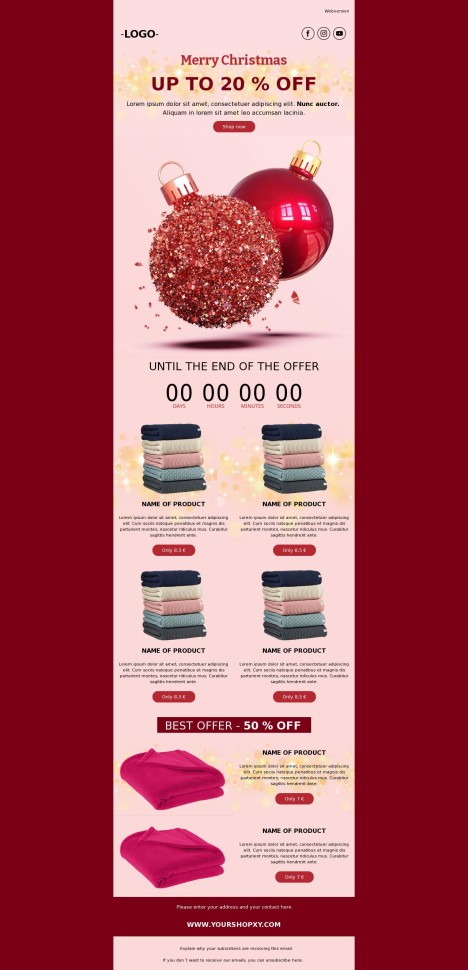
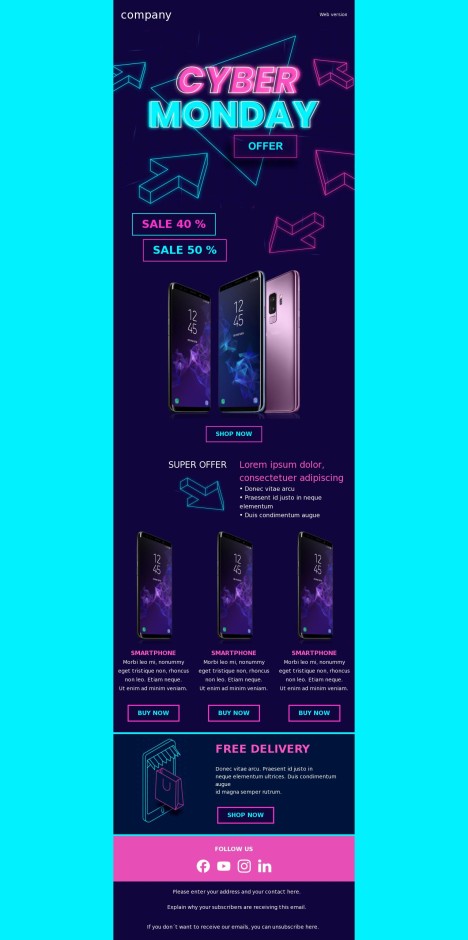
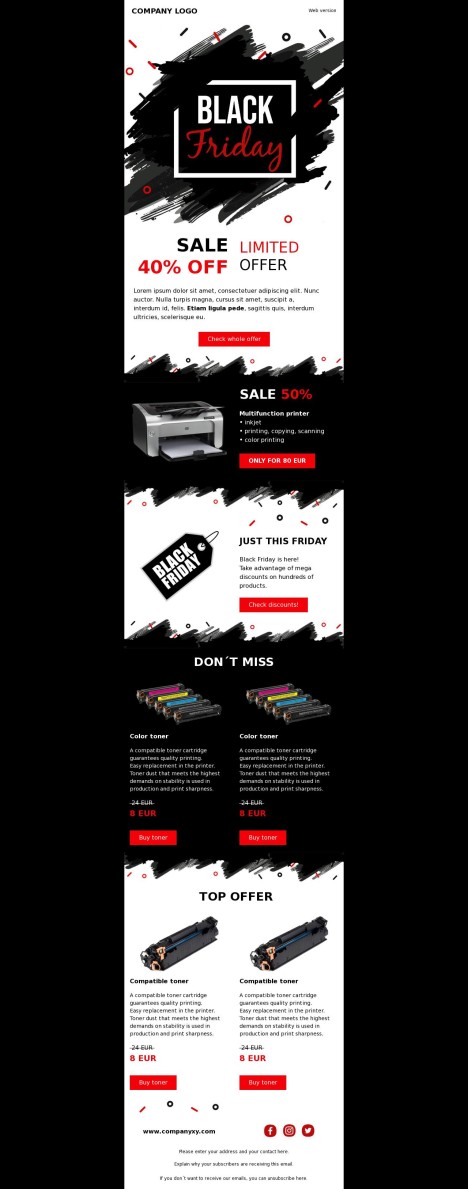
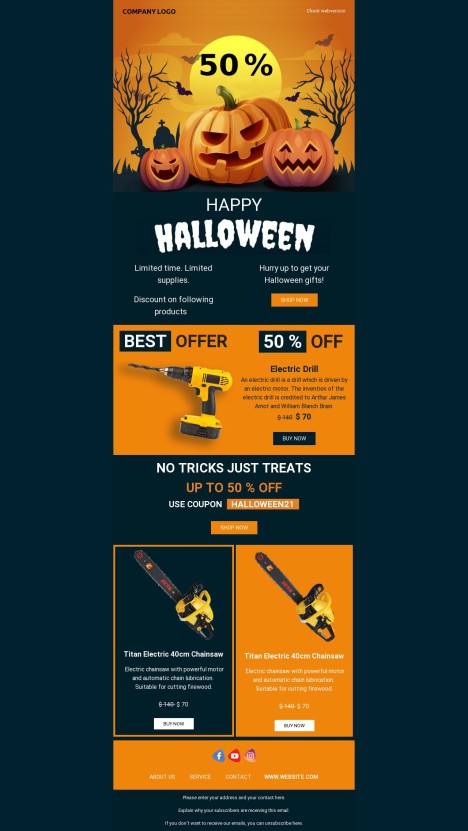
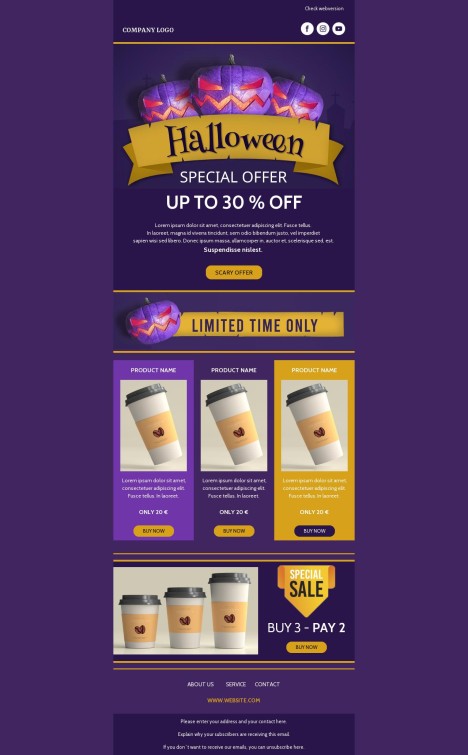
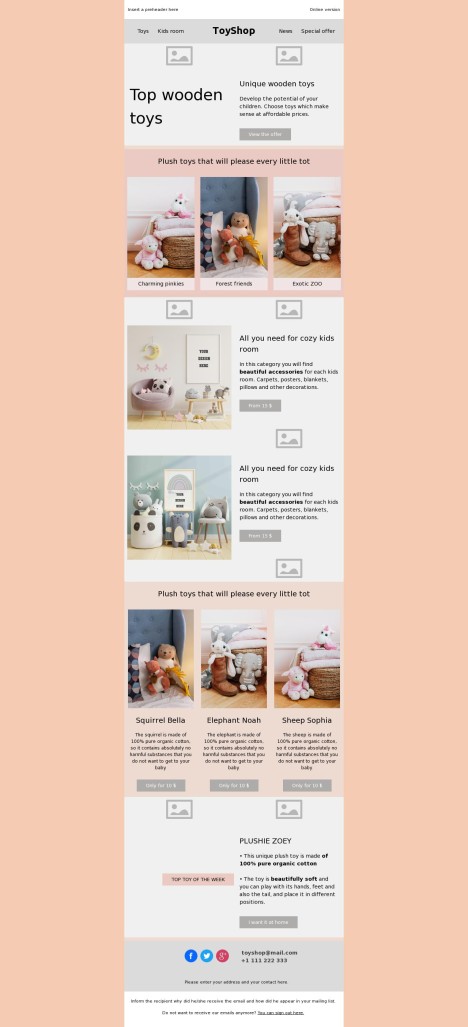
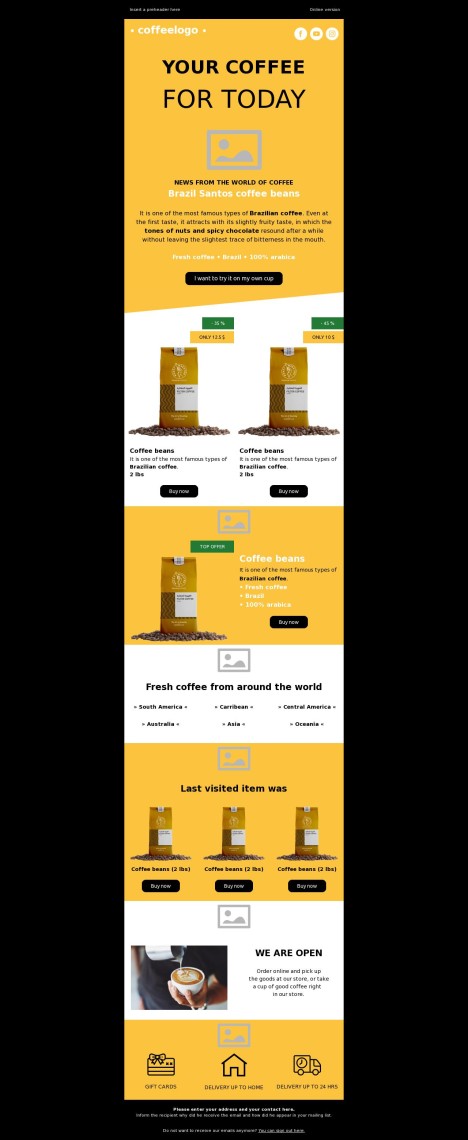
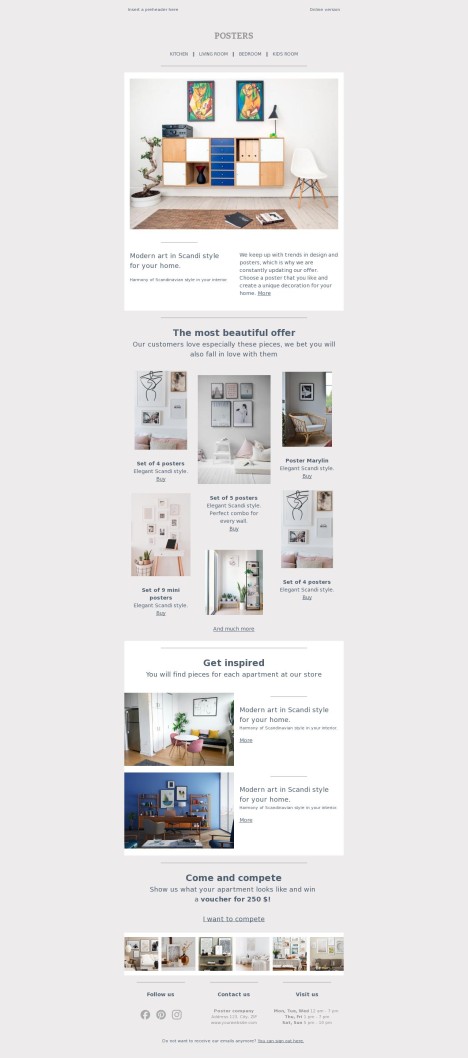
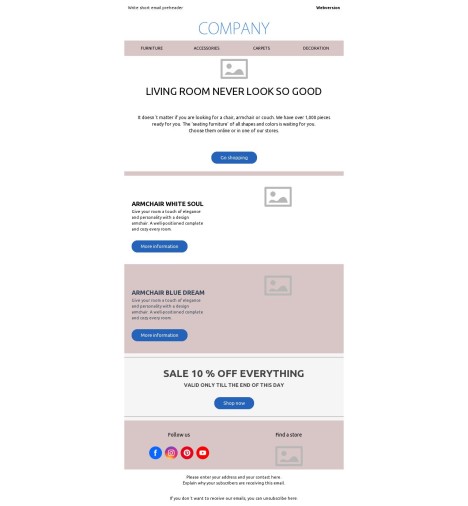
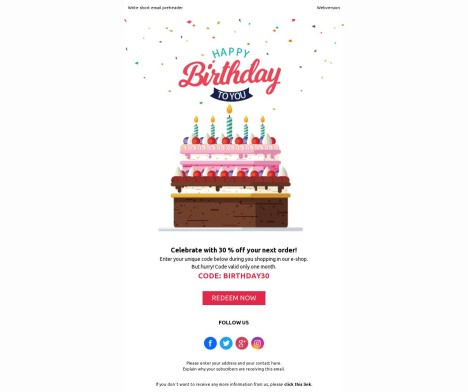
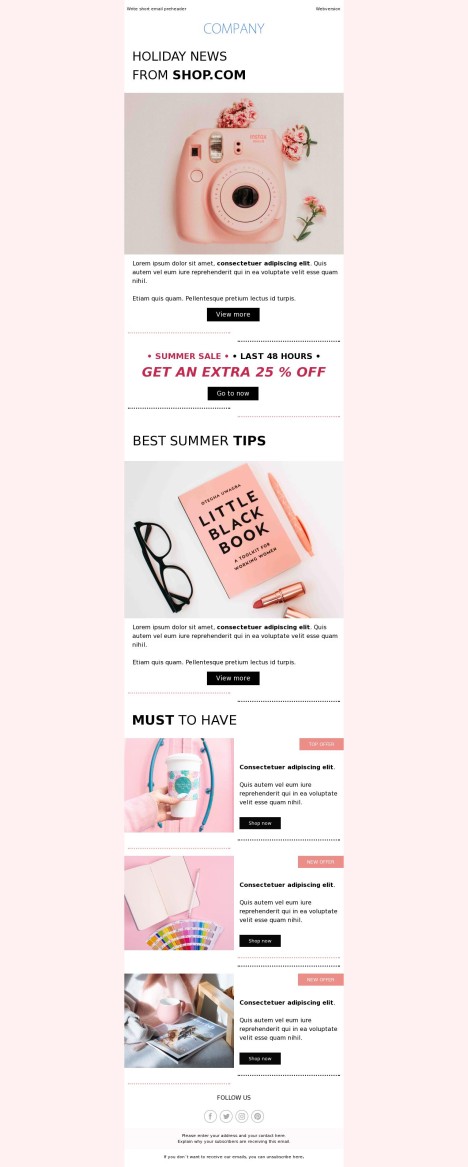
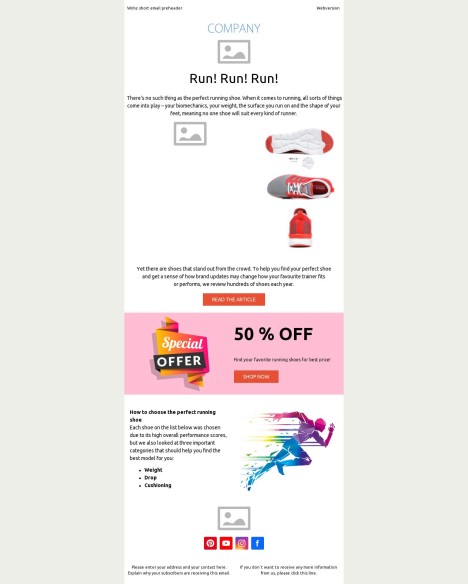
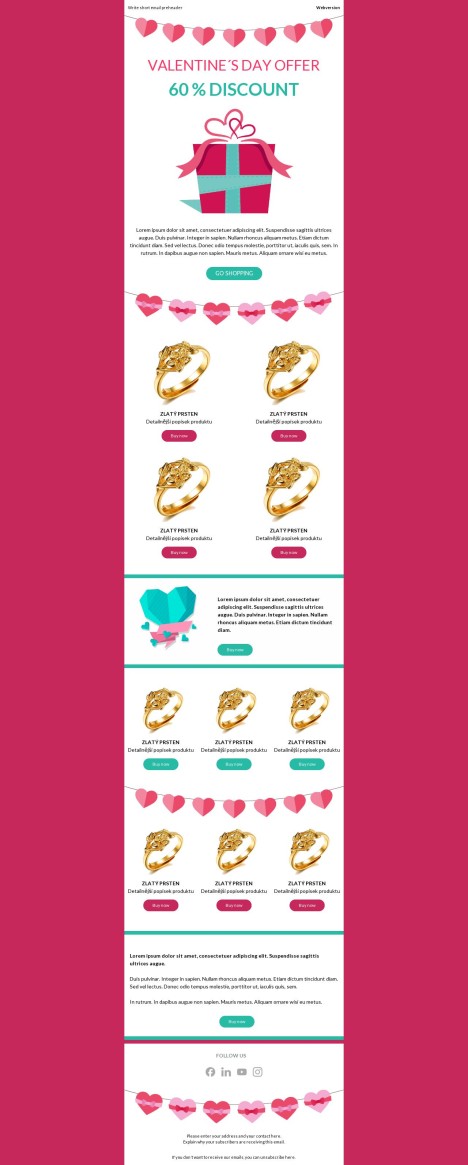
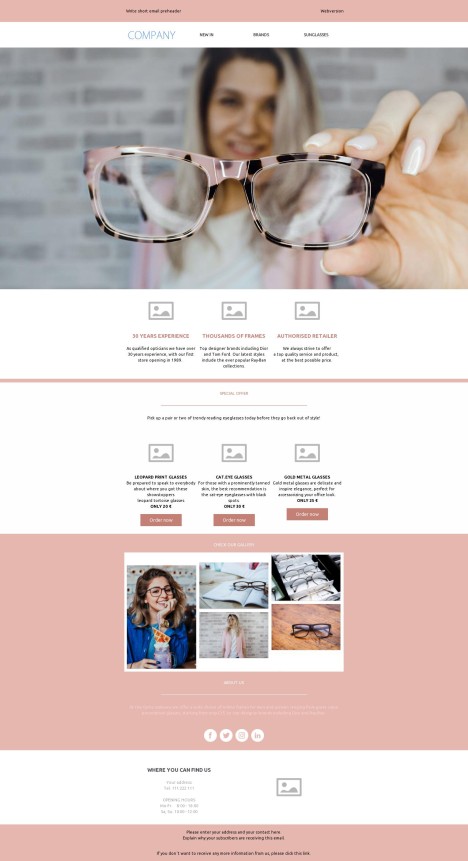
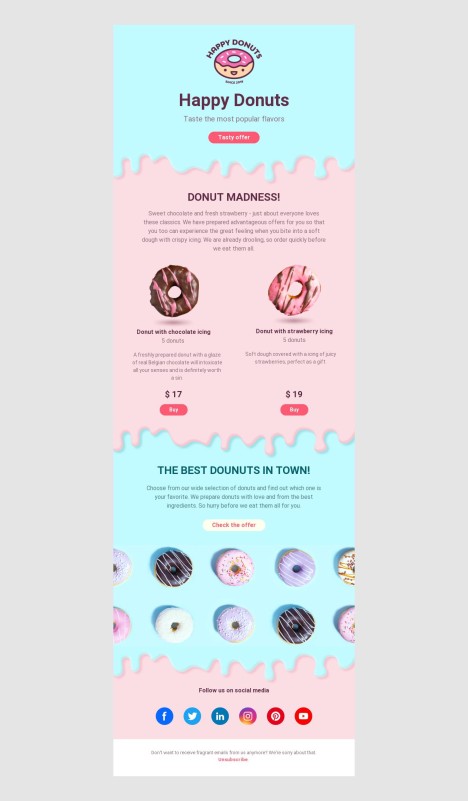
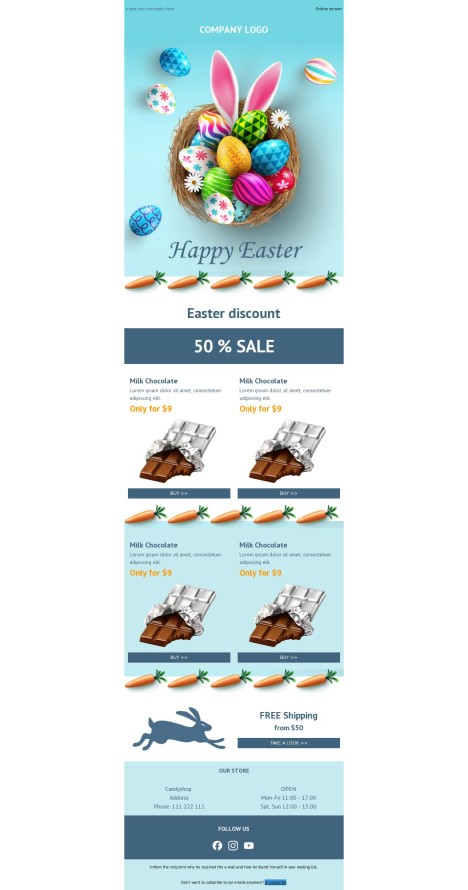
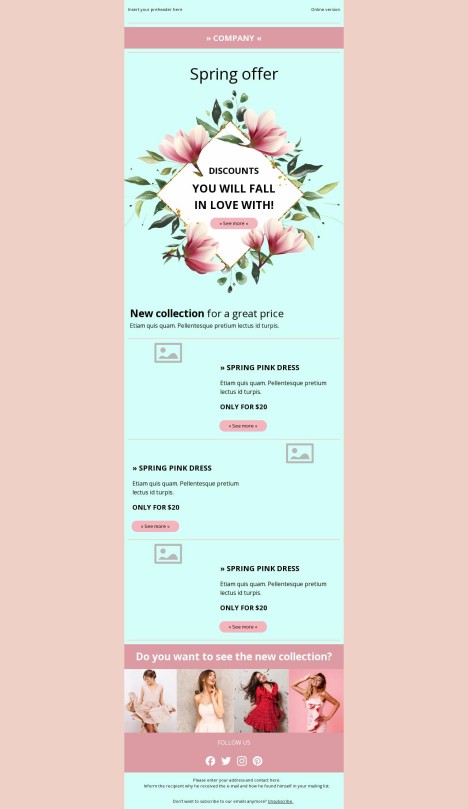
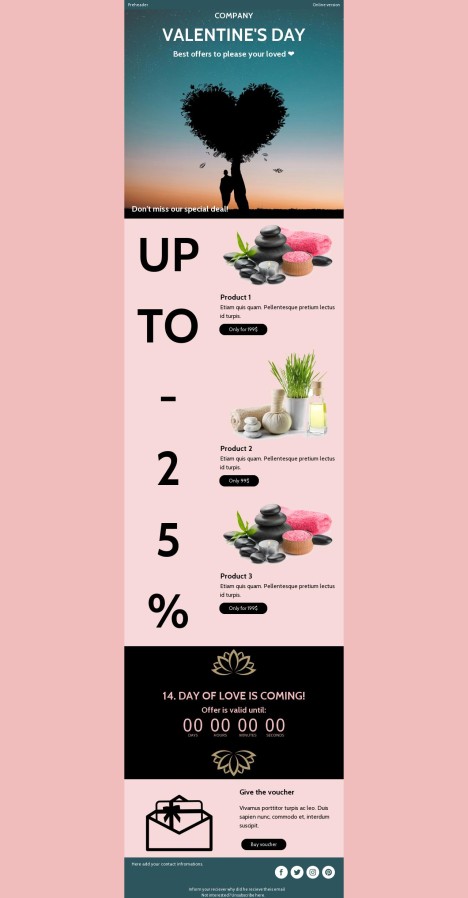
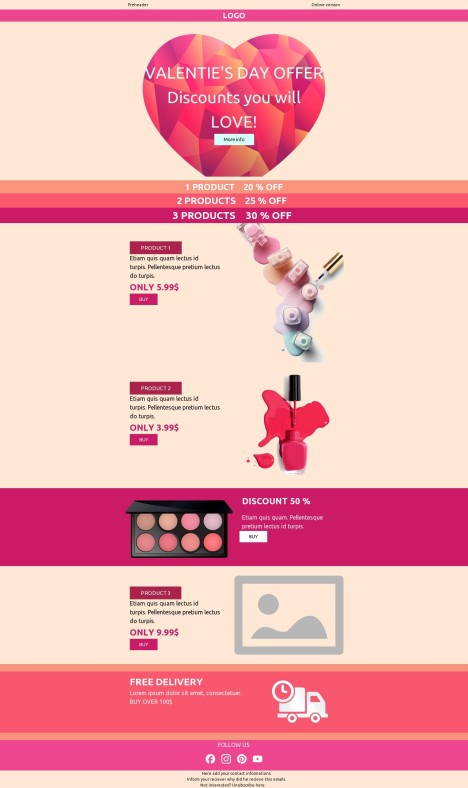
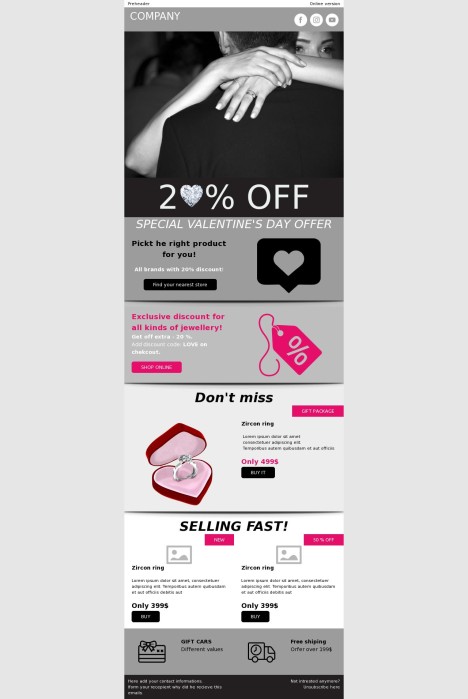
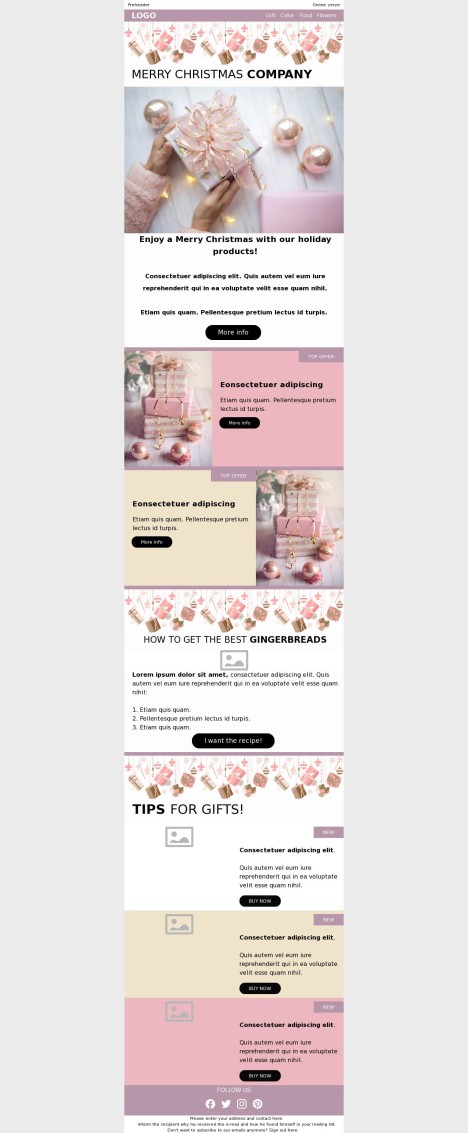
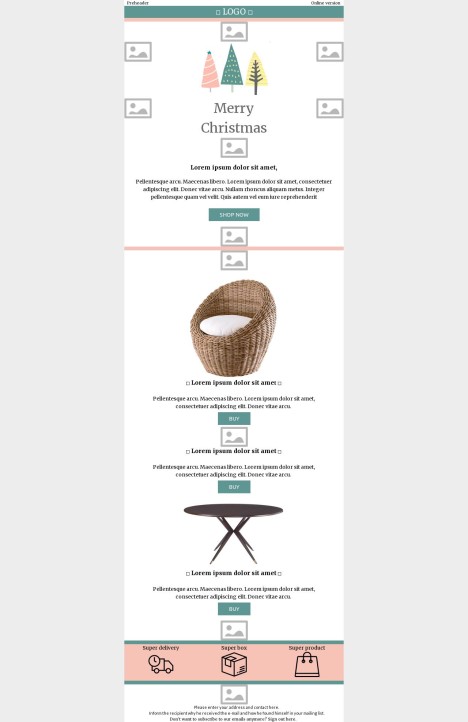
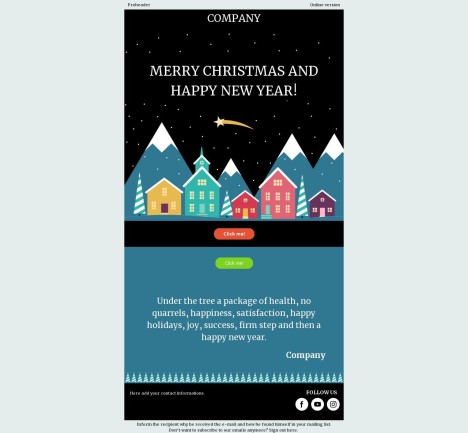
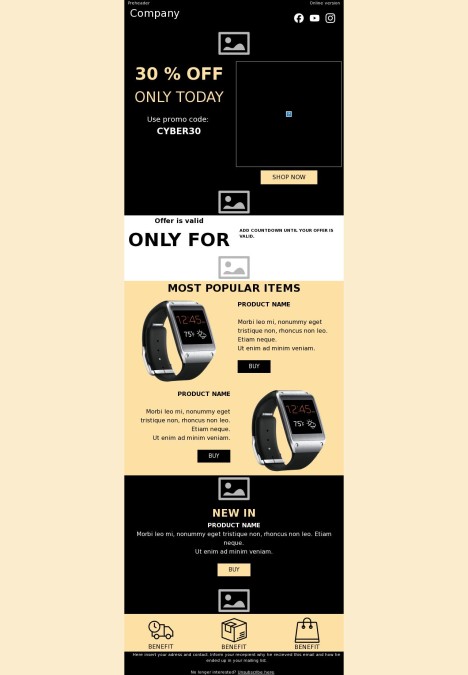
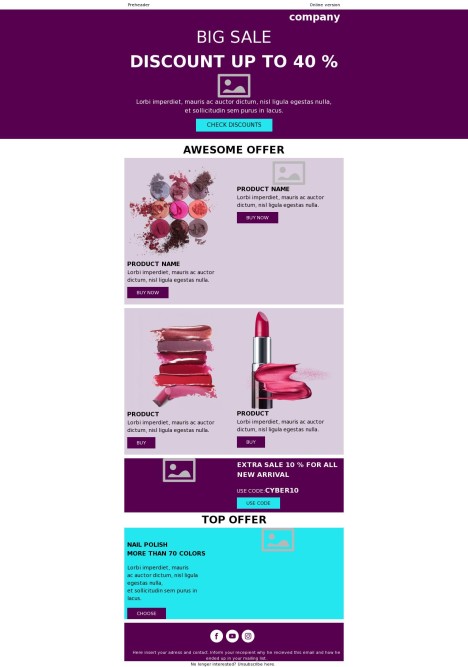
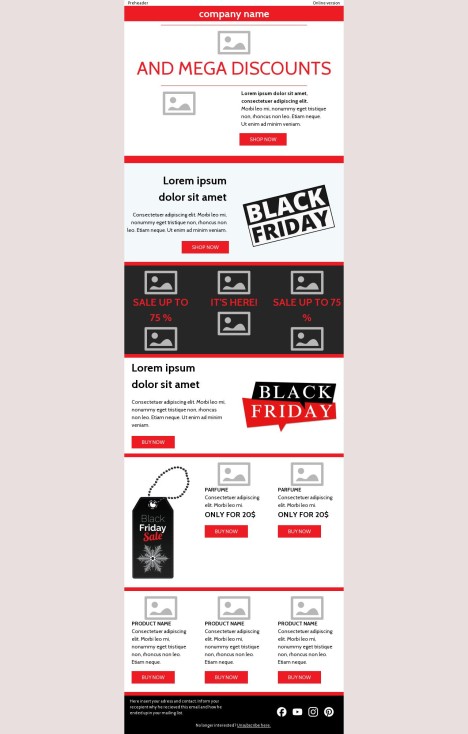
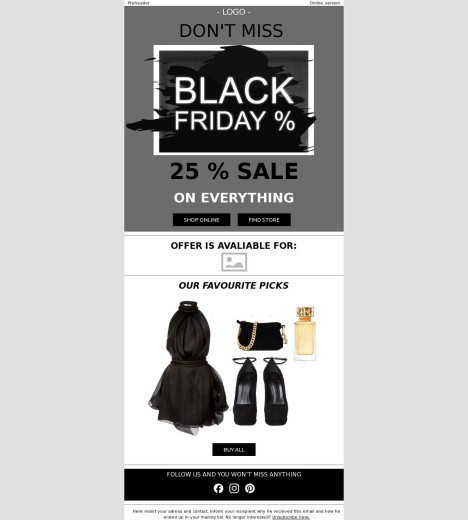
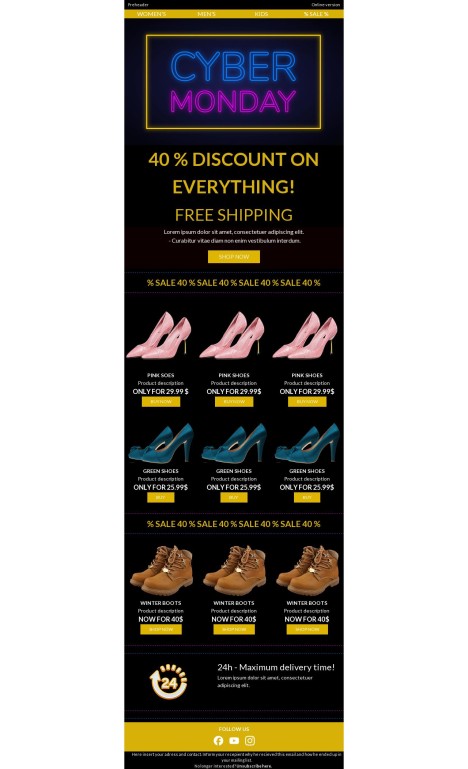
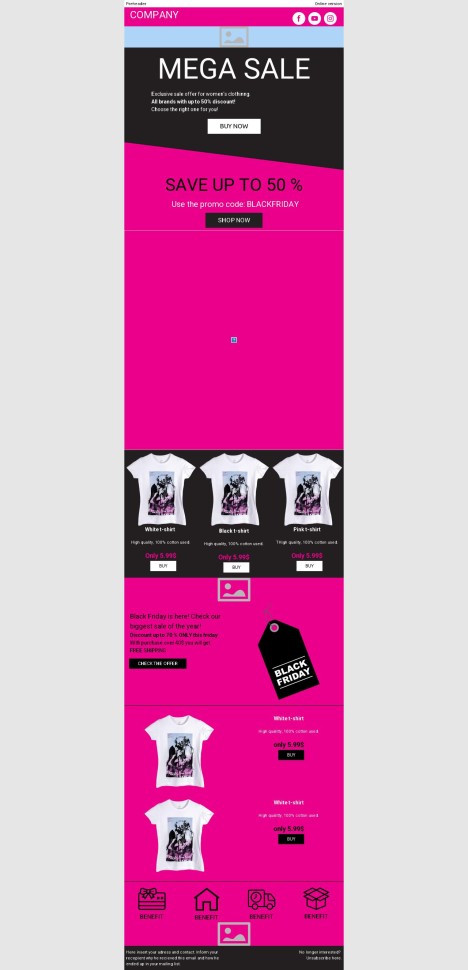
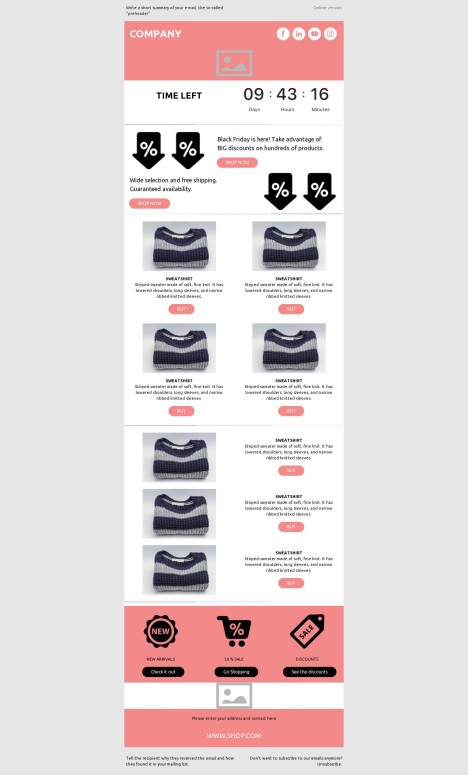
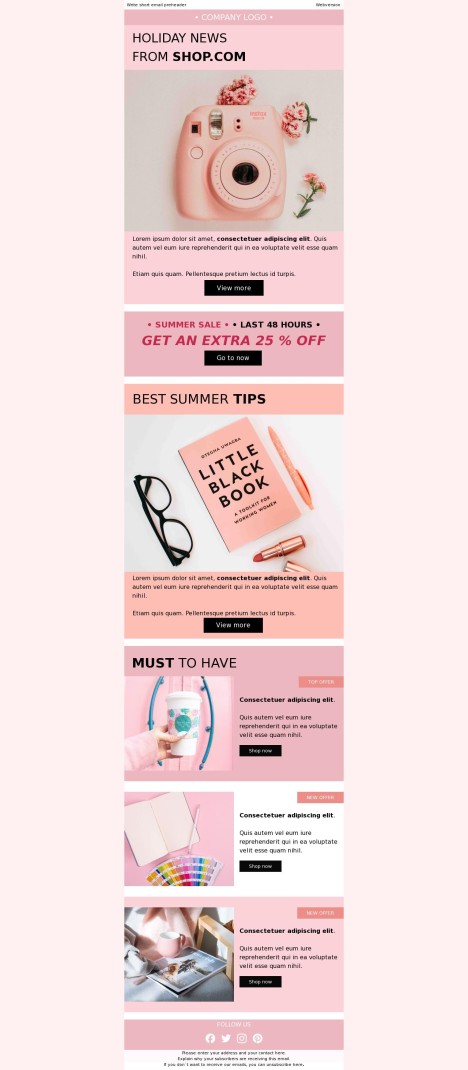
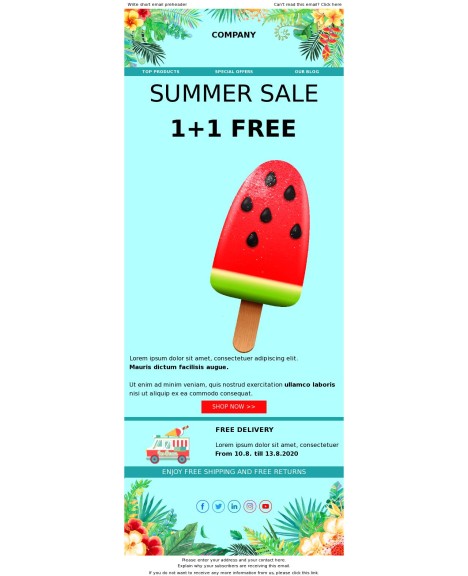
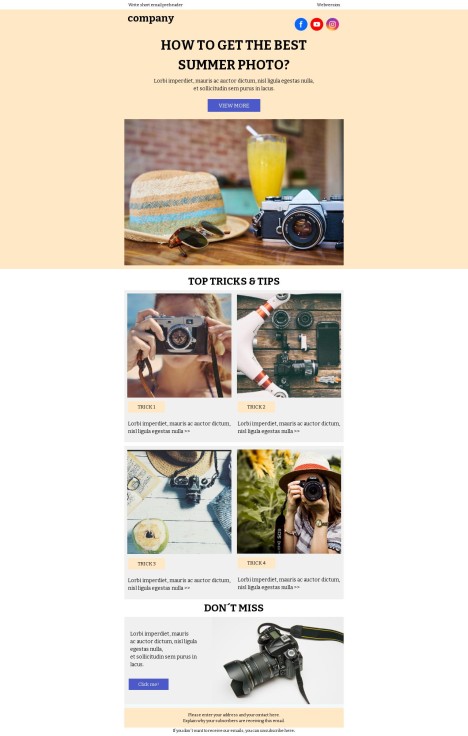
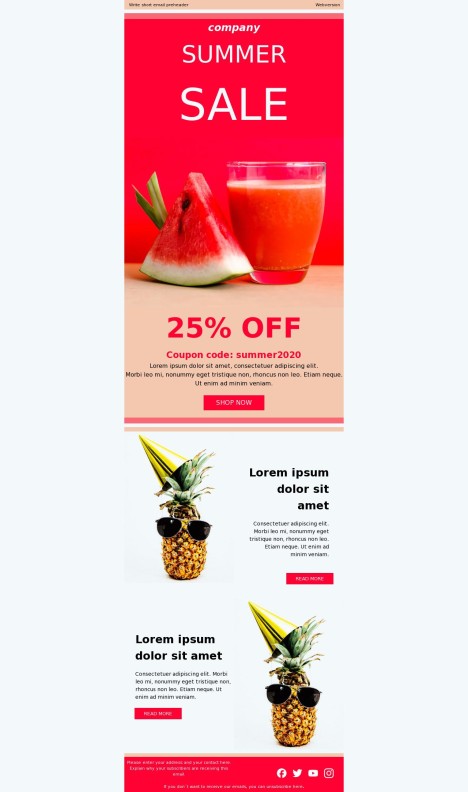
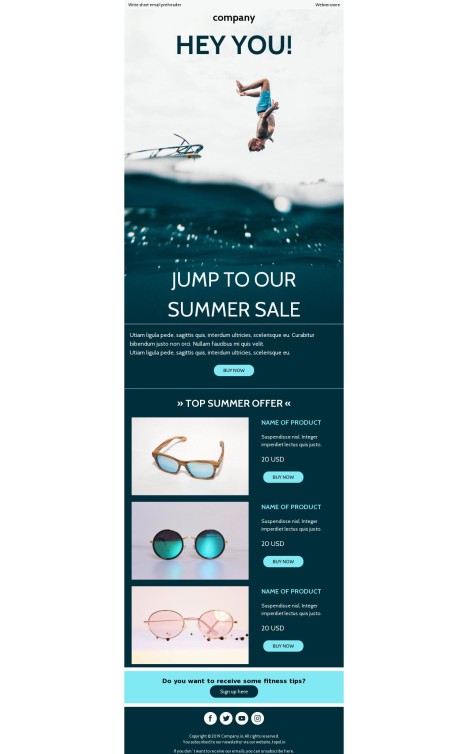
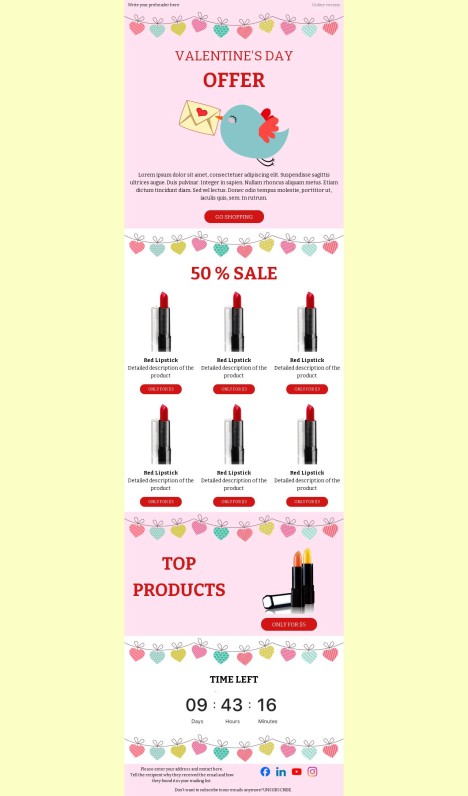
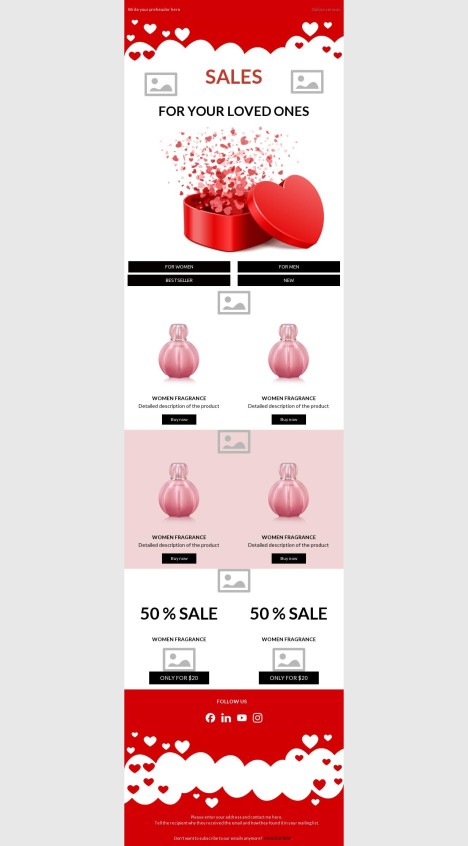
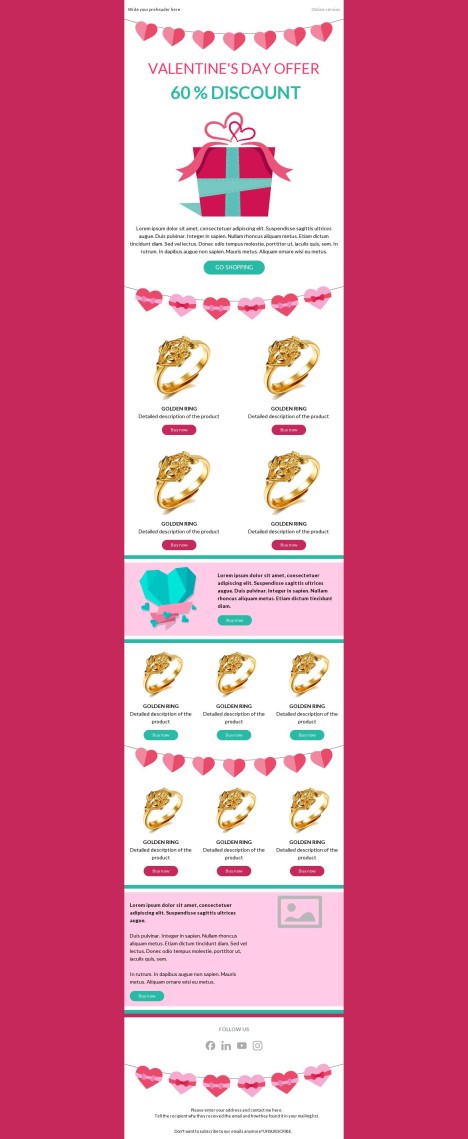
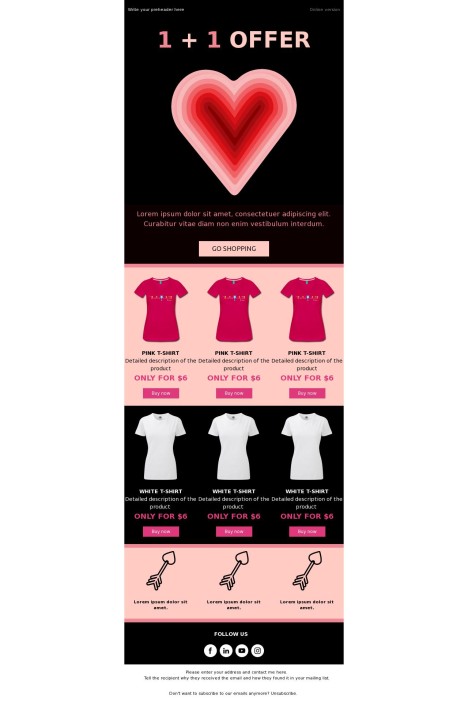
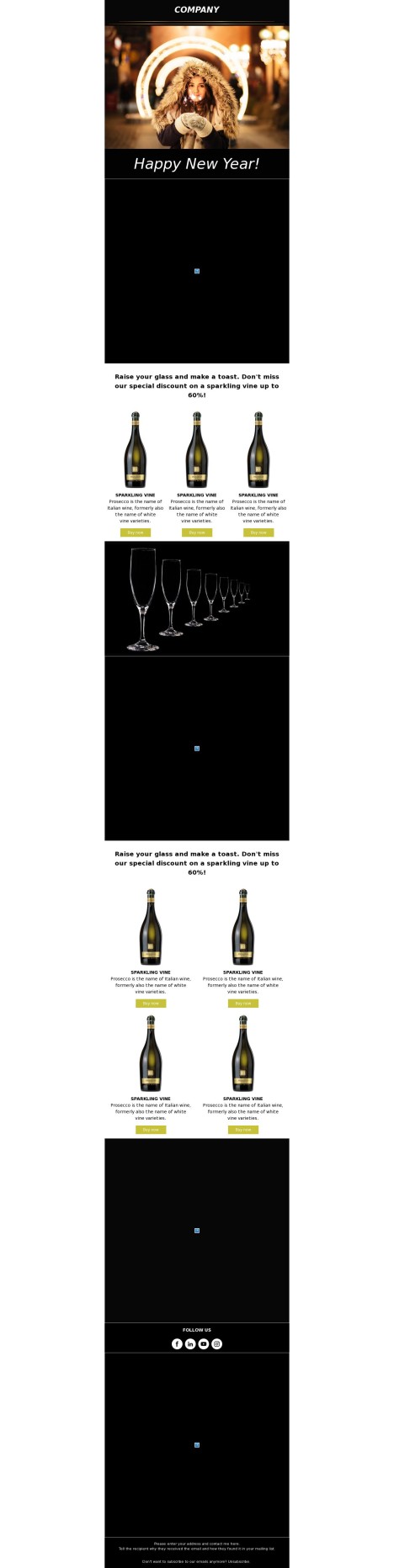
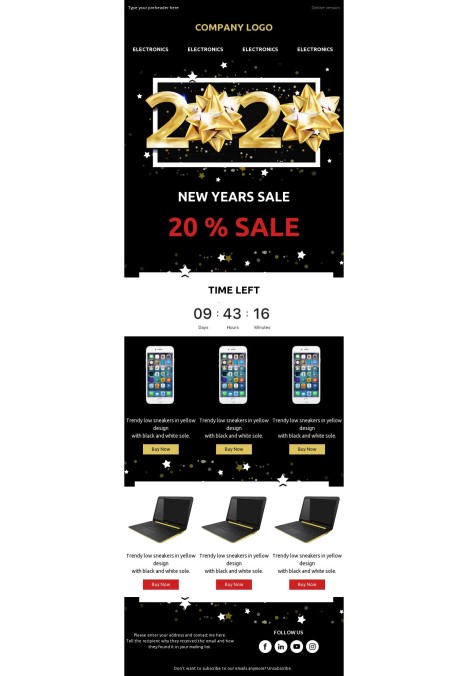
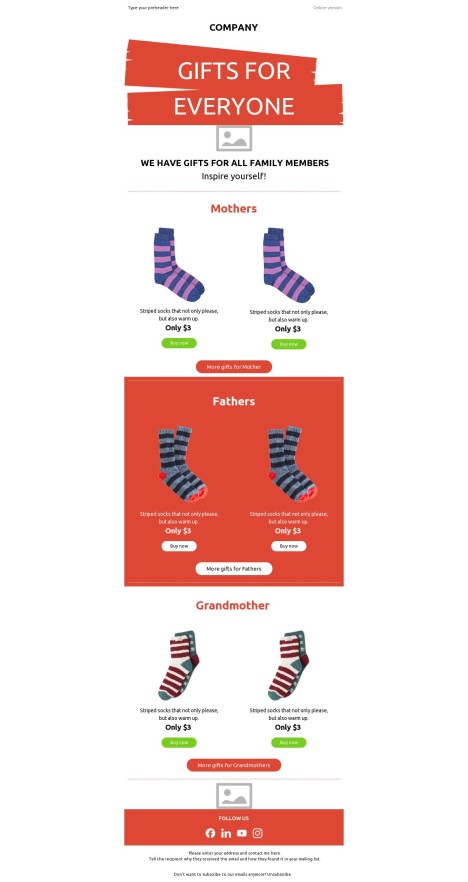
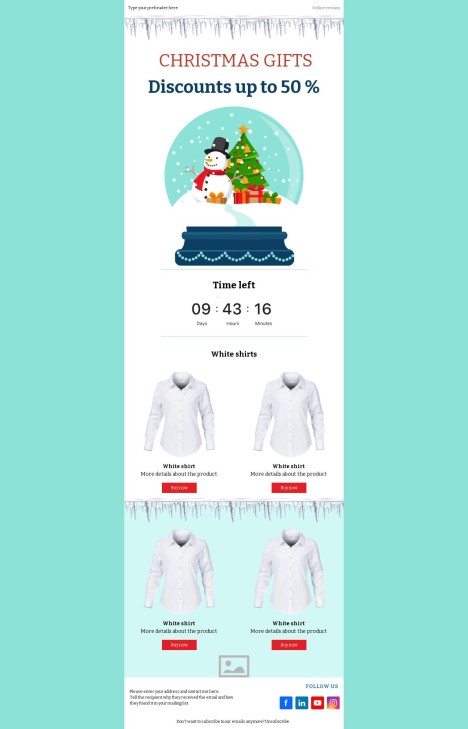
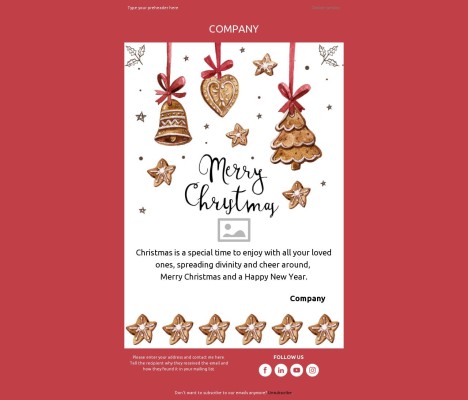
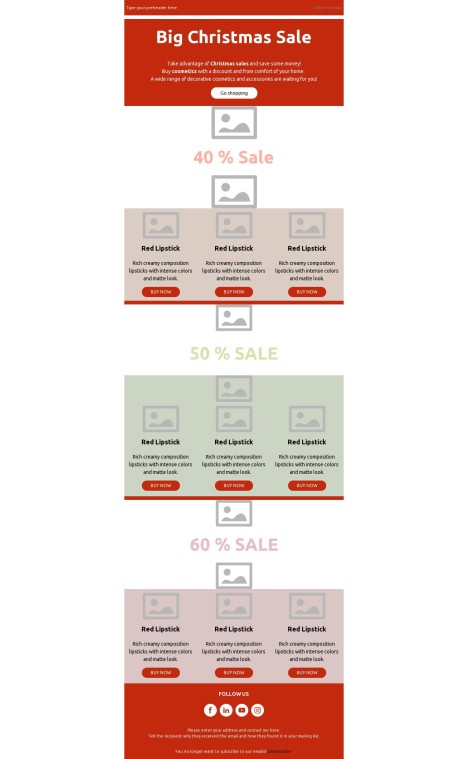
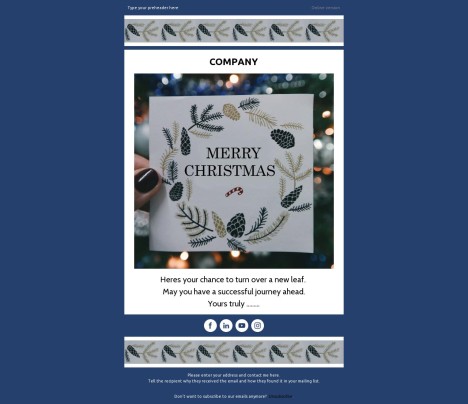
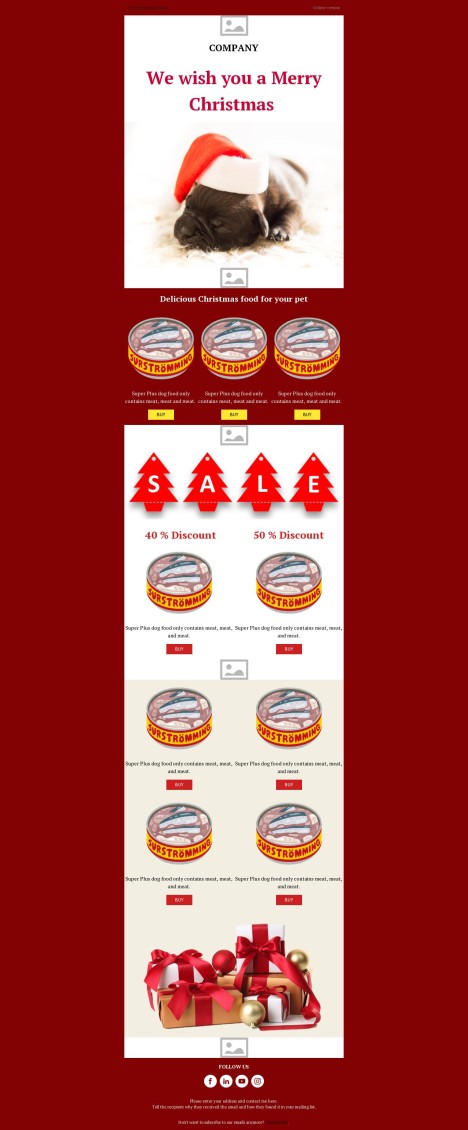
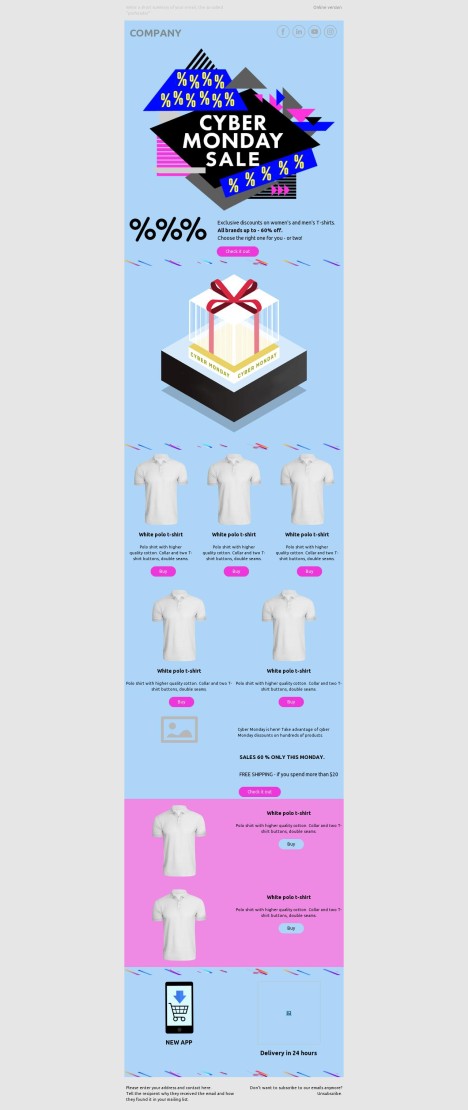
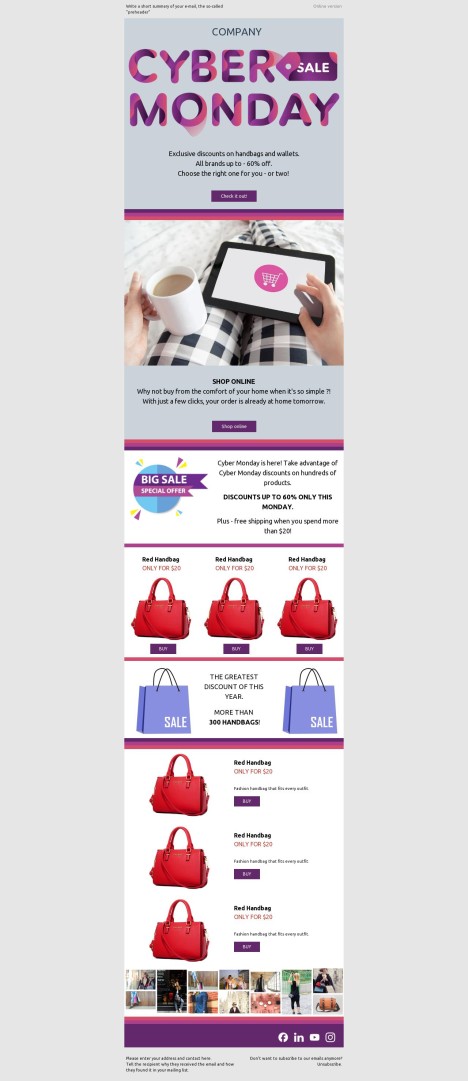
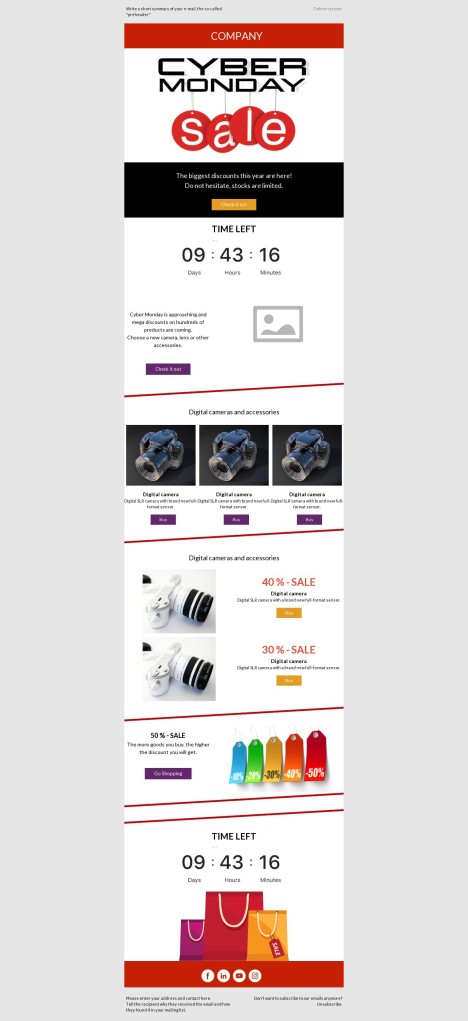
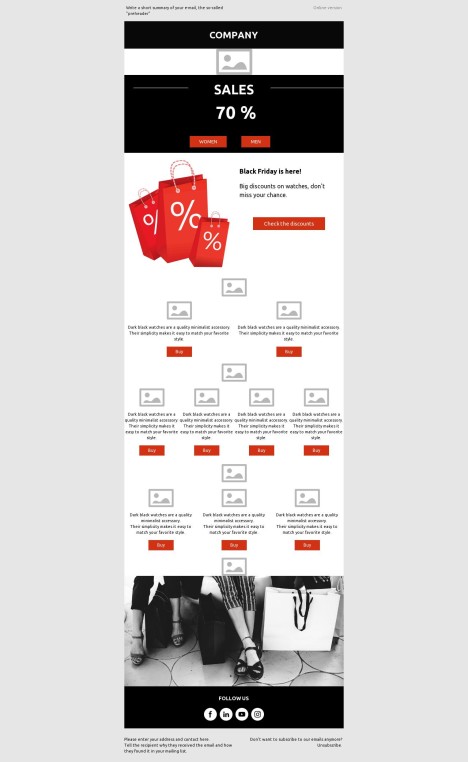
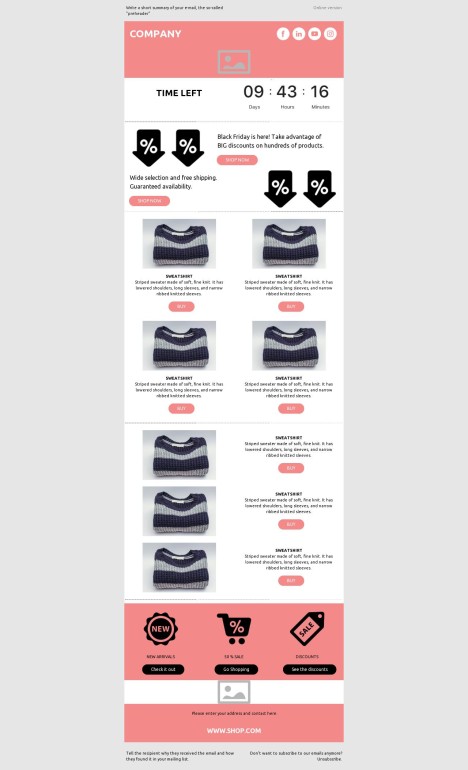
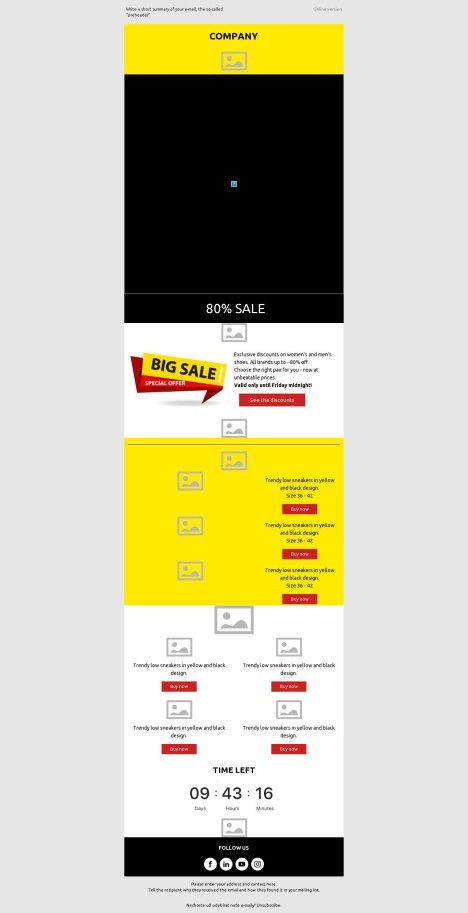
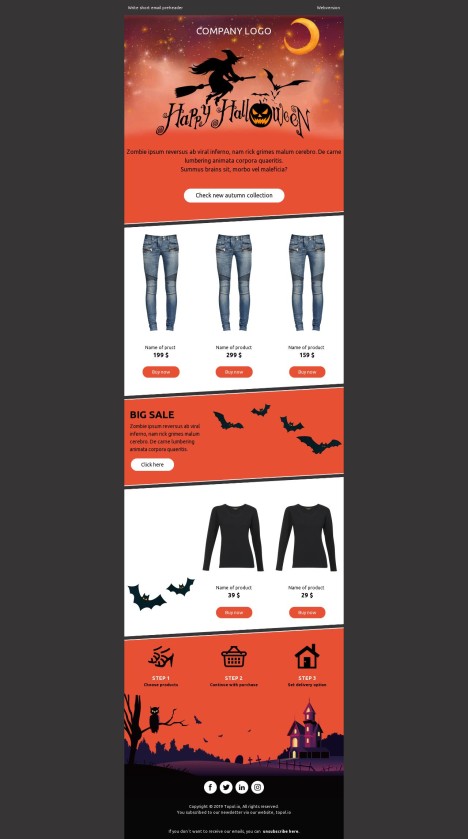
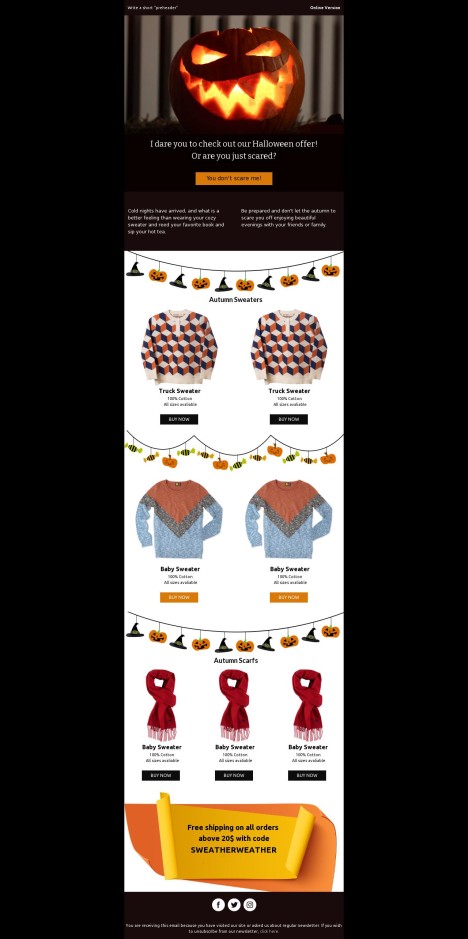
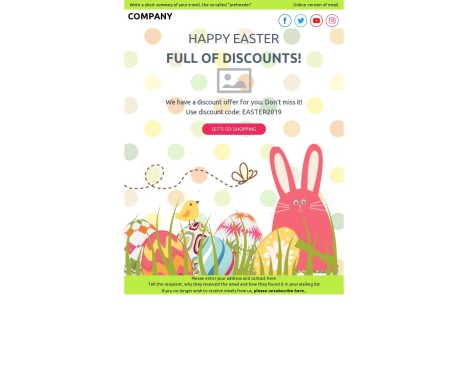
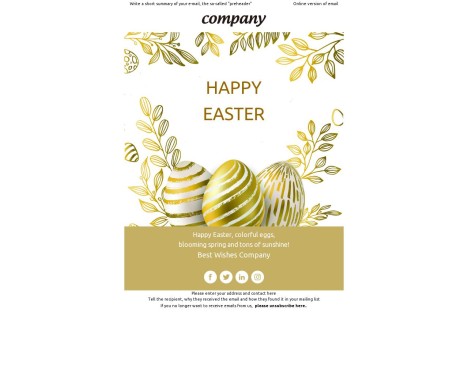
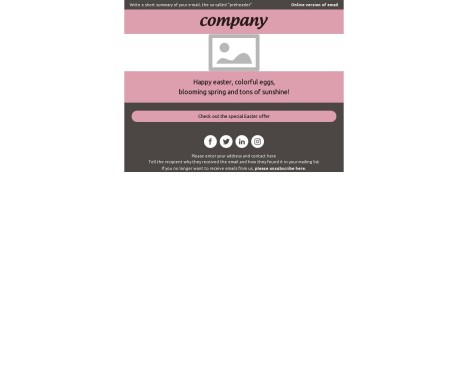
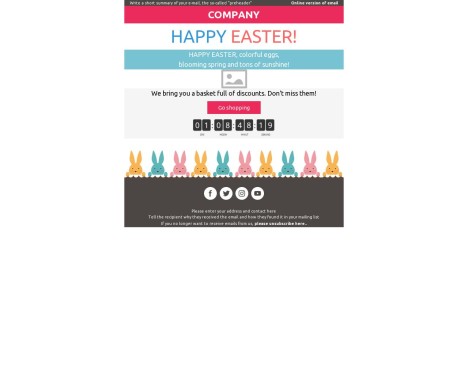
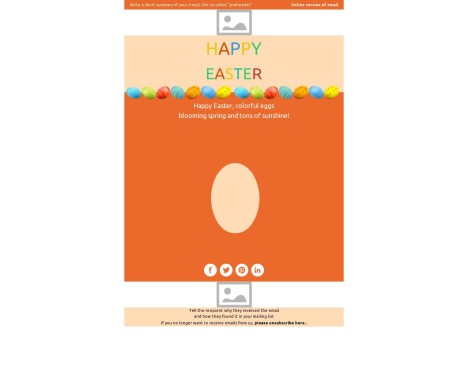
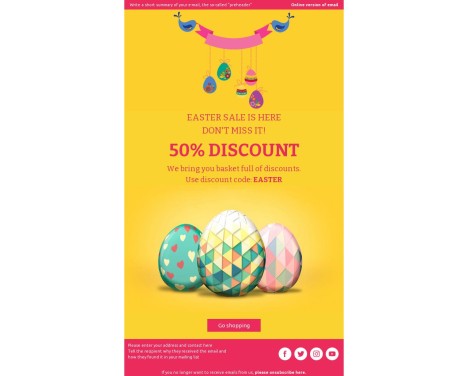
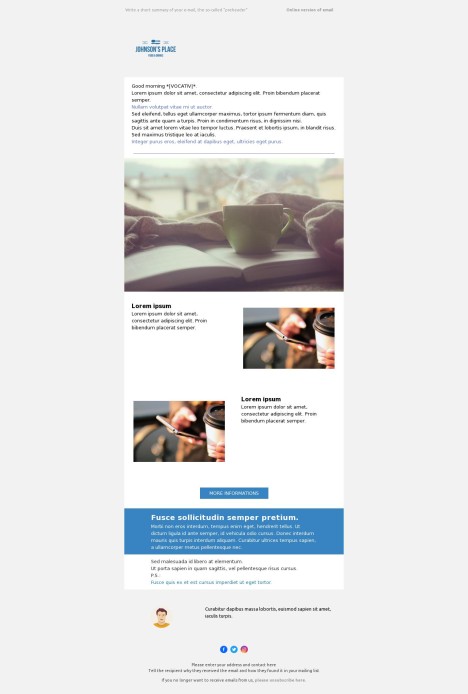
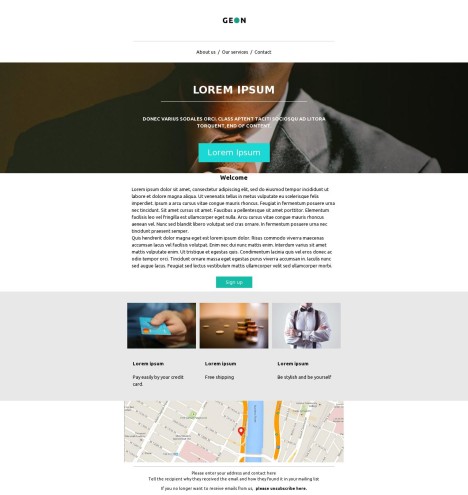
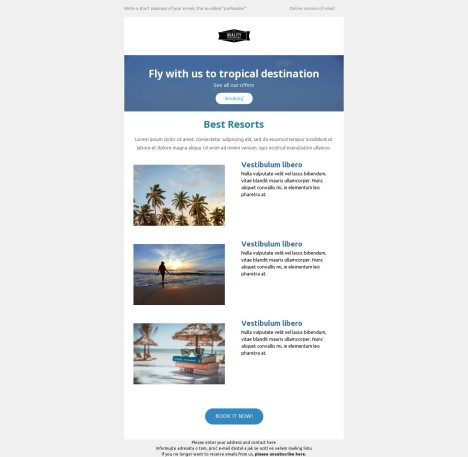
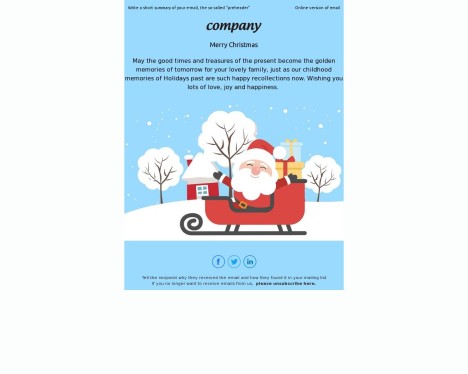
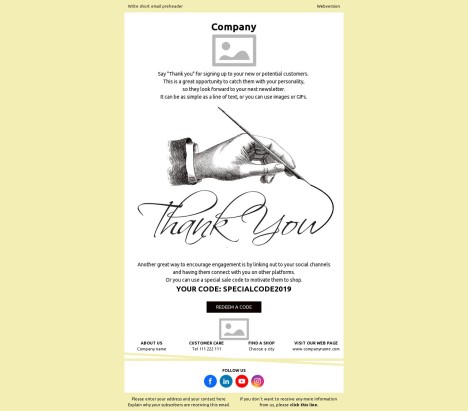
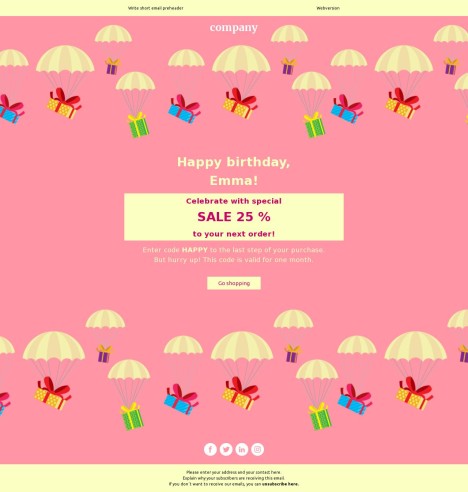
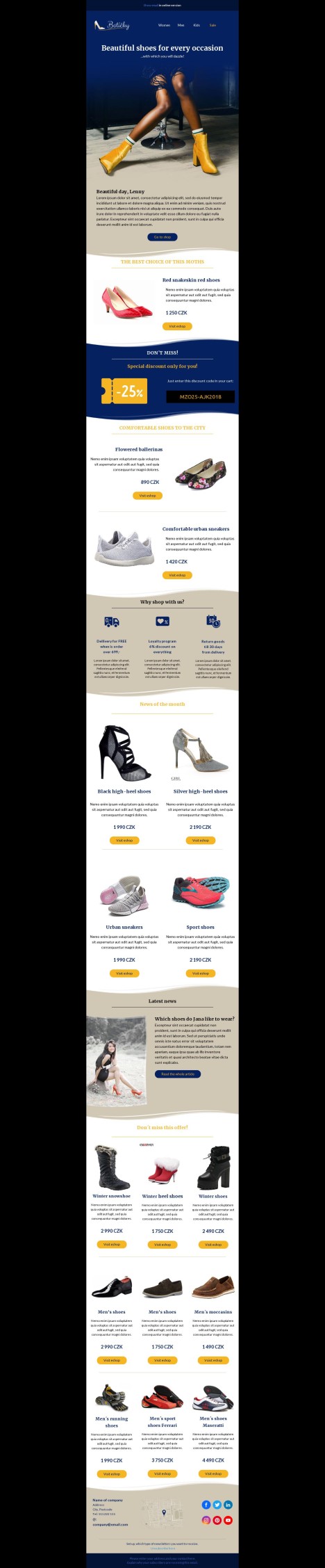
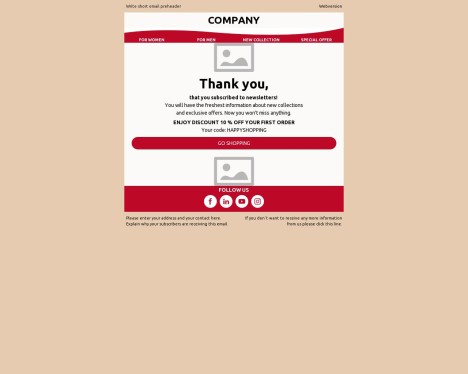
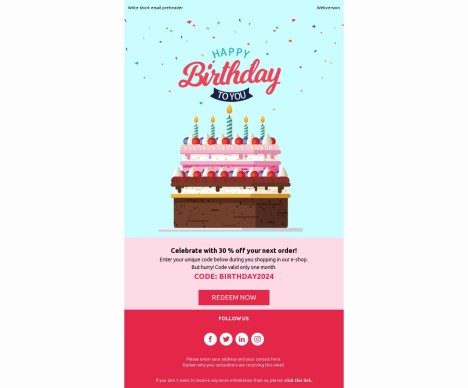
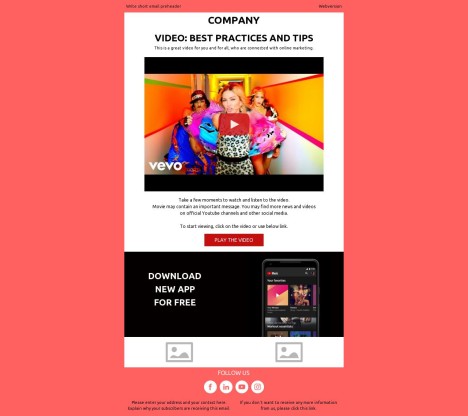
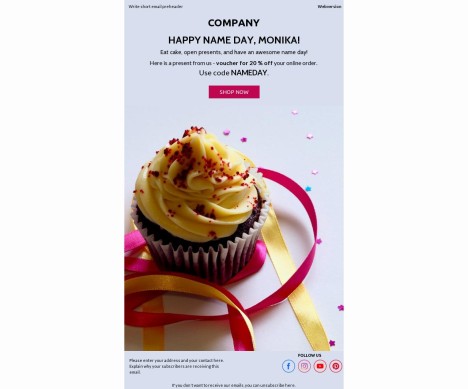
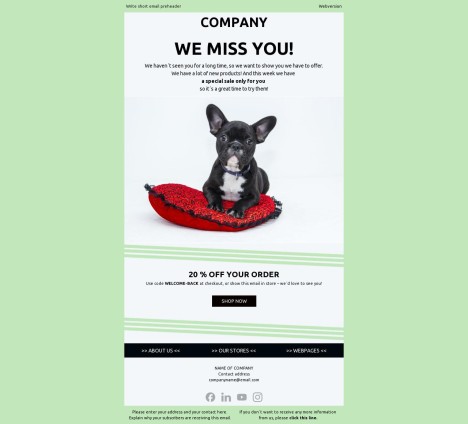
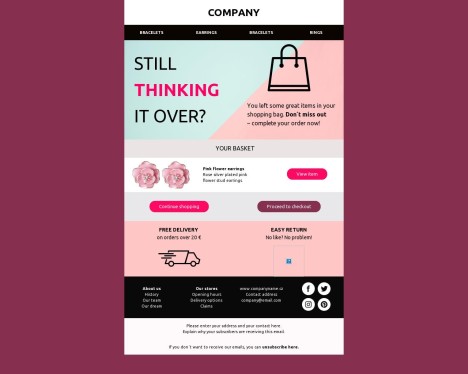
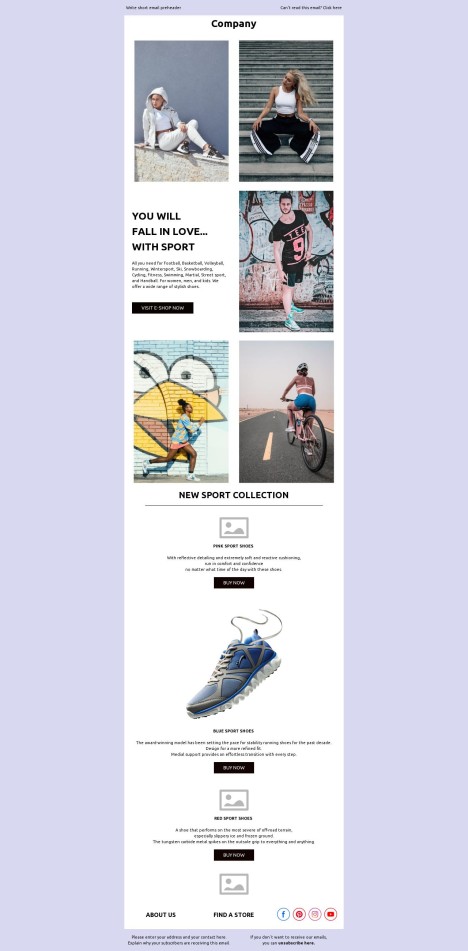
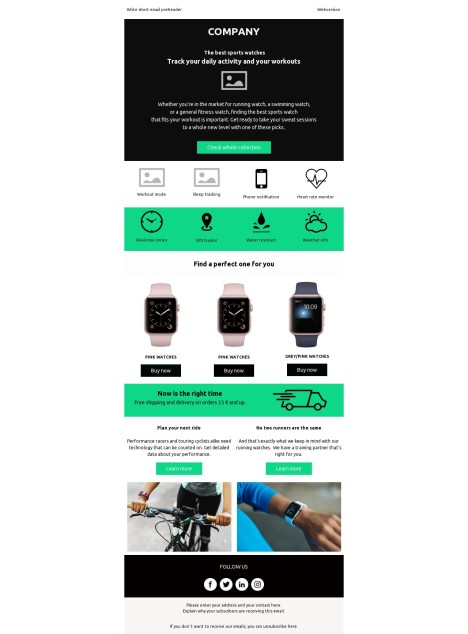
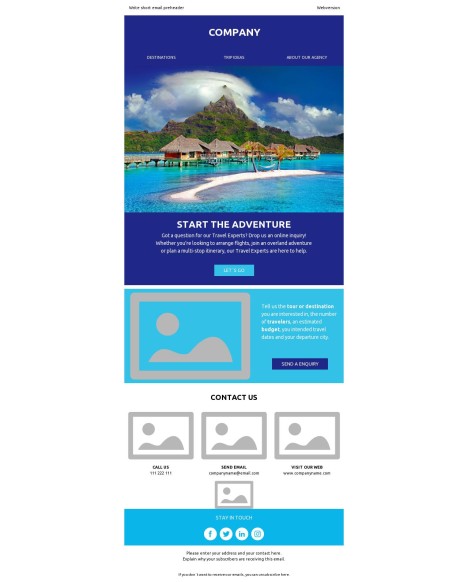
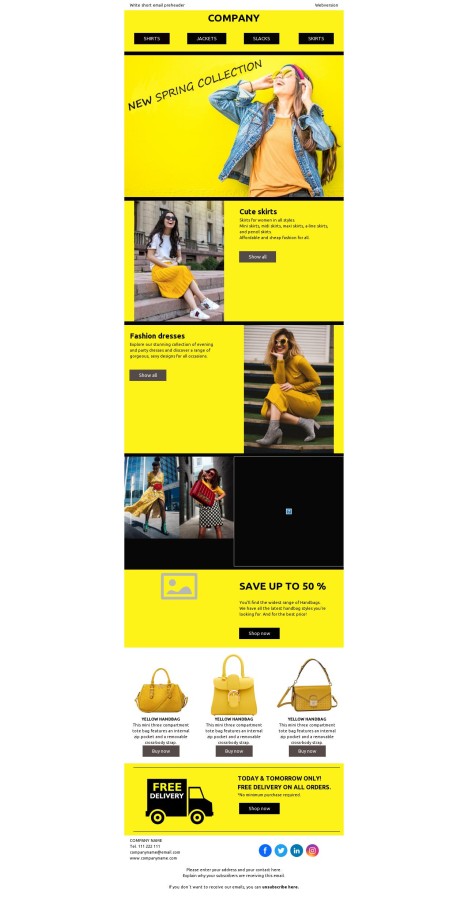
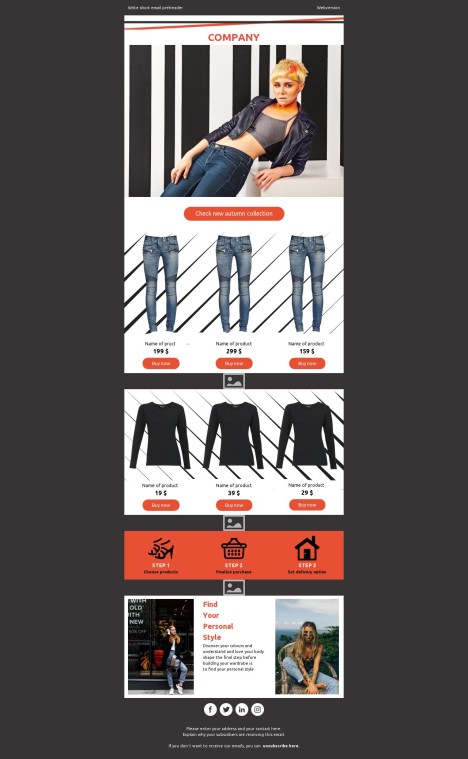
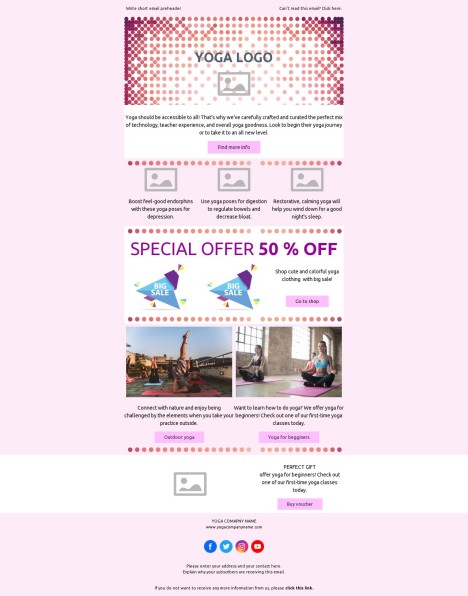
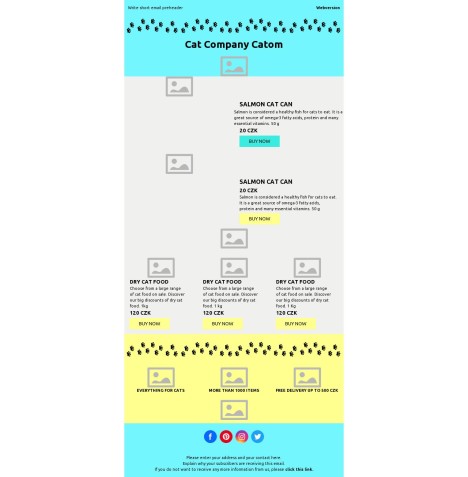
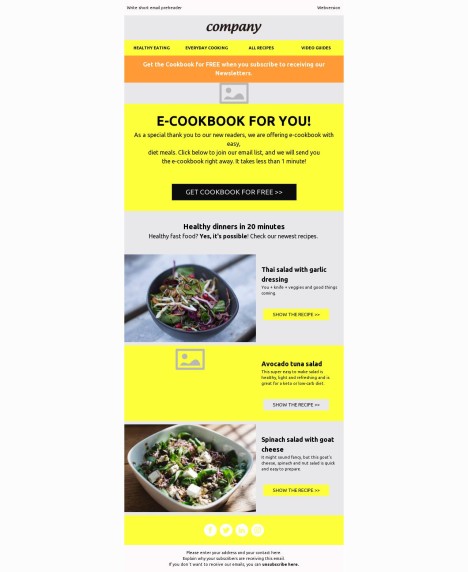
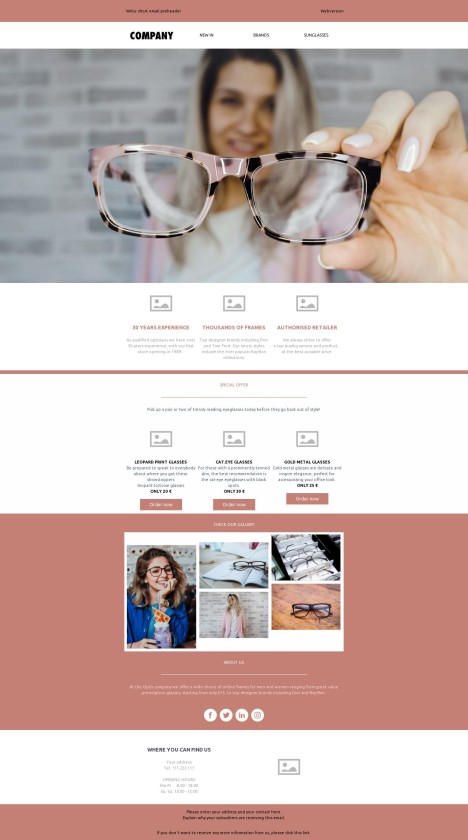
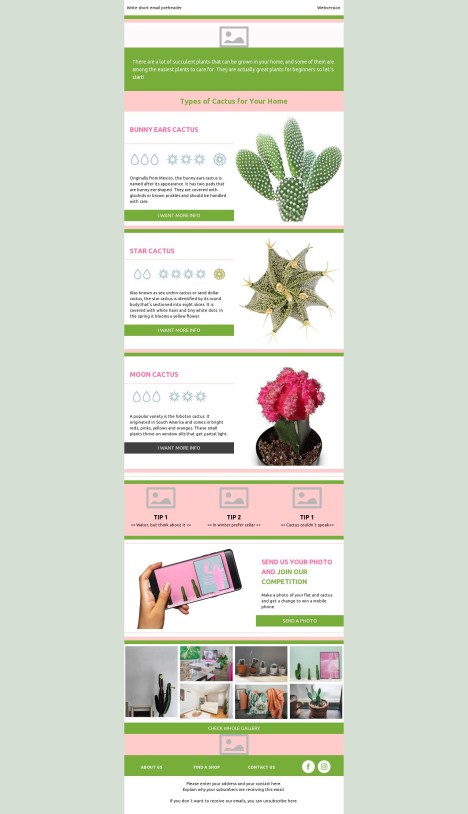
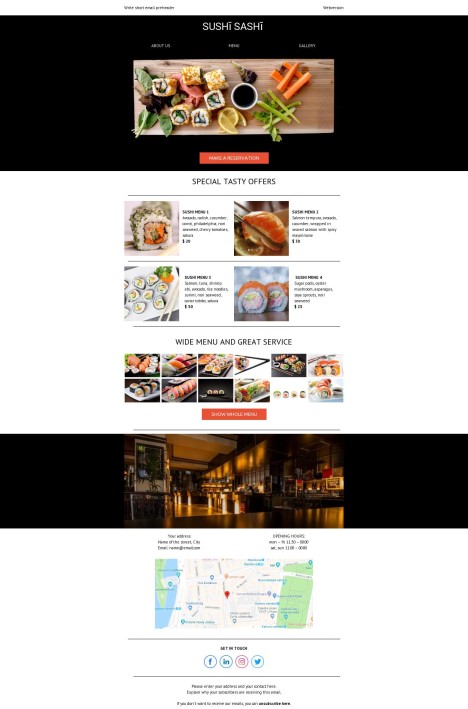
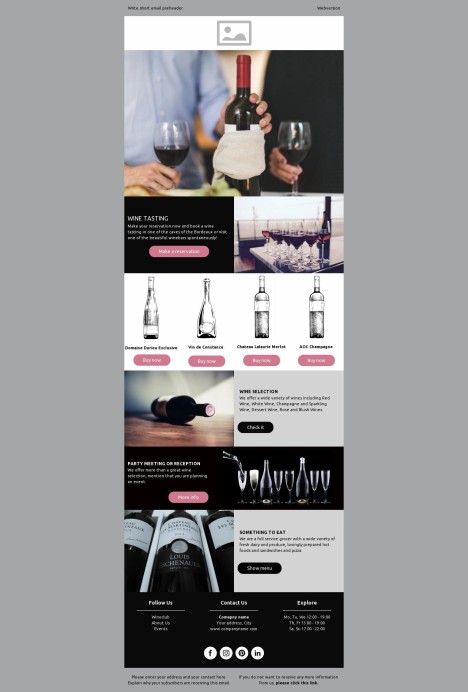
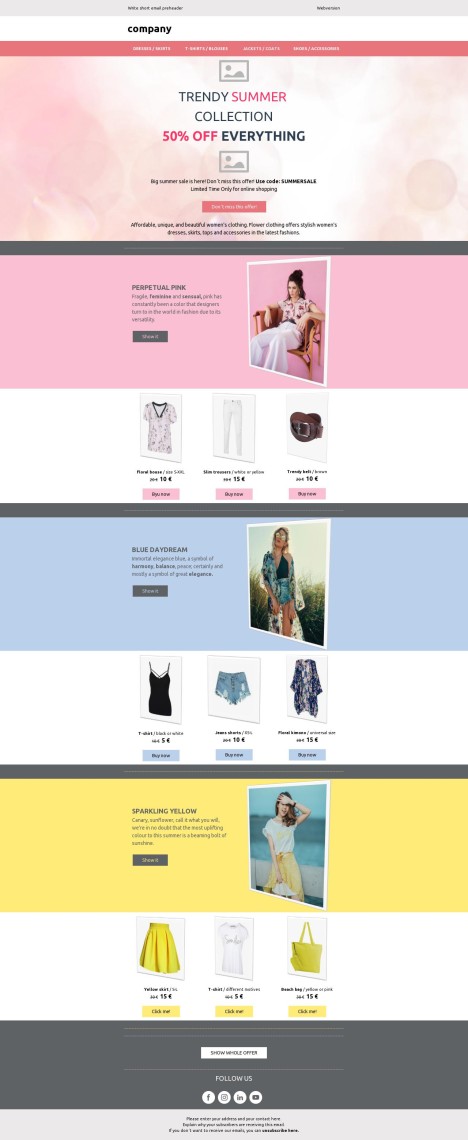
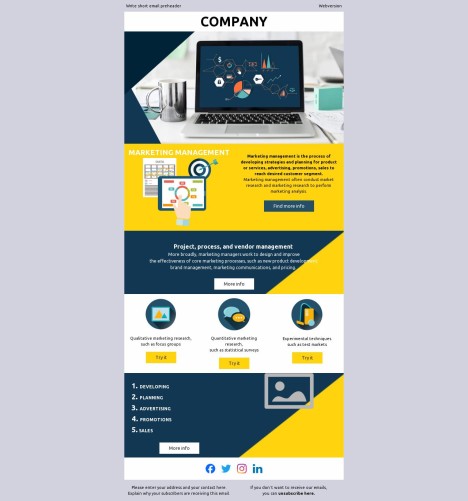
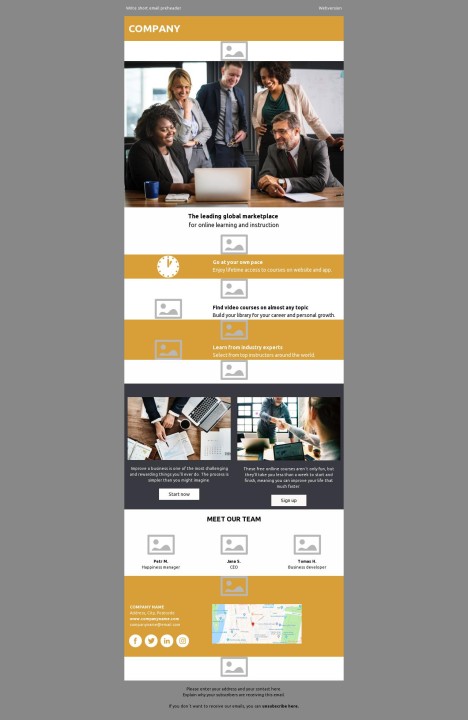
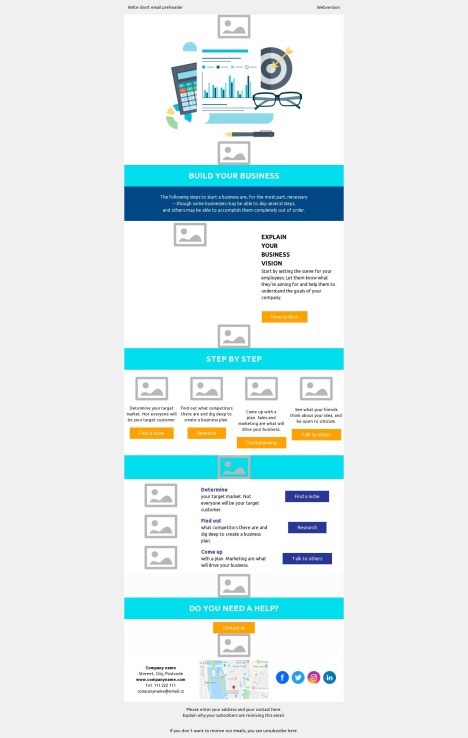
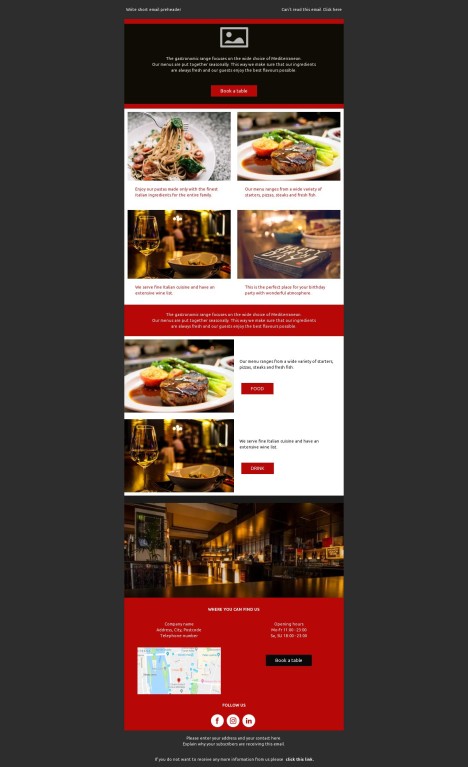
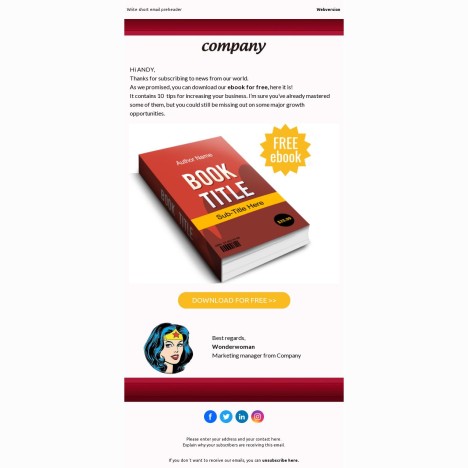
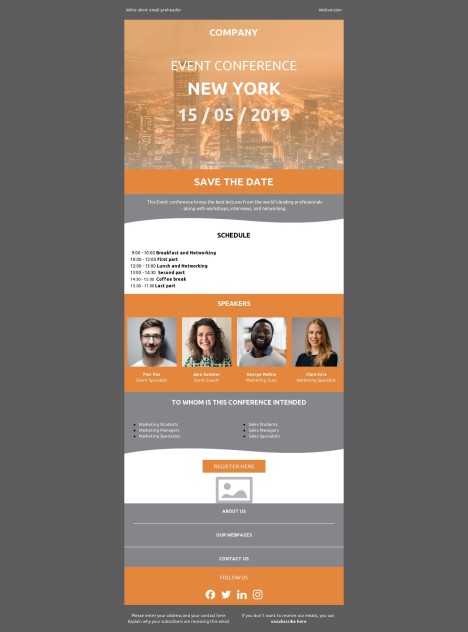
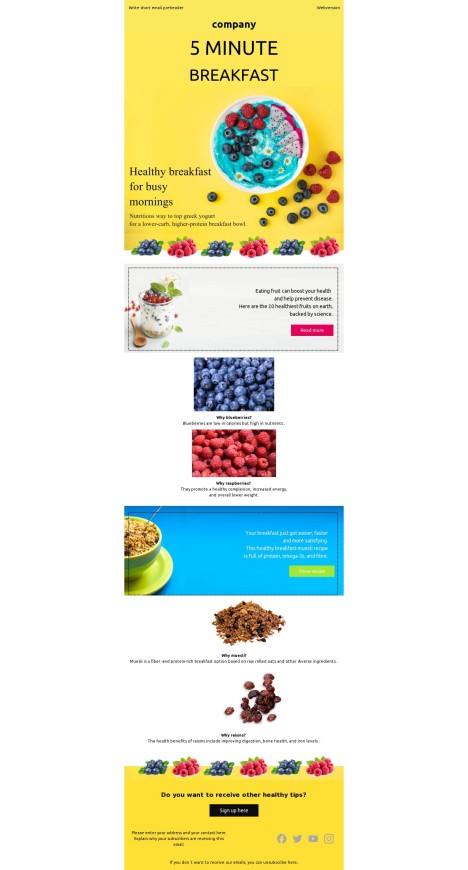
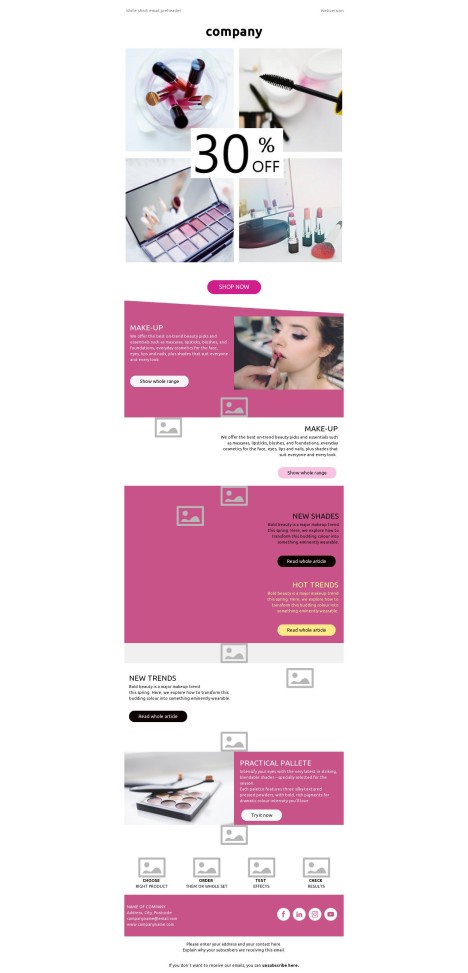
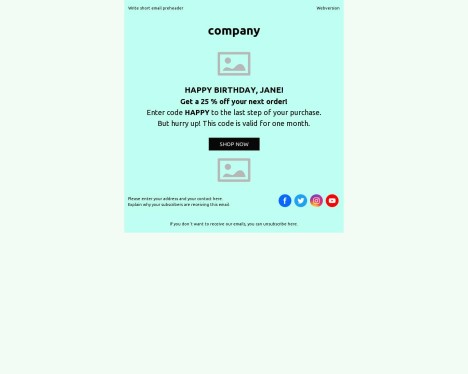
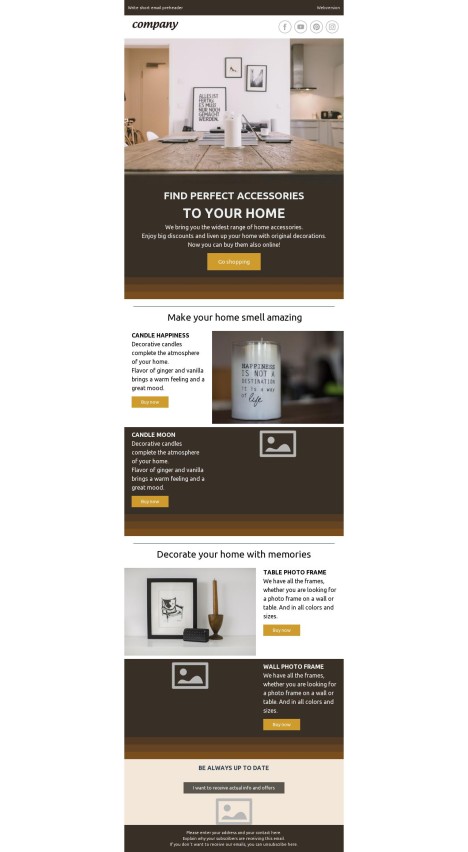
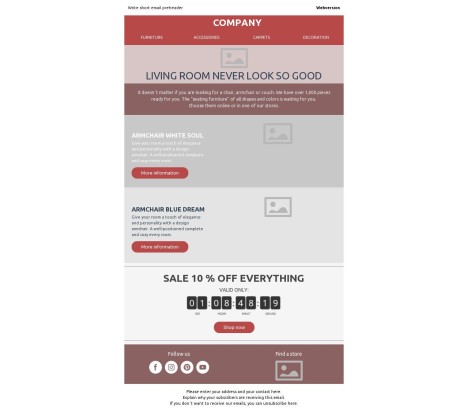
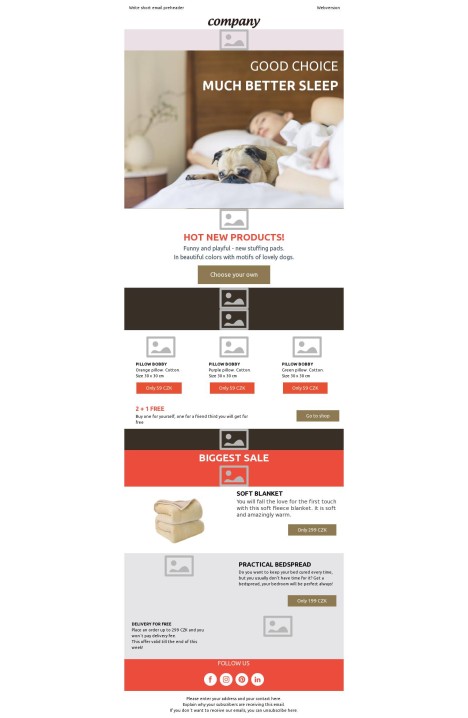
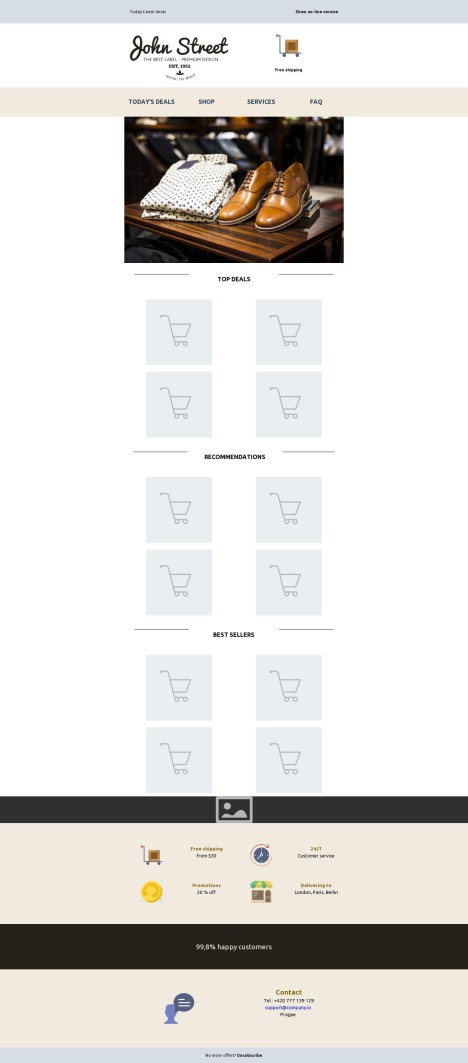
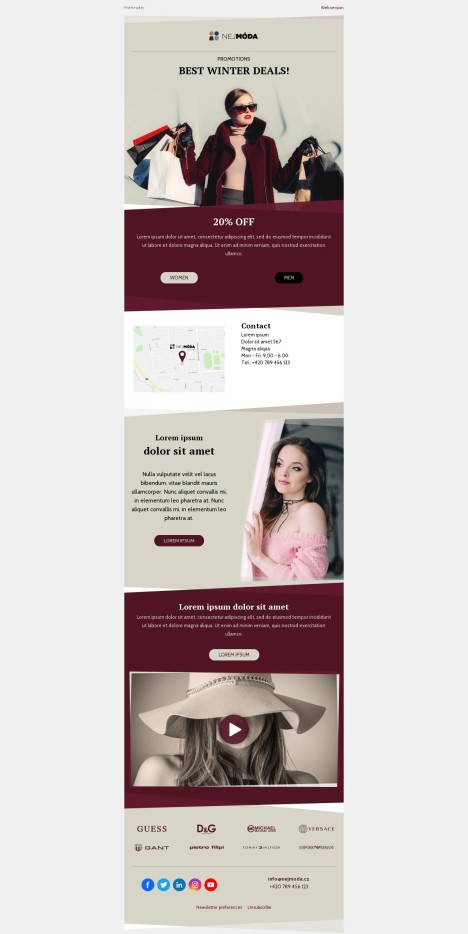
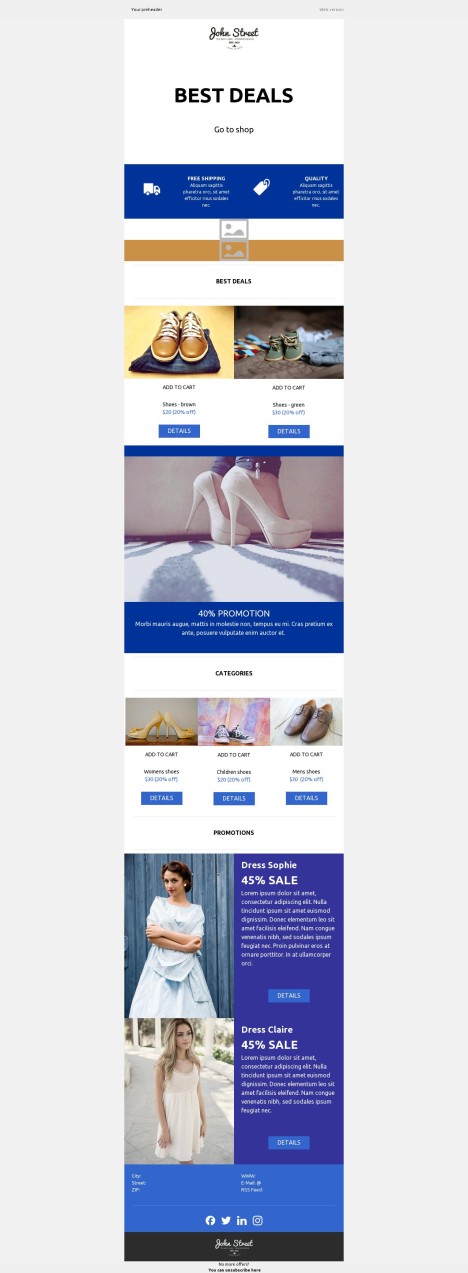
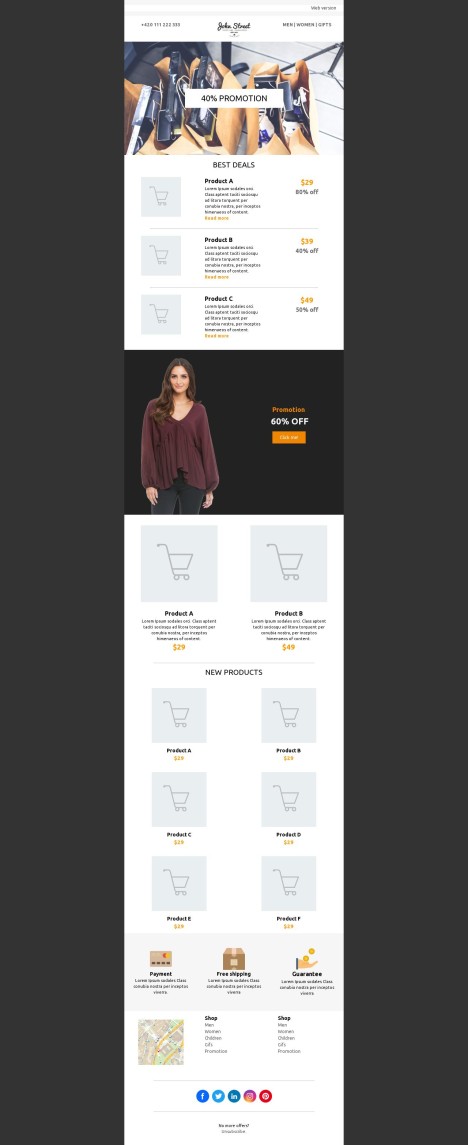
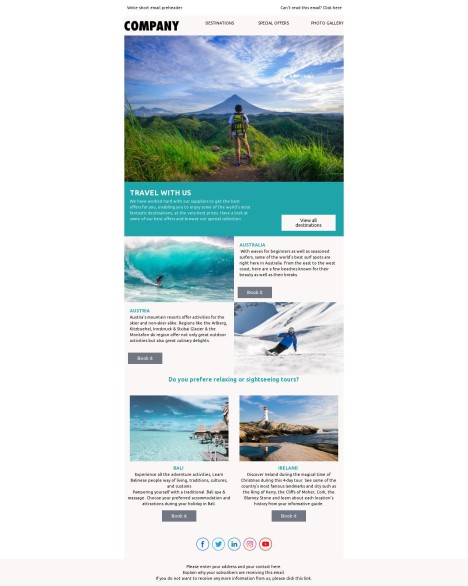
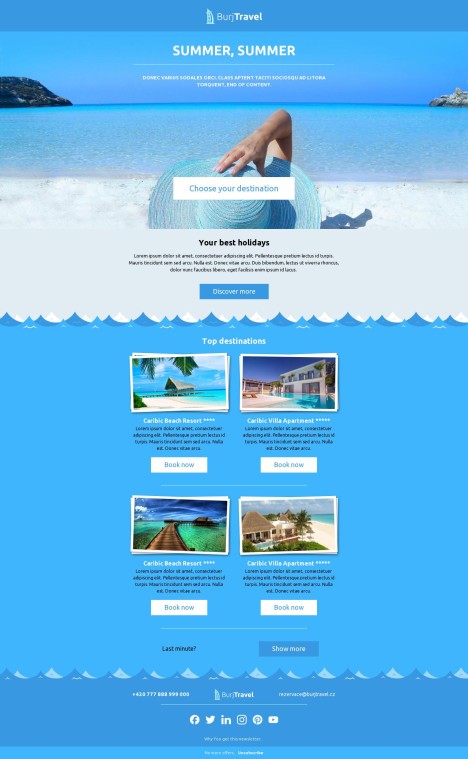
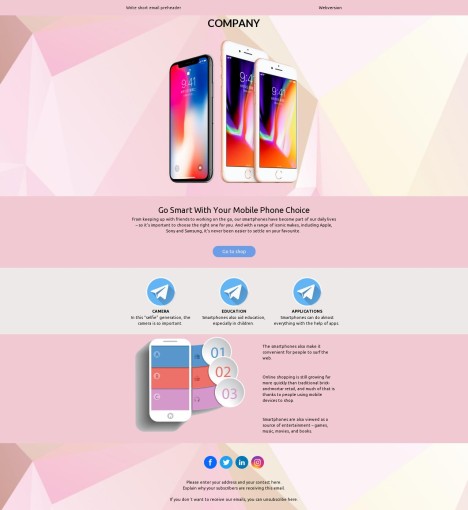
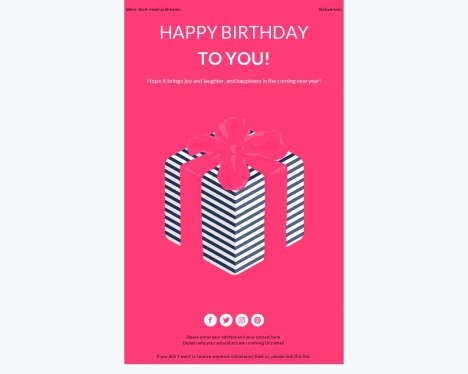
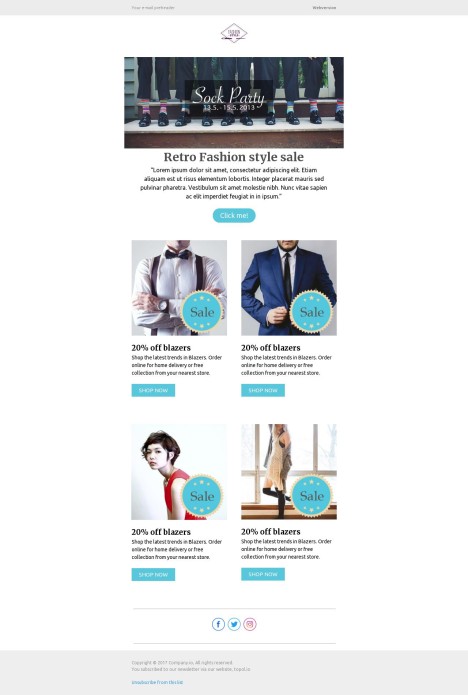
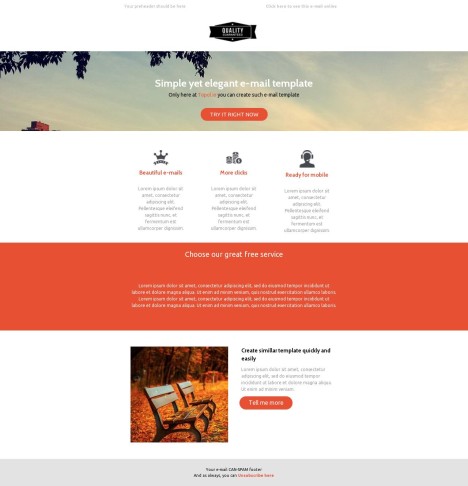
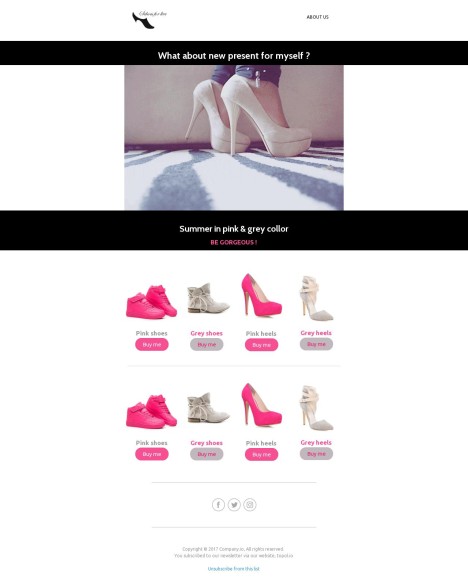
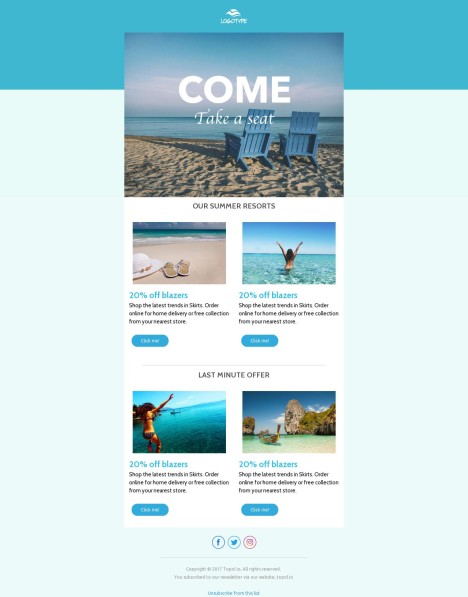
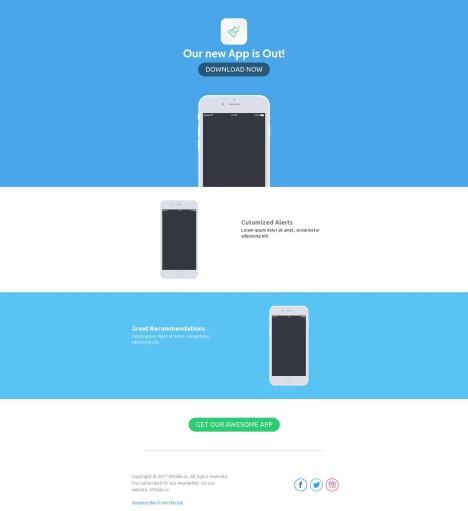
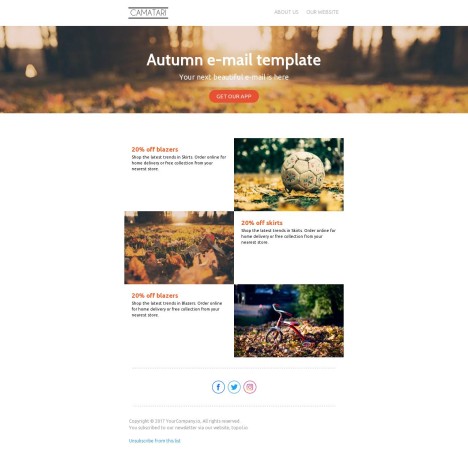
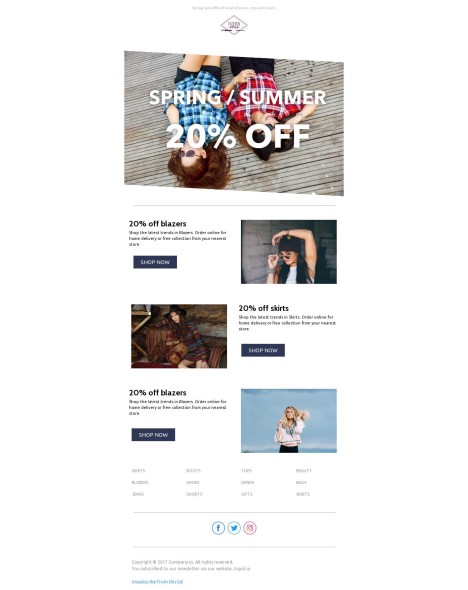
Starting from a ready-made template means you skip the blank page and the fiddly HTML — and ship campaigns in a fraction of the time. Each design in our library is responsive by default, simple to make your own, and tested to land cleanly in the inboxes your subscribers actually use. Open one, swap in your brand, and you have a polished email ready to send. Below is a closer look at what you get when you build with Topol.
Most people read email on their phones, so every template adapts to the screen it lands on. Switch to the mobile view and you can tailor the small-screen layout on its own — show or hide rows and images, and resize fonts, buttons, and spacing for a comfortable read. What you preview is what subscribers see, whether they open on a phone or a desktop.
Branding a template is mostly clicking and typing: change colors, fonts, images, and layout until it matches your style, no code involved. Found a look you like? Save it as a reusable block and drop it into the next campaign, so your emails stay consistent even when the whole team pitches in. Prefer to get into the markup? A built-in HTML editor is right there when you want full control.
The editor is built around dragging blocks into place, so assembling an email feels closer to arranging slides than writing code. Save the sections you reuse — headers, footers, product rows — and update them once to roll the change everywhere. Your teammates can work alongside you, leaving the back-and-forth of approvals in the editor instead of your inbox.
You don't need to know HTML to make an email that performs. Combine buttons, dividers, social links, and structured columns into a layout that guides the reader toward a click, then preview the exact render before you hit send so nothing breaks in the wild.
When you're staring at an empty block, the built-in AI gets you moving — drafting and polishing copy or generating visuals without leaving the editor. It's there to handle the first pass so you can spend your time on the message and the strategy.
A finished design shouldn't be locked to one tool. Export straight to the email platforms and ESPs you use, or grab a clean HTML file and bring it wherever you send. Because the export stays fully editable, your team can keep tweaking copy, visuals, or code on the other side.
- Export to popular ESPs and marketing platforms
- Download clean, production-ready HTML
- Keep editing after export — nothing is locked
Put it together and the picture is simple — Topol takes the slow, manual parts of email production off your plate:
- Reusable blocks that cut repetitive production work
- Drag-and-drop editing with a built-in HTML editor when you need it
- Engaging, on-brand layouts that take zero code
- Real-time collaboration so the team moves together
- Reliable rendering across the major email clients and ESPs
Pick a free template above or start a 14-day free trial to customize and export the PRO designs.