How Topol Improved in 2025: Better Emails with Less Effort
Every year at Topol, we have the same goal: remove friction from email creation and give teams more control over how their editor works, looks, and scales. In 2025, we pushed that mission further than ever. From deeper customization and multilingual workflows to more powerful automation and modern design capabilities, this year's updates all centered on one thing: making the Topol editor adapt to you, not the other way around.
2025 in Review: What We Built This Year
When we look back at our 2025 Changelog for the Email Editor, it's clear this was one of our most productive development years yet.
Throughout the year, we rolled out nearly 20 new features, implemented over 30 usability and performance improvements, and squashed countless bugs in both Topol Plugin and Topol PRO. These updates touched nearly every corner of the editor, from configuration and storage to content blocks, AI capabilities, and visual styling. None of this would have been possible without our active community. Your detailed feedback, feature suggestions, and bug reports were invaluable, and we truly appreciate every contribution.
While we were busy shipping these email editor updates, a significant part of our team was also working on something entirely new behind the scenes: Topol Landing Page Editor. This completely new product will join the Plugin ecosystem, bringing with it an important naming change. What you've always known as "the Plugin" is now officially Topol Email Editor. This clears the way for both editors to coexist and grow together, and we'll have much more to share about the Landing Page Editor very soon.
Below, we've highlighted some of the most impactful email editor features we introduced in 2025. Each one fundamentally changes how teams build, customize, and scale their email templates in Topol.
Multilingual Templates
Managing emails in multiple languages used to mean juggling separate templates for each version. Not anymore. Multilingual Templates let you handle multiple language versions of an email in a single shared template. You work with a single layout and translate the text as needed, while your design, styling, and branding stay perfectly consistent across every language.
We built this with real-world use in mind. It's always clear which text belongs to which language, and all versions are saved together in one place. No more copying content back and forth between templates. When you update the layout, the change automatically applies to every language version. Simple as that.
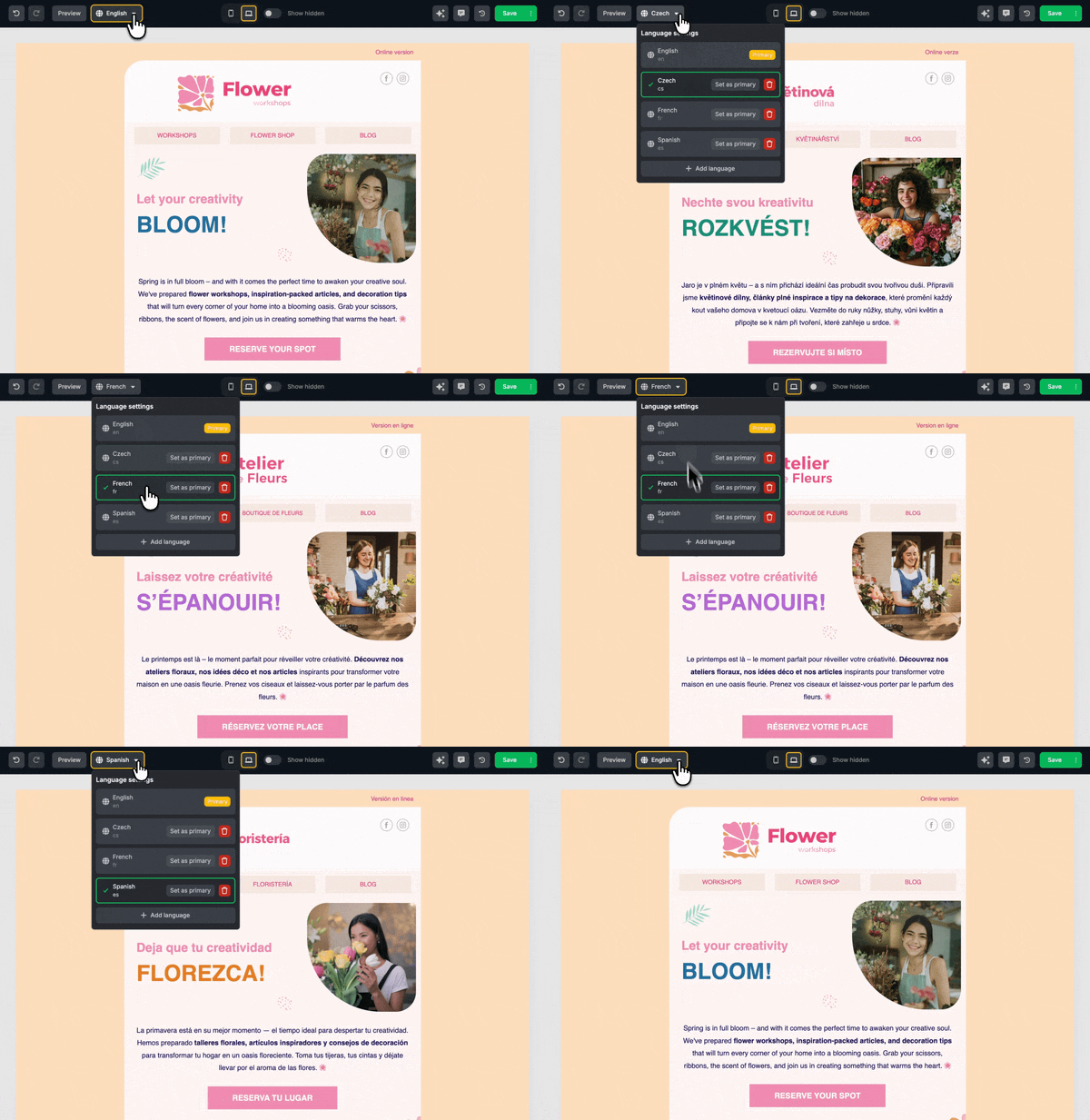
Managing multiple language versions of the same template is quick and intuitive.
Gradients and Hover Effects
Sometimes the smallest touches make the biggest difference. Gradient Colors and Hover Styles give you an easy way to add polish to your emails without changing your workflow. Instead of flat colors, you can now apply smooth gradients. You can also define hover behavior for buttons directly in the editor, using the same styling tools you're already comfortable with.
In practice, this helps your content stand out in subtle yet effective ways. Gradients naturally draw the eye to key sections or CTAs, while hover effects make buttons feel more interactive and clickable. It's a straightforward way to guide attention and reinforce your branding without adding complexity to your design process.
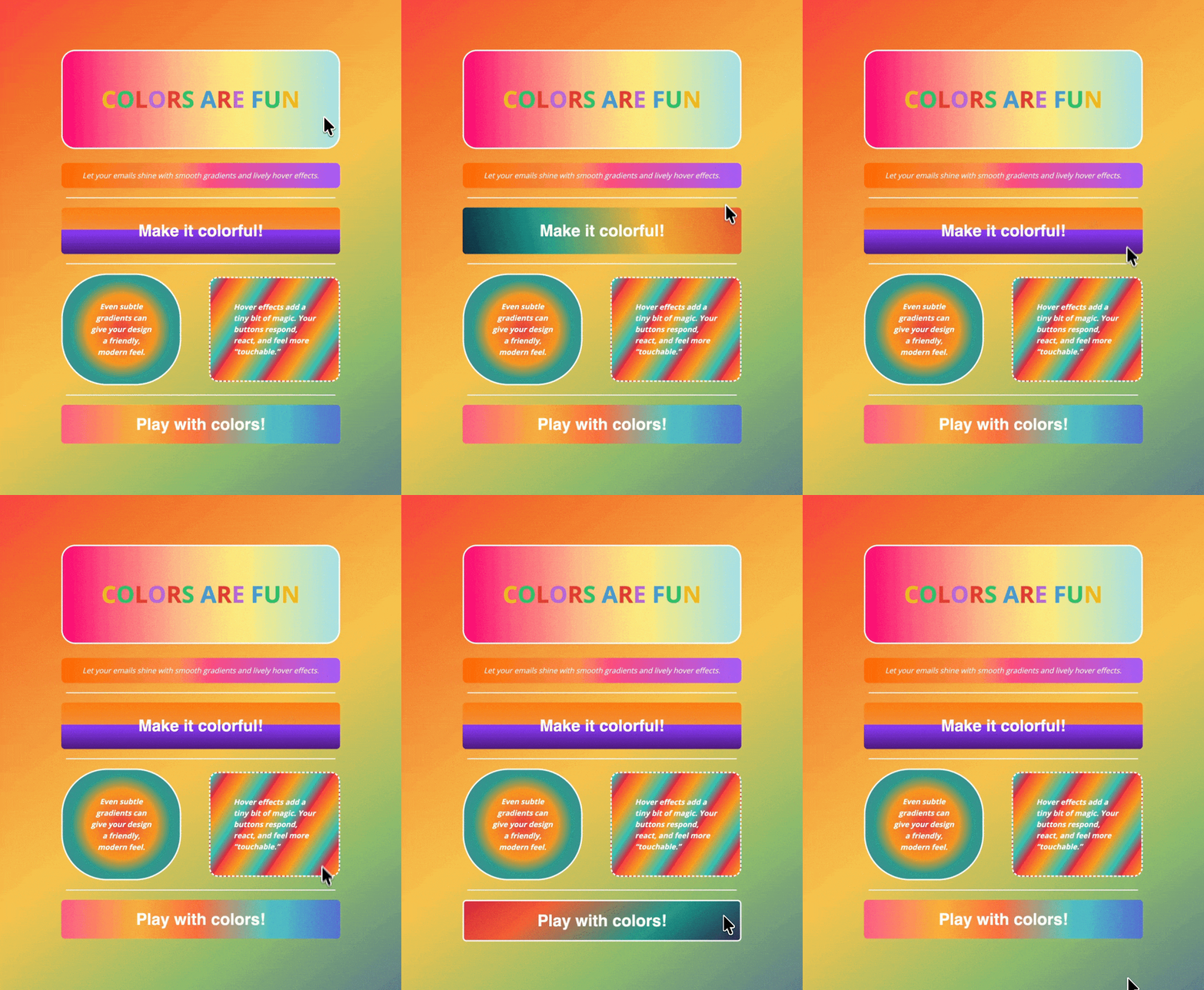
Use it carefully; overdoing it might make your template look like this.
Loop Blocks
If you've ever built an email with repeated content like product listings, order items, or event details, you know how tedious it can be. Loop Blocks solve that problem. Instead of manually copying and tweaking the same block over and over, you design it once and let the editor repeat it automatically using your data.
Each repeated item pulls in its own values, such as name, image, price, or quantity, while the layout remains perfectly consistent. Your emails stay clean and structured, even when the number of items varies from send to send.
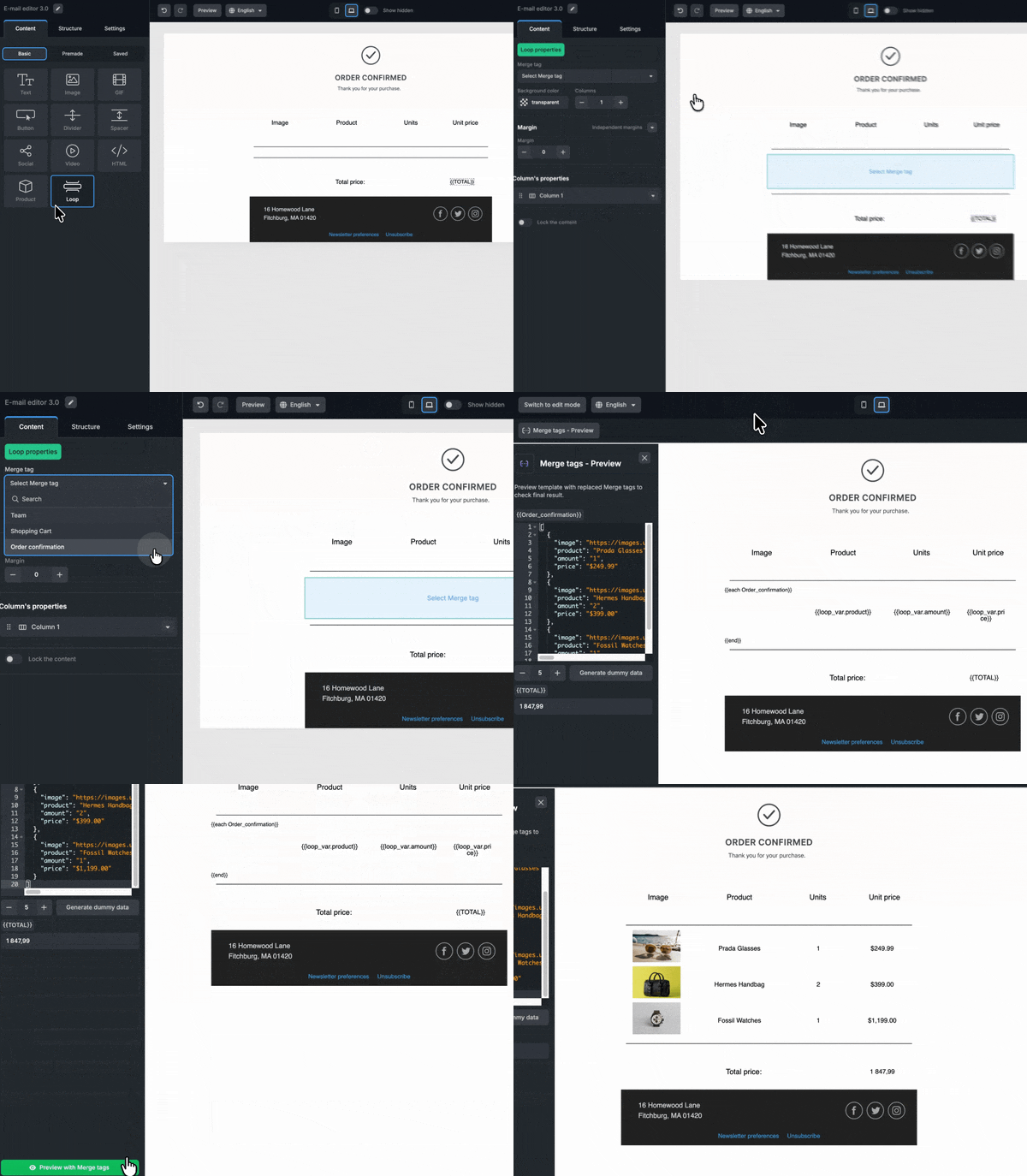
In some situations, this feature can save you hours of work. You can thank us later!
Other Significant Features
Beyond these headline features, we released plenty of smaller updates that solve specific problems but still pack real value. Here are a few worth highlighting:
• New Custom Storage Option
In 2025, we expanded our custom storage options beyond AWS S3 and Google Cloud Storage to include Cloudflare R2. If your tech stack already runs on Cloudflare Workers, Pages, or related services, this integration lets you keep your templates and assets in the same ecosystem, making everything simpler.
• Custom AI Model
Topol comes with built-in AI features powered by OpenAI, but now you can route all AI requests to your own endpoint instead. Whether you're running a fine-tuned internal model or need strict data privacy guarantees, this feature puts you in complete control of how AI works in the editor. Documentation is available here.
• Custom UI Labels
The Custom UI Labels feature gives you the power to override virtually any text string in the Topol editor interface. Rename features, adjust terminology, or fine-tune translation details instantly. This is especially useful for teams embedding Topol into their own products, where consistent wording and brand tone matter just as much as functionality.
Changes Coming in 2026
2025 was a year of meaningful progress for the Topol Email Editor. Many of these updates came directly from customer feedback, real-world use cases, and our long-term product vision. But we weren't just refining what already existed; we were also laying the groundwork for what comes next.
As we head into 2026, we're preparing some of our most ambitious work yet. Beyond the upcoming launch of the Topol Landing Page Editor, we're building several new features for the Email Editor that expand on everything we've released so far.

The tools we're developing are designed to eliminate even more manual work and help teams achieve better results with less effort. Whether you're building emails, landing pages, or both, if you value efficiency and clean workflows, you'll have plenty to look forward to in the year(s) ahead.
If these changes interest you, do not hesitate to try them in the Topol Plugin today!