22 Christmas and New Year Email Templates (Plus Subject Lines)
Every Christmas and New Year template in Topol's gallery, linked and sorted by goal, with 13 free to use. Pick one, customize it, and export it to your sending platform, with subject lines to send it with.
Topol, the intuitive drag-and-drop email editor, has 50+ holiday templates in its template gallery, and all 22 Christmas and New Year templates are below. Each one is linked, 13 are free to use, and all of them are responsive.
This page covers how the templates work, ready-made subject lines, and how you can modify the templates in the Topol editor.
A finished Christmas or New Year email is three steps away: pick a holiday template, customize it, and export it to your sending platform.
How These Templates Work
All 22 templates live in the holidays category of Topol's template gallery, and every template page is marked either "free to use" or "PRO plan only".
A free-to-use template is customized and exported at no cost with a free Topol account, and PRO templates come with Topol PRO, the paid plan. To see the editor before creating an account, the free online editor opens in the browser with no account at all.
A finished template reaches your sending platform in one of two ways: the editor exports it as an HTML file, which any sending platform imports, or users on the PRO plan can send it via a direct integration (Mailchimp, HubSpot, and Brevo included).
All templates are fully customizable.
Christmas Email Templates
Christmas is not just one email, but a series of emails. Below are our Christmas templates, sorted by topic.
Greetings and Wishes
Thank your customers, your community, or your partners.
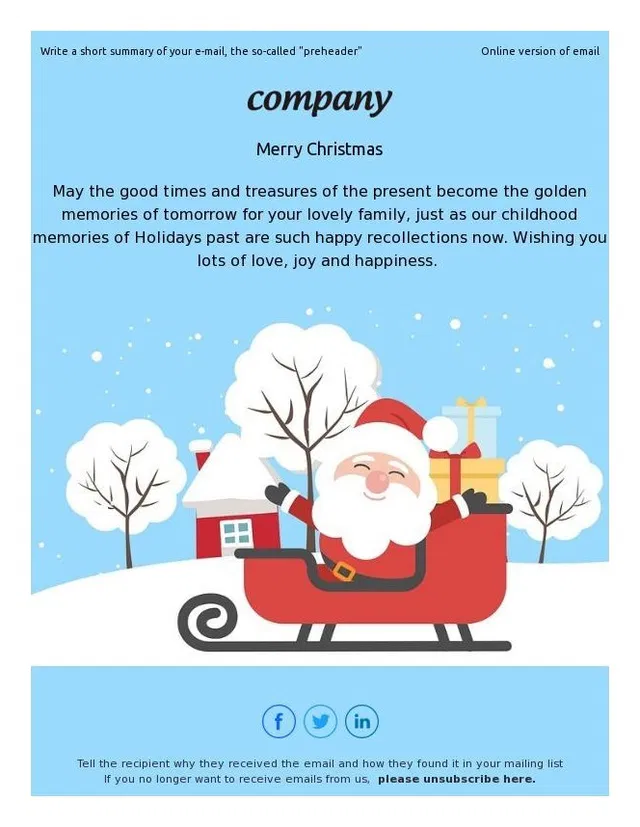
- A Merry Christmas Message from Our Team (free to use) puts a short warm message above an illustrated Santa on a sleigh in a snowy scene, built for a company thank-you.
- Merry Christmas template (free to use) sets gold numerals of the year on a dark blue background, with a short thank-you for the business year, which suits client lists.
- Merry christmas and Happy New year (free to use) covers both holidays in one send: the same dark blue and gold style, with a thank-you-for-your-trust message that fits either holiday.
- Season's Greetings: Merry Christmas & Happy New Year (free to use) is a red card with watercolor gingerbread ornaments and a combined wish for both holidays.
- Merry Christmas turn over a new leaf is also free to use.
- On the PRO plan only, the greeting templates are Celebrate Merry Christmas, Christmas celebrations, and Merry Christmas inspiration.
Sales and Promotions
A promotional template has room for your gift guide, your discount tiers, or your last-minute offer, and the products go into prepared rows. If the sale spans several emails, the Black Friday email sequence works for a Christmas sale too.
- Big Christmas Sale for your home (free to use) is a red sale layout with three discount tiers and product rows under each tier.
- Huge Christmas gifts discounts (free to use) pairs a snow-globe illustration with a time-left counter and product rows, made for an offer with a deadline.
- Bakery Christmas Sale (PRO plan only) adds a delivery-by-Christmas block and a holiday recipe section to its product rows, designed for a bakery and editable for any shop.
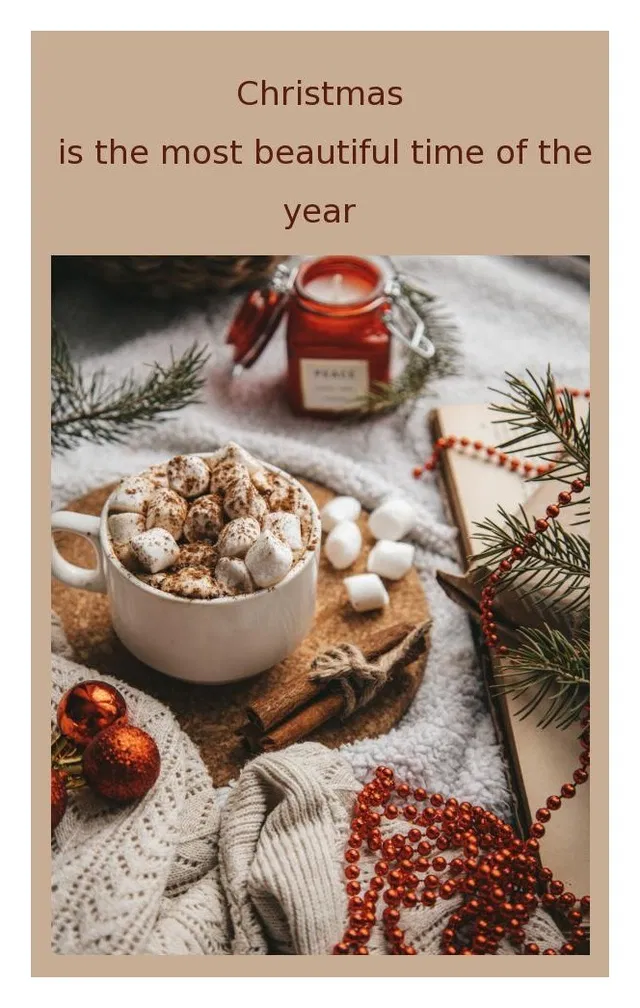
- Christmas time shop (PRO plan only) is an editorial layout built around large seasonal photos, with a shop button under each section.
- Merry Christmas for our little ones and Towels and blankets x-mas sale are also free to use.
- Ecommerce store Christmas and Merry Christmas with holiday products are on the PRO plan only.
Events and Invitations
An invitation email needs a date, a place, and a reason to come.
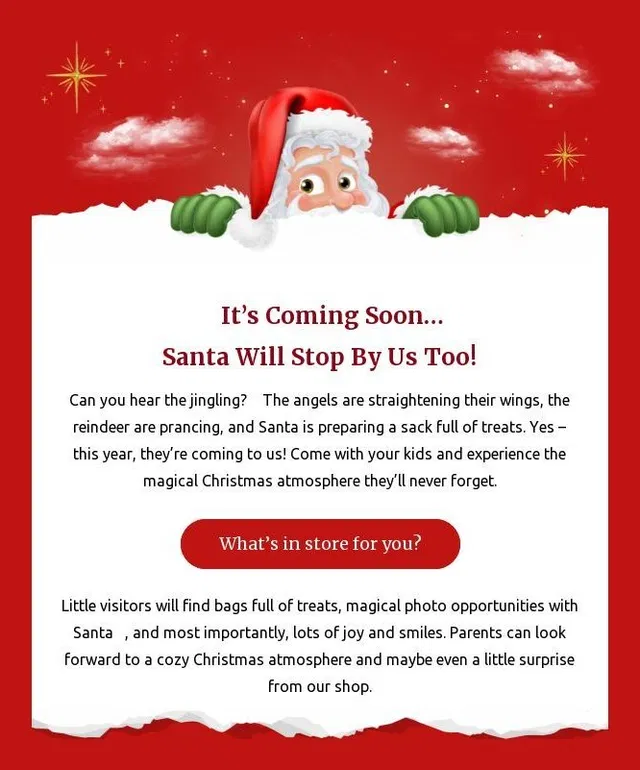
- Christmas Workshops (PRO plan only) is an event invitation with a when-and-where block, a card for each workshop, and a sign-up button per card, so one email can invite people to a Santa visit and a gingerbread workshop at once.
New Year Email Templates
A year-in-review, a customer thank-you, an offer that ends at midnight, and a teaser of your 2027 plans all fit this send.
- Happy new year (free to use) is a formal greeting: gold numerals and confetti on dark blue, with a thank-you-for-your-trust message for client lists.
- A second free Happy new year template is the playful one, with bright confetti and a popping-bottle illustration for a casual list.
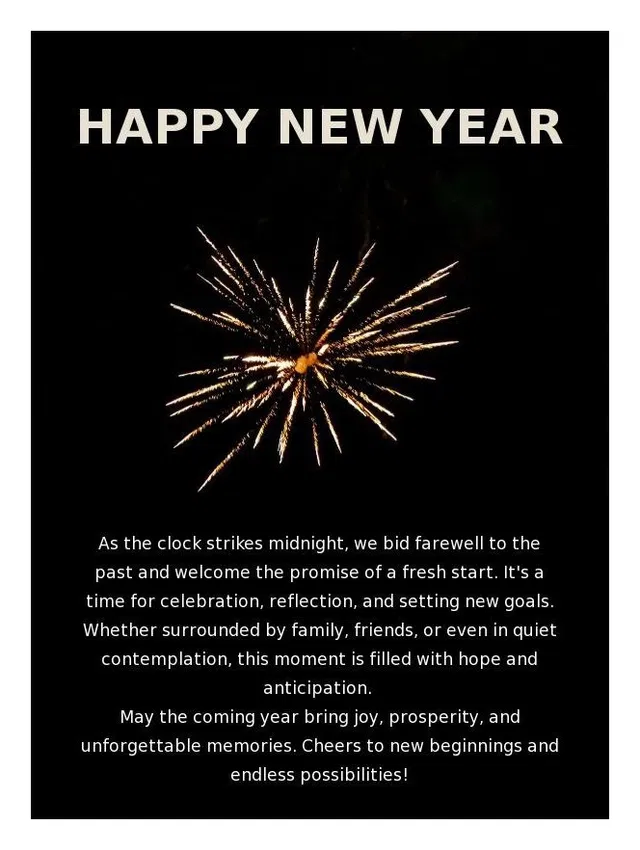
- The third Happy new year template (free to use) is the minimal one: a gold fireworks photo on black with a longer midnight message.
- A Fresh Start: Celebrate the New Year (free to use) is a black-and-gold promotional template with sparkling-wine product rows and a photo header, built for a New Year sale.
- Happy New year (PRO plan only) is a New Year sale template with a percent-off headline, a time-left counter, and product rows.
Christmas and New Year Subject Lines
Every template still needs a subject line, the line that gets the email opened. The lines below are ready to adjust to your offer and dates. See our guide on how to write subject lines for more insights.
Christmas Subject Lines
- Our Christmas sale is on: 30% off everything festive
- A gift guide for everyone left on your list
- Order by December 19 and it arrives before Christmas Eve
- Merry Christmas from our whole team
- Last chance: Christmas orders close at midnight
- A small thank-you before Christmas
- Our holiday opening hours, plus a gift inside
- Wrapping paper, carols, and 40% off
New Year Subject Lines
- Happy New Year from all of us
- Our year in review, and a thank-you
- The midnight sale: 25% off until January 1
- Start 2027 with 20% off
- Thank you for 2026
- Here is what we are planning for 2027
Why Use Topol to Design Your Emails?
What the editor handles for you starts with rendering. Classic Outlook for Windows renders email with Microsoft Word's engine, so emails can look broken in Outlook while looking fine elsewhere. The editor compiles every template through MJML, the open-source email framework, into the table-layout HTML that Word's engine displays reliably, so emails designed in Topol render correctly in Outlook, including versions as old as Outlook 2000.
Multilingual templates let you design the email once and swap the copy per language, and the AI Assistant rewrites, fixes grammar, or translates the copy in any block.
The editor also saves work on repeat sends. Saved blocks store a header or footer once and reuse it in other templates as an independent copy, the dark mode preview shows how clients recolor your design, and teams work with comments, a shared workspace, and version history.
Frequently Asked Questions
How Do You Create a Festive Email Template?
Pick a template from the holidays category, open it, and replace the text, logo, colors, and images with your own. Then export the HTML file into your sending platform, or send it over a direct integration with PRO. The layout and the rendering are already built into the template.
Are These Templates Free?
Of the 22 templates on this page, 13 are free to use, which means you customize and export them at no cost with a free Topol account. The rest are marked PRO plan only and come with Topol PRO. You can also try the editor first, without an account, at topol.io/editor.
Will the Emails Display Correctly in Outlook and Dark Mode?
Every Topol template is responsive and tested across major email clients, including Gmail, Outlook, and Apple Mail, and emails designed in Topol render correctly in Outlook versions as old as Outlook 2000. For dark inboxes, the editor's dark mode preview shows how email clients recolor your design before you send it.
Pick a Template, Customize It, Export It
A holiday email is three steps: pick a template from the holidays category, customize it, and export it to your sending platform. The two labels explain how these templates work: a free-to-use template costs nothing to customize and export, and the HTML file fits any sending platform.
The Christmas templates give you a starting layout that matches the send, a greeting or a promotion, and the New Year templates do the same for the season's last send. The subject lines above are written, ready to adjust to your brand and your offer. Rendering, languages, and reuse are what the editor handles, so the work left is the copy and the offer.
Create a free Topol account and start from the template that matches your first send.